1. Introdución
This manual provides essential information for the setup, operation, and maintenance of your Promethean ActivPanel 9 Pro 86-inch Digital Display. Designed for meeting and conference rooms, this interactive touch screen whiteboard offers 4K UHD resolution and runs on the ActivPanel OS, providing a dynamic and collaborative environment.

The ActivPanel 9 Pro display, featuring its intuitive meeting interface.
2. Contido do paquete
Please verify that all items listed below are included in your package. If any items are missing or damaged, contact Promethean support immediately.
- ActivPanel 9 Pro 86" Digital Display
- Kit de soporte de montaxe en parede
- Cable de alimentación
- Cable USB-C
- Cable HDMI
- Interactive Stylus Pen (x2)
- Mando a distancia con pilas
- Guía de inicio rápido

Example of common accessories that may accompany your ActivPanel.
3. Guía de configuración
3.1 Desembalaxe
Carefully remove the ActivPanel from its packaging. It is recommended that at least two people handle the display due to its size and weight. Retain all packaging materials for future transport or service needs.
3.2 Montaxe
The ActivPanel 9 Pro comes with a wall mount. Follow the detailed instructions provided with the wall mount kit for secure installation. Ensure the wall structure can support the weight of the display.
3.3 Conexión de enerxía
Connect the provided power cable to the ActivPanel's power input port and then to a grounded electrical outlet. Ensure the power source meets the display's voltage requisitos.
3.4 Conexión de periféricos
The ActivPanel features multiple ports for connectivity:
- Portos HDMI: Connect external devices such as laptops or media players.
- Portos USB: For connecting USB devices like keyboards, mice, or external storage.
- Porto USB-C: Supports video, audio, data, and power delivery for compatible devices.
- Porto Ethernet: Para conectividade de rede con fíos.

Un example of a video capture dongle that can be connected via USB for specific applications.
4. Instrucións de funcionamento
4.1 Acendido/Apagado
Press the power button located on the front or side of the ActivPanel to turn it on. To power off, press and hold the power button until the shutdown options appear, then select 'Power Off'.
4.2 Navigating ActivPanel OS
The ActivPanel OS provides an intuitive interface. Use touch gestures to navigate menus, open applications, and adjust settings. The home screen provides quick access to frequently used features like the whiteboard, screen share, and meeting tools.
4.3 Using the Interactive Touch Screen
The ActivPanel supports multi-touch gestures, allowing multiple users to interact simultaneously. Use your fingers for basic navigation, drawing, and manipulating objects on the screen.
4.4 Uso do punteiro
The included interactive stylus pens offer precise writing and drawing capabilities. The ActivPanel features magnetic holders for convenient storage of the stylus pens.

The interactive stylus pen for precise input on the ActivPanel.

Conveniently store the stylus using the integrated magnetic holder.
4.5 Whiteboard Functionality
Access the built-in whiteboard application for free-form drawing, writing, and brainstorming. You can save and share your whiteboard sessions.
4.6 Collaboration Features
The ActivPanel 9 Pro is optimized for collaborative environments, including integration with platforms like Microsoft Teams Room. This allows for seamless video conferencing, content sharing, and interactive participation during meetings.
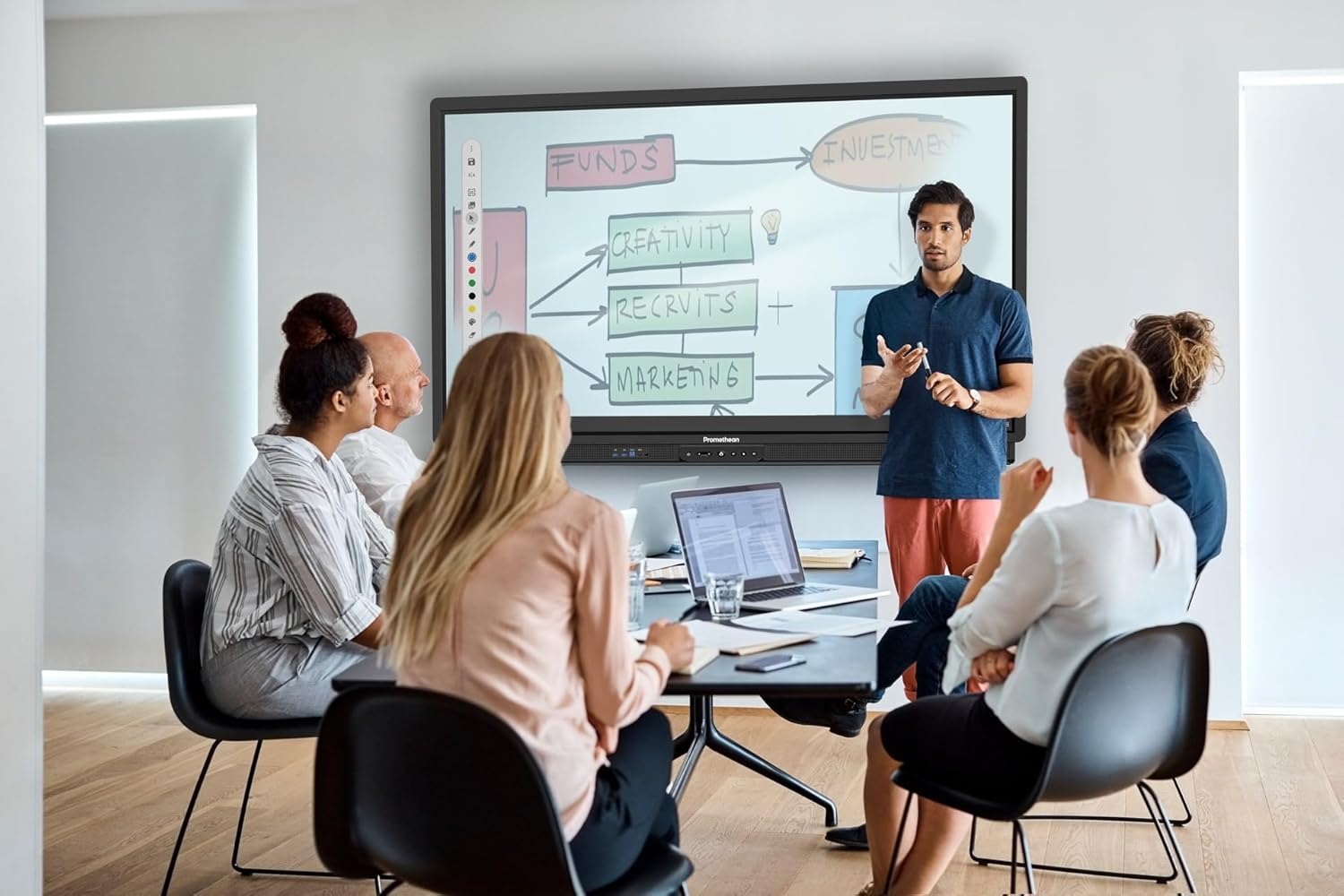
The ActivPanel facilitates dynamic collaboration in meeting settings.
5. Mantemento
5.1 Limpeza da pantalla
To clean the screen, power off the display and use a soft, lint-free cloth lightly damplimpa cunha solución de limpeza non abrasiva e segura para a pantalla. Non pulverice o líquido directamente sobre a pantalla.
5.2 Actualizacións de software
Regularly check for and install software updates for the ActivPanel OS to ensure optimal performance, security, and access to new features. Updates can typically be managed through the system settings.
6 Solución de problemas
This section addresses common issues you might encounter with your ActivPanel 9 Pro.
- Sen enerxía: Ensure the power cable is securely connected to both the ActivPanel and a working electrical outlet. Check the power indicator light.
- Sen pantalla/Pantalla negra: Verify that the ActivPanel is powered on. If using an external source, ensure the correct input is selected and the source device is powered on and sending a signal.
- Touch Not Responding: Restart the ActivPanel. Ensure the screen is clean and free of obstructions. If the issue persists, perform a calibration if available in the settings.
- Problemas de calidade da imaxe: Check the resolution settings of the connected source device. Ensure cables are securely connected and not damaged.
For more complex issues, refer to the Promethean support websitio ou póñase en contacto co soporte técnico.
7. Especificacións
Key technical specifications for the ActivPanel 9 Pro 86" Digital Display:
| Característica | Especificación |
|---|---|
| Tamaño da pantalla | 86 polgadas |
| Resolución | 3840 x 2160 (4K UHD) |
| Relación de aspecto | 16:9 |
| Relación de contraste da imaxe | 3000:1 |
| Total de portos USB | 2 |
| Sistema Operativo | ActivPanel OS |
| Número de modelo | ActivPanel 9 Pro |
| Fabricante | Prometeo |

The ActivPanel 9 Pro is available in various sizes, including the 86-inch model.
8. Garantía e soporte
The Promethean ActivPanel 9 Pro includes a 3-year onsite support warranty. This warranty covers manufacturing defects and provides professional assistance at your location for eligible issues.
For warranty claims, technical support, or additional information, please visit the official Promethean support websitio web ou póñase en contacto co seu departamento de atención ao cliente. Manteña o recibo da compra e o número de serie do produto á man cando solicite asistencia.

Your ActivPanel 9 Pro is backed by a comprehensive warranty.


