
Introdución
This manual provides essential information for the proper setup, operation, and maintenance of your OUKITEL BT20 Smartwatch. Please read this guide thoroughly before using the device to ensure optimal performance and longevity. The OUKITEL BT20 is a military-grade rugged smartwatch designed for durability and comprehensive health and fitness tracking.

The OUKITEL BT20 Smartwatch, built for rugged environments.
Contido do paquete
Upon unboxing your OUKITEL BT20 Smartwatch, please verify that all items listed below are present:
- OUKITEL BT20 Smartwatch
- Cable de carga
- Manual de usuario (este documento)
Unboxing and initial setup of a similar smartwatch, demonstrating typical package contents and first steps.
Produto rematadoview
The OUKITEL BT20 features a robust design with a 1.96-inch AMOLED display. It includes physical buttons for power and navigation, along with sensors on the rear for health monitoring.
Características físicas
- Visualización: 1.96-inch AMOLED screen with 410x502 resolution.
- Botóns: Dedicated buttons for power, sport mode, and menu navigation.
- Sensores: Optical sensors for heart rate, blood oxygen, and blood pressure monitoring.
- Durabilidade: Military-grade construction, 5ATM waterproof rating, dustproof, and drop-resistant.

The 1.96-inch AMOLED display of the OUKITEL BT20 Smartwatch.
Configuración
1. Carga do reloxo intelixente
Before initial use, fully charge your smartwatch. Connect the magnetic charging cable to the charging points on the back of the watch and plug the USB end into a power adapter (not included).
- Tempo de carga: Aproximadamente 2.5 horas para unha carga completa.
- Duración da batería: Up to 15 days in standby, 10 days with daily use, and 7 days with heavy use.
The OUKITEL BT20 Smartwatch displaying its battery capacity and usage estimates.
2. Instalación e emparellamento da aplicación
To unlock the full potential of your OUKITEL BT20 Smartwatch, you need to install the companion app on your smartphone.
- Descarga a aplicación: Scan the QR code displayed on the smartwatch screen or in the manual to download the 'FitCloudPro' app from your smartphone's app store (iOS/Android). You can also visit http://fitcloud.hetangsmart.com/qrcode/.
- Activar Bluetooth: Asegúrate de que o Bluetooth estea activado no teu smartphone.
- Emparejamento: Open the 'FitCloudPro' app, navigate to the device section, and search for 'BT20' to pair. Follow the on-screen prompts to complete the connection.

Steps for installing the companion app and pairing your smartwatch.
Instrucións de funcionamento
Navegación básica
- Pase o dedo cara arriba/abaixo: Scroll through notifications and quick settings.
- Pase o dedo cara á esquerda/dereita: Access different widgets and main functions (e.g., activity, heart rate, weather).
- Preme o botón de encendido: Wake/sleep screen, return to home screen.
- Press Sport Button: Quickly access sport modes.
Chamadas Bluetooth
The OUKITEL BT20 supports Bluetooth 5.2 for stable call functionality.
- Facer chamadas: Use the dial pad on the watch or access synced contacts to make calls directly from your wrist.
- Recepción de chamadas: Answer or reject incoming calls directly on the smartwatch.
- Notificacións: Receive instant messages from various apps (SMS, WhatsApp, Facebook, Instagcarneiro, etc.).

Bluetooth calling feature on the OUKITEL BT20 Smartwatch.
Vixilancia da Saúde
The smartwatch continuously monitors key health metrics.
- Frecuencia cardíaca: 24-hour continuous heart rate tracking.
- Oxíxeno no sangue (SpO2): Monitorea os teus niveis de osíxeno no sangue.
- Presión arterial: Fai un seguimento da túa presión arterial.
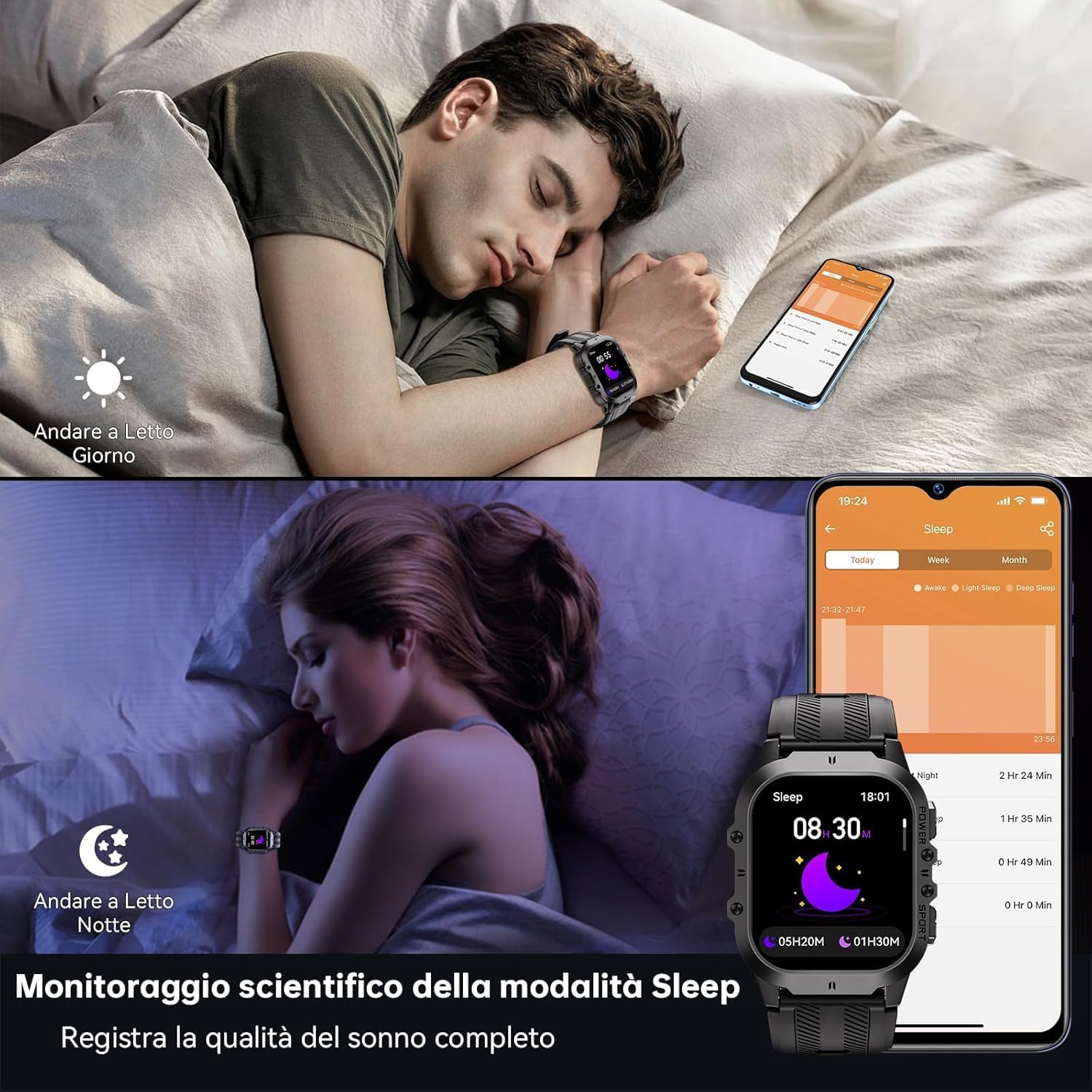
- Seguimento do sono: Records sleep status and quality during the night.
Health monitoring features including heart rate, blood pressure, and blood oxygen.
Modos deportivos
With over 120 sports modes, the BT20 is suitable for a wide range of activities.
- Seguimento da actividade: Automatically records daily activity data including steps, calories, and distance.
- Seguimento GPS: Utilizes your mobile phone's GPS for specific movement tracks, viewcapaz na aplicación.
- Modos admitidos: Includes mountaineering, skiing, running, hiking, cycling, and more.
The OUKITEL BT20 Smartwatch tracking a cycling activity.
Outras Funcións
The smartwatch offers several convenient features:
- Mando a distancia da cámara: Controla a cámara do teu teléfono intelixente de forma remota.
- Actualizacións do tempo: Obtén información meteorolóxica en tempo real.
- Función de alarma: Configura alarmas directamente desde o teu pulso.
- Recordatorio de hidratación: Receive reminders to drink water.
- Recordatorio de sedentarismo: Recibe alertas cando leves demasiado tempo inactivo.
- Lanterna: A built-in flashlight for convenience.
Demonstration of various smartwatch features including flashlight, battery life, sports modes, and Bluetooth calling.
Mantemento e coidados
To ensure the longevity and optimal performance of your OUKITEL BT20 Smartwatch, follow these care guidelines:
- Limpeza: Limpa o reloxo e a correa regularmente cun pano suave e seco. Para a sucidade persistente, usa un pano lixeiramente seco.amp pano e seca ben.
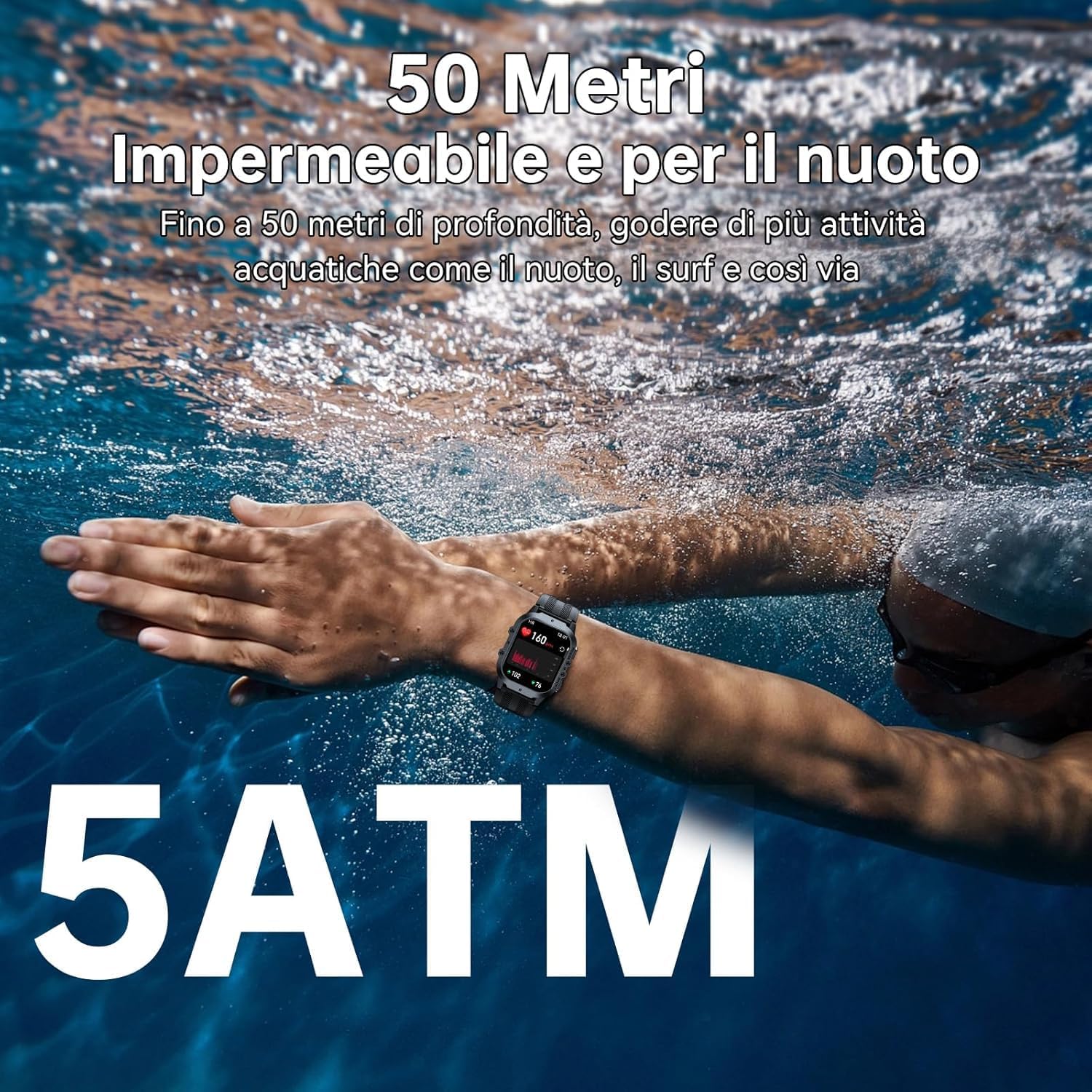
- Resistencia á auga: The watch is 5ATM waterproof, suitable for swimming and shallow water activities. Do not use for deep diving or hot baths.
- Temperatura: Avoid exposing the watch to extreme temperatures (below -40°C or very high heat) for prolonged periods.
- Impacto: While rugged, avoid unnecessary drops or impacts to prevent damage.
- Cargando: Usa só o cable de carga incluído. Asegúrate de que os contactos de carga estean limpos e secos antes de cargalos.

The OUKITEL BT20 Smartwatch is 5ATM waterproof, suitable for swimming.
Resolución de problemas
Se tes problemas co teu reloxo intelixente, consulta as seguintes solucións habituais:
| Problema | Posible Solución |
|---|---|
| O reloxo non se acende | Asegúrate de que o reloxo estea completamente cargado. Mantén premido o botón de acendido/acendido durante uns segundos. |
| Non se pode emparellar co teléfono | Ensure Bluetooth is enabled on your phone. Restart both the watch and phone. Make sure the 'FitCloudPro' app is updated. |
| Datos sanitarios inexactos | Asegúrate de levar o reloxo ben axustado ao pulso. Limpa o sensor da parte traseira do reloxo. Evita o movemento excesivo durante as medicións. |
| Notificacións non recibidas | Check app settings to ensure notifications are enabled for desired apps. Verify Bluetooth connection is stable. |
| Batería de curta duración | Reduce screen brightness, disable continuous heart rate monitoring, or limit frequent notifications. |
Especificacións
| Característica | Detalle |
|---|---|
| Modelo | BT20 |
| Mostrar | AMOLED de 1.96 polgadas, resolución de 410 x 502 |
| Capacidade da batería | 350 mAh Lithium Metal |
| Tempo de carga | Aprox. 2.5 horas |
| Duración da batería (típica) | Ata 10 días |
| Conectividade | Bluetooth 5.2 |
| Resistencia á auga | 5ATM |
| Memoria | 128 MB |
| Sistema Operativo | Android Wear 2.9 (compatible with iOS/Android) |
| Peso | 140 g |
Garantía e Soporte
OUKITEL products are designed for durability and performance. For warranty information and customer support, please refer to the official OUKITEL websitio web ou póñase en contacto co seu vendedor. Garde o recibo da compra como proba de compra para reclamacións de garantía.
- Garantía: Typically includes a manufacturer's warranty against defects.
- Soporte: Online resources, FAQs, and customer service contact information are usually available on the brand's official channels.