Introdución
The Lytmi CozyClip D1 Open Clip Earbuds are designed for comfortable, all-day listening while maintaining awareness of your surroundings. Featuring an ultra-light open-ear design, Hi-Fi sound, AI-powered clear calls, and IP54 waterproof rating, these earbuds offer a unique audio experience. This manual provides essential information for setting up, operating, and maintaining your CozyClip D1 earbuds.
O que hai na caixa
- Lytmi CozyClip D1 Open-Ear Clip-on Earphones (1 pair)
- Estuche de carga (1)
- Manual de usuario (1)
- Cable de carga tipo C (1)

Image: Lytmi CozyClip D1 packaging and included accessories.
Produto rematadoview
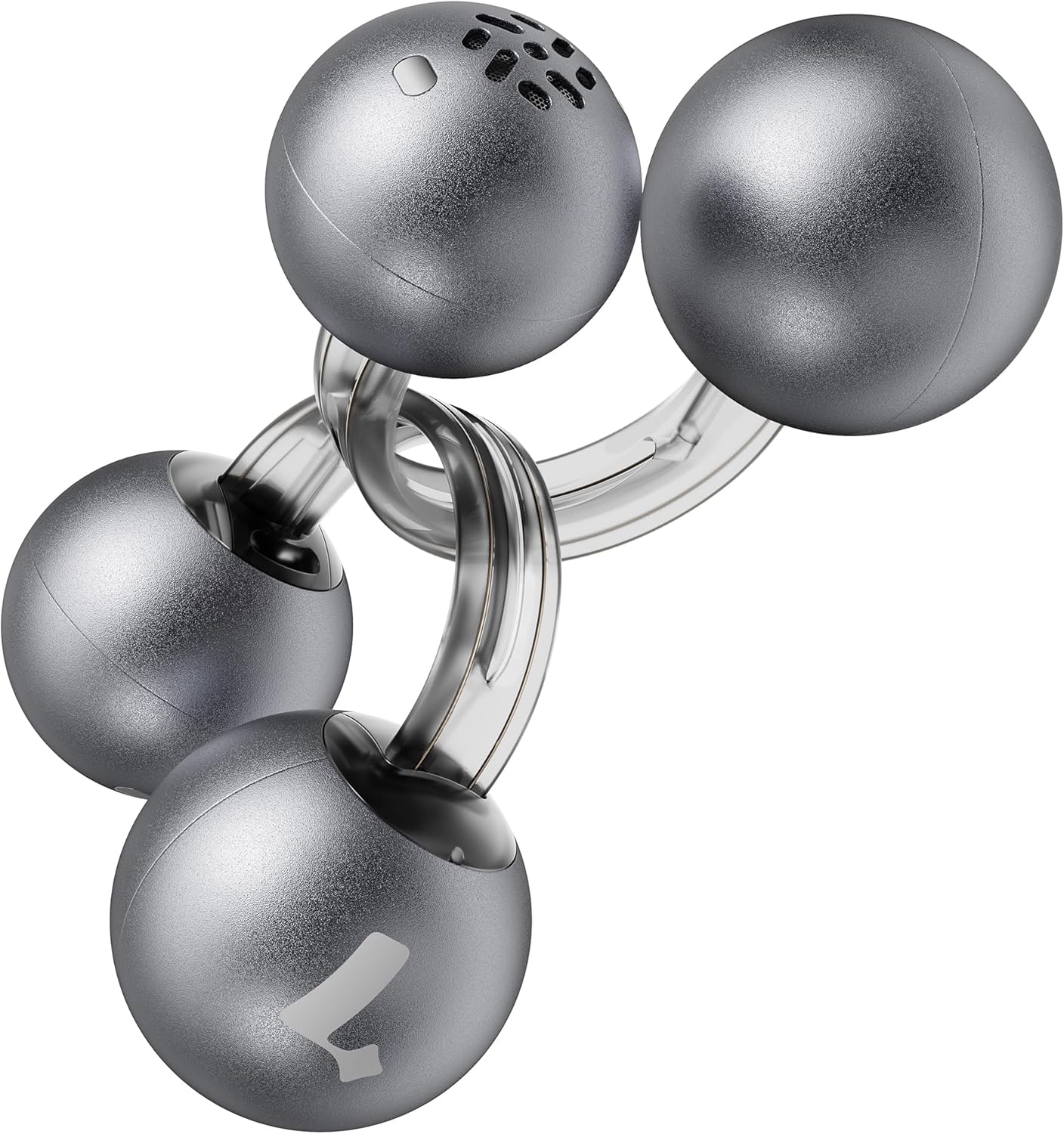
Image: Lytmi CozyClip D1 Earbuds, showcasing their open-ear clip design.

Image: Earbud resting on a feather, illustrating its ultra-lightweight design.
Características principais:
- Deseño de orella aberta: Weighing just 5.4g each, these earbuds clip onto your ear, providing comfort and allowing you to remain aware of your surroundings.
- Son de alta fidelidade: Experience immersive audio with enhanced bass and clear highs.
- AI Noise Reduction for Calls: Ensures crystal-clear calls by reducing environmental noise, even in windy conditions.
- Auto Left-Right Recognition: Earbuds are interchangeable; wear either earbud on either ear without manual configuration.
- Batería de longa duración: Up to 9 hours of playtime on a single charge, and up to 30 hours with the charging case.
- IP54 a proba de auga e po: Designed to withstand sweat and water splashes, suitable for various activities and weather conditions.
- Bluetooth 5.4: Provides stable and efficient wireless connectivity with faster data transfer and extended signal range.
- Dual-Connection: Conéctate a dous dispositivos simultaneamente e cambia entre eles sen problemas.
Configuración
1. Carga dos auriculares e da funda
Antes do primeiro uso, carga completamente os auriculares e a caixa de carga.
- Coloca os auriculares na caixa de carga. Asegúrate de que estean ben asentados.
- Connect the Type-C charging cable to the charging port on the case and the other end to a USB power source.
- The indicator light on the case will show charging status. Once fully charged, the indicator will change or turn off.

Image: Charging case and earbuds, illustrating battery life.
2. Emparejamento cun dispositivo
- Abre a caixa de carga. Os auriculares entrarán automaticamente no modo de emparellamento.
- No teu dispositivo (teléfono intelixente, tableta, etc.), activa o Bluetooth e busca os dispositivos dispoñibles.
- Select "Lytmi CozyClip D1" from the list of devices.
- Unha vez conectado, unha mensaxe de voz confirmará o emparellamento correcto.

Image: Quick pairing process with a smartphone.
3. Como usar os auriculares
The CozyClip D1 earbuds feature an auto left-right recognition system, allowing you to wear either earbud on either ear.
- Gently clip the earbud onto your earlobe, positioning the speaker component near your ear canal.
- Adjust for a comfortable and secure fit. The flexible design ensures stability during movement.
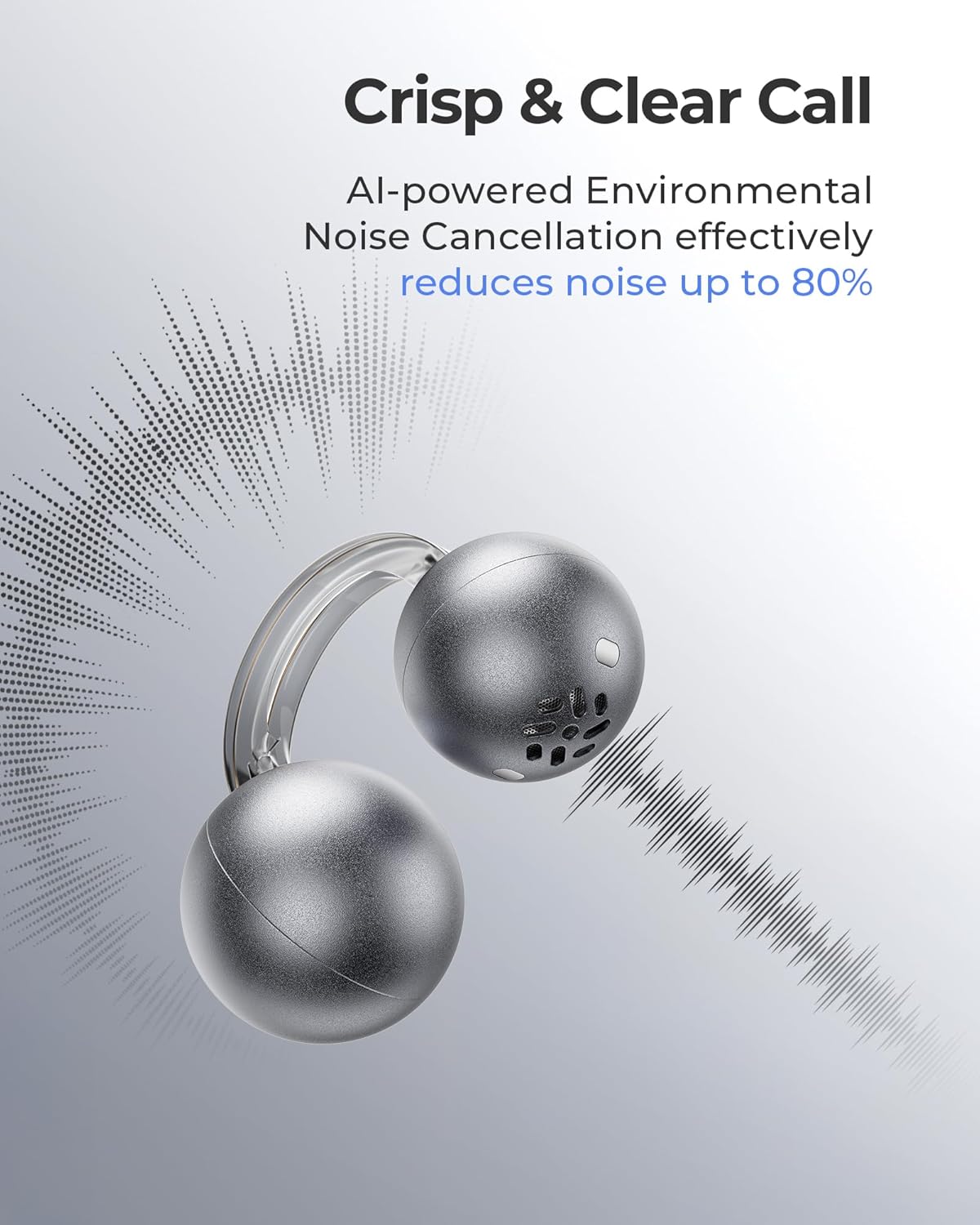
Image: Earbud worn on an ear, showing the secure fit.

Image: Wearing styles for awareness or full sound.
Instrucións de funcionamento
Controis táctiles
Os auriculares inclúen controis táctiles intuitivos para xestionar a reprodución de audio e as chamadas.
- Double Tap (Left or Right Earbud): Answer a call, End a call, Play/Pause music.
- Triple Tap (Left or Right Earbud): Next track, Reject a call.

Image: Touch control gestures for playback and calls.
Dual-Connection
The CozyClip D1 earbuds support simultaneous connection to two devices.
- Pair the earbuds with your first device (e.g., smartphone).
- Desconecta os auriculares da configuración de Bluetooth do primeiro dispositivo.
- Pair the earbuds with your second device (e.g., laptop).
- Reconnect the earbuds to the first device from its Bluetooth settings. The earbuds will now be connected to both devices.
- O audio cambiará automaticamente ao dispositivo que reproduce contido ou recibe unha chamada.

Image: Seamless switching between two connected devices.
Vídeo oficial do produto
Vídeo: Un overview of the Lytmi CozyClip D1 Open Ear Clip-on Earbuds, demonstrating their design, fit, and key features in various usage scenarios.
Mantemento
- Limpeza: Limpa regularmente os auriculares e a funda de carga cun pano suave e seco. Evita o uso de produtos químicos agresivos ou materiais abrasivos.
- Almacenamento: Cando non os uses, garda os auriculares na súa funda de carga para protexelos do po e dos danos.
- Exposición á auga: While IP54 rated for water splashes and sweat, avoid submerging the earbuds in water. Ensure they are dry before placing them back in the charging case.
Resolución de problemas
| Problema | Solución |
|---|---|
| Os auriculares non se emparejan | Ensure earbuds are charged. Turn off and on Bluetooth on your device. Forget "Lytmi CozyClip D1" from your device's Bluetooth list and re-pair. |
| Sen son nin baixo volume | Check device volume. Ensure earbuds are properly seated on your ears. Reconnect the earbuds to your device. |
| Auriculares que se caen | Adjust the clip for a more secure fit around your earlobe. Experiment with different positioning for optimal stability. |
| O estuche de carga non se está cargando | Verify the charging cable and power adapter are working correctly. Ensure the Type-C cable is fully inserted into the charging port. |
| Os controis táctiles non responden | Asegúrate de ter os dedos limpos e secos. Tenta reiniciar os auriculares colocándoos na funda e sacándoos de novo. |
Especificacións
| Característica | Detalle |
|---|---|
| Nome do modelo | Lytmi CozyClip D1 |
| Tecnoloxía de conectividade | Sen fíos (Bluetooth 5.4) |
| Alcance Bluetooth | 10 metros |
| Duración da batería (auriculares) | Ata 9 horas |
| Tempo de reprodución total (con estuche) | Ata 30 horas |
| Tempo de carga | 1 Hour (for earbuds) |
| Nivel de resistencia á auga | IP54 (impermeable e a proba de po) |
| Peso do artigo (auricular) | 0.17 onzas (aprox. 5.4 g) |
| Tamaño do controlador de audio | 12 milímetros |
| Impedancia | 32 ohmios |
| Resposta en frecuencia | 20 kHz (límite superior, rango típico 20 Hz-20 kHz) |
| Control de ruído | Adaptive Noise Cancellation (for calls) |
| Material | ABS+PC (for carrying case) |
| Método de control | Toca |
Garantía e Soporte
For warranty information, technical support, or further assistance, please refer to the official Lytmi websitio web ou póñase en contacto directamente co servizo de atención ao cliente. Garde o recibo de compra para reclamacións de garantía.
You can visit the Lytmi Store for more information: Lytmi Official Store


