Introdución
The Avantree NB16-Q Bluetooth 5.2 Neckband Earbuds are designed for comfortable and secure audio experiences across various devices. Featuring Qualcomm aptX Adaptive technology, these earbuds deliver clear sound and stable connections. With an extended playtime of up to 20 hours per charge, they are suitable for prolonged use with phones, smart TVs, and PCs.
O que hai na caixa
- Avantree NB16-Q Neckband Earbuds
- Type C Charging Cable (1.6ft / 0.5m)
- Extra Earbuds Tips (S, L)
- 2 Sets of Ear Hooks
- Manual de usuario
Produto rematadoview & Controis
The NB16-Q earbuds feature an ergonomic neckband design for comfort and stability. Key controls are integrated for easy access to volume, playback, and call management.

Comfortable & Secure Design: The lightweight neckband ensures all-day comfort and keeps earbuds secure, reducing the risk of loss.
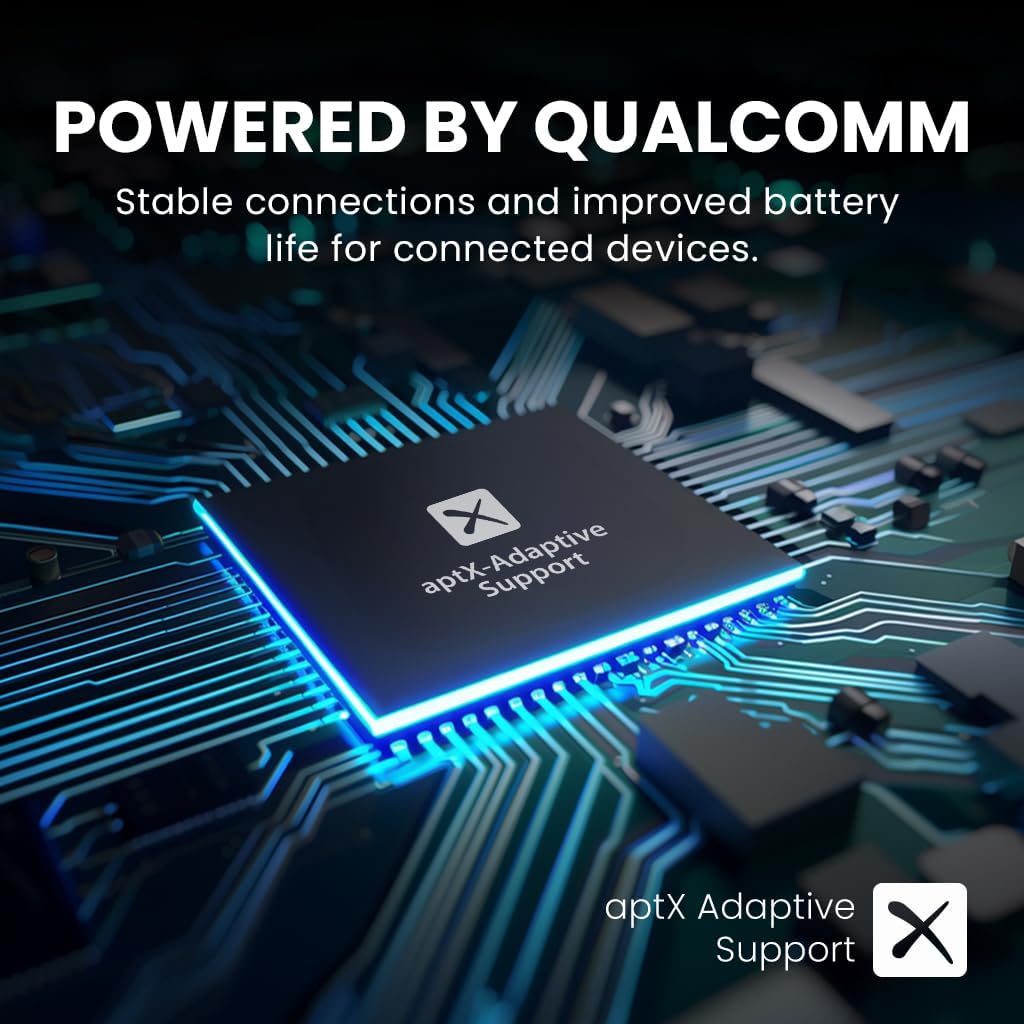
Powered by Qualcomm: Equipped with an advanced Qualcomm chipset and aptX Adaptive support for clearer sound and stable connections.

Tempo de reprodución ampliado: Enjoy up to 20 hours of uninterrupted audio on a single charge.

Wide TV Compatibility: Connect directly to Smart TVs with built-in Bluetooth or use an Avantree Bluetooth transmitter (e.g., Audikast 3 or Oasis Plus 2) for standard TVs.

Add-on Earbuds: The NB16-Q can be used as add-on earbuds for compatible Avantree transmitters like Audikast 3, 4186-Q, and 41866-Q.
Configuración e emparellamento
To begin using your Avantree NB16-Q earbuds, ensure they are charged and then follow the pairing instructions for your desired device. The earbuds are designed for easy connection to phones, smart TVs, and PCs.
Emparejamento inicial
- Power on the NB16-Q earbuds.
- Place the earbuds in pairing mode (refer to the included user manual for specific button combinations).
- On your device (phone, smart TV, or PC), navigate to the Bluetooth settings.
- Busca and select 'Avantree NB16-Q' from the list of available devices.
- Unha vez conectados, os auriculares están listos para usar.
Instrucións de funcionamento
The NB16-Q earbuds feature intuitive controls for managing your audio and calls. The inline remote allows for easy adjustment without needing to access your connected device.
Xestión de chamadas
- Responder/Finalizar chamada: Preme o botón multifunción unha vez.
- Rexeitar a chamada: Manteña premido o botón multifunción durante 2 segundos.
Reprodución de audio
- Reproducir/Pausa: Preme o botón multifunción unha vez.
- Subir/Baixar o volume: Usa os botóns de volume específicos.
- Seguimento / Seguimento anterior: Press and hold the volume up/down buttons respectively.
Cargando
To ensure optimal performance and battery life, charge your Avantree NB16-Q earbuds regularly. A full charge provides up to 20 hours of playtime.
Procedemento de carga
- Locate the Type C charging port on the earbuds.
- Connect the provided Type C charging cable to the earbuds and a compatible USB power source.
- The charging indicator light will illuminate (typically red) during charging.
- Charging takes approximately 2 hours for a full charge. The indicator light will change or turn off once charging is complete.
Compatibilidade
The Avantree NB16-Q earbuds offer broad compatibility for various audio sources:
- Televisores intelixentes: Pair directly via built-in Bluetooth.
- Standard TVs: Requires an external Avantree Bluetooth transmitter (e.g., Audikast 3 or Oasis Plus 2) for connection.
- Teléfonos e tabletas: Compatible with most Bluetooth-enabled mobile devices.
- PCs: Connect via built-in Bluetooth or an external Bluetooth adapter.
- Avantree Transmitters: The NB16-Q is compatible as an add-on earbud with Audikast 3, 4186-Q, and 41866-Q transmitters. It is not compatible with older versions like 4186 and 41866.
Especificacións
| Característica | Detalle |
|---|---|
| Nome do modelo | NB16 |
| Versión Bluetooth | 5.2 |
| Tecnoloxía de conectividade | Sen fíos |
| Tecnoloxía de comunicación sen fíos | Bluetooth |
| Duración da batería | 20 horas |
| Tempo de carga | 2 horas |
| Control de ruído | Illamento acústico |
| Tipo de controlador de audio | Driver dinámico |
| Forma do auricular | In-Ear |
| Método de control | Toca |
| Peso do elemento | 100 gramos (3.53 onzas) |
| Dimensións do produto | 2 x 3.94 x 4 polgadas |
Mantemento
To maintain the longevity and performance of your NB16-Q earbuds:
- Keep the earbuds clean and dry. Wipe with a soft, dry cloth as needed.
- Evita expoñer os auriculares a temperaturas extremas ou á luz solar directa durante períodos prolongados.
- Almacenar nun lugar fresco e seco cando non estea en uso.
- Replace earbud tips as necessary for hygiene and optimal fit.
Resolución de problemas
If you encounter issues with your NB16-Q earbuds, try the following:
- Sen son: Ensure the earbuds are charged, properly paired, and the volume is turned up on both the earbuds and the connected device.
- Non se pode emparellar: Make sure the earbuds are in pairing mode and within range of your device. Try restarting both the earbuds and your device.
- Conexión intermitente: Ensure there are no obstructions between the earbuds and your device. Move closer to the device.
- Problemas de carga: Verify the charging cable is securely connected and the power source is functional.
Garantía e soporte
Avantree products are designed for reliability and performance. For warranty information, technical support, or any inquiries regarding your NB16-Q earbuds, please visit the official Avantree website or contact their customer service directly. The included user manual also contains detailed support contact information.


