1. Introdución
The ZEBRONICS Pixigo A16 is a 15.6-inch portable monitor designed for enhanced productivity and entertainment on the go. Featuring a Full HD 1080p resolution, anti-glare screen, and versatile connectivity options, it serves as an ideal secondary display for laptops, smartphones, and gaming consoles. Its lightweight design and 180° adjustable stand ensure flexibility and ease of use in various environments.
2. Contido do paquete
Verifique que todos os elementos que se indican a continuación estean incluídos no seu paquete:
- Monitor - 1 unidade
- Mini HDMI Cable - 1 unit
- Type C DP Cable - 1 unit
- Adaptador de corrente - 1 unidade
- User Manual - 1 unit
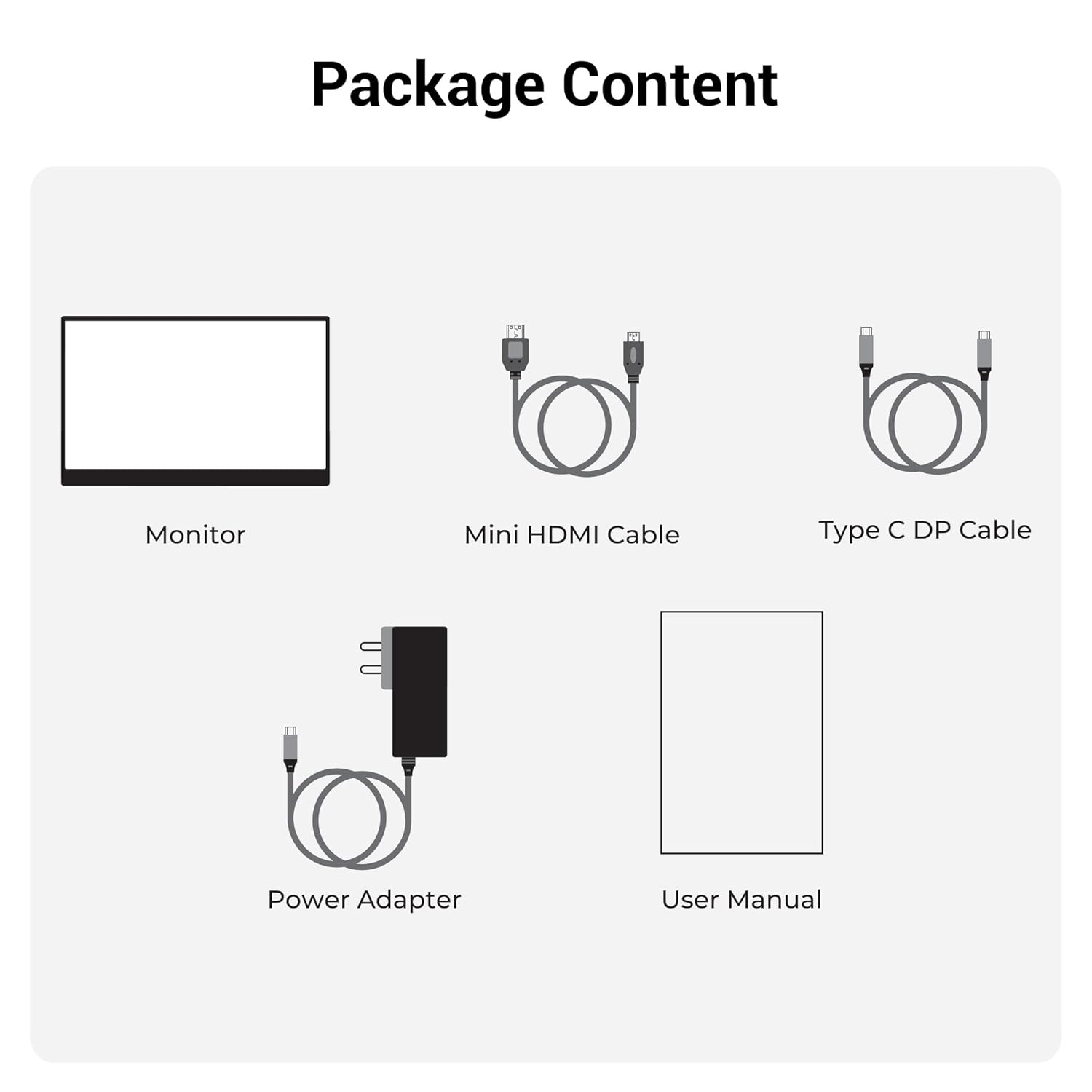
Figura 2.1: Contido do paquete
3. Produto rematadoview
3.1 Portos e controis
Familiarize yourself with the various ports and control buttons on your Pixigo A16 monitor:
- Porta mini HDMI: Para entrada de vídeo desde dispositivos con saída HDMI.
- Type C Port 2 (Power + Display): Supports both power delivery and display signal via a single Type-C cable.
- Type C Port 1 (Only Power): Dedicated for power input to the monitor.
- Power / Return Button: Úsase para acender/apagar o monitor e navegar cara atrás no menú OSD.
- Indicador LED: Shows the power status of the monitor.
- Roller Key / Menu: Used to access and navigate the On-Screen Display (OSD) menu and adjust settings.
- Jack para auriculares: Para conectar dispositivos de audio externos.

Figura 3.1: Portos e controis do monitor
3.2 Características principais
- 15.6-inch FHD 1080p Display: Delivers sharp and vivid visuals with a resolution of 1920x1080.
- Pantalla antirreflexo: Minimizes reflections and eye strain for comfortable viewing.
- Soporte axustable a 180°: Offers flexible positioning to achieve the optimal viewángulo de ing.
- Entrada dual: Features 1x Type-C DP port and 1x Mini HDMI port for broad compatibility.
- Altofalantes incorporados: Ofrece saída de audio integrada.
- Lixeiro e portátil: Compact design for easy transport and use in various locations.
- Brillo de 300 nits: Ensures a bright and vibrant screen, even in well-lit environments.
- 16.7 millóns de cores: Supports accurate color reproduction.
- 16:9 Aspect Ratio: Ideal for media consumption and multitasking.
- Wall-mountable: Supports wall mounting for a clutter-free setup.

Figura 3.2: Características da pantalla
4. Configuración
Follow these steps to set up your ZEBRONICS Pixigo A16 portable monitor:
- Descomprimir o monitor: Retire con coidado o monitor e todos os accesorios da embalaxe.
- Colocación do stand: Adjust the integrated 180° stand to your desired viewángulo de ing.
- Conectar enerxía: Connect the provided Power Adapter to the Type C Port 1 (Power Only) on the monitor and plug it into a power outlet.
- Conectar ao dispositivo:
- For Type-C Devices (with DisplayPort Alt Mode): Use the Type C DP Cable to connect your device (laptop, smartphone) to Type C Port 2 (Power + Display) on the monitor. This single cable can provide both power and display signal.
- For HDMI Devices: Use the Mini HDMI Cable to connect your device (laptop, gaming console) to the Mini HDMI Port on the monitor. Ensure the monitor is also powered via Type C Port 1.
- Encendido: Press the Power / Return Button to turn on the monitor.

Figure 4.1: Wide Compatibility with PC, Laptop, Mobile, and Gaming Console
5. Instrucións de funcionamento
5.1 Funcionamento básico
- Encendido/apagado: Press and hold the Power / Return Button for a few seconds.
- Selección da fonte de entrada: The monitor should automatically detect the input source. If not, access the OSD menu using the Roller Key and manually select the input.
- Axuste de volume: Use the Roller Key to adjust the volume of the built-in speakers or connected headphones.
5.2 Menú de visualización en pantalla (OSD).
The OSD menu allows you to customize various display settings:
- Press the Roller Key to open the OSD menu.
- Roll the Roller Key up or down to navigate through menu options.
- Press the Roller Key to select an option or confirm a setting.
- Press the Power / Return Button to go back to the previous menu or exit the OSD.
5.3 Axustar o soporte
The integrated stand can be adjusted up to 180 degrees to find the most comfortable viewing angle for your needs. Simply pivot the monitor on its stand to tilt it forward or backward.

Figure 5.1: 180° Adjustable Stand
6. Mantemento
Para garantir a lonxevidade e o rendemento óptimo do seu monitor, siga estas pautas de mantemento:
- Limpeza da pantalla: Use un pano suave e sen pelusa lixeiramente damplimpa con auga ou cun limpador de pantallas non abrasivo. Evite produtos químicos agresivos ou materiais abrasivos.
- Limpeza do Casing: Limpar o monitor casinlimpe cun pano suave e seco.
- Almacenamento: Cando non o use, garde o monitor nun lugar fresco e seco, lonxe da luz solar directa e de temperaturas extremas.
- Manexo: Handle the monitor with care, especially when transporting it. Its lightweight design makes it portable, but it should still be protected from impacts.
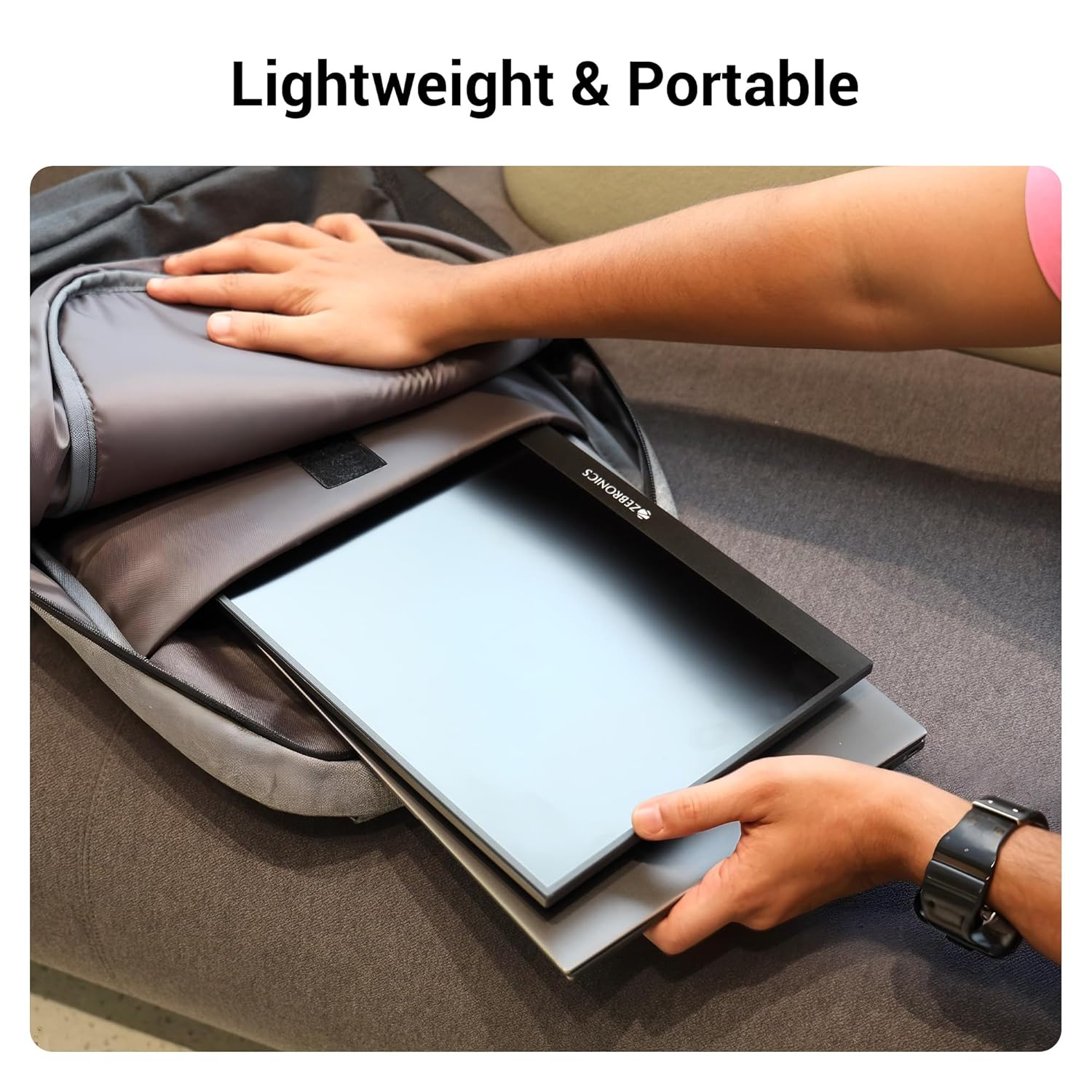
Figure 6.1: Lightweight and Portable Design
7 Solución de problemas
Se tes problemas co monitor, consulta os seguintes problemas e solucións comúns:
| Problema | Causa posible | Solución |
|---|---|---|
| Sen pantalla/Sen sinal | Fonte de entrada incorrecta seleccionada; Conexión do cable solta; Alimentación insuficiente. | Check cable connections (HDMI/Type-C). Ensure the monitor is powered. Select the correct input source via the OSD menu. For Type-C, ensure your device supports DisplayPort Alt Mode. |
| Pantalla parpadeante | Faulty cable; Incompatible resolution/refresh rate; Power fluctuations. | Try a different cable. Adjust the resolution or refresh rate on your connected device. Ensure stable power supply. |
| Sen audio | Volume too low/muted; Incorrect audio output selected on device. | Increase monitor volume using the Roller Key. Check audio settings on your connected device to ensure audio is routed to the monitor. |
| O monitor non se acende | No power; Power adapter issue. | Ensure the power adapter is securely connected to the monitor (Type C Port 1) and a working power outlet. |
8. Especificacións
Detailed technical specifications for the ZEBRONICS Pixigo A16 portable monitor:
- Marca: ZEBRÓNICA
- Modelo: Zeb-Pixigo A16
- Tamaño da pantalla: 15.6 polgadas (39.6 cm)
- Resolución da pantalla: 1920 x 1080 píxeles (FHD 1080p)
- Relación de aspecto: 16:9
- Brillo: 300 nits
- Soporte de cor: 16.7 millóns de cores
- Descrición da superficie da pantalla: Matte (Anti-glare)
- Conectividade: 1x Mini HDMI Port, 2x Type C Ports (1x Power + Display, 1x Power Only), Headphone Jack
- Altofalantes incorporados: Si
- Peso do artigo: 804 g
- Dimensións do produto (LxWxH): 1.7 x 35.5 x 22.2 cm
9. Garantía e soporte
For warranty information, technical support, or service inquiries, please refer to the warranty card included in your package or visit the official ZEBRONICS websitio. Garde o recibo da compra como xustificante de compra para reclamacións de garantía.


