Introdución
This manual provides detailed instructions for the setup, operation, maintenance, and troubleshooting of your MAONO Wave T5 Wireless Lavalier Microphone system. Please read this manual thoroughly to ensure proper use and optimal performance of your device.

The MAONO Wave T5 is a compact and versatile wireless microphone system designed for high-quality audio recording across various devices, including cameras, PCs, laptops, and smartphones. It features advanced noise cancellation, a wide transmission range, and extended battery life.
Contido do paquete
Verifique que todos os elementos que se indican a continuación estean incluídos no seu paquete:
- 2 x Wave T5 Transmitters
- 1 x Wave T5 Camera Receiver
- 1 x Wave T5 Charging Case
- 1 x cable de carga USB-C
- 1 x 3.5mm TRS Audio Cable
- 1 x cable USB-C a USB-C
- 1 x cable USB-C a Lightning
- 2 x Magnetic Clips
- 4 x Imáns
- 2 x Windscreens
- 2 x Magnetic Necklaces
- 1 x bolsa de almacenamento
- 1 x Manual de usuario (este documento)
- 1 x TX Sticker Set
- 1 x Caixa de embalaxe

Guía de configuración
1. Cargando o dispositivo
Before first use, fully charge the transmitters and receiver using the provided charging case and USB-C cable. The charging case itself also needs to be charged. Indicators on the case will show charging status.
- Transmisores: Place them into the charging case.
- Receptor: Place it into the charging case.
- Estuche de carga: Conecta o cable USB-C ao porto de carga da carcasa e a unha fonte de alimentación.
2. Emparejamento Inicial
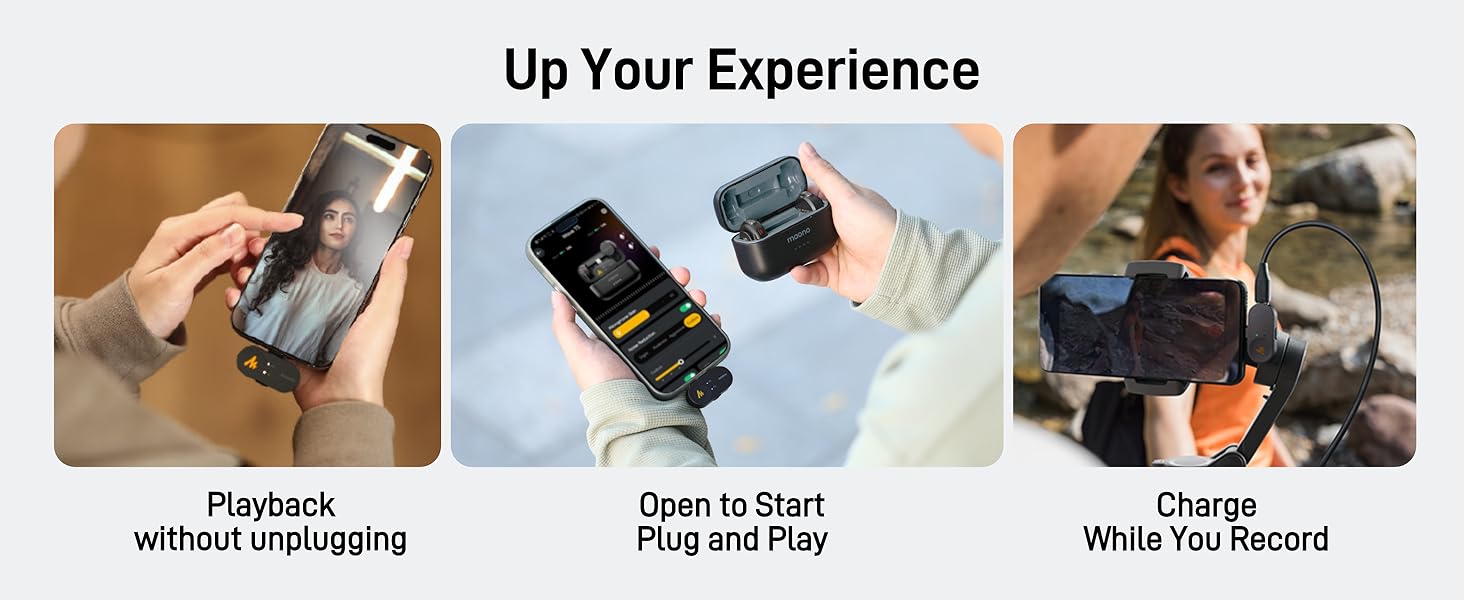
The Wave T5 transmitters and receiver are designed for instant pairing. Simply open the charging case, and the devices will automatically connect to each other, indicated by their status lights.
3. Conectando ao teu dispositivo
The Wave T5 offers broad compatibility with various recording devices.

3.1. Connecting to Cameras (DSLR/Mirrorless)
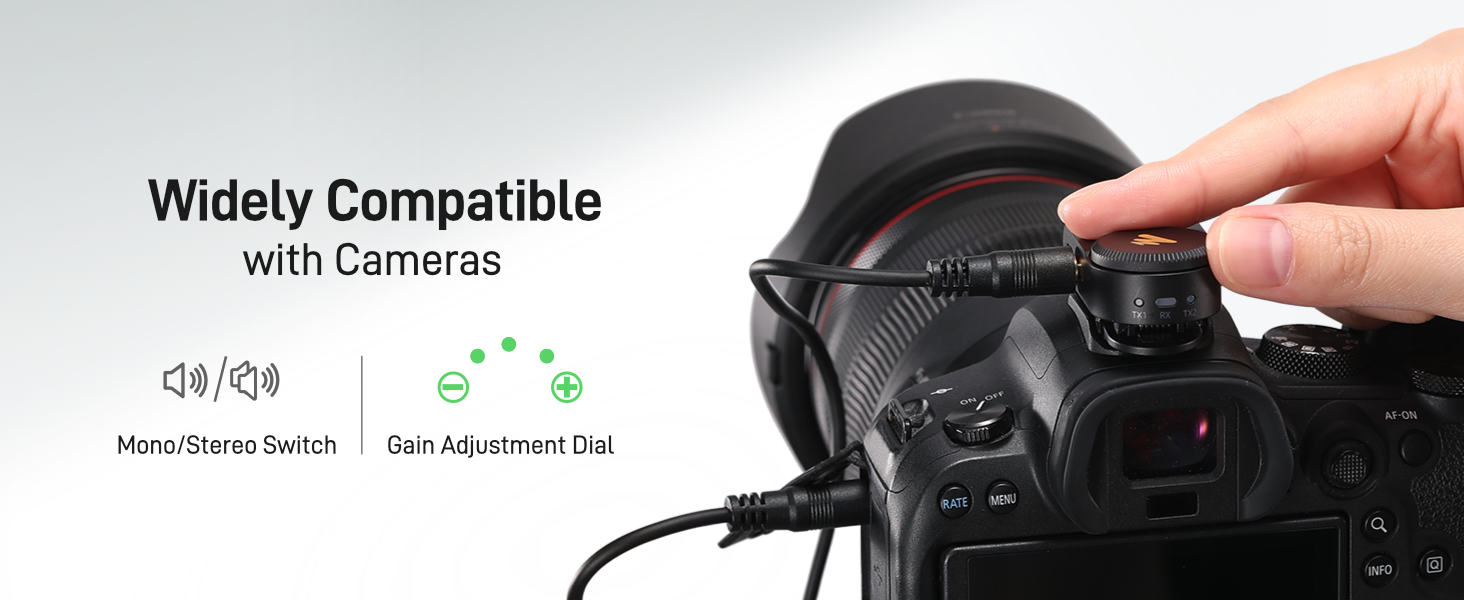
- Attach the Wave T5 camera receiver to your camera's hot shoe or cold shoe mount.
- Connect the 3.5mm TRS audio cable from the receiver's output port to your camera's microphone input jack.
- Ensure your camera's audio input settings are configured to use an external microphone.

3.2. Connecting to Smartphones (iPhone/Android)
- For iPhones with Lightning ports, use the provided USB-C to Lightning cable to connect the receiver to your phone.
- For Android phones with USB-C ports, use the provided USB-C to USB-C cable to connect the receiver to your phone.
- Ensure your phone recognizes the external microphone. Some phone models may require specific app settings for external audio input.
3.3. Connecting to PCs/Laptops
- Connect the USB-C to USB-C cable from the receiver to an available USB-C port on your PC or laptop.
- Alternatively, use the 3.5mm TRS audio cable to connect the receiver to your computer's microphone input (if available).
- Select the Wave T5 as your audio input device in your computer's sound settings.
4. MAONO Link App Installation
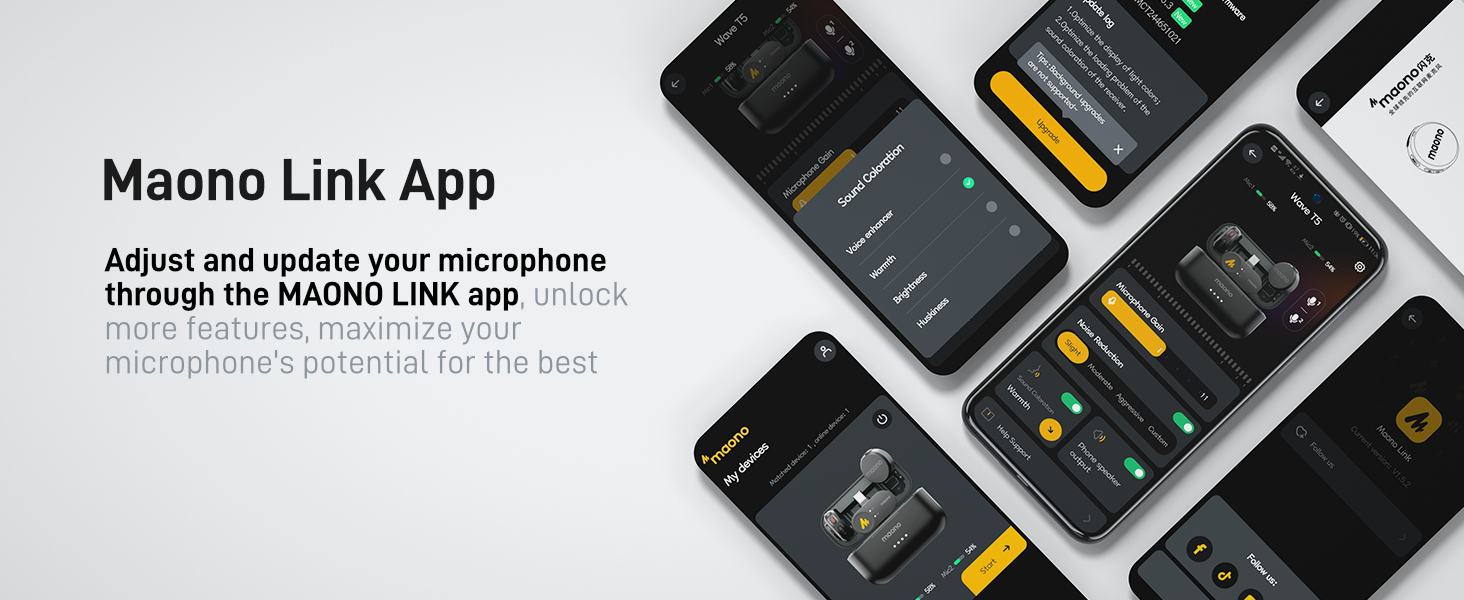
For advanced features and fine-tuning, download the MAONO Link app from your device's app store (iOS App Store or Google Play Store). The app allows for noise cancellation adjustments, voice filters, and firmware updates.
Instrucións de funcionamento
1. Usar o transmisor
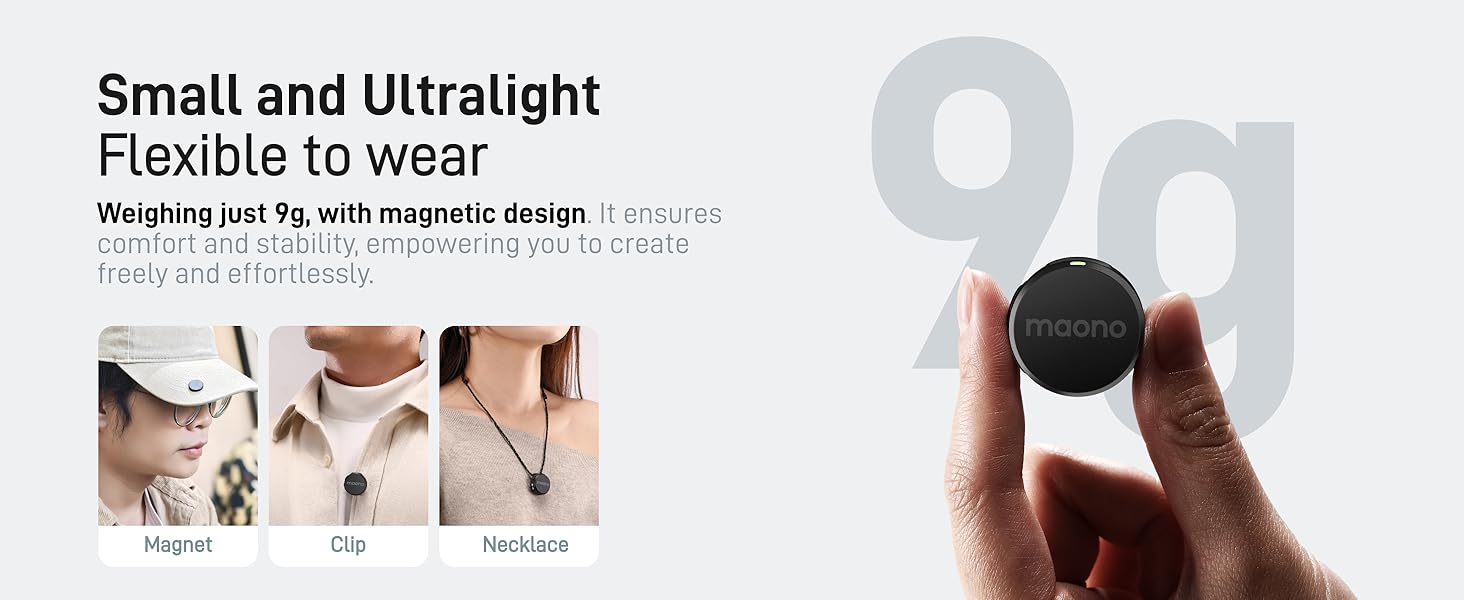
The Wave T5 transmitters are lightweight (9g) and offer flexible wearing options:
- Clip magnético: Attach the magnetic clip to your clothing, then secure the transmitter to the clip.
- Direct Magnet: Use the included magnets to secure the transmitter directly to clothing without a clip.
- Magnetic Necklace: Wear the transmitter around your neck using the magnetic necklace for discreet placement.
2. Controis do transmisor
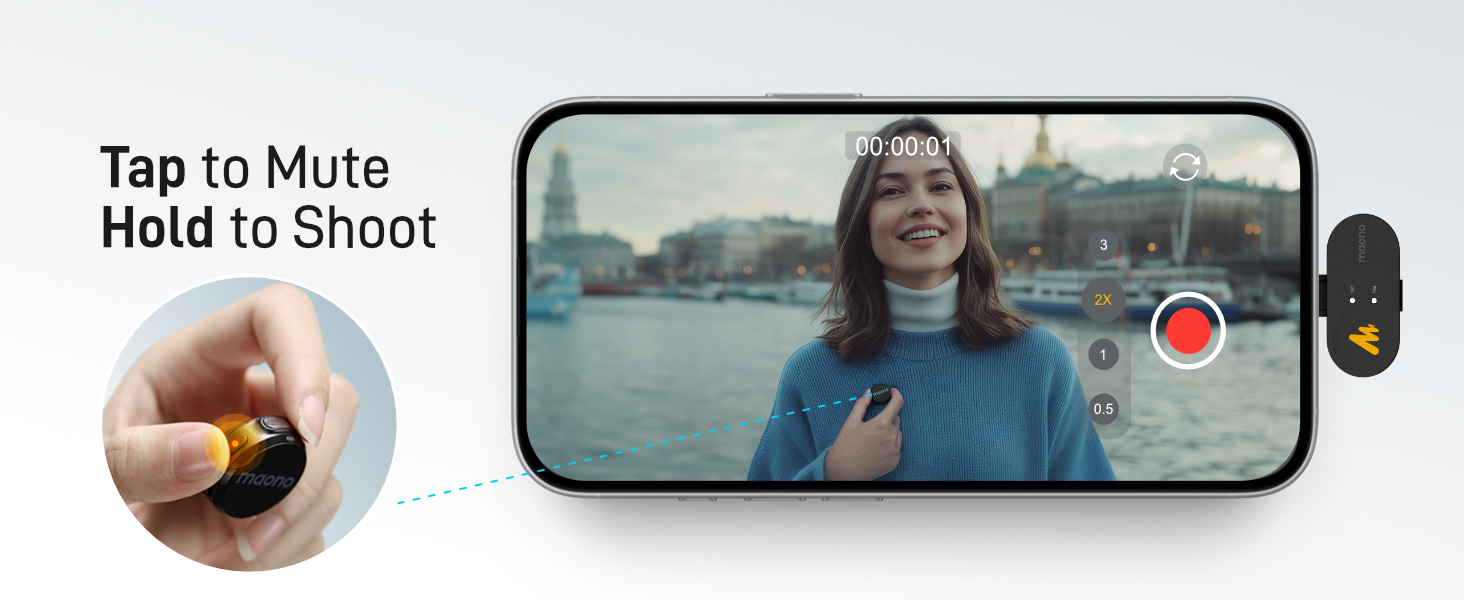
- Botón de silencio: Press once to mute/unmute the microphone.
- Botón de cancelación de ruído: Press once to activate/deactivate noise cancellation. The MAONO Link app allows for 3 modes and 14 levels of adjustment.
- Remote Photo/Video Control: Long-press the mute button to remotely trigger photo or video recording on your connected smartphone.
3. Receiver Controls (Camera Version)
- Interruptor mono/estéreo: Toggle between mono and stereo recording modes. In stereo mode, each transmitter's audio is recorded on a separate channel.
- Gain Adjustment Knob: Rotate the knob to adjust the audio input level (gain) for optimal recording volume.
4. Cancelación de ruído
The Wave T5 features intelligent noise cancellation. Activate it via the transmitter button or fine-tune it using the MAONO Link app. The app offers "Slight," "Moderate," "Aggressive," and "Custom" modes with 14 levels of precision to suit various recording environments.

5. Voice Filters (via MAONO Link App)
The MAONO Link app provides multiple preset voice filters (e.g., Warm, Bright) to enhance your audio for specific recording scenarios, reducing the need for extensive post-production.
6. Battery Life and Charging During Use
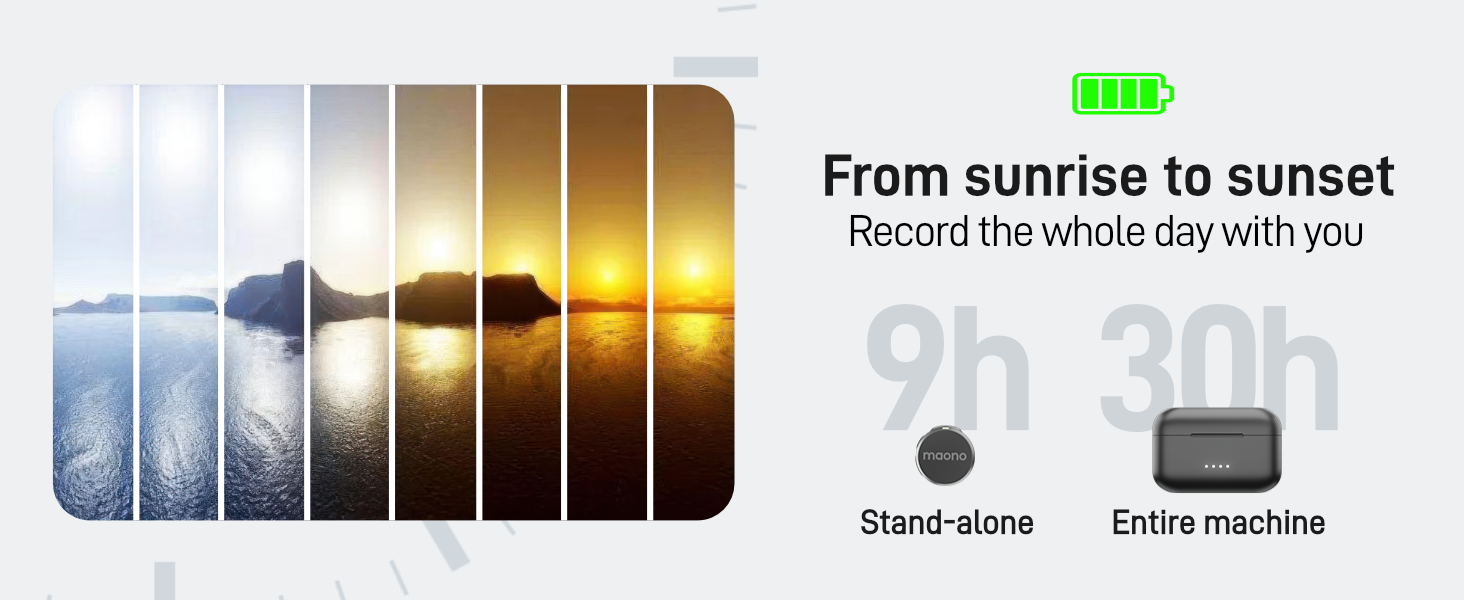
Each transmitter provides up to 9 hours of battery life. With the charging case, the total usage time extends to 30 hours. The system also supports charging your phone while recording, ensuring continuous operation during extended sessions.
7. Alcance de transmisión
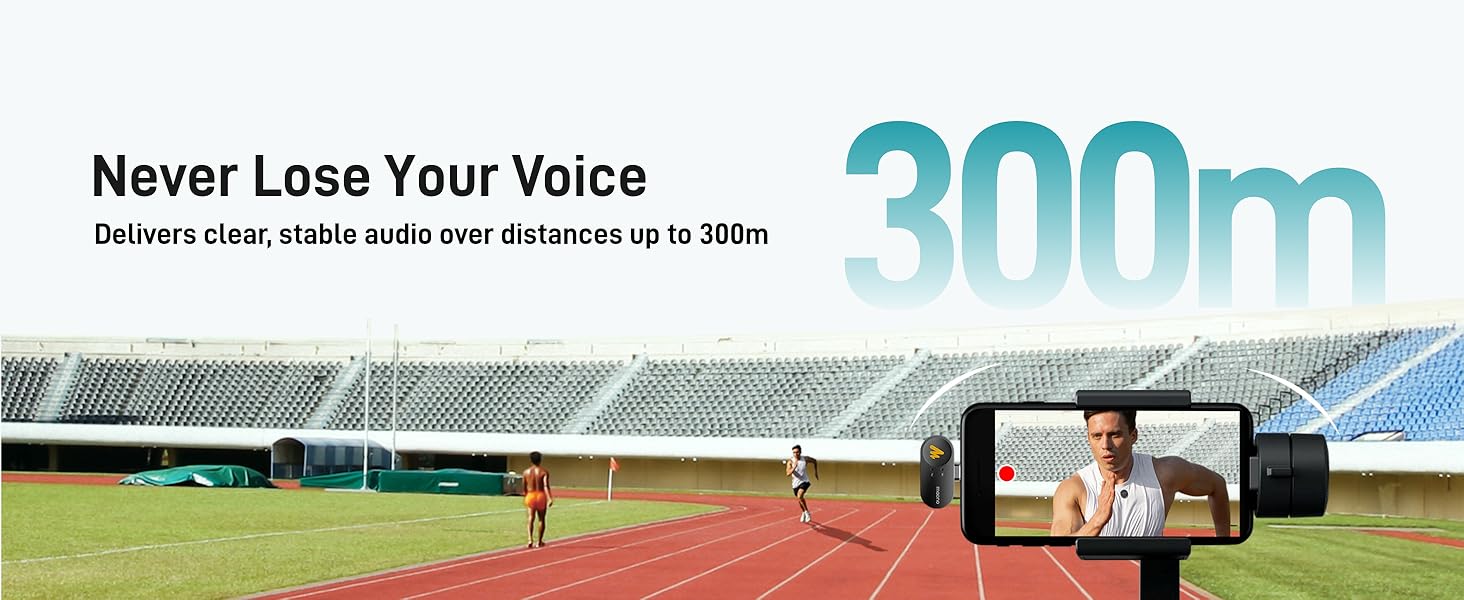
The Wave T5 utilizes frequency-hopping technology to deliver stable and clear audio transmission up to 300 meters (1000 feet) in open, unobstructed environments.
Mantemento
1. Limpeza
- Wipe the transmitters, receiver, and charging case with a soft, dry cloth.
- Do not use liquid cleaners or solvents, as they may damage the device.
- Ensure no dust or debris accumulates in the charging ports or microphone grilles.
2. Almacenamento
- Store the Wave T5 system in its charging case or the provided storage bag when not in use.
- Garda o dispositivo nun lugar fresco e seco, lonxe da luz solar directa e de temperaturas extremas.
3. Coidado da batería
- To prolong battery life, avoid fully discharging the batteries frequently.
- If storing for an extended period, charge the devices to approximately 50% capacity.
Resolución de problemas
1. Sen son ou volume baixo
- Comproba as conexións: Ensure the receiver is securely connected to your recording device and the cables are fully inserted.
- Axustar a ganancia: Rotate the gain adjustment knob on the receiver to increase the input volume.
- Configuración do dispositivo: Verify that your camera, phone, or computer's audio input is set to the external microphone (Wave T5).
- Estado do transmisor: Ensure the transmitter is powered on and not muted.
- Nivel de batería: Check if the transmitters and receiver have sufficient battery charge.
2. Poor Audio Quality / Interference
- Distancia: Ensure the transmitter is within the optimal operating range (up to 300m, but closer is better for critical recordings).
- Obstáculos: Minimizar as obstrucións físicas entre o transmisor e o receptor.
- Cancelación de ruído: Activate or adjust the noise cancellation feature via the transmitter button or MAONO Link app.
- Factores ambientais: Avoid areas with strong electromagnetic interference (e.g., Wi-Fi routers, high-power electrical equipment).
- Ruído do vento: Use the included windscreens when recording outdoors or in windy conditions.
3. Problemas de emparellamento
- Re-seat Devices: Place both transmitters and the receiver back into the charging case, close it, and then open it again to re-initiate pairing.
- Reiniciar: Power off and then power on the transmitters and receiver.
4. O dispositivo non se carga
- Comprobación do cable: Ensure the USB-C charging cable is properly connected to the charging case and a working power source.
- Portos limpos: Check for any debris in the charging ports of the case, transmitters, and receiver.
- Fonte de enerxía: Proba cun adaptador de alimentación USB ou un porto diferente.
Especificacións
| Característica | Detalle |
|---|---|
| Nome do modelo | WM650 PA2 (Wave T5) |
| Factor de forma do micrófono | Mini Lavalier |
| Patrón polar | Omnidireccional |
| Tecnoloxía de conectividade | Sen fíos |
| Tipo de conector | Conector de 3.5 mm, USB tipo C |
| Dispositivos compatibles | Camera, Laptop, Smartphone |
| Relación sinal-ruído (SNR) | 80 dB |
| Nivel máximo de presión sonora (SPL) | 120 dB |
| Formato de audio | 48 kHz/24 bits |
| Resposta en frecuencia | 20 Hz - 20 kHz |
| Alcance de transmisión | Ata 300 m (1000 pés) |
| Duración da batería do transmisor | Up to 9 hours (standalone) |
| Duración total da batería (con funda) | Ata 30 horas |
| Peso do elemento | 1.17 libras (paquete total) |
| Material | Acrilonitrilo Butadieno Estireno (ABS) |
| Características especiais | 1-Touch Recording, Battery Indicator Light, Mute Function, Noise Reduction, Volume Control |

Garantía e Soporte
1. Información da garantía
MAONO products typically come with a limited warranty covering manufacturing defects. Please refer to the warranty card included in your package or visit the official MAONO websitio web para coñecer os termos e condicións específicos da garantía aplicables á súa rexión.
2. Atención ao cliente
If you encounter any issues or have questions not covered in this manual, please contact MAONO customer support. Contact details can usually be found on the official MAONO websitio web ou na embalaxe do produto.
For additional resources, you may also refer to the official PDF user manual: MAONO Wave T5 User Manual (PDF).


