Produto rematadoview
The Xtreme LED Bluetooth Speaker is a portable audio device designed to deliver clear sound and dynamic LED light shows. It features multiple connectivity options and a rechargeable battery for extended use.

Image: The Xtreme LED Bluetooth Speaker shown alongside its retail packaging, highlighting its design and branding.
Características principais:
- Audio inmersivo: Delivers rich, full-range sound with clear highs and deep bass.
- Espectáculo de luces LED dinámico: Multiple light modes that sync with music, creating a visual atmosphere.
- Alcance Bluetooth ampliado: Connects wirelessly up to 33 feet (10 meters) from your device.
- Conectividade versátil: Supports Bluetooth, Aux-in, USB, and Micro-SD card playback.
- Deseño portátil: Lightweight with a convenient carrying loop and rechargeable USB-C battery.
O que hai na caixa
- Xtreme LED Bluetooth Speaker
- Cable de carga USB-C
- Manual de instrucións
Controis e portos

Imaxe: Unha detallada view of the speaker's front panel, illustrating the control buttons and highlighting features like multi-color LEDs, loud audio, quality sound, and the portable carrying loop.
- Botón de encendido: Manteña premido para acender/apagar o altofalante.
- Subir volume / Seguinte pista: Prema brevemente para subir o volume, preme longa para a seguinte pista.
- Baixar o volume / Pista anterior: Presión curta para baixar o volume, presión longa para a pista anterior.
- Play/Pause / Bluetooth Pairing: Short press to play/pause, long press to enter Bluetooth pairing mode.
- Botón de modo de luz: Press to cycle through different LED light show modes.
- Botón de modo (M): Press to switch between Bluetooth, Aux, USB, and Micro-SD card modes.
- Porto de carga (USB-C): Para conectar o cable de carga.
- Porto de entrada auxiliar: Para conexión de audio con cable.
- Porto USB: Para reproducir audio desde unha unidade USB.
- Ranura para tarxetas Micro-SD: For playing audio from a Micro-SD card.
Configuración
1. Cargando o altofalante
Before first use, fully charge the speaker. Connect the provided USB-C charging cable to the speaker's charging port and the other end to a USB power adapter (not included) or a computer's USB port. The LED indicator will show charging status and turn off when fully charged.
2. Acendido/apagado
Manteña premido o Botón de encendido for approximately 3 seconds to turn the speaker ON or OFF. A sound prompt will indicate the power status.
Instrucións de funcionamento
Modo Bluetooth
- Acenda o altofalante. Entrará automaticamente no modo de emparellamento Bluetooth, o que se indicará cunha luz LED intermitente.
- No teu dispositivo (teléfono intelixente, tableta, etc.), activa o Bluetooth e busca os dispositivos dispoñibles.
- Select "Xtreme Speaker" from the list of devices.
- Unha vez emparellado, o indicador LED deixará de parpadear e reproducirase un son de confirmación.
- Agora podes reproducir audio desde o teu dispositivo a través do altofalante.
- To disconnect or pair with a new device, long press the Play/Pause / Bluetooth Pairing Button.
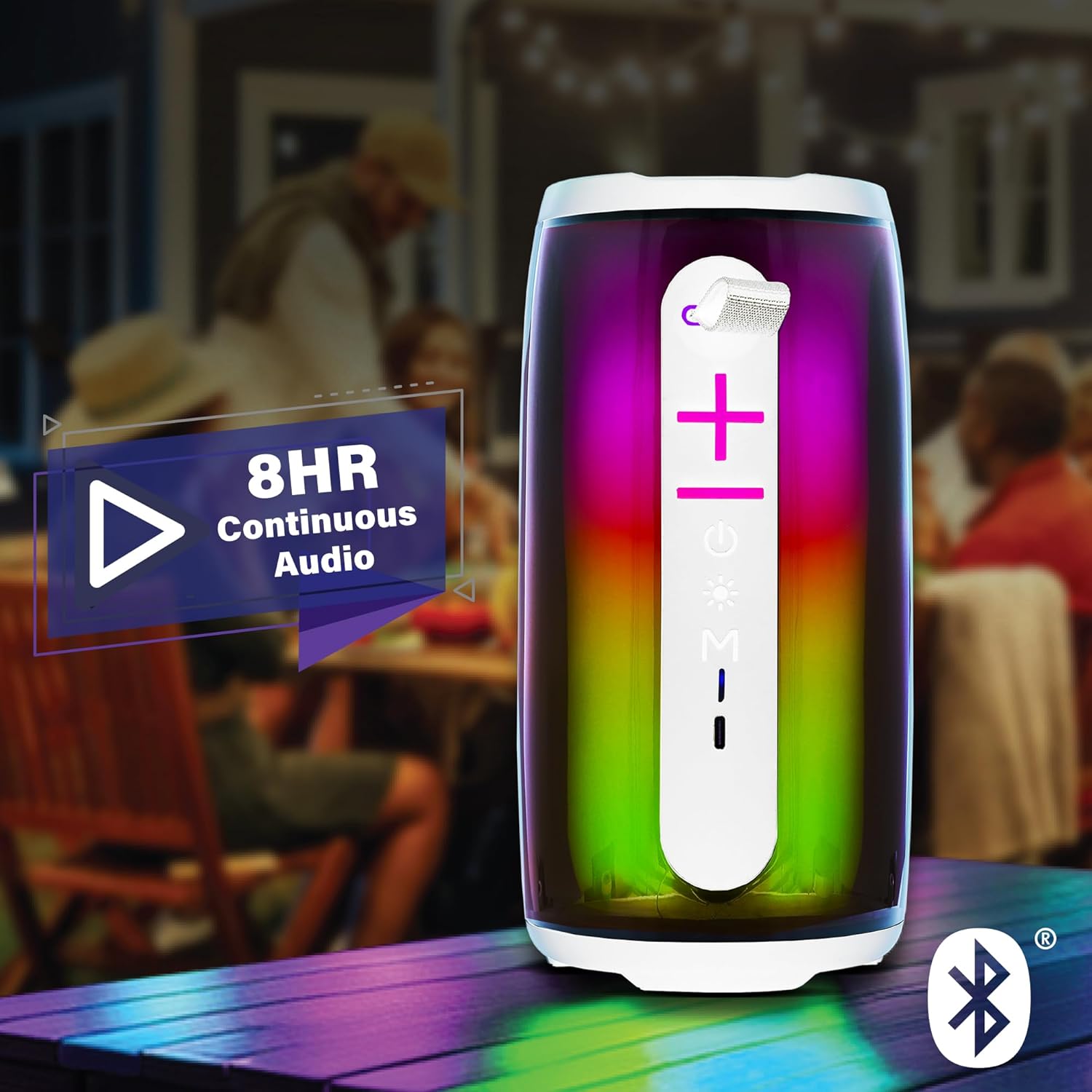
Image: The Xtreme LED Bluetooth Speaker providing music at an outdoor social event, demonstrating its portability and highlighting its 8-hour continuous audio playback capability.
Modo de entrada auxiliar
- Connect one end of a 3.5mm audio cable (not included) to the speaker's Aux-in port.
- Conecta o outro extremo á saída de son do teu dispositivo.
- Preme o Botón de modo (M) para cambiar ao modo de entrada auxiliar.
- Audio will now play through the wired connection.
USB and Micro-SD Card Playback
- Insert a USB drive into the USB port or a Micro-SD card into the Micro-SD card slot.
- Preme o Botón de modo (M) to switch to USB or Micro-SD card mode. The speaker will automatically detect and play audio files.
Controlando a reprodución de audio
- Reproducir/Pausa: Prema brevemente o Botón Reproducir/Pausa.
- Subir volume: Prema brevemente o Botón Subir volume (+).
- Baixar volume: Prema brevemente o Botón para baixar o volume (-).
- Próxima pista: Mantén presionado Botón Subir volume (+).
- Pista anterior: Mantén presionado Botón para baixar o volume (-).
LED Light Show Modes
Preme o Botón de modo de luz to cycle through various LED light show patterns. The lights will pulse and change color, syncing with the music.
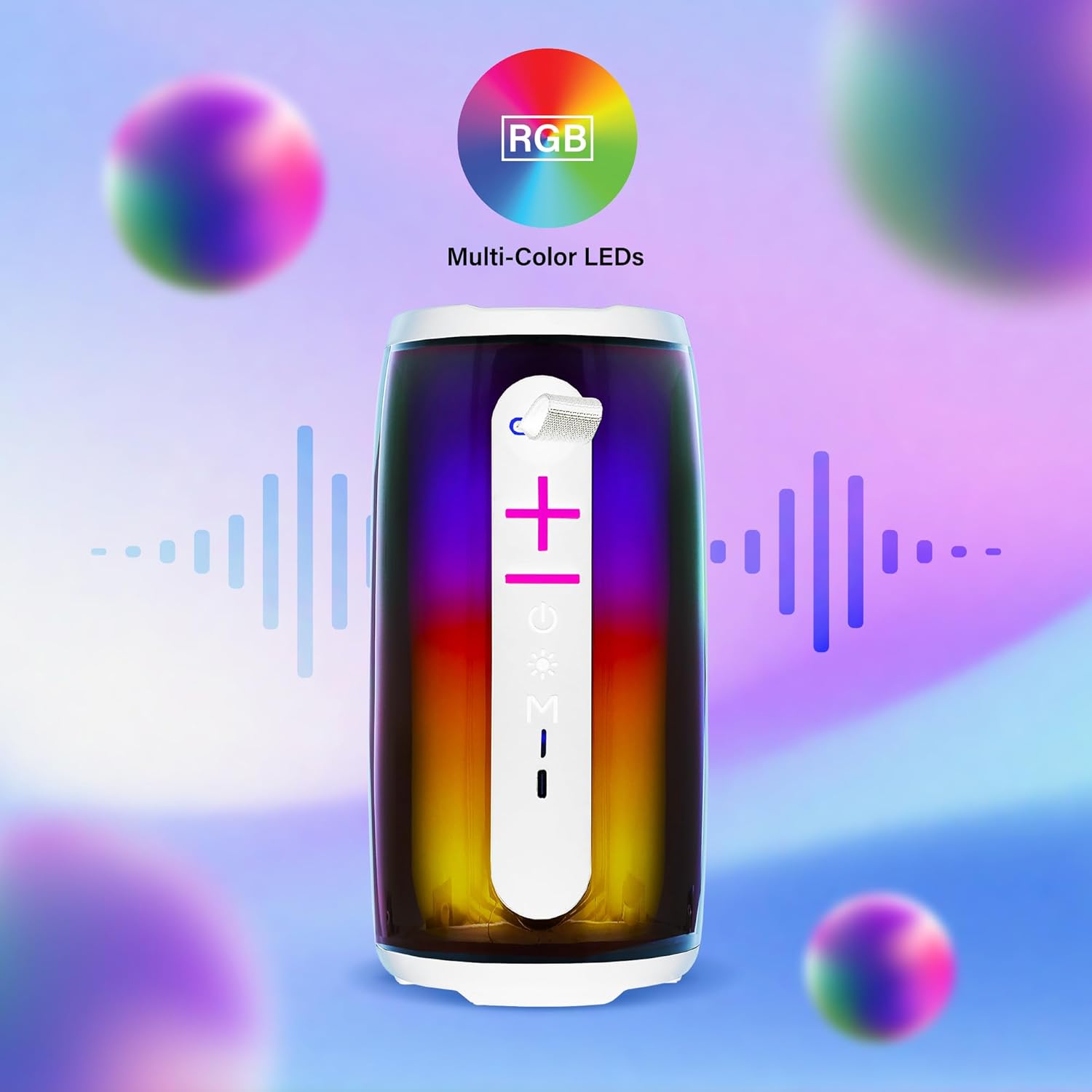
Image: The Xtreme LED Bluetooth Speaker showcasing its vibrant RGB multi-color LED lights, with visual representations of sound waves indicating its audio synchronization feature.
Mantemento
- Limpeza: Usa un pano suave e seco para limpar o exterior do altofalante. Non empregues produtos de limpeza abrasivos nin disolventes.
- Almacenamento: Garde o altofalante nun lugar fresco e seco, lonxe da luz solar directa e de temperaturas extremas.
- Coidado da batería: To prolong battery life, charge the speaker regularly, even if not in frequent use. Avoid fully depleting the battery for extended periods.
- Exposición á auga: Este altofalante non é impermeable. Evite expoñelo á auga ou a unha humidade excesiva.
Resolución de problemas
| Problema | Solución |
|---|---|
| O altofalante non se acende. | Asegúrate de que o altofalante estea cargado. Conéctao a unha fonte de alimentación mediante o cable USB-C. |
| Non se pode emparellar por Bluetooth. |
|
| Sen son. |
|
| As luces LED non funcionan. | Press the Light Mode Button to cycle through the light show modes. Ensure the speaker is powered on. |
Especificacións
- Modelo: XBS9-1078
- Marca: XTREME DIGITAL LIFESTYLE ACCESSORIES
- Conectividade: Bluetooth, Aux-in, USB, Micro-SD
- Alcance Bluetooth: Ata 33 pés (10 metros)
- Potencia de saída do altofalante: 10 Watts (based on product image)
- Batería: USB-C recargable
- Duración da batería: Up to 8 hours (continuous audio, varies with usage)
- Dimensións: 7" (Height) x 3" (Width) x 3" (Depth)
- Peso: Aproximadamente 0.9 libras (14.4 onzas)
- Cor: Branco
Garantía e Soporte
For warranty information or technical support, please refer to the contact details provided on the product packaging or visit the official XTREME DIGITAL LIFESTYLE ACCESSORIES websitio. Garde o recibo da compra como xustificante de compra para reclamacións de garantía.
Fabricante: XTREME DIGITAL LIFESTYLE ACCESSORIES
UPC: 805106238797


