1. Produto rematadoview
This manual provides instructions for the Acer Vero 24-inch FHD IPS Monitor and the accompanying ErgoFlexy Dual Monitor Mount. The monitor features a 1920x1080 resolution, 120Hz refresh rate, 4ms response time, anti-glare screen, integrated speakers, and VESA mount compatibility. The dual monitor mount allows for ergonomic adjustments including tilt, swivel, and height.
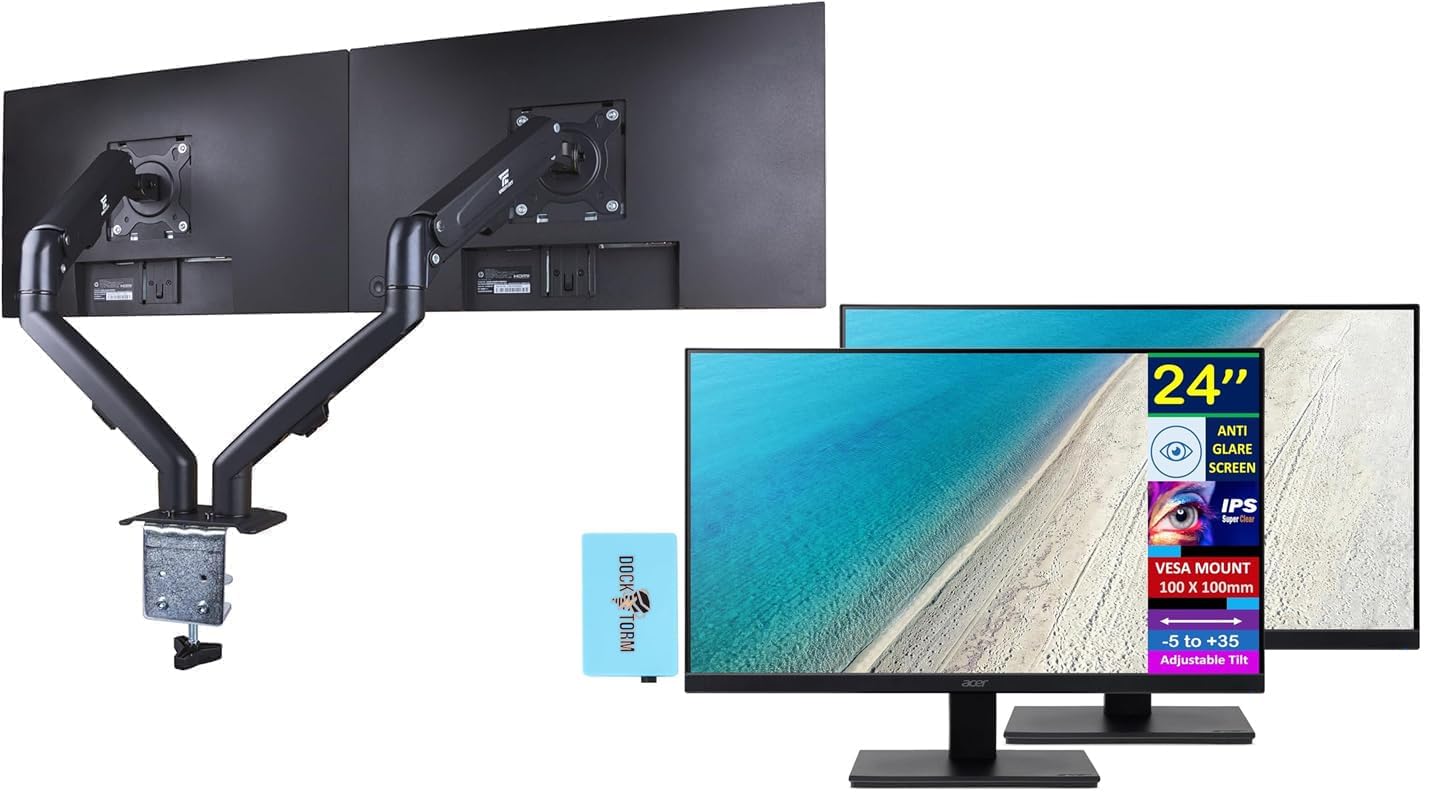
Image 1.1: Two Acer Vero 24-inch monitors attached to the ErgoFlexy Dual Monitor Mount, showcasing the setup.
2. Contido do paquete
Verify that all components are present in the package. If any items are missing or damaged, contact your retailer.
- Acer Vero 24-inch FHD IPS Monitor (x2)
- ErgoFlexy Dual Monitor Mount (x1)
- Power Cords (x2)
- HDMI Cables (x2)
- VGA Cables (x2)
- Dockztorm Hub (x1)
- Manual de usuario (este documento)
- Ferraxes de montaxe (parafusos, arandelas, chaves Allen)
3. Instrucións de configuración
3.1 Monitor Assembly (if not using mount)
If you are not using the dual monitor mount, you can assemble the monitor with its included stand.
- Retire coidadosamente o monitor da súa embalaxe.
- Attach the stand base to the stand neck. Secure with the provided screw.
- Attach the assembled stand to the back of the monitor until it clicks into place or is secured with screws.

Imaxe 3.1: Fronte view of the Acer Vero 24-inch monitor with its standard stand.

Imaxe 3.2: Traseira view of the Acer Vero 24-inch monitor, highlighting the VESA mounting holes and input ports.
3.2 ErgoFlexy Dual Monitor Mount Installation
The ErgoFlexy Dual Monitor Mount is designed for desks with a thickness between 10mm and 18mm.
- Adxuntar escritorio Clamp: Asegure a mesa clamp component of the mount to the edge of your desk. Tighten the screw until the mount is stable.
- Montar os brazos: Connect the monitor arms to the central pole of the desk clamp.
- Attach Monitors:
- Remove any pre-attached stands from the monitors.
- Align the VESA mounting holes (100mm x 100mm) on the back of each Acer Vero monitor with the mounting plate on each arm.
- Secure the monitors to the mounting plates using the provided screws.

Imaxe 3.3: Lateral view of the dual monitor setup, illustrating the monitor arms and their connection points.
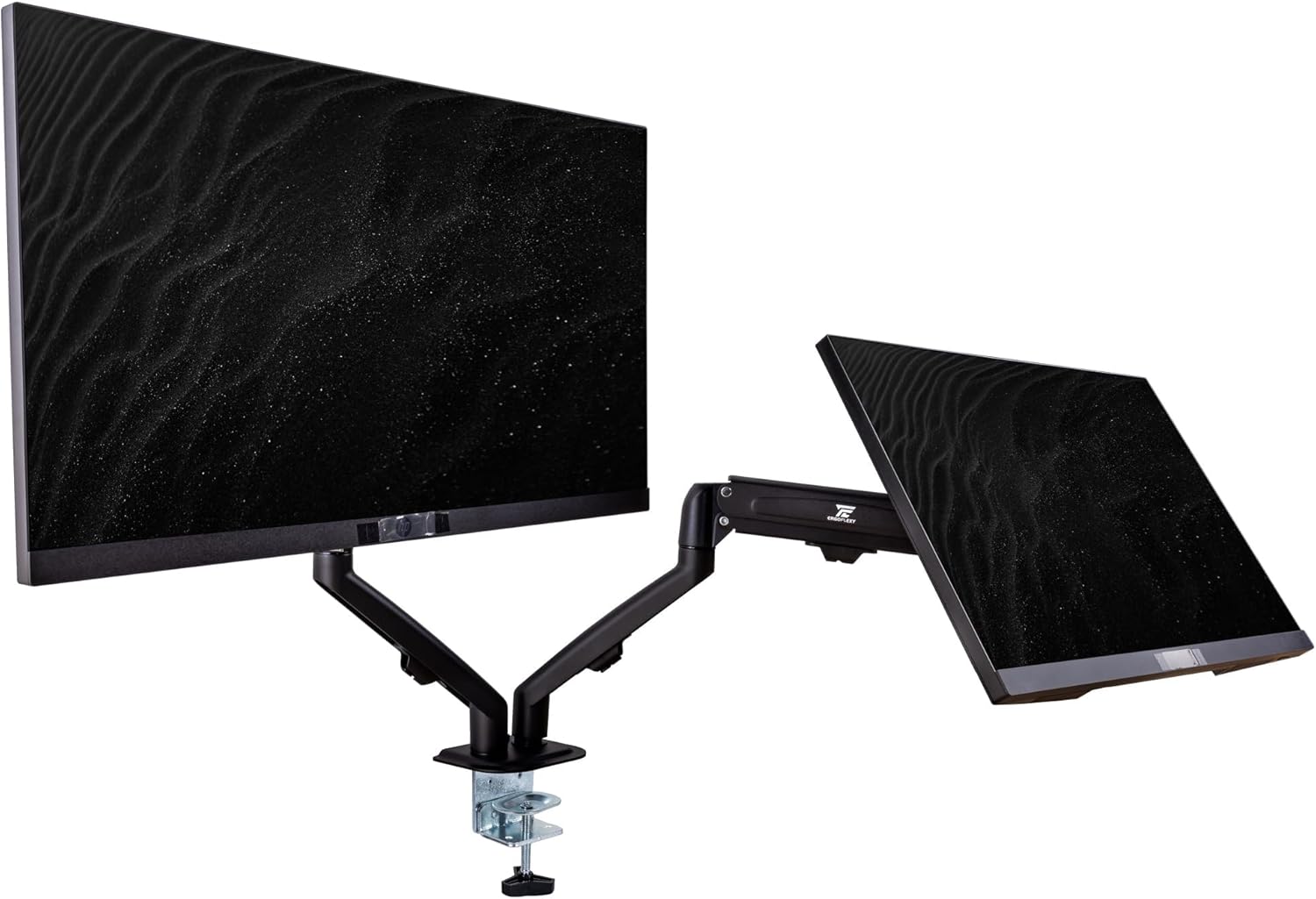
Image 3.4: Diagram detailing the maximum height, extension, swivel, and tilt ranges of the ErgoFlexy Dual Monitor Mount, along with supported screen sizes (17"-27") and weight capacity (2-7kg).
3.3 Cables de conexión
Connect the necessary cables to each monitor and your computer.
- Cable de alimentación: Conecte un extremo do cable de alimentación á entrada de alimentación do monitor e o outro extremo a unha toma de corrente.
- Cable de vídeo: Connect either an HDMI cable or a VGA cable from your computer's video output to the corresponding input port on each monitor. The monitor supports 1 x HDMI and 1 x VGA.
- Cable de audio: If using external speakers or headphones with the monitor's audio output, connect an audio cable from the monitor's audio line out to your audio device.
- Dockztorm Hub: Connect the Dockztorm Hub to your computer via USB for additional connectivity.
4. Instrucións de funcionamento
4.1 Acendido/Apagado
- To power on the monitor, press the power button located on the monitor's frame.
- Para apagar o monitor, manteña premido o botón de acendido ata que se apague.
4.2 Axustar a configuración da pantalla
Use the OSD (On-Screen Display) menu buttons, typically located on the bottom or back of the monitor, to adjust settings such as:
- Brillo/Contraste: Adjust for optimal visual comfort.
- Configuración de cor: Modifica a temperatura da cor, a gama e a saturación.
- Selección de entrada: Manually switch between HDMI and VGA inputs if auto-detection fails.
- Configuración de audio: Control volume for integrated speakers or connected audio devices.
4.3 Ergonomic Adjustments with ErgoFlexy Mount
The ErgoFlexy Dual Monitor Mount allows for flexible positioning of your monitors.
- Axuste de altura: Lift or lower the monitor arms along the central pole to achieve your desired viewing altura.
- Inclinación: Adjust the monitor screen vertically from -5 to +35 degrees for optimal viewing angle. The mount itself supports +90° / -45° tilt.
- Xiratorio: Rotate the monitor horizontally up to 180 degrees (+/- 90 degrees from center) on the mount. The mount supports +/- 180° swivel.
- Rotación: Pivot the monitor from landscape to portrait orientation (0 to 90 degrees). The mount supports 180° rotation.
- Extensión: Extend or retract the monitor arms to adjust the distance from your eyes. The maximum extension is 15 inches (28mm).

Imaxe 4.1: Pro lateralfile of the Acer Vero 24-inch monitor, demonstrating its slim design.
5. Mantemento
5.1 Cleaning the Monitor Screen
To clean the anti-glare screen, use a soft, lint-free cloth lightly damplavado con auga ou cun limpador de pantallas especializado.
- Non pulverices o limpador directamente sobre a pantalla.
- Evita usar produtos de limpeza abrasivos, alcol ou solucións con base de amoníaco, xa que poden danar a superficie da pantalla.
- Ensure the monitor is powered off and unplugged before cleaning.
5.2 Coidados xerais
- Keep the monitor and mount in a clean, dry environment.
- Evite expoñer o produto a temperaturas ou humidades extremas.
- Non bloquee as aberturas de ventilación do monitor.
6 Solución de problemas
| Problema | Causa posible | Solución |
|---|---|---|
| Non hai imaxe na pantalla |
|
|
| Imaxe parpadeante ou inestable |
|
|
| Non hai son dos altofalantes integrados |
|
|
| Monitor mount feels unstable |
|
|
7. Especificacións
| Característica | Especificación |
|---|---|
| Tamaño de visualización | 24 polgadas |
| Tipo de panel | IPS |
| Resolución (máxima) | FHD (1920 x 1080) |
| Relación de aspecto | 16:9 |
| Taxa de actualización | 120 Hz |
| Tempo de resposta | 4 ms (GTG) |
| Brillo | 250 nits |
| Relación de contraste | 1000:1 |
| ViewÁngulo de inflexión (H/V) | 178° / 178° |
| Soporte de cor | 16.7 millóns de cores |
| Revestimento de pantalla | Antideslumbrante |
| Portos | 1 x HDMI, 1 x VGA, Audio line In/Out |
| Altofalantes integrados | Si |
| Compatibilidade de montaxe VESA | 100 mm x 100 mm |
| Inclinación do monitor | -5° a +35° |
| Dimensións do produto (ancho x fondo x alto) | 21.26 x 7.72 x 16.69 polgadas (con soporte) |
| Peso do elemento | 9.70 lb (monitor only) |
| Mount Swivel Angle | +/- 180 ° |
| Mount Rotation Angle | 180° |
| Mount Tilt Angle | +90° / -45° |
| Mount Max Extension | 15 polgadas (28 mm) |
| Mount Fit Desk Thickness | 10 - 18 mm |
| Mount Weight Capacity | 2 - 7 Kg per arm |
8. Información da garantía
For detailed warranty information regarding your Acer Vero monitors and ErgoFlexy Dual Monitor Mount, please refer to the warranty card included in your product packaging or visit the official Acer websitio.
Optional protection plans are available for purchase separately, offering extended coverage beyond the standard manufacturer's warranty. These plans typically cover defects and malfunctions for a specified period (e.g., 3-year or 4-year plans).
9. Apoio
If you encounter issues not covered in the troubleshooting section or require further assistance, please contact Acer customer support.
- Soporte Acer Websitio: Visita www.acer.com/soporte for drivers, FAQs, and contact information.
- Recursos en liña: Comproba o Tenda Acer en Amazon para obter información adicional sobre o produto.


