Introdución
This manual provides essential information for the proper use and maintenance of your DOOGEE TAB G6 Tablet. Please read this manual thoroughly before operating the device to ensure optimal performance and longevity. The DOOGEE TAB G6 is an 11-inch Android 15 tablet designed for versatile use, featuring robust connectivity, ample storage, and a powerful processor.

Imaxe: Anverso e reverso view of the DOOGEE TAB G6 Tablet, showcasing its design and key specifications like 4G LTE, 8000mAh battery, Android 15, Unisoc T7250 processor, 30GB RAM, and 256GB storage.
O que hai na caixa
Ao abrir o paquete, comproba que inclúa todos os seguintes elementos:
- 1* DOOGEE Tab G6 Tablet
- 1 * Cable tipo C
- 1 * cargador
- 1* Card Remover (SIM ejector tool)
- 1 * Caixa de embalaxe
- 1* User Manual (this document)
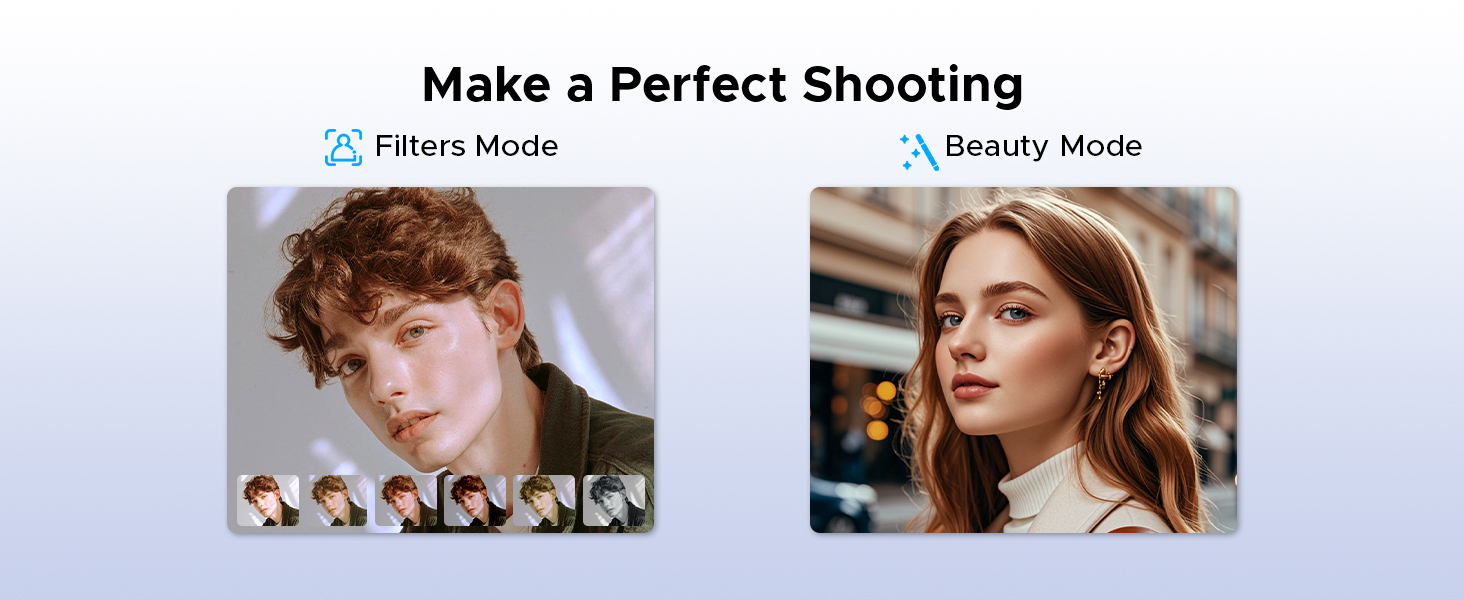
Image: A visual representation of the DOOGEE Tab G6 Tablet and its included accessories: Type-C cable, charger, card remover tool, and user manual, all neatly arranged within the packaging box.
Produto rematadoview
The DOOGEE TAB G6 is engineered for performance and user experience. It features an 11-inch display, an octa-core processor, and a large battery, all housed within a sleek and lightweight design.
Compoñentes clave:
- Visualización: 11-inch HD IPS display with 1280 x 800 resolution and 90Hz refresh rate.
- Procesador: Unisoc T7250 Octa-Core Processor for efficient performance.
- Memoria e almacenamento: 30GB (6GB physical + 24GB extended) RAM and 256GB internal storage, expandable up to 2TB via TF card.
- Cámaras: 13MP rear main camera and 5MP front camera.
- Audio: Premium 1217 BOX Dual Speakers.
- Batería: 8000mAh large capacity battery with 10W fast charging and 5W reverse charging.
- Conectividade: Dual SIM 4G LTE, 5G WiFi, Bluetooth 5.0, GPS (Beidou+GLONASS+Galileo+AGPS).
- Sistema operativo: Android 15.

Imaxe: Primeiro plano view of the DOOGEE TAB G6 Tablet's side profile, emphasizing its 7.9mm thickness and 554g weight, along with details of its sleek straight edges and metal body construction.
Configuración
1. Cargando o dispositivo
Before first use, fully charge your DOOGEE TAB G6 Tablet. Connect the provided Type-C cable to the tablet's charging port and the other end to the charger. Plug the charger into a power outlet. The battery indicator on the screen will show charging progress.

Imaxe: Unha explosión view diagram of the DOOGEE TAB G6 Tablet highlighting its 8000mAh large battery, along with icons indicating 10W fast charging and 5W reverse charging capabilities.
2. Inserción da tarxeta SIM/TF
The DOOGEE TAB G6 supports dual SIM cards (Nano SIM) or one Nano SIM and one TF (microSD) card for expandable storage up to 2TB. Use the provided card remover tool to open the SIM tray.
- Localiza a bandexa da tarxeta SIM no lateral da tableta.
- Insert the card remover tool into the small hole next to the tray and press gently until the tray ejects.
- Coloque a(s) tarxeta(s) Nano SIM e/ou tarxeta TF nas ranuras designadas da bandexa, asegurándose de que estea orientada correctamente.
- Empurre con coidado a bandexa cara atrás na tableta ata que encaixe no seu lugar.

Image: A visual guide demonstrating the insertion of SIM cards and a TF card into the DOOGEE TAB G6 Tablet, emphasizing its Dual SIM 4G LTE Connectivity for quicker download speeds, faster web navegación e diminución da carga da rede.
3. Acendido inicial
Press and hold the Power button located on the side of the tablet until the DOOGEE logo appears. Follow the on-screen prompts to complete the initial setup, including language selection, Wi-Fi connection, and Google account sign-in.
4. Conectando a wifi
During initial setup or anytime later, you can connect to a Wi-Fi network:
- Ir a Configuración > Rede e internet > Wi-Fi.
- Activar/desactivar Wi-Fi On.
- Selecciona a rede Wi-Fi desexada da lista.
- Introduza o contrasinal se lle solicita e toque Conectar.

Image: An illustration highlighting the benefits of Wi-Fi 5 High-speed Transmission on the DOOGEE TAB G6, including low power consumption, high data rate, low latency, anti-congestion, and wide coverage.
Instrucións de funcionamento
Sistema Android 15
Your DOOGEE TAB G6 runs on the latest Android 15, offering enhanced security, privacy, and user experience features. Explore options like Bedtime Mode, Multi-User System, and Parental Control for a tailored experience.

Image: A graphic representing the Android 15 system, highlighting features such as Bedtime Mode, Multi-User System, and Parental Control, indicating a fast and lightning-quick operating experience.
Utilize features like Split Screen for multitasking, allowing you to view two applications simultaneously.
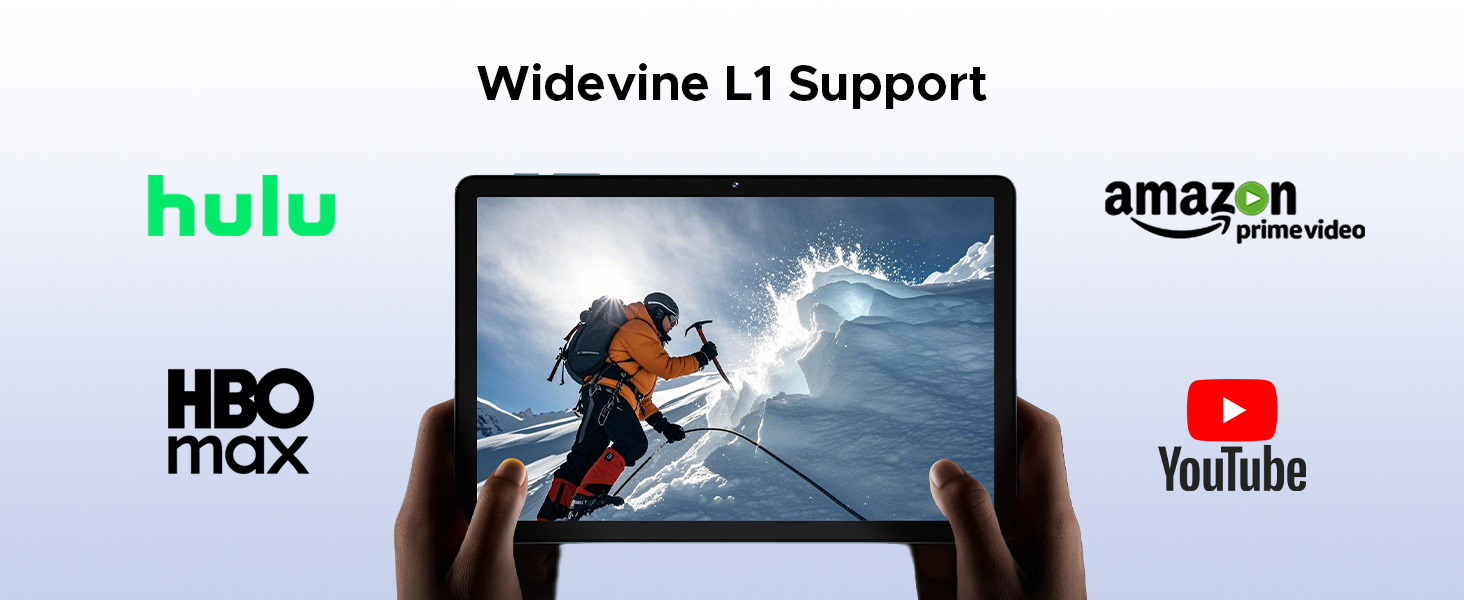
Image: A visual demonstration of the Split Screen feature on the DOOGEE TAB G6, showing two applications (Google Meet and Maps) open side-by-side for double vision at the same time.
Display and Eye Protection
The 11-inch HD IPS display provides a clear visual experience. For extended use, activate Eye Comfort Mode or Dark Mode to reduce eye strain.
- Modo confort ocular: Gently protects your eyesight by reducing blue light emission. Access this in Configuración > Mostrar.
- Modo escuro: Softens light for night use, providing a more comfortable viewing experience in low-light conditions. Access this in Configuración > Mostrar.

Imaxe: Unha mostra gráfica detalladaasing the 11-inch HD 90Hz IPS Ultra-Clear Display of the DOOGEE TAB G6, highlighting its 83.3% screen-to-body ratio, 1280*800 resolution, 16:10 aspect ratio, 16.7 million colors, and 350nit brightness.

Image: A visual representation of the Eye Comfort Mode and Dark Mode features, demonstrating how they gently protect eyesight and soften light for night use on the tablet.
Cámaras
The tablet is equipped with a 13MP rear main camera and a 5MP front camera. Use these to capture photos and videos. Explore different modes like Filters and Beauty Mode for enhanced photography.

Image: A visual showcasing the 13MP Main Camera and 5MP Front Camera of the DOOGEE TAB G6 Tablet, accompanied by exampas fotos tomadas co dispositivo.

Image: A comparison showing the effects of Filters Mode and Beauty Mode for photography on the tablet, demonstrating how to make a perfect shooting.
Funcións de audio
Enjoy clear sound with the Premium 1217 BOX Dual Speakers. For private listening, connect headphones via the 3.5mm AUX headphone jack. The tablet also supports FM Radio when wired headphones are connected.

Image: A user holding the DOOGEE TAB G6 Tablet, which is displaying a racing game, illustrating the immersive audio experience provided by its Premium 1217 BOX Dual Speakers, designed for cinema-like sound in a tablet size.
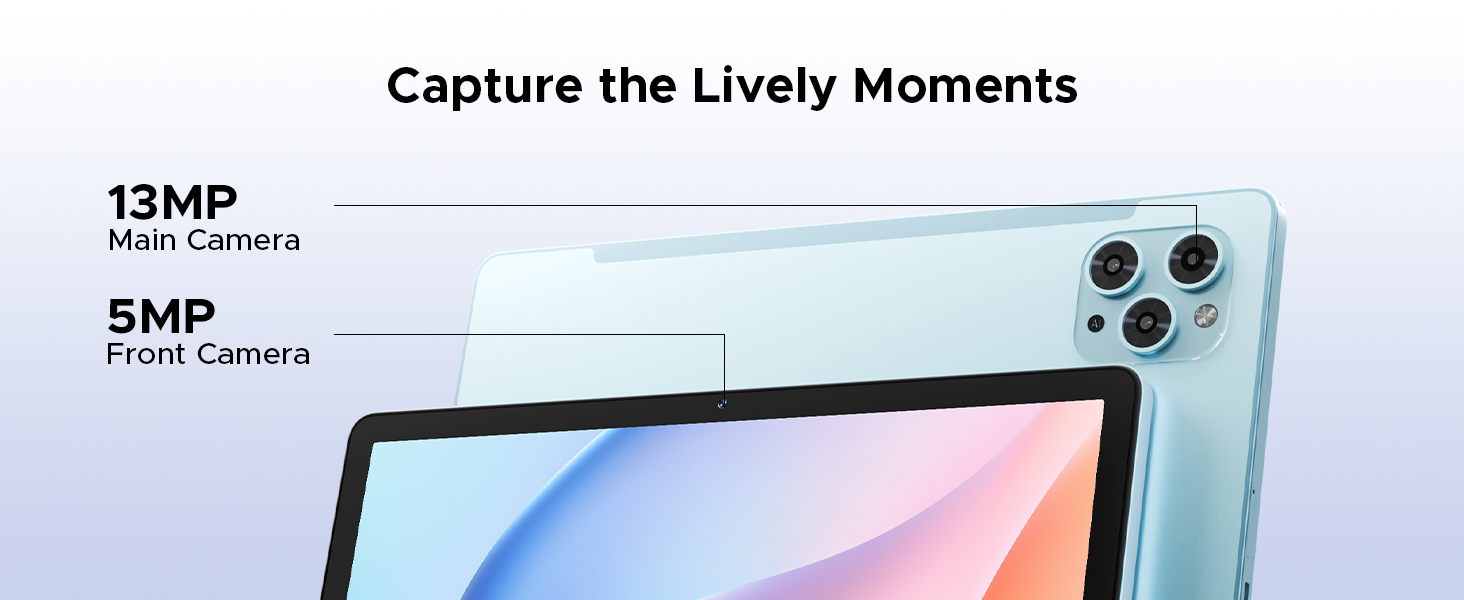
Image: A person using the DOOGEE TAB G6 Tablet with wired headphones, demonstrating the FM Radio feature, which allows instant FM enjoyment by simply plugging in headphones.
Conectividade
The DOOGEE TAB G6 offers comprehensive connectivity options:
- 4G LTE: Supports cellular data for internet access on the go.
- WiFi 5G: Provides high-speed wireless internet connection.
- Bluetooth 5.0: For connecting wireless accessories like headphones and keyboards.
- GPS: Integrated Beidou, GLONASS, Galileo, and AGPS for accurate navigation.

Image: A visual depicting the accurate navigation system of the DOOGEE TAB G6, showing a tablet displaying a map in a car, with icons for GPS, Glonass, Galileo, and Beidou.
Xestión do almacenamento
With 256GB of internal storage and support for up to 2TB expandable memory via TF card, you have ample espazo para o teu files. Regularly manage your storage to ensure optimal performance.
- To check storage: Go to Configuración > Almacenamento.
- To free up space: Delete unnecessary files, uninstall unused apps, or move large files a unha tarxeta TF externa.

Image: A graphic illustrating the massive storage capabilities of the DOOGEE TAB G6 Tablet, detailing 30GB RAM (6GB Basic + 24GB Extended RAM), 256GB ROM (Basic Storage), and 2TB Expandable Memory, with various app icons displayed on the tablet screen.
Oficina WPS
The tablet comes with a built-in PC-level WPS Office suite, allowing you to work on documents, spreadsheets, and presentations anywhere.
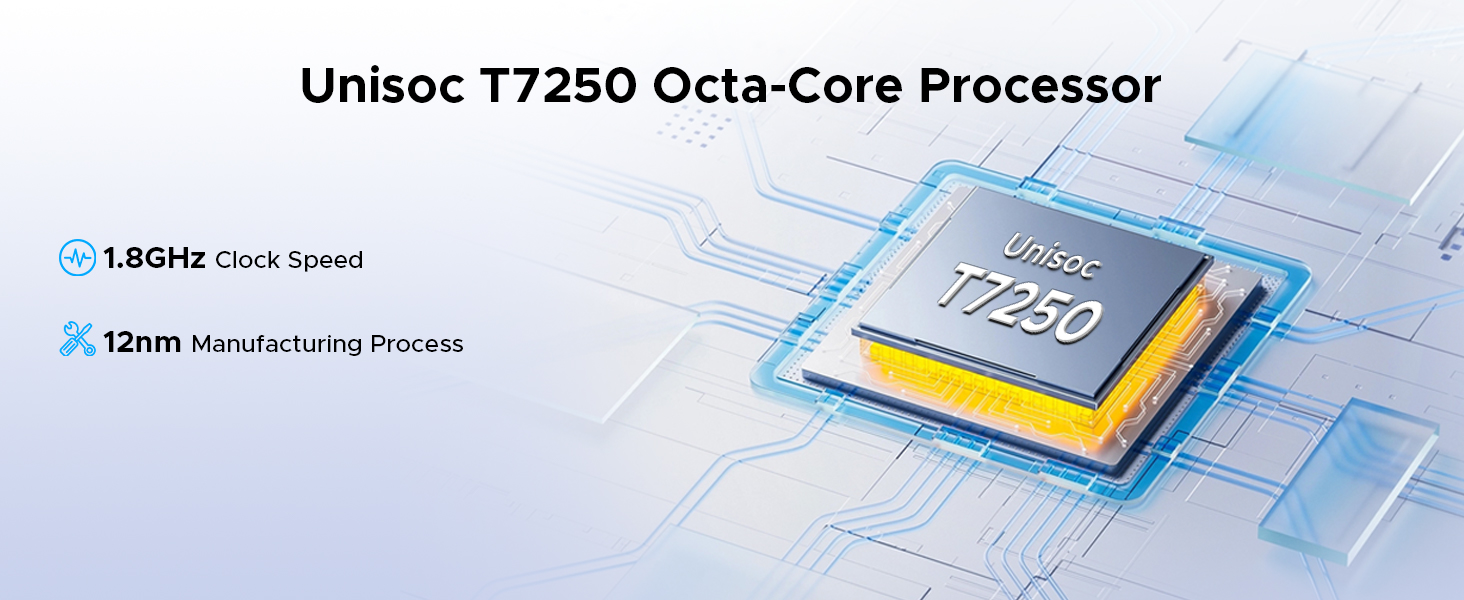
Image: Three scenarios showing users interacting with the DOOGEE TAB G6 Tablet for productivity, demonstrating the built-in PC-level WPS Office for Word, Excel, and PowerPoint applications.
Desbloqueo de recoñecemento facial
For convenient and secure access, utilize the facial recognition unlock feature.
- Ir a Configuración > Seguridade e privacidade > Desbloqueo facial.
- Sigue as instrucións en pantalla para rexistrar a túa cara.
- Once registered, simply look at the front camera to unlock your tablet.
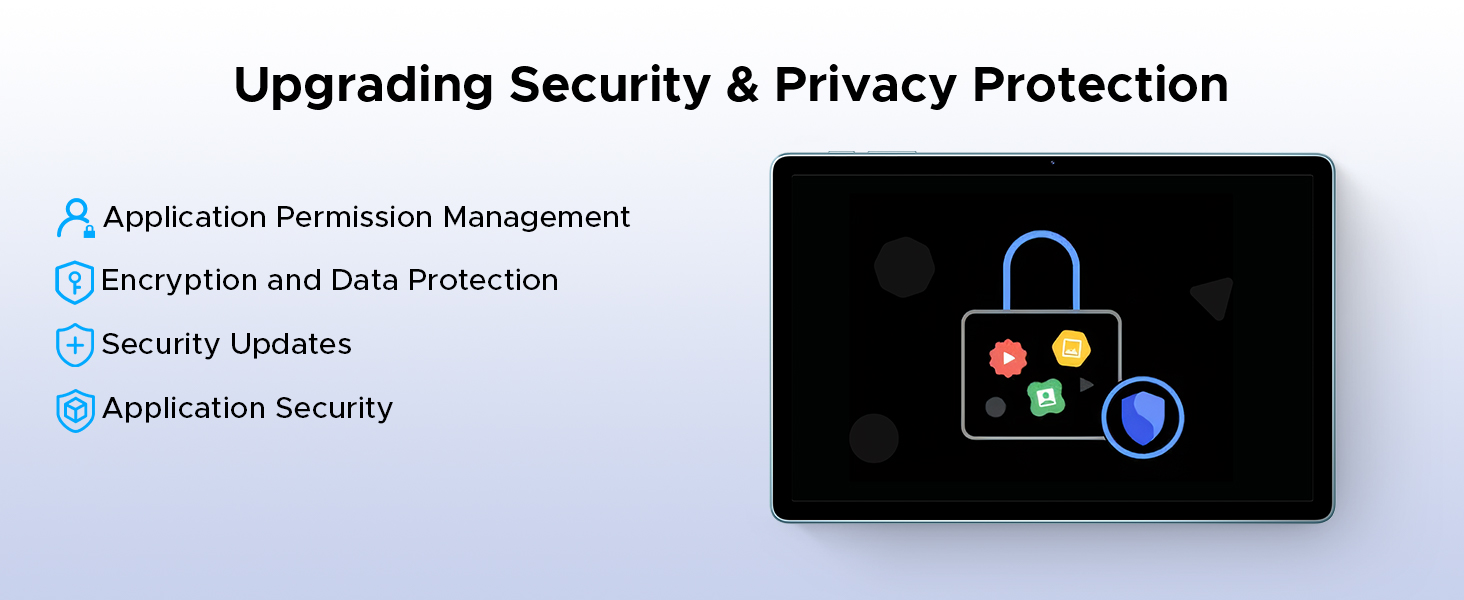
Image: A visual representation of the Facial Recognition Unlock feature, showing a user effortlessly accessing the tablet by looking at the front camera.
Soporte Widevine L1
The DOOGEE TAB G6 supports Widevine L1, allowing you to stream high-definition content from popular platforms like Netflix, YouTube, HBO, and Prime Video in true 1080P resolution.
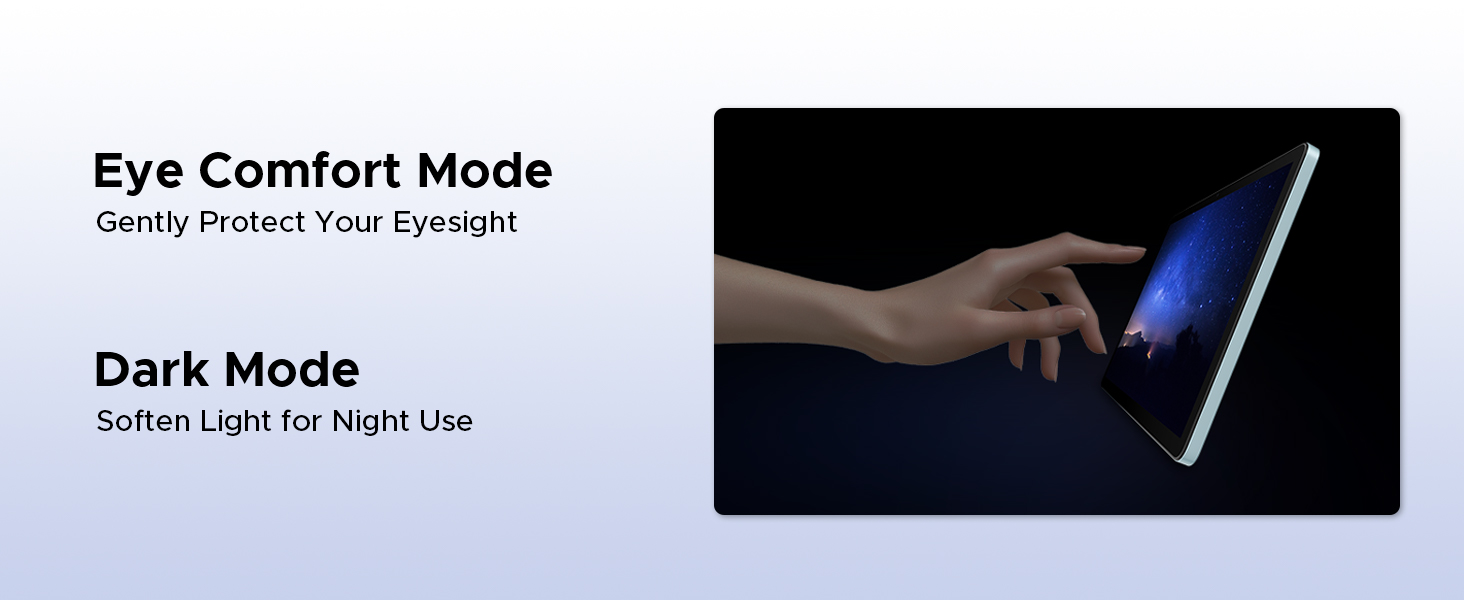
Image: A tablet displaying a high-definition video, surrounded by logos of streaming services like Hulu, Amazon Prime Video, HBO Max, and YouTube, indicating Widevine L1 support.
Mantemento
Limpeza
Para limpar a tableta, use un pano suave e sen pelusa. Para manchas difíciles, dóreo lixeiramenteampEnxágüe o pano con auga ou cun limpador de pantallas deseñado para dispositivos electrónicos. Evite o uso de produtos químicos agresivos, materiais abrasivos ou humidade excesiva.
Coidado da batería
Para prolongar a duración da batería:
- Evitar temperaturas extremas (frío ou calor).
- Non deixes que a batería se descargue completamente con frecuencia.
- Use o cargador e o cable orixinais fornecidos.
- Se gardas a tableta durante un período longo, cárgaa ao 50 % aproximadamente antes de apagala.
Actualizacións de software
Comprobe e instale regularmente actualizacións de software para garantir que a súa tableta teña as últimas funcións, parches de seguridade e melloras de rendemento. Vaia a Configuración > Sistema > Actualización do sistema para comprobar as actualizacións.
Resolución de problemas
| Problema | Causa posible | Solución |
|---|---|---|
| A tableta non se acende. | Batería baixa; fallo do software. | Carga a tableta durante polo menos 30 minutos. Mantén premido o botón de acendido/apagado durante 10-15 segundos para forzar o reinicio. |
| Non se pode conectar á wifi. | Contrasinal incorrecto; problema co enrutador; Wi-Fi desactivado. | Ensure correct password. Restart router. Check Wi-Fi settings on tablet. |
| As aplicacións van lentas ou fallan. | Insufficient RAM; too many background apps; app bug. | Close unused apps. Clear app cache (Settings > Apps). Restart tablet. |
| O almacenamento da tableta está cheo. | Demasiadas files/apps. | Eliminar innecesario files. Uninstall unused apps. Move files to TF card. |
| Non se detectou a tarxeta SIM. | Improper insertion; faulty SIM card. | Re-insert SIM card correctly. Test with another SIM card if possible. |
Especificacións
| Característica | Detalle |
|---|---|
| Marca | DOOGEE |
| Nome do modelo | DOOGEE TAB G6 |
| Dimensións do produto | 25.7 x 16.8 x 0.8 cm |
| Peso do elemento | 552 g |
| Tamaño de visualización | 11 polgadas |
| Resolución de pantalla | 1280 x 800 píxeles |
| Marca de procesador | Unisoc T7250 Octa-Núcleo |
| Velocidade do procesador | 1.8 GHz |
| Tamaño da RAM | 30 GB (6 GB físico + 24 GB ampliable) |
| Capacidade de almacenamento da memoria | 256 GB (ampliable ata 2 TB) |
| Fronte WebResolución de cámara | 5 MP |
| Resolución da cámara traseira | 13 MP |
| Sistema Operativo | Android 15 |
| Capacidade da batería | 8000 mAh |
| Conectividade | 4G LTE, 5G WiFi, Bluetooth 5.0, GPS |
| Características especiais | Supports USB OTG, Stylus Support, Expandable Storage, Cellular Connectivity, Fast Charging, Widevine L1, Face ID, Dual Speakers, FM Radio |
Garantía e Soporte
DOOGEE products are designed for reliability and performance. For warranty information, please refer to the warranty card included in your product packaging or visit the official DOOGEE websitio. Garda o comprobante de compra para reclamacións de garantía.
For technical support, troubleshooting assistance beyond this manual, or service inquiries, please contact DOOGEE customer support through their official channels. Details can typically be found on the DOOGEE websitio ou na embalaxe do produto.
Importante: As reparacións ou modificacións non autorizadas poden anular a garantía.


