1. Introdución
Thank you for choosing the ZEBRONICS EnergiPod 10R1 Power Bank. This device is designed to provide portable power for your electronic devices. Please read this manual carefully before use to ensure proper operation and to maximize the lifespan of your power bank.
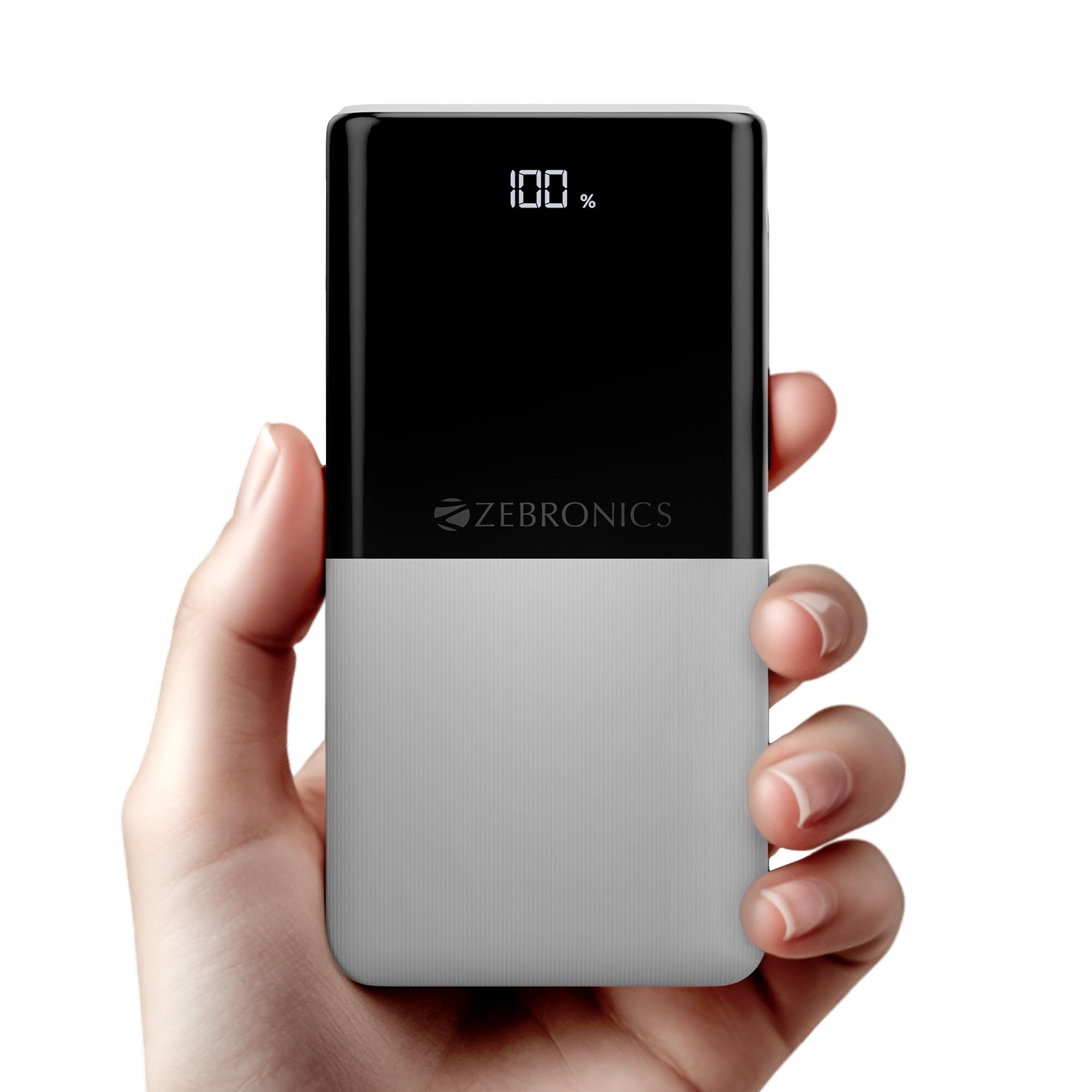
Image: The ZEBRONICS EnergiPod 10R1 Power Bank in white, highlighting its compact and modern design.
Que hai na caixa:
- EnergiPod 10R1 Power Bank - 1 unit
- Charging Cable - 1 unit
- Guía de códigos QR - 1 unidade
2. Información de seguridade
To prevent damage to the power bank or injury to yourself and others, please observe the following safety precautions:
- Non expoñas a batería externa a temperaturas extremas (superiores a 45 °C ou inferiores a 0 °C).
- Evite deixar caer, desmontar ou intentar reparar o dispositivo vostede mesmo.
- Manteña o banco de enerxía lonxe da auga, a humidade e os materiais inflamables.
- Emprega só cables e adaptadores de carga certificados.
- Non empregues o banco de enerxía se está danado ou inchado.
- Manter fóra do alcance dos nenos.
3. Características do produto
-
Capacidade 10000 mAh: Proporciona ample power for multiple charges of smartphones and other devices.

Image: The power bank showing its 10000mAh capacity and 22.5W fast charging output.
- 22.5W Super Fast Charging (PD 3.0 PPS): Admite carga rápida para dispositivos compatibles.
-
Dual Type-C & USB Port: Equipped with multiple output options for versatile charging.

Imaxe: Detallada view of the power bank's ports, including Type-C PD 3.0 (Input/Output), USB Output, and Type-C Input.
-
LED porcenttage Indicador: Digital display shows the remaining battery percentage e estado de carga.

Image: The power bank's LED display showing 100% charge, along with its physical dimensions.
-
Protección de seguridade: Proteccións integradas contra sobrecargas, sobrecargas e curtocircuítos.

Image: The power bank depicted with a protective shield, illustrating its short circuit, overcharge, and overload protection features.
- Metal Outlook: Sleek and compact design with a patterned finish for enhanced grip.
4. Configuración
Carga inicial do banco de enerxía:
- Connect the provided USB Type-C charging cable to the Type-C1 input port on the power bank.
- Connect the other end of the cable to a compatible USB wall adapter (not included) or a computer's USB port.
- A pantalla LED mostrará a porcentaxe de cargatage. Allow the power bank to charge until it reaches 100% for optimal initial use.
Recoméndase cargar completamente o banco de enerxía antes do seu primeiro uso.
5. Instrucións de funcionamento
Carga de dispositivos externos:
- Connect your device's charging cable to one of the power bank's output ports (Type-C1 or USB-A).
- Connect the other end of the cable to your smartphone, tablet, or other compatible device.
- The power bank will automatically begin charging your device. The LED display will show the power bank's remaining charge.
- Disconnect your device once it is fully charged or when you wish to stop charging.
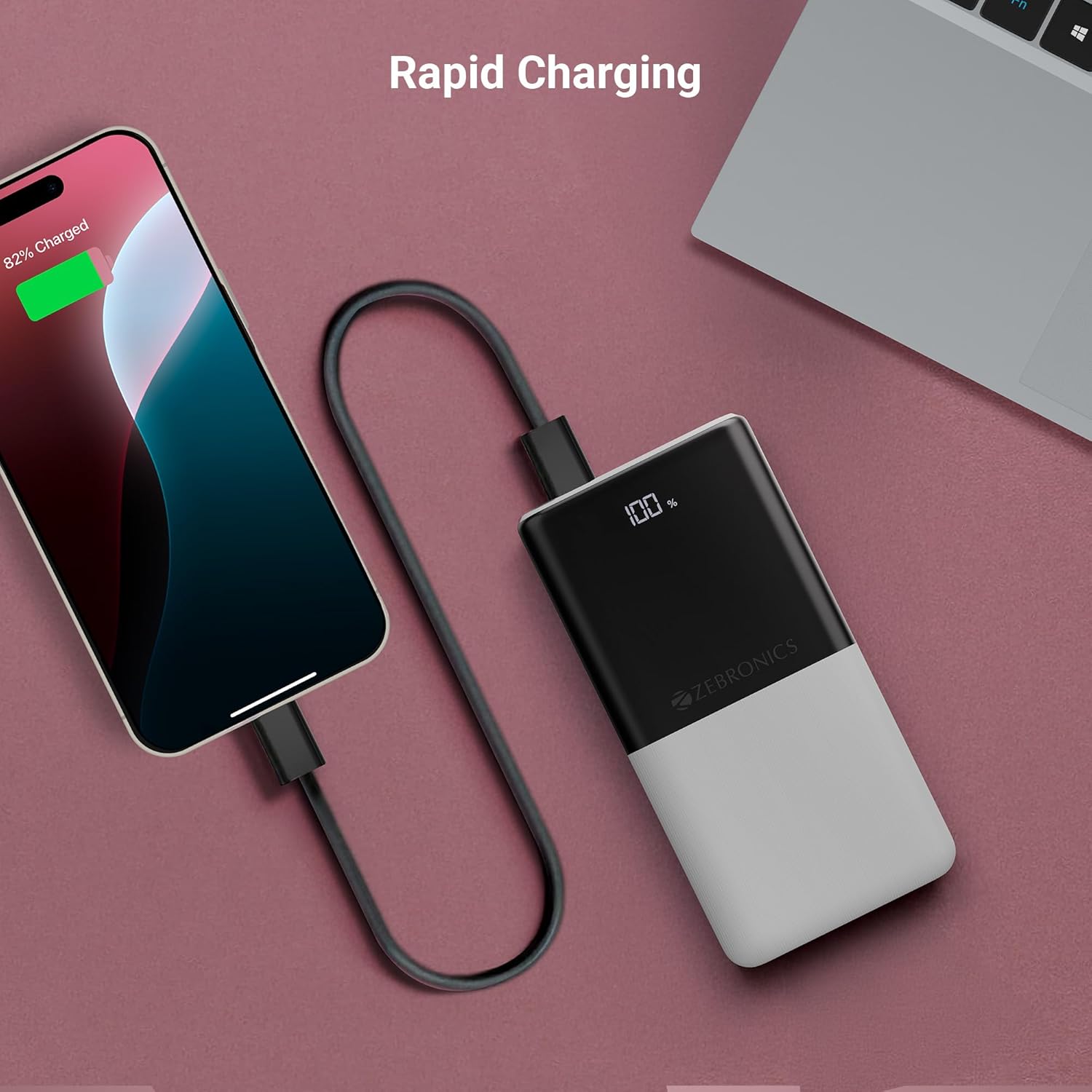
Image: The power bank actively charging a smartphone, demonstrating its rapid charging capability.
Recarga do Power Bank:
Refer to the "Initial Charging of the Power Bank" section (Section 4) for instructions on how to recharge your power bank.
6. Mantemento
- Limpeza: Usa un pano suave e seco para limpar a superficie da batería externa. Non empregues produtos de limpeza líquidos nin materiais abrasivos.
- Almacenamento: Garda o banco de enerxía nun lugar fresco e seco, lonxe da luz solar directa e de temperaturas extremas.
- Coidado da batería: Para un estado óptimo da batería, carga e descarga completamente o banco de enerxía polo menos unha vez cada tres meses se non o usas regularmente.
7 Solución de problemas
Problemas comúns e solucións:
-
O banco de enerxía non se carga:
- Asegúrate de que o cable de carga estea conectado correctamente tanto ao banco de enerxía como á fonte de alimentación.
- Proba cun cable de carga ou adaptador de parede diferente.
- Verifica que a fonte de alimentación estea activa.
-
O dispositivo non se carga desde o banco de enerxía:
- Check if the power bank has sufficient charge (refer to the LED display).
- Ensure your device's charging cable is properly connected to both the power bank and your device.
- Proba cun cable de carga diferente ou cun porto de saída diferente no banco de enerxía.
- Confirma que o teu dispositivo é compatible coas especificacións de saída do banco de enerxía.

Image: The power bank demonstrating its compatibility by charging both a tablet and a smartphone simultaneously.
-
LED Display Not Working or Inconsistent:
- Asegúrate de que o banco de enerxía estea suficientemente cargado.
- Se o problema persiste despois da carga, póñase en contacto co servizo de atención ao cliente.
8. Especificacións
| Marca | ZEBRÓNICA |
| Nome do modelo | EnergiPod 10R1 |
| Número de modelo do artigo | ZEB-PB 12 |
| Capacidade da batería | 10000 mAh |
| Potencia de saída | 22.5 W (máx.) |
| Type-C1 Port Output | CC 5 V/3 A, 9 V/2.22 A, 12 V/1.67 A, 3.3~11 V/2 A (PPS) |
| Saída USB-A | DC 5 V/3 A, 9 V/2 A, 12 V/1.85 A |
| Type-C1 Input Port | DC 5 V/3 A, 9 V/2 A, 12 V/1.5 A |
| Type-C2 Input Port | DC 5V/2.4A |
| Tipo de conector | USB tipo C |
| Usos recomendados | Teléfono, tableta |
| Peso do elemento | 230 g |
| Dimensións do paquete | 16.8 x 9.9 x 2.4 cm |
| País de Orixe | India |
9. Garantía e soporte
Información da garantía:
The ZEBRONICS EnergiPod 10R1 Power Bank comes with a standard manufacturer's warranty. Please refer to the QR Code Guide included in the box or visit the official ZEBRONICS websitio web para obter información detallada sobre os termos e condicións da garantía.
Atención ao cliente:
If you encounter any issues or have questions regarding your power bank, please contact ZEBRONICS customer support. Contact details can typically be found on the official ZEBRONICS websitio ou na embalaxe do produto.
For online support, you may visit the Tenda ZEBRONICS en Amazon.


