Thank you for choosing the Ulecoce Front Door Lock Set. This manual provides detailed instructions for the installation, operation, and maintenance of your new door lock. Please read this manual thoroughly before beginning installation to ensure proper function and safety. Keep this manual for future reference.
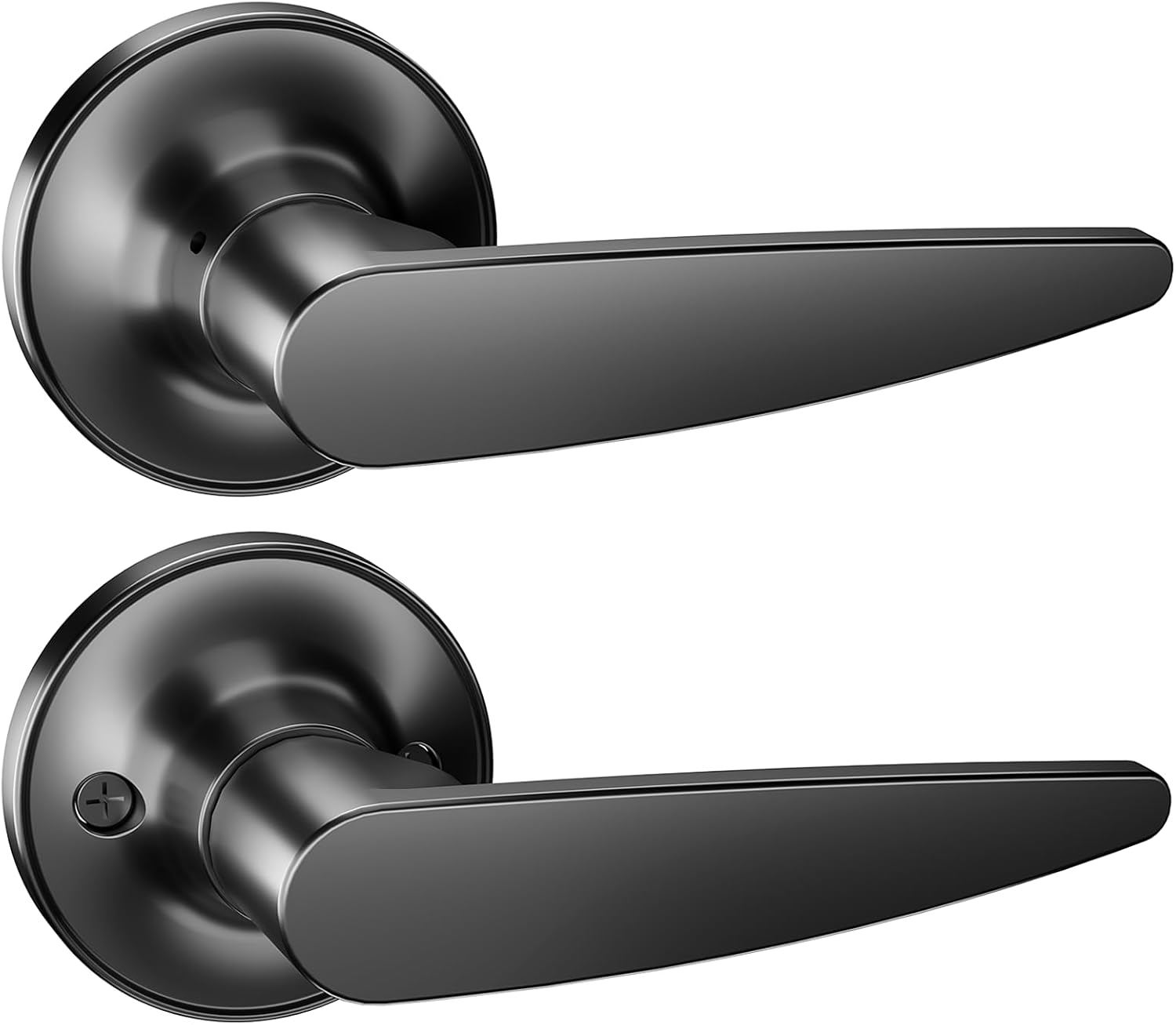
Image: The Ulecoce Front Door Lock Set, featuring two sleek black door handles.
Contido do paquete
Before installation, please verify that all components are present and undamaged:
Image: An illustration highlighting the key features and components of the Ulecoce door lock set, including installation hardware.
Configuración e instalación
Before you begin, ensure you have the necessary tools: Phillips head screwdriver, tape measure, pencil, and a drill (if creating new holes).
Pasos de instalación:
Prepara a porta: If replacing an existing lock, remove the old hardware. Ensure the door has standard bore holes (typically 2-1/8 inches for the lock body and 1 inch for the latch).
Instalar o pestillo: Insert the latch into the edge bore hole of the door. Ensure the latch bolt faces the correct direction (beveled edge towards the door frame). Secure with screws.
Instalar o conxunto exterior: Place the exterior knob/lever assembly through the larger bore hole, ensuring the spindle aligns with the latch mechanism.
Instalación do conxunto interior: Position the interior knob/lever assembly over the spindle and align the mounting posts with the holes on the exterior assembly.
Secure the Assemblies: Fasten the interior and exterior assemblies together using the provided mounting screws. Do not overtighten; ensure the lock operates smoothly.
Instalar a placa de peche: On the door frame, align the strike plate with the latch bolt and secure it with screws. Ensure the latch bolt fully extends into the strike plate when the door is closed.
Proba de funcionamento: Close the door and test the lock's operation from both the interior and exterior. Ensure the latch retracts and extends smoothly, and the lock engages properly.
For visual guidance, refer to the installation diagrams typically found on the product packaging or a dedicated installation guide.
Image: Ulecoce lock installed on an orange door.
Image: Ulecoce lock installed on a blue door.
Image: Ulecoce lock installed on a white door.
Instrucións de funcionamento
Pechando a porta:
Desde o interior: Rotate the thumb-turn or push the button on the interior knob/lever to engage the lock.
Desde o exterior: Insert the key into the keyway and turn it to engage the lock. Remove the key.
Desbloqueo da porta:
Desde o interior: Rotate the thumb-turn or push the button on the interior knob/lever to disengage the lock. Turn the knob/lever to open the door.
Desde o exterior: Insert the key into the keyway and turn it to disengage the lock. Turn the knob/lever to open the door.
Ensure the door is fully closed before attempting to lock it.
Mantemento
Regular maintenance helps ensure the longevity and smooth operation of your Ulecoce Front Door Lock Set.
Limpeza: Wipe the lock set with a soft, damp pano. Evite produtos de limpeza abrasivos, solventes ou produtos químicos agresivos, xa que poden danar o acabado.
Lubricación: Periodically apply a small amount of graphite lubricant or a silicone-based spray to the keyway and latch mechanism to ensure smooth operation. Do not use oil-based lubricants as they can attract dirt.
Parafusos de verificación: Occasionally check and tighten any loose mounting screws to prevent wobbling and ensure secure installation.
Inspeccionar o desgaste: If you notice any significant wear, damage, or difficulty in operation, consider contacting customer support for assistance or replacement.
Resolución de problemas
Problema
Causa posible
Solución
Key is difficult to turn or remove.
Dirt in keyway, worn key, or misaligned cylinder.
Apply graphite lubricant to keyway. Try a spare key. Check for proper alignment during installation.
Latch bolt does not retract or extend smoothly.
Misalignment with strike plate, dirt in mechanism, or loose screws.
Check strike plate alignment. Clean and lubricate the latch mechanism. Tighten mounting screws.
A porta non pecha nin engancha correctamente.
Door frame or door itself has shifted, strike plate misalignment.
Adjust the strike plate position. Check door hinges for looseness.
Knob/lever is loose or wobbly.
Parafusos de montaxe soltos.
Aperte todos os parafusos de montaxe visibles.
Especificacións
Marca
Ulecoce
Número de modelo
ZD-U-01
Cor
Negro
Dimensións do produto
1"L x 1"W (Note: This might be a placeholder or simplified dimension, actual product dimensions may vary for full assembly)
Tipo de mango
Pomo/Panca
Compoñentes incluídos
Hardware de instalación
Peso do elemento
1 libra
UPC
768383681161
Garantía e Soporte
Ulecoce products are designed for durability and reliability. For specific warranty information, please refer to the warranty card included with your product or visit the official Ulecoce websitio.
If you encounter any issues or have questions regarding your Front Door Lock Set, please contact Ulecoce Customer Support:
Correo electrónico: Consulte a embalaxe do produto ou a información oficial websitio para correo electrónico de contacto.
Teléfono: Consulte a embalaxe do produto ou a información oficial websitio para o número de teléfono de contacto.
Please have your model number (ZD-U-01) and purchase date ready when contacting support.
Documentos relacionados - ZD-U-01
Ulecoce U68 Keyless Entry Door Lock Installation Manual Comprehensive installation, programming, and usage guide for the Ulecoce U68 Keyless Entry Door Lock with Handle Set, featuring WiFi, app control, and keypad access. Includes step-by-step instructions, troubleshooting, and safety information.
Ulecoce U18 Keyless Entry Door Lock Installation Manual Comprehensive installation, usage, and programming guide for the Ulecoce U18 Keyless Entry Keypad Deadbolt with Handle Set. Includes step-by-step instructions, troubleshooting, and safety information.
Ulecoce U68 Keypad Deadbolt Installation Manual Comprehensive installation manual for the Ulecoce U68 Keypad Deadbolt, covering door preparation, latch installation, exterior and interior assembly, and testing. Includes programming instructions, troubleshooting tips, and safety warnings.
Ulecoce Fingerprint Keypad Deadbolt Quick Set Up Guide Concise guide for setting up your Ulecoce Fingerprint Keypad Deadbolt, covering administrator password management, user code management, system settings, and factory reset.