1. Produto rematadoview
The HUMZOR Z100 OBD2 Scanner is a Bluetooth 5.2 diagnostic tool designed to provide comprehensive vehicle diagnostics and maintenance functions. It connects wirelessly to your iOS or Android device via the NexzDAS application, offering full OBD2 functionality, 9+ reset functions, and bidirectional control capabilities.
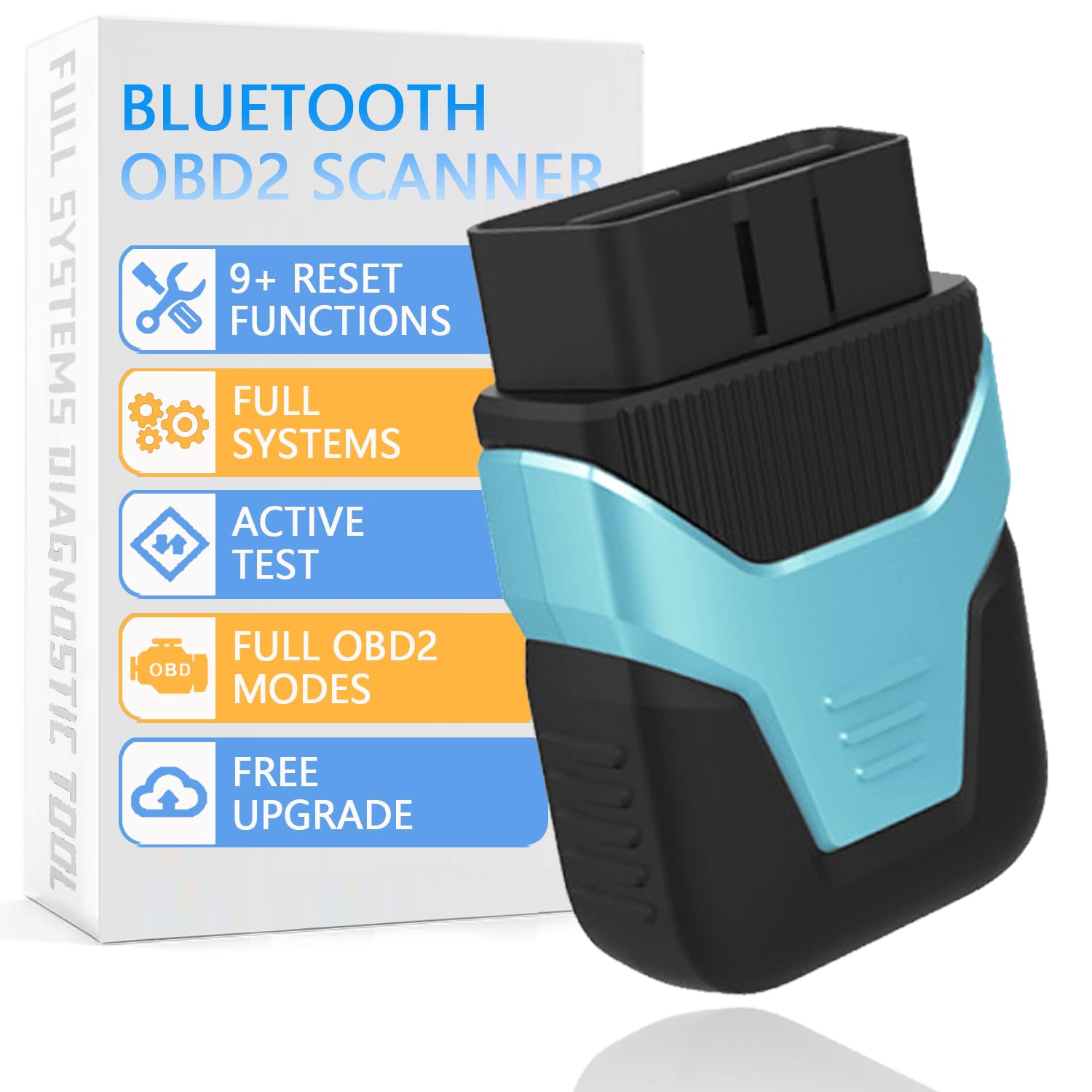
Figure 1: HUMZOR Z100 OBD2 Scanner device.
2. Configuración e instalación
2.1 Instalación da aplicación
The HUMZOR Z100 requires the NexzDAS application for operation. Download the app from the Apple App Store (for iOS) or Google Play Store (for Android).

Figure 2: NexzDAS App download options and Bluetooth connectivity.
2.2 Conexión do dispositivo
- Locate your vehicle's OBD-II port, typically found under the dashboard on the driver's side.
- Plug the HUMZOR Z100 device into the OBD-II port. The device will power on, indicated by LED lights.
- Xire o contacto do seu vehículo á posición "ON" (motor apagado).
- Open the NexzDAS app on your smartphone. The app will automatically search for and connect to the Z100 device via Bluetooth 5.2. Ensure Bluetooth is enabled on your smartphone.

Figure 3: Step-by-step guide for connecting the HUMZOR Z100 to your vehicle.
3. Instrucións de funcionamento
3.1 Diagnóstico completo do sistema
The HUMZOR Z100 supports full OBD2 functionality, allowing you to read and clear fault codes, view system status, I/M readiness, freeze frames, and data streams across various vehicle systems including Engine, SRS, ABS, BMS, ESP, SAS, IMMO, and TPMS.

Figure 4: Visual representation of the all-system diagnostic capabilities.
3.2 Control bidireccional (proba activa)
Utilize the bidirectional control feature to send commands directly from your smartphone to your vehicle's ECU. This allows for proactive detection and testing of components like windows, windshield wipers, and headlights, aiding in quick problem identification.

Figure 5: Smartphone interface demonstrating bidirectional control over vehicle components.
4. Funcións de mantemento
The Z100 offers over 9 reset functions to assist with common vehicle maintenance tasks:
- Sangrado do ABS: Purga o aire do sistema ABS.
- Reinicio da batería: Registers new batteries and resets battery management systems.
- Reinicio do aceite: Restablece a luz de servizo do aceite despois dun cambio de aceite.
- Aprendizaxe do acelerador: Adapta o corpo do acelerador despois da súa substitución ou limpeza.
- Restablecer TPMS: Resets the Tire Pressure Monitoring System.
- Reinicio de SAS: Restablece o sensor do ángulo de dirección.
- Rexeneración do DPF: Inicia a rexeneración do filtro de partículas diésel.
- Injector Adjustment: Codifica os novos valores dos inxectores na ECU.
- Reinicio do EPB: Restablece o freo de estacionamento electrónico.

Figura 6: Máisview of the 9+ maintenance and reset functions.
5 Solución de problemas
5.1 Problemas de conectividade da aplicación
If the app fails to connect or crashes, ensure your smartphone's Bluetooth is enabled and the Z100 device is properly plugged into the OBD-II port. Restarting the app or your phone may resolve temporary issues. For persistent problems, verify the app is updated to the latest version.
5.2 I/M Readiness Interpretation
The I/M Readiness display indicates whether your vehicle's emission-related systems are ready for testing. A 'PASS' status with green checkmarks for all monitors indicates readiness. If certain monitors are 'Not Ready' or 'Not Supported', the vehicle may not pass an emissions test. The app's display may not always clearly differentiate between ready and not-ready states for all monitors; consult your vehicle's manual for specific drive cycle requirements to set all monitors.
5.3 Códigos de diagnóstico de problemas (DTC)
The scanner displays Current, Pending, and History DTCs. Note that Permanent DTCs cannot be cleared by the scanner and require the underlying issue to be resolved before they self-clear after a sufficient number of drive cycles. A low battery condition can sometimes trigger numerous fault codes across various systems; clearing these codes after addressing the battery issue is recommended.
6. Especificacións
- Marca: HUMZOR
- Modelo: Z100 OBD2 Bluetooth Scanner
- Conectividade: Bluetooth 5.2
- Protocolos compatibles: J1850 (PWM, VPW), ISO9141-2, ISO-14230-4 (KWP, KWP-5BPS), ISO-15765-4 (CAN, CAN-B, CAN-C, CAN-D)
- Compatibilidade: Most 12V OBD2-compliant vehicles (US 1996+, Europe 2002+, Asia 2008+)
- Sistema operativo: Compatible with iOS & Android (NexzDAS app)
- Idiomas: Soporta 16 idiomas
- Peso do artigo: 3.52 onzas
- Dimensións do paquete: 4.3 x 3.1 x 1.27 polgadas
7. Que hai na caixa
- 1 x HUMZOR Z100 OBD2 Bluetooth Scanner
8. Garantía e soporte
The HUMZOR Z100 comes with lifetime free software upgrades. For any issues or questions regarding compatibility or usage, please contact HUMZOR customer support via Amazon (providing car brand/year/model). Responses are typically provided within 24 hours. The product also includes a 30-day free return policy.
9. Vídeo oficial do produto
Watch the official product video for a visual guide on the HUMZOR Z100 OBD2 Scanner's features and operation.
Vídeo 1: Produto oficial rematadoview of the HUMZOR Z100 OBD2 Scanner, demonstrating its key features and ease of use.


