1. Introdución
Thank you for choosing the Xtrem Bots Bruce Motion Bot. This remote-controlled robot is designed to provide an engaging and educational experience, introducing users to basic robotics concepts through interactive play. Please read this manual thoroughly before operating the robot to ensure proper use and to maximize your enjoyment.

Image 1: The Xtrem Bots Bruce Motion Bot robot and its accompanying remote control unit.
Contido do paquete:
- Xtrem Bots Bruce Motion Bot
- Control remoto
- Manual de instrucións (este documento)
- Robot battery (pre-installed or included separately)
2. Información de seguridade
Observe as seguintes precaucións de seguridade para evitar lesións ou danos ao produto:
- Este produto está recomendado para maiores de 5 anos.
- Non intente desmontar nin modificar o robot nin o control remoto.
- Keep the robot away from water and moisture.
- Avoid operating the robot near stairs, furniture, or other obstacles that could cause falls or collisions.
- Ensure adult supervision for younger children during operation.
- Use only the specified batteries and ensure correct polarity during installation.
- Non mesture pilas antigas e novas, nin tipos diferentes de pilas.
- Remove batteries if the robot will not be used for an extended period.
- Desfágase das baterías de forma responsable segundo a normativa local.
3. Configuración e instalación da batería
3.1 Robot Battery Installation:
The robot's internal battery is typically included and may be pre-installed. Refer to the robot's battery compartment for specific instructions on charging or replacing the robot's battery if applicable. Ensure the robot is powered off before handling batteries.
3.2 Remote Control Battery Installation:
The remote control requires two (2) AA batteries (not included). Follow these steps:
- Localice o compartimento da batería na parte traseira do control remoto.
- Usando un pequeno destornillador, abra a tapa do compartimento da batería.
- Insira dúas (2) pilas AA, asegurándose de manter a polaridade correcta (+/-).
- Coloque a tapa do compartimento da batería e fíxaa co parafuso.
3.3 Acendido:
Turn on the robot using the power switch, usually located on its back or base. Then, turn on the remote control. The robot and remote should automatically pair. If not, refer to the troubleshooting section.
4. Operating the Bruce Motion Bot
4.1 Funcións do control remoto:
O mando a distancia permite varios movementos e accións. Familiarízate cos botóns:
- Controis direccionais: Move the robot forward, backward, left, and right.
- Control de velocidade: Axusta a velocidade de movemento do robot.
- Control de volume: Adjust the robot's sound output.
- Botón de modo de baile: Activates the robot's pre-programmed dance routine.
- Botón de programación: Initiates programming mode (see section 4.3).
- Sound/Light Buttons: Trigger various robotic sounds and LED facial expressions.

Image 2: A child using the remote control to operate the Bruce Motion Bot, demonstrating interactive play.
4.2 Gesture Control:
The Bruce Motion Bot features intelligent gesture control. Wave your hand in front of the robot's sensors to command it to move in different directions. Experiment with various hand gestures to discover all available commands.
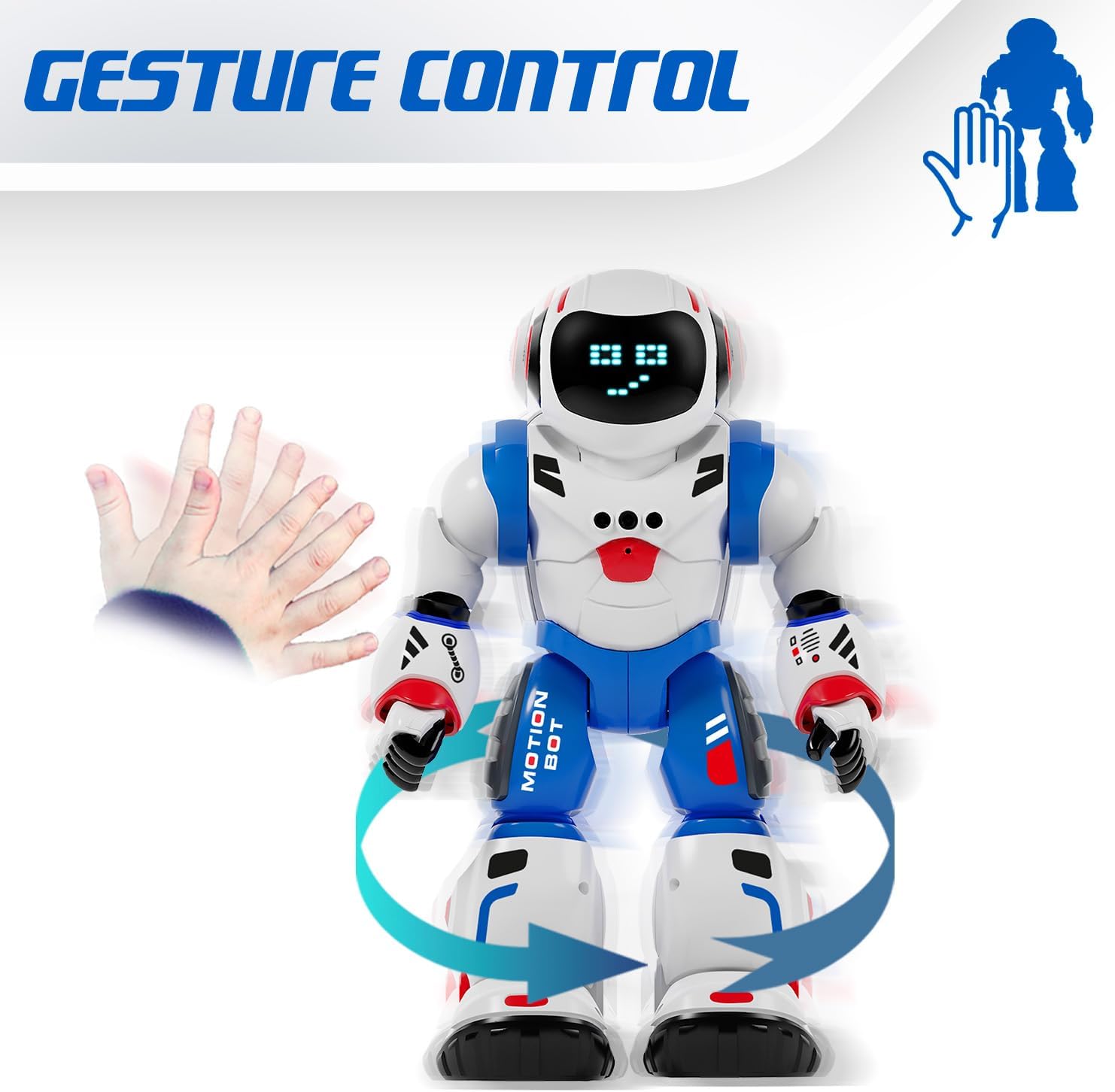
Image 3: The Bruce Motion Bot reacting to a hand gesture, illustrating its gesture control capability.
4.3 Programming Mode:
You can program the Bruce Motion Bot to perform a sequence of up to 50 movements. To enter programming mode, press the dedicated programming button on the remote control. Input your desired sequence of movements using the directional buttons, then press the programming button again to execute the sequence. The robot will store and repeat these actions.

Image 4: A visual representation of programming the robot with a sequence of movements to navigate a path.
4.4 Sounds and LED Expressions:
The robot emits various robotic sounds and displays up to 20 different facial expressions through its 26 blue LED lights. These expressions change based on actions or can be triggered manually via the remote control.

Image 5: Close-up of the robot's head showing different LED eye patterns and facial expressions.
4.5 Head Movement and Voice Recognition:
The Bruce Motion Bot can move its head and features a voice recognition function. Use the remote to control head movements or interact with its voice recognition capabilities.
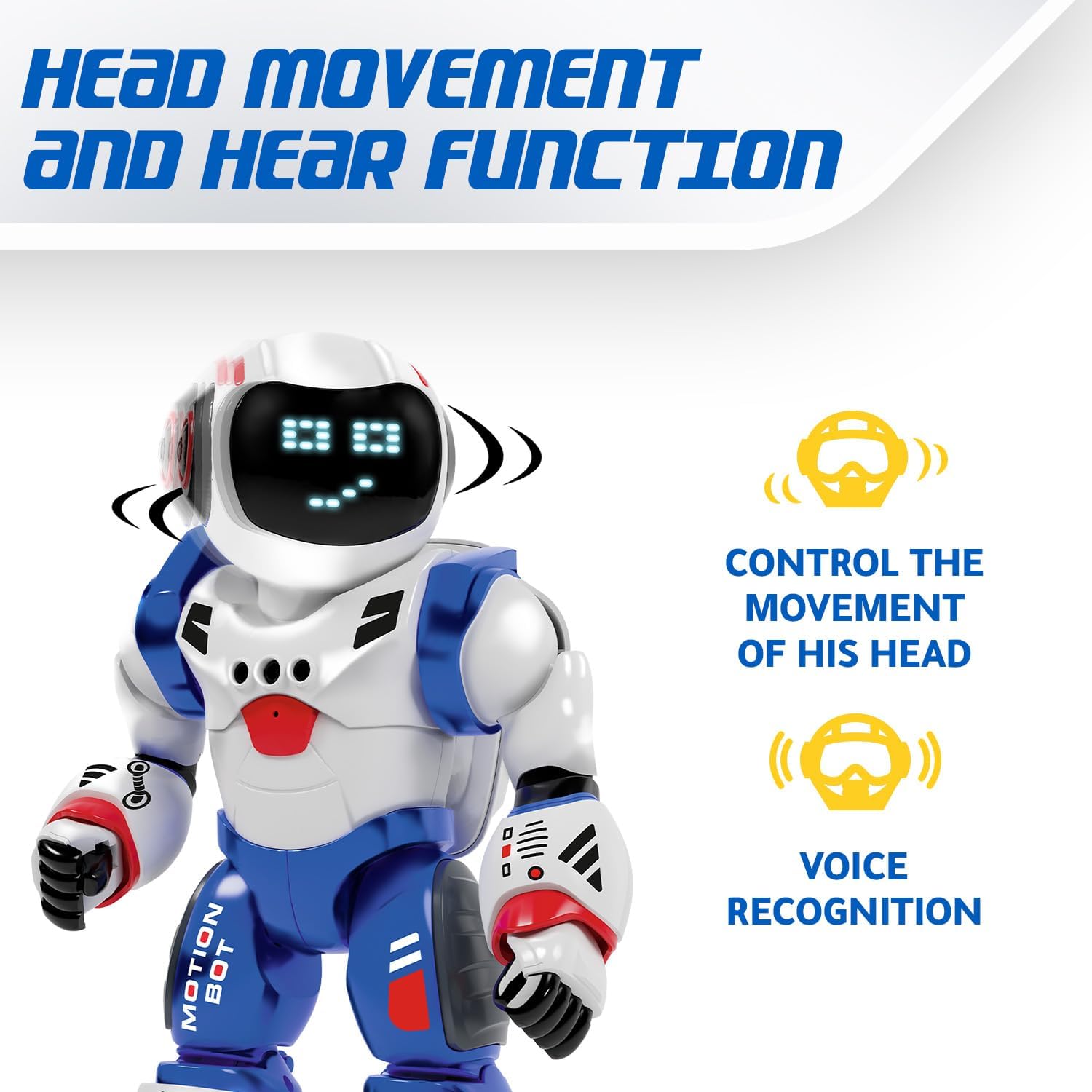
Image 6: The robot's head rotating, with icons indicating head movement control and voice recognition features.
4.6 Dancing Mode:
Activate the dancing mode by pressing the dedicated button on the remote. The robot will perform a series of movements and sounds, providing entertainment.
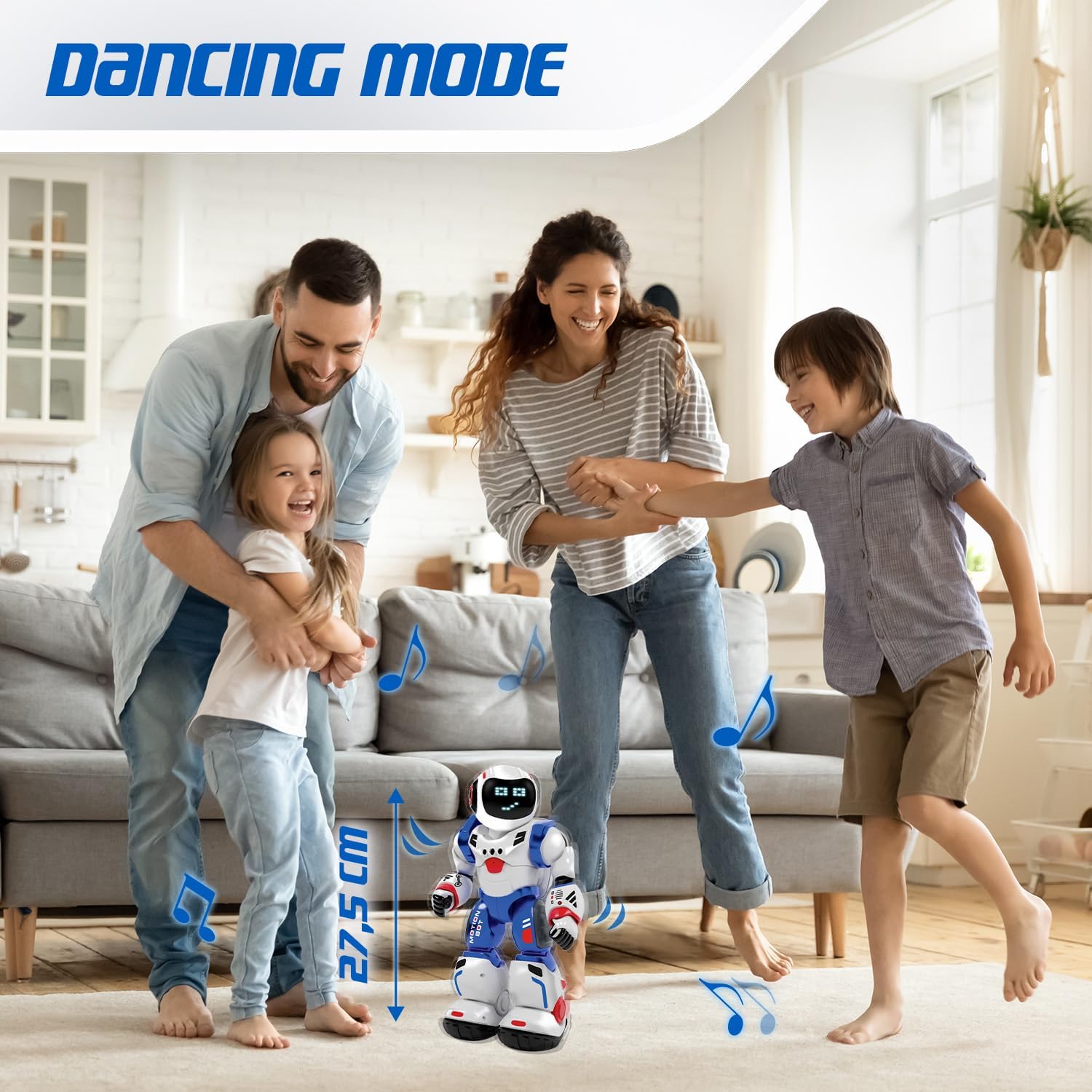
Image 7: The Bruce Motion Bot dancing in a home setting, illustrating its entertainment function.
5. Mantemento
- Limpeza: Limpe o robot e o mando a distancia cun pano suave e seco. Non empregue produtos químicos agresivos nin produtos de limpeza abrasivos.
- Almacenamento: Store the robot and remote in a cool, dry place away from direct sunlight when not in use.
- Coidado da batería: Retire as pilas do mando a distancia se o garda durante períodos prolongados para evitar fugas.
6 Solución de problemas
| Problema | Causa posible | Solución |
|---|---|---|
| O robot non se acende. | Low or dead batteries in robot. | Ensure robot's battery is charged or replaced. |
| O control remoto non funciona. | Low or dead batteries in remote; incorrect polarity. | Replace remote control batteries, ensuring correct polarity. |
| O robot non responde ás ordes. | Robot and remote not paired; interference. | Turn both robot and remote off, then on again to re-pair. Ensure no strong interference sources are nearby. |
| Gesture control is inconsistent. | Insufficient lighting; sensor obstruction. | Ensure adequate lighting and clear the robot's sensors of any obstructions. |
7. Especificacións
| Característica | Detalle |
|---|---|
| Marca | Bots Xtrem |
| Nome do modelo | Bruce Motion Bot |
| Número de modelo | 843662189 |
| Dimensións (L x W x H) | 15 x 13 x 31.5 cm |
| Peso | 1 quilogramo |
| Idade recomendada | 5 anos en diante |
| Valor Educativo | Fosters imagination, learning, creativity, problem-solving skills |
| Material principal | Plástico |
| Batería de robot | Incluído |
| Baterías de control remoto | 2 x AA (non incluído) |
| Programmable Movements | Up to 50 actions |
| Expresións faciais | Up to 20 via 26 blue LEDs |
| Métodos de control | Remote control, Gesture control |
8. Garantía e soporte
For warranty information and customer support, please refer to the documentation provided with your purchase or contact the retailer where the product was acquired. You may also visit the official Xtrem Bots websitio para obter máis axuda.
Referencia do fabricante: B09HHNV8BW
ASIN: B0F3J3KWRC


