Introdución
Thank you for choosing the WeCool Fairwhale Sports Analog Digital Watch. This watch combines classic analog timekeeping with modern digital functionalities, designed for durability and versatility. It features a robust build, water resistance, and multiple functions including alarm, stopwatch, and LED backlight, making it suitable for various activities and daily wear.

Figure 1: WeCool Fairwhale Sports Analog Digital Watch on Wrist
This manual provides detailed instructions on how to set up, operate, and maintain your watch to ensure optimal performance and longevity. Please read it carefully before using your watch.
Produto rematadoview
Familiarize yourself with the main components and buttons of your WeCool Fairwhale watch:

Figura 2: Compoñentes do reloxo e funcións dos botóns
- Botón LUZ: Activa a retroiluminación LED.
- Botón MODE: Cambia ciclicamente por diferentes modos (hora, alarma, cronómetro).
- Botón RESET: Used for resetting stopwatch or adjusting settings.
- Botón INICIO: Used for starting stopwatch or adjusting settings.
- Botón ADJUST: Used for entering setting mode and confirming selections.
Configuración e configuración inicial
Axuste da hora e da data dixital
- No modo de visualización da hora normal, prema MODO button three times to enter the time setting mode. The seconds will flash.
- Preme o RESET para percorrer os axustes: Segundos → Hora → Minuto → Mes → Data → Día da semana.
- Usa o INICIO button to adjust the flashing value. Hold to increase rapidly.
- Unha vez que todos os axustes sexan correctos, prema o botón MODO botón para saír do modo de configuración.
Configuración da hora analóxica
The analog hands are set independently. Pull out the crown (small knob on the right side of the watch) and rotate it to adjust the analog time. Push the crown back in when finished.

Figure 3: WeCool Fairwhale Sports Analog Digital Watch
Instrucións de funcionamento
Usando a luz de fondo LED
Preme o LUZ button (top left) to illuminate the digital display. The backlight will stay on for a few seconds, allowing you to read the time in low-light conditions.

Figure 4: Super-Luminous Display in the Dark
Usando o cronómetro
- Desde a visualización normal da hora, prema a tecla MODO button once to enter Stopwatch mode. The display will show "00:00:00".
- Preme o INICIO botón para comezar a cronometrar.
- Preme o INICIO botón de novo para pausar o tempo.
- Preme o RESET botón para reiniciar o cronómetro a "00:00:00".
- Preme o MODO botón para volver á visualización normal da hora.
Configuración e uso da alarma
- Desde a visualización normal da hora, prema a tecla MODO button twice to enter Alarm setting mode. The hour digits will flash.
- Preme o RESET botón para seleccionar entre a configuración de hora e minutos.
- Usa o INICIO botón para axustar o valor que parpadea.
- Unha vez axustada a hora de alarma desexada, prema o botón MODO botón para saír.
- Para activar/desactivar a alarma, no modo de alarma, prema o botón INICIO botón. Aparecerá/desaparecerá unha icona de alarma na pantalla.
Coidados e Mantemento
- Limpeza: Limpa o reloxo regularmente cun pano suave e seco para eliminar a sucidade e a suor. Para a sucidade persistente, usa un pano lixeiramente seco.amp pano e despois seca ben.
- Resistencia á auga: This watch is water-resistant up to 50 meters (5 ATM). It is suitable for cold water, rain, and swimming. NON press any buttons underwater. Avoid exposure to steam and hot water, as this can damage the waterproof seal.
- Temperatura: Evite expoñer o reloxo a temperaturas extremas (calor ou frío) durante períodos prolongados.
- Químicos: Keep the watch away from solvents, detergents, perfumes, and other chemicals that may damage the band or case.
- Substitución da batería: When the display becomes dim or functions become erratic, it may be time to replace the battery. It is recommended to have the battery replaced by a qualified watch technician to ensure the water resistance is maintained.
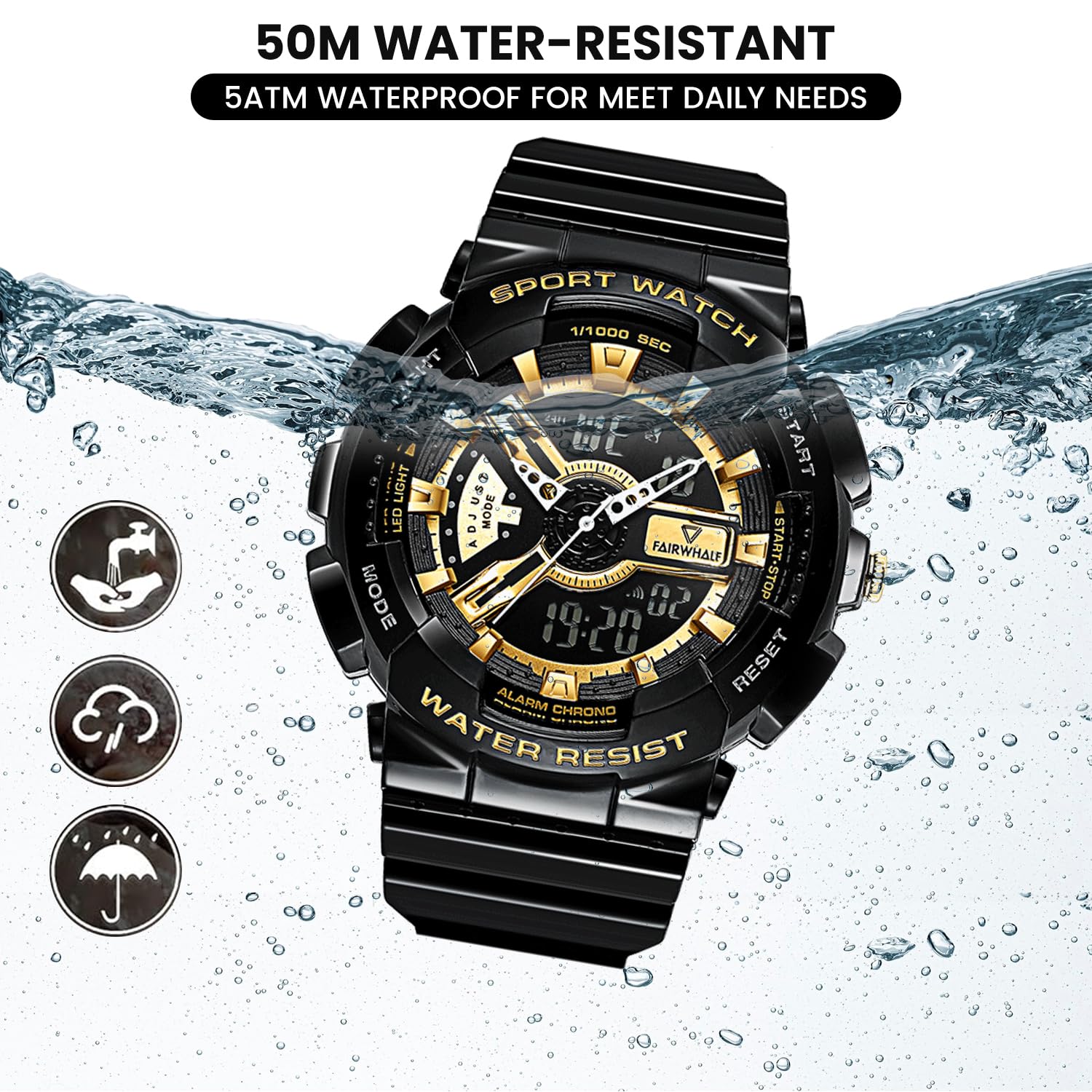
Figure 5: 50M Water-Resistant Feature
Resolución de problemas
| Problema | Causa posible | Solución |
|---|---|---|
| A pantalla dixital está en branco ou escura. | Batería baixa. | Substitúe a batería. |
| Analog hands are not moving or incorrect. | A coroa está fóra; problema coa batería. | Push the crown back in. If still not working, replace battery. |
| Os botóns non responden. | Watch may be in a locked mode or battery is low. | Try pressing all buttons firmly. If issue persists, replace battery. |
| Auga dentro do reloxo. | Buttons pressed underwater; exposure to hot water/steam; damaged seal. | Immediately take to a professional watch repair service. Avoid further water exposure. |
Especificacións
| Característica | Detalle |
|---|---|
| Número de modelo | FW-4300-1 |
| Tipo de movemento | Movemento de cuarzo xaponés importado |
| Tipo de visualización | Analóxico e Dixital |
| Diámetro da caixa | 52 mm (2 polgadas) |
| Material da banda | Eco-friendly Resin / Polyurethane |
| Resistencia á auga | 5 ATM (50 metros) |
| Características especiais | LED Backlight, Dual Time Display, Stopwatch, Alarm, Shock-Resistant, 12/24H Format |
| Batería | 1 batería AAA (incluída) |
| Peso do elemento | 50 g |
| Dimensións do produto | 20 x 5 x 2 cm |

Figure 6: Watch Parameters and Key Features
Garantía e Soporte
Your WeCool Fairwhale Sports Analog Digital Watch comes with a limited warranty. For specific warranty terms and conditions, please refer to the warranty card included with your purchase or visit the official WeCool websitio.
If you encounter any issues or have questions regarding your watch, please do not hesitate to contact our professional after-sales team through Amazon. We are committed to providing satisfactory answers and support.
You can reach us via the Amazon messaging system by visiting the product page and clicking on the seller's name, "WeCool Technology", then selecting "Ask a question".


