1. Introdución
This manual provides essential information for setting up, operating, maintaining, and troubleshooting your HP 255 15.6-inch laptop. Please read this manual thoroughly to ensure proper use and to maximize the lifespan of your device.
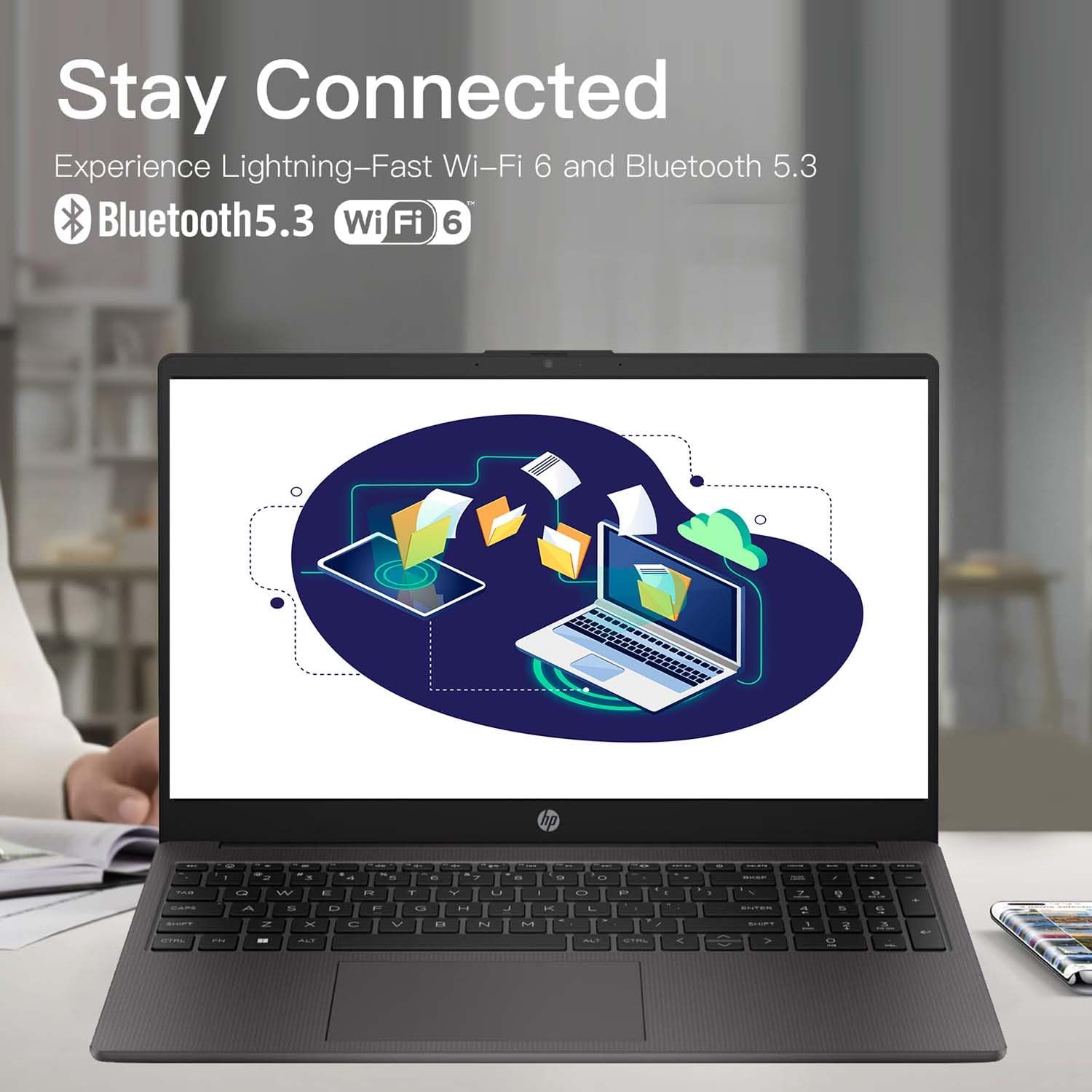
The HP 255 laptop is designed for everyday tasks, productivity, and general computing. It features an AMD Ryzen 3 7330U processor, a 15.6-inch Full HD display, Wi-Fi 6, Bluetooth 5.3, and runs on Windows 11 Pro.
2. Configuración
2.1 Desembalaxe e inspección inicial
Retire con coidado todos os compoñentes da embalaxe. Asegúrese de que estean presentes os seguintes elementos:
- HP 255 15.6-inch Laptop
- Adaptador de alimentación
- Documentación (este manual, información sobre a garantía)
Inspect the laptop for any physical damage. If any damage is found, contact your retailer or HP support immediately.
2.2 Conexión do adaptador de corrente
- Connect the power adapter cable to the power-adapter port on the laptop.
- Conecte o adaptador de alimentación a unha toma eléctrica conectada a terra.
- Allow the battery to charge for at least 30 minutes before initial use, or until the battery indicator shows a sufficient charge.
Imaxe: Diagram illustrating the various ports and slots on the HP 255 laptop, with labels for USB Type-A, HDMI 1.4, USB Type-C (data only), 3.5mm Headset Jack, and Power-adapter port. This helps identify where to connect the power adapter.
2.3 Acendido inicial e configuración de Windows
- Abre a tapa do portátil.
- Preme o botón de acendido, que normalmente se atopa na plataforma do teclado.
- Follow the on-screen instructions to complete the Windows 11 Pro setup. This includes selecting your region, language, connecting to a network, and creating a user account.
3. Instrucións de funcionamento
3.1 Xestión de enerxía
- Encendido: Preme o botón de acendido.
- Apagar: Click the Start button, then Power, then Shut down.
- Reiniciar: Click the Start button, then Power, then Restart.
- Durmir: Close the lid or click the Start button, then Power, then Sleep.
3.2 Teclado e panel táctil
The laptop features a full-size keyboard and a multi-touch touchpad. Refer to the Windows 11 Pro documentation for detailed gestures and keyboard shortcuts.
3.3 Conexión a redes e dispositivos

Imaxe: The HP 255 laptop screen showing icons for Wi-Fi 6 and Bluetooth 5.3, indicating its wireless connectivity capabilities.
- Wi-Fi 6: Para conectarse a unha rede sen fíos, faga clic na icona Wi-Fi da barra de tarefas, seleccione a rede desexada e introduza o contrasinal se se lle solicita.
- Bluetooth 5.3: Para emparellar dispositivos Bluetooth, vaia a Configuración de Windows > Bluetooth e dispositivos e siga as instrucións para engadir un novo dispositivo.
- Ethernet: Connect an Ethernet cable to the Ethernet port for a wired network connection.
- Dispositivos USB: Connect USB devices (e.g., mouse, external drive) to the available USB Type-A or USB Type-C ports.
- Pantalla externa: Use the HDMI 1.4 port to connect an external monitor or projector.
3.4 Duración e carga da batería
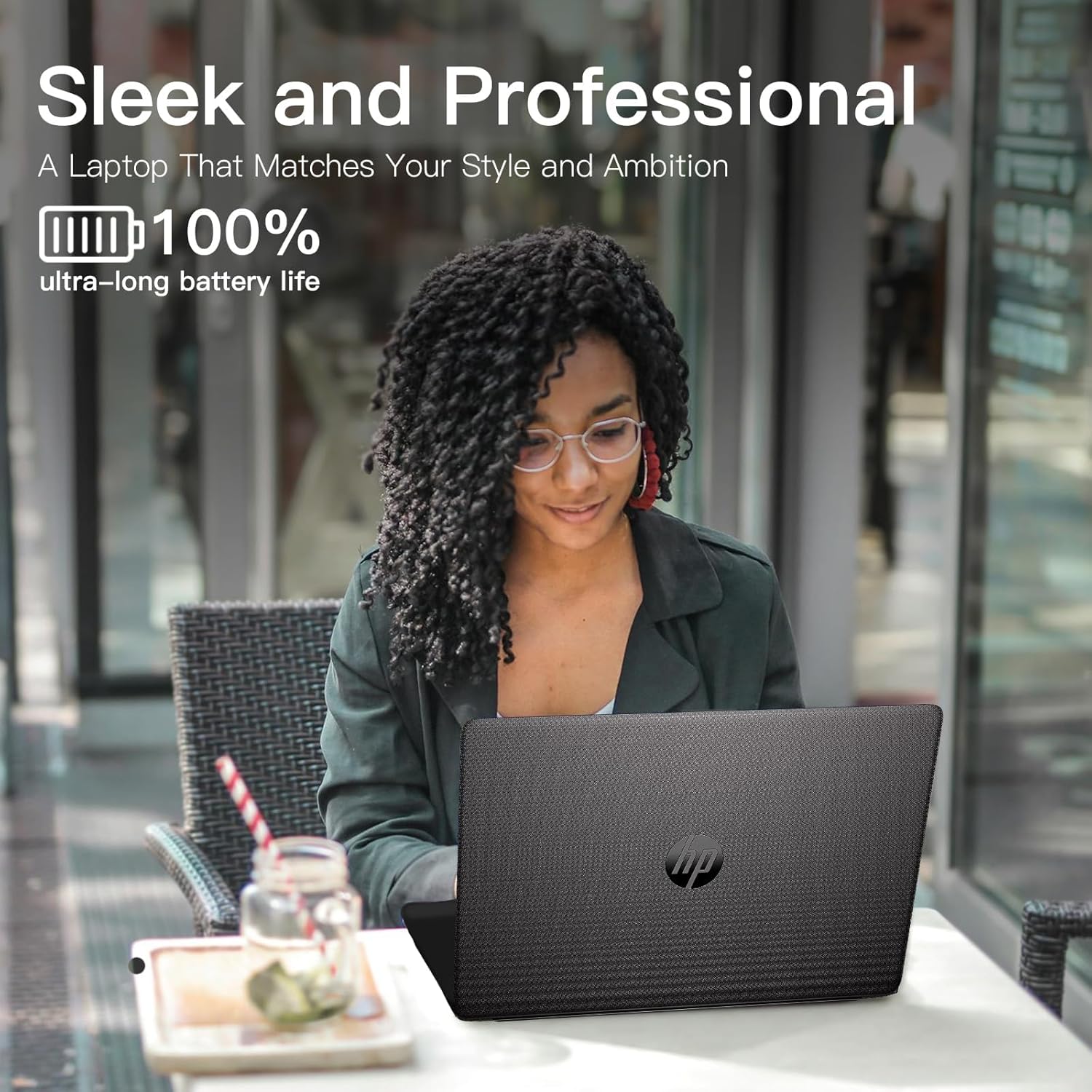
The laptop is equipped with a 3-cell 41WH Li-Ion battery. For optimal battery performance:
- Cargue a batería completamente antes do primeiro uso.
- Evite descargar completamente a batería con frecuencia.
- Use the provided HP power adapter for charging.

Imaxe: A user operating the HP laptop in an outdoor setting, emphasizing its design and battery endurance for mobile use.
3.5 Multitarefa e produtividade
The HP 255 laptop, powered by the AMD Ryzen 3 7330U processor and ample memory, is designed to handle multiple applications simultaneously, enhancing your productivity.

Imaxe: The HP 255 laptop screen showcasing various applications running concurrently, such as video editing, document creation, and web browsing, demonstrating its multitasking capabilities.
4. Mantemento
4.1 Limpeza do portátil
- Pantalla: Use un pano suave e sen pelusa damplimpa con auga ou cun limpador de pantallas. Non pulverice líquido directamente sobre a pantalla.
- Teclado e chasis: Usa un pano suave e seco. Para a sucidade persistente, un pano lixeiramente seco.amp pódese usar un pano. Evite produtos químicos agresivos.
- Portos: Keep ports free of dust and debris. Use compressed air if necessary, but avoid inserting objects into the ports.
4.2 Actualizacións de software
Regularly update your Windows operating system and drivers to ensure optimal performance and security. Go to Windows Settings > Windows Update to check for and install updates.
4.3 Xestión do almacenamento
Limpar periodicamente o innecesario files and applications to maintain system performance. The laptop comes with a 1TB PCIe SSD.
5 Solución de problemas
This section addresses common issues you might encounter with your HP 255 laptop.
5.1 Problemas de enerxía
- O portátil non se acende:
- Asegúrate de que o adaptador de corrente estea conectado correctamente tanto ao portátil como a unha toma de corrente que funcione.
- Verifica que a toma de corrente funcione conectando outro dispositivo.
- Se a batería está completamente descargada, o portátil pode tardar uns minutos en cargarse antes de que se poida acender.
- A batería non se carga:
- Comprobe se o adaptador de corrente e o cable están danos.
- Ensure the power adapter is correctly seated in the laptop's power port.
- Proba cunha toma de corrente diferente.
5.2 Problemas de visualización
- A pantalla está en branco ou negra:
- Asegúrate de que o portátil estea acendido e non en modo de suspensión.
- Preme Fn + F2 (or the appropriate function key with a display icon) to toggle the display output.
- If an external monitor is connected, ensure it is powered on and correctly configured.
5.3 Performance and System Stability
- System crashes or freezes during Windows installation:
- Ensure the laptop is receiving adequate power and is not overheating.
- If repeated crashes occur during initial setup, this may indicate a hardware issue. Contact HP support for assistance.
- Overheating or fan noise:
- Ensure the laptop's vents are not blocked.
- Usa o portátil sobre unha superficie dura e plana para permitir unha correcta circulación do aire.
- If cooling fans are reported as inoperable (e.g., via a blue screen error), immediately power off the laptop and contact HP support. Continued use can cause damage.
6. Especificacións
The following table outlines the key technical specifications of the HP 255 15.6-inch Laptop (16GB RAM | 1TB PCIe configuration):

Imaxe: The HP 255 laptop with its physical dimensions indicated as 14.17 inches in width and 9.29 inches in depth, illustrating its compact and portable design.
| Característica | Especificación |
|---|---|
| Nome do modelo | HP 255 |
| Tamaño da pantalla | 15.6 polgadas |
| Resolución máxima de pantalla | 1920 x 1080 píxeles (Full HD) |
| Procesador | AMD Ryzen 3 7330U (ata 4.6 GHz) |
| RAM | 16 GB DDR4 |
| Almacenamento | 1 TB PCIe SSD |
| Coprocesador gráfico | Gráficos AMD Radeon (integrados) |
| Sistema Operativo | Windows 11 Pro |
| Conectividade sen fíos | Wi-Fi 6 (802.11ax), Bluetooth 5.3 |
| Portos | 3x USB 3.0 (Type-A), 1x HDMI 1.4, 1x USB Type-C (data only), 1x 3.5mm Headset Jack, Ethernet Port, Power-adapter port |
| Batería | 3-Cell 41WH Li-Ion |
| Dimensións (LxWxH) | 14.11 x 0.7 x 9.5 polgadas |
| Peso do elemento | 5 libras |
| Cor | Gris |
| Características especiais | Anti Glare Coating, HD Audio, Numeric Keypad, Spill Resistant |
Imaxe: A bar chart comparing the performance metrics of the AMD Ryzen 3 7330U processor against the Intel i5-1135G7, showing scores for single-core, multi-core, power efficiency, and integrated graphics.
7. Garantía e soporte
7.1 Información da garantía
Your HP 255 laptop comes with a standard manufacturer's warranty. For detailed information regarding warranty terms, conditions, and duration, please refer to the warranty card included in your product packaging or visit the official HP support websitio.
7.2 Soporte técnico
If you encounter issues that cannot be resolved using the troubleshooting steps in this manual, please contact HP technical support. You can find contact information and additional resources on the official HP support websitio:
When contacting support, please have your laptop's serial number and model number (HP 255) ready.