1. Introdución
Thank you for choosing the MAONO DM40 Pro Wireless Microphone. This manual provides detailed instructions for setting up, operating, and maintaining your new microphone system. The DM40 Pro is designed for gamers, streamers, and content creators, offering wireless freedom, AI noise reduction, AI voice changing capabilities, and RGB lighting. It ensures a high-quality audio experience across various platforms.
2. Información de seguridade
- Non expoñas o dispositivo á auga nin a humidade excesiva.
- Evita temperaturas extremas.
- Non intente desmontar nin reparar o dispositivo vostede mesmo. Encargue todo o mantemento a persoal cualificado.
- Manter fóra do alcance dos nenos.
- Use only specified power adapters and cables.
3. Contido do paquete
Comprobe o paquete para asegurarse de que conteñan todos os elementos:
- MAONO DM40 Pro Wireless Microphone
- Boom Arm Stand (BA20)
- Cable USB-A a USB-C
- Receptor inalámbrico USB-A
- USB-C Wireless Receiver
- Manual de usuario (este documento)
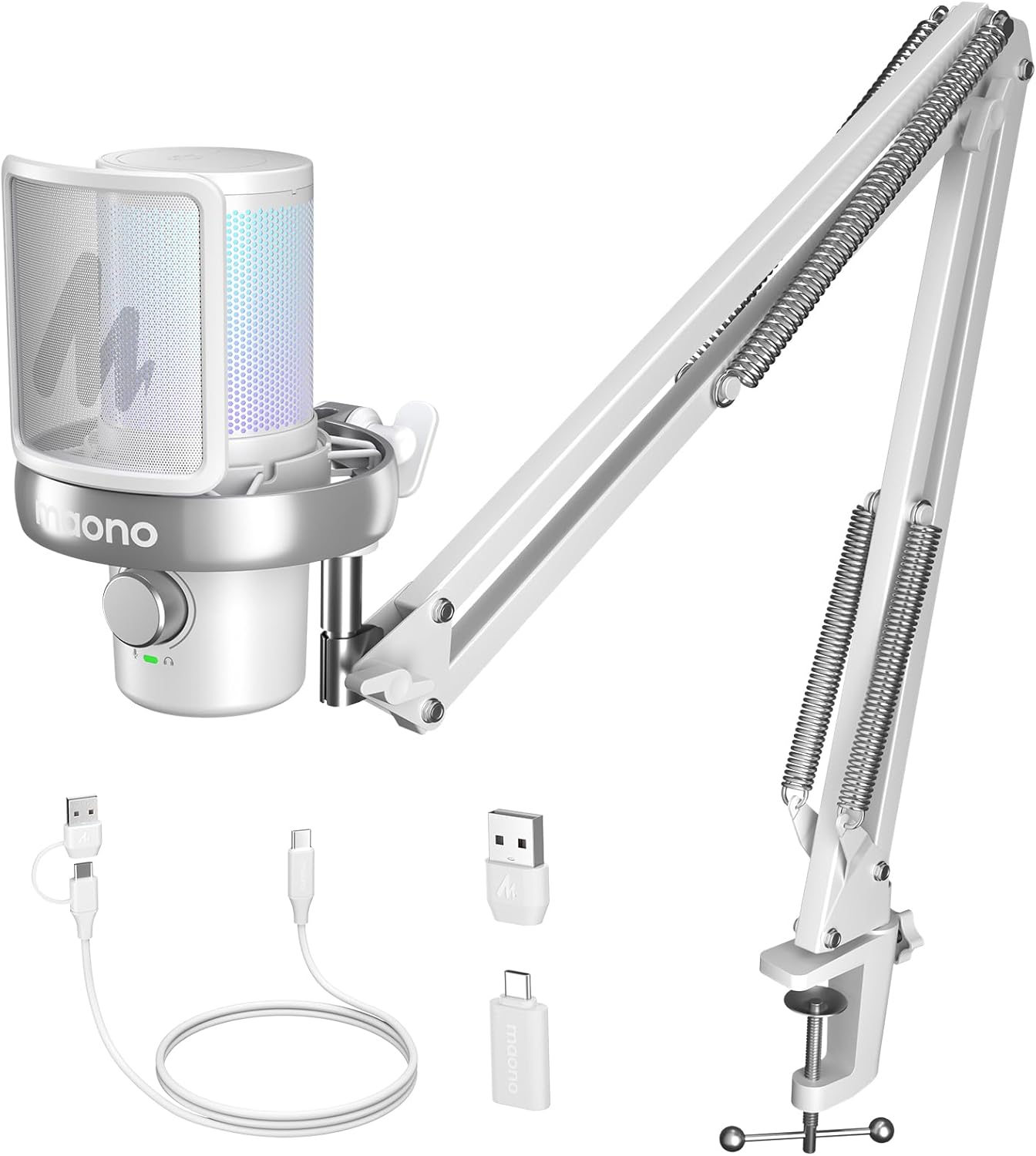
Imaxe 1: Contents of the MAONO DM40 Pro package, including the microphone, boom arm, and various cables/receivers.
4. Produto rematadoview
Familiarize yourself with the components of your MAONO DM40 Pro microphone system.
4.1 Compoñentes do micrófono
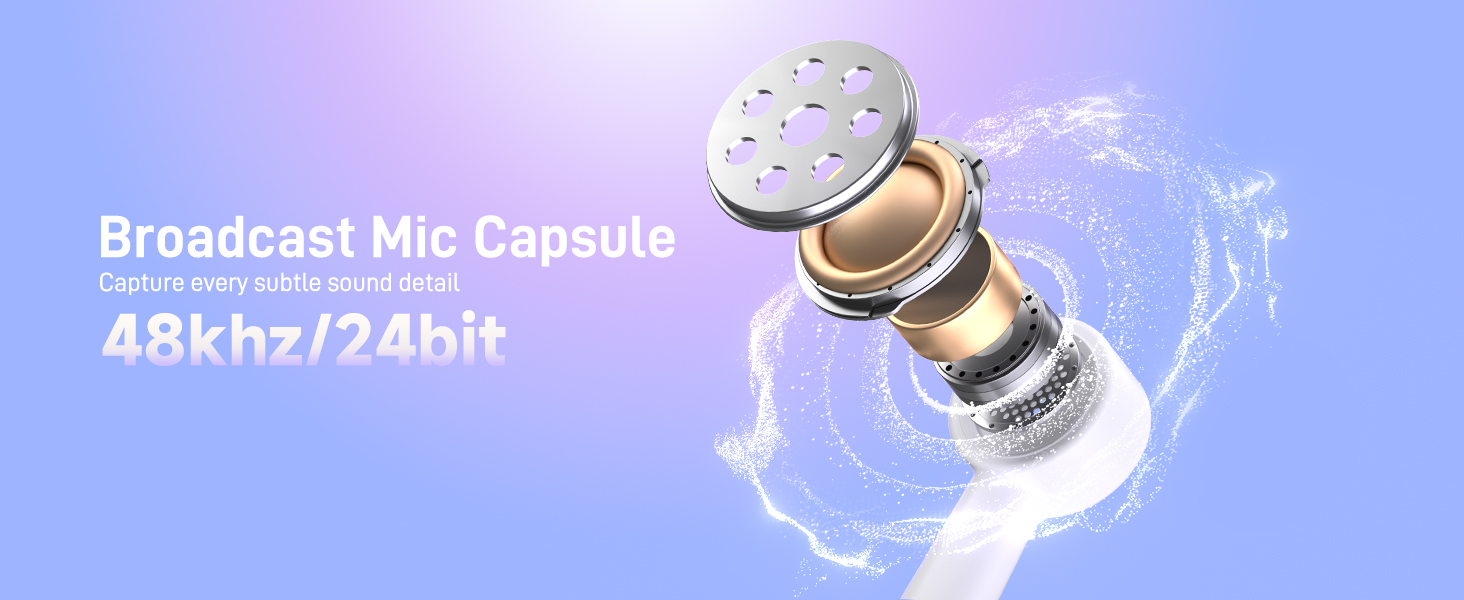
- Cápsula de micrófono: Captura audio.
- Filtro pop: Reduces plosive sounds.
- Montaxe de choque: Isolates the microphone from vibrations.
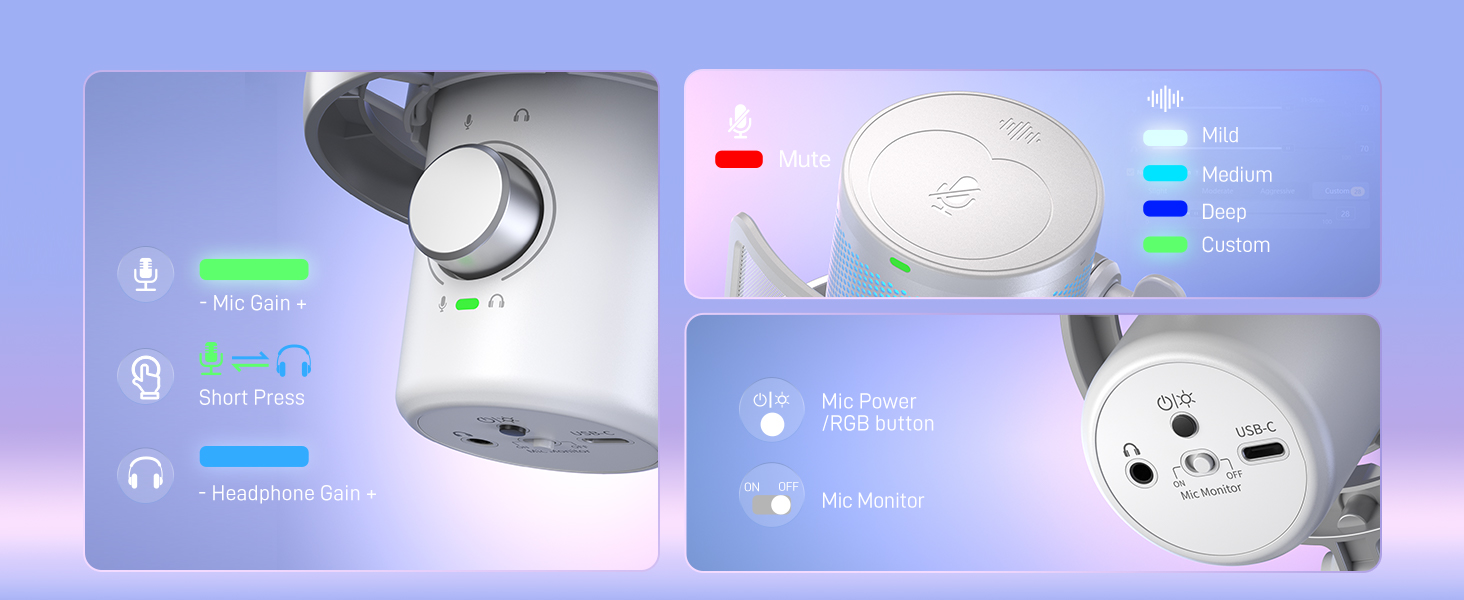
- Gain/Volume Knob: Adjusts microphone input gain and headphone monitoring volume.
- Botón de silencio: Toggles microphone mute.
- Botón de cancelación de ruído: Activates and cycles through noise cancellation levels.
- Iluminación RGB: Customizable LED lighting.
- Porto USB-C: Para conexión por cable e carga.
- Conector para auriculares de 3.5 mm: For zero-latency monitoring.
4.2 Boom Arm (BA20)
- Escritorio Clamp: Secures the boom arm to a desk.
- Brazos axustables: Allows for flexible positioning of the microphone.
- Mananciais: Provide tension for stable positioning.
- Microphone Thread: Connects the microphone to the boom arm.

Imaxe 2: Illustration of the boom arm's adjustable features and dimensions, showing its flexibility for positioning.
5. Configuración
5.1 Boom Arm Assembly and Installation
- Coloque o escritorio clamp to the edge of your desk, ensuring it is securely tightened.
- Insira a base do brazo do brazo no burato do colgador do escritorio.amp.
- Adjust the boom arm to your desired position and tighten any locking knobs to secure it.
- Screw the MAONO DM40 Pro microphone onto the threaded end of the boom arm.

Imaxe 3: The MAONO DM40 Pro microphone securely attached to the boom arm, ready for use.
5.2 Conexión do micrófono
The DM40 Pro offers both wireless and wired connectivity options.
5.2.1 Wireless Connection (Recommended for PC, PS4, PS5, Laptop)
- Choose the appropriate wireless receiver (USB-A or USB-C) for your device.
- Plug the wireless receiver into an available USB port on your computer, console, or laptop.
- Power on the MAONO DM40 Pro microphone. It should automatically pair with the receiver. A solid indicator light on the microphone will confirm a successful connection.
- Select "MAONO DM40 Pro" as your input device in your operating system's sound settings or your preferred application (e.g., Discord, OBS).
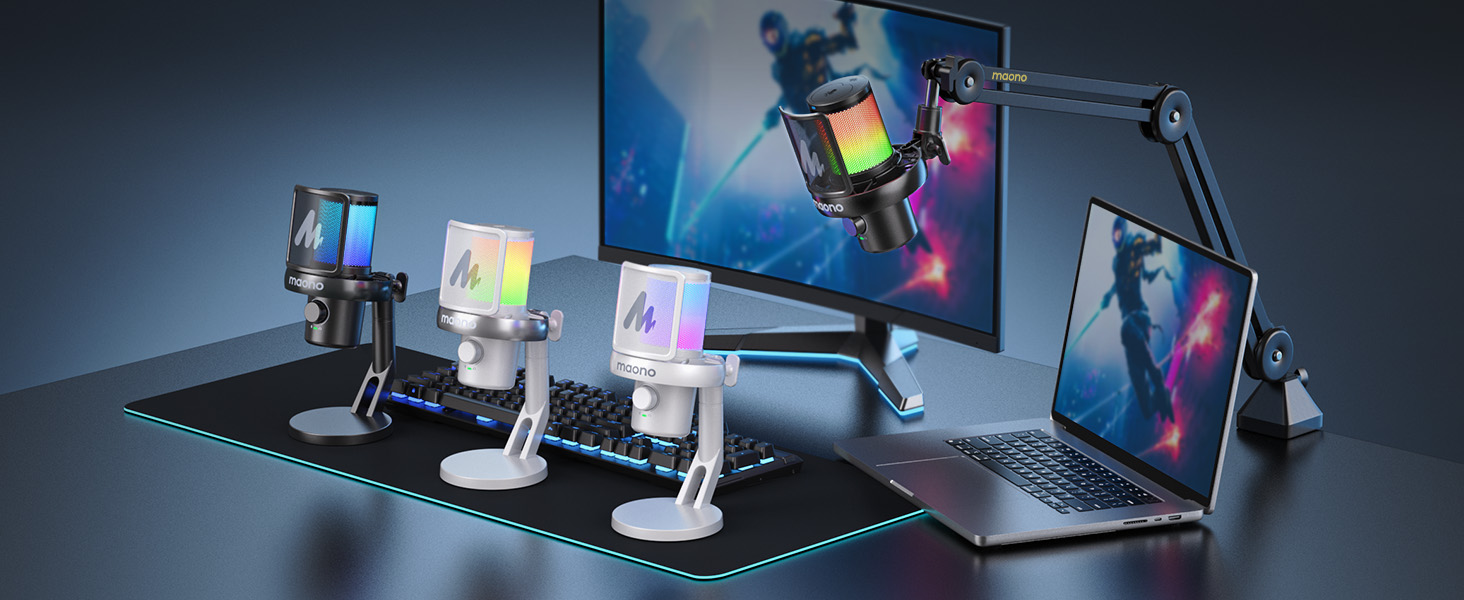
Imaxe 4: Demonstrates the wireless and wired USB connection methods for the MAONO DM40 Pro microphone.
5.2.2 Conexión USB con cable
- Connect the provided USB-A to USB-C cable to the USB-C port on the microphone.
- Plug the USB-A end of the cable into an available USB port on your computer, console, or laptop.
- The microphone will be recognized as a USB audio device. Select "MAONO DM40 Pro" as your input device in your system's sound settings or application.
6. Instrucións de funcionamento
6.1 Acendido/apagado e carga
- Encendido: Press and hold the power button (often integrated with the RGB button) for a few seconds until the indicator lights illuminate.
- Apagado: Press and hold the power button again until the lights turn off.
- Cargando: Connect the microphone via the USB-C cable to a power source (e.g., computer USB port, USB wall adapter). The indicator light will show charging status. The microphone offers up to 75 hours of battery life (RGB off) or 40 hours (RGB on).
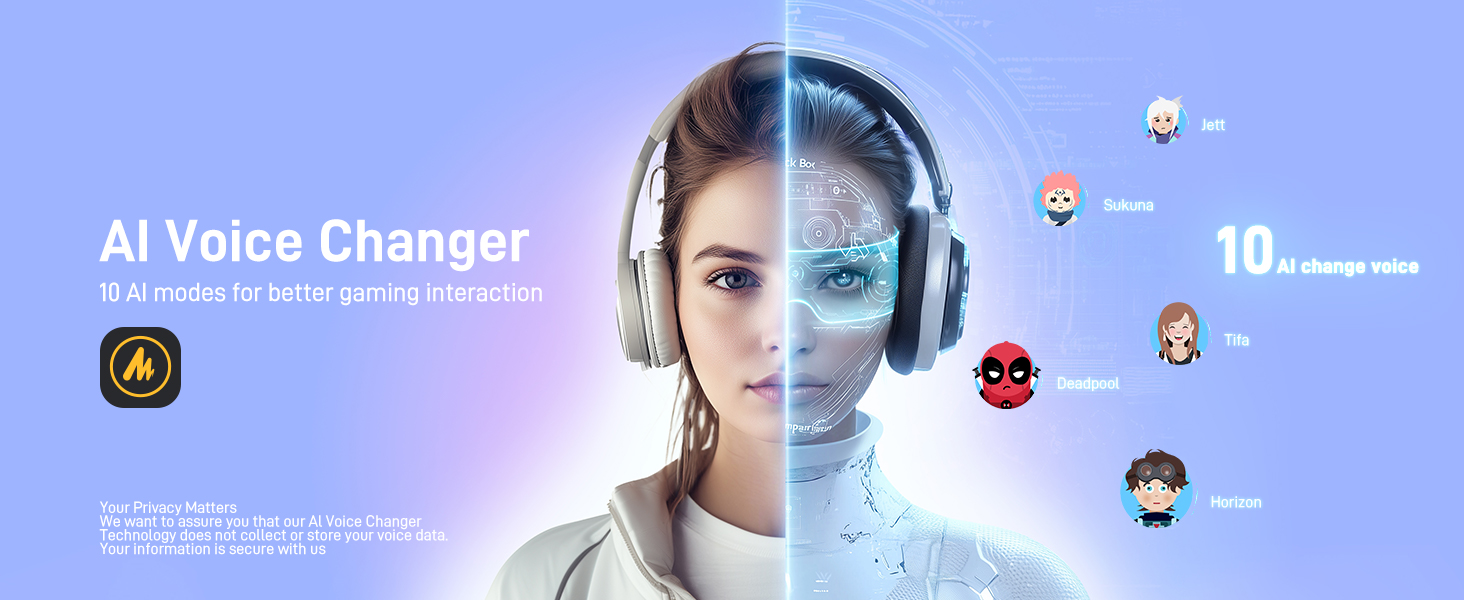
Imaxe 5: Details on the MAONO DM40 Pro's ultra-long battery life, indicating usage hours with RGB lighting on and off.
6.2 Gain and Volume Control
- The main knob on the microphone controls both microphone gain and headphone monitoring volume.
- Adjusting Mic Gain: Rotate the knob to increase or decrease the microphone's input sensitivity. Monitor your audio levels to avoid clipping.
- Adjusting Headphone Volume: Short press the knob to switch to headphone volume control, then rotate.
6.3 One-tap Noise Cancellation
The DM40 Pro features a dedicated button for noise cancellation with multiple preset levels.
- Press the noise cancellation button to cycle through preset levels: Low, Medium, High.
- A customizable noise level can be set via the Maono Link software.
- This feature helps reduce ambient sounds like fans, air conditioners, and keyboard clicks.

Imaxe 6: Visual representation of the one-tap noise cancellation feature, showing its effectiveness against common background noises.
Imaxe 7: Screenshot of the Maono Link software interface demonstrating custom noise cancellation adjustments.
6.4 AI Voice Changer
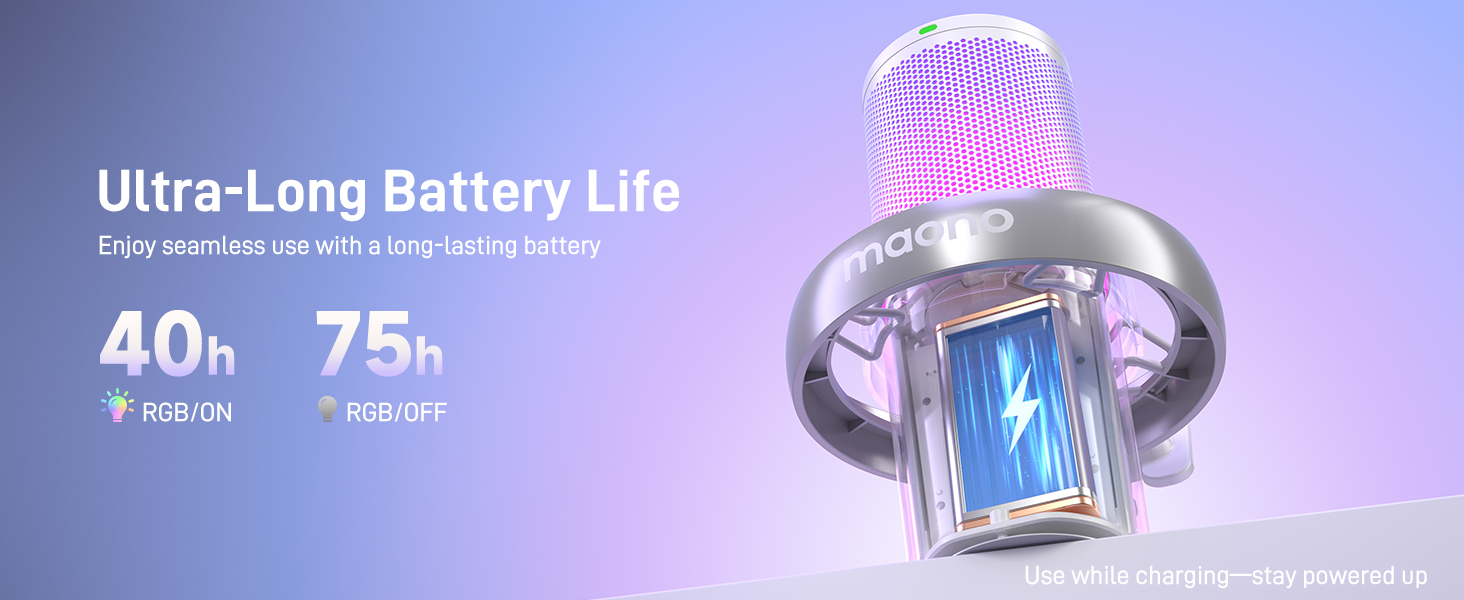
The DM40 Pro includes 10 AI voice-changing modes for creative audio effects.
- Access and select voice-changing modes through the Maono Link application.
- Experiment with different voices for gaming, streaming, or casual communication.

Imaxe 8: A user wearing headphones, illustrating the AI voice changer feature with various character options.
6.5 Maono Link App Control (EQ, Presets, RGB)
The Maono Link application provides comprehensive control over your microphone's settings.
- Descargar: Install the Maono Link app from the official MAONO websitio.
- Configuración de ecualización: Adjust the equalizer to tailor your audio output.
- Scene Presets: Switch between optimized audio profiles for different scenarios (e.g., gaming, streaming, voiceover).
- Iluminación RGB: Customize the microphone's RGB lighting effects and colors.
- Outros controis: Manage gain, mute, and monitoring settings directly from the app.
Imaxe 9: The MAONO DM40 Pro microphone showcasing its configurable RGB lighting options.
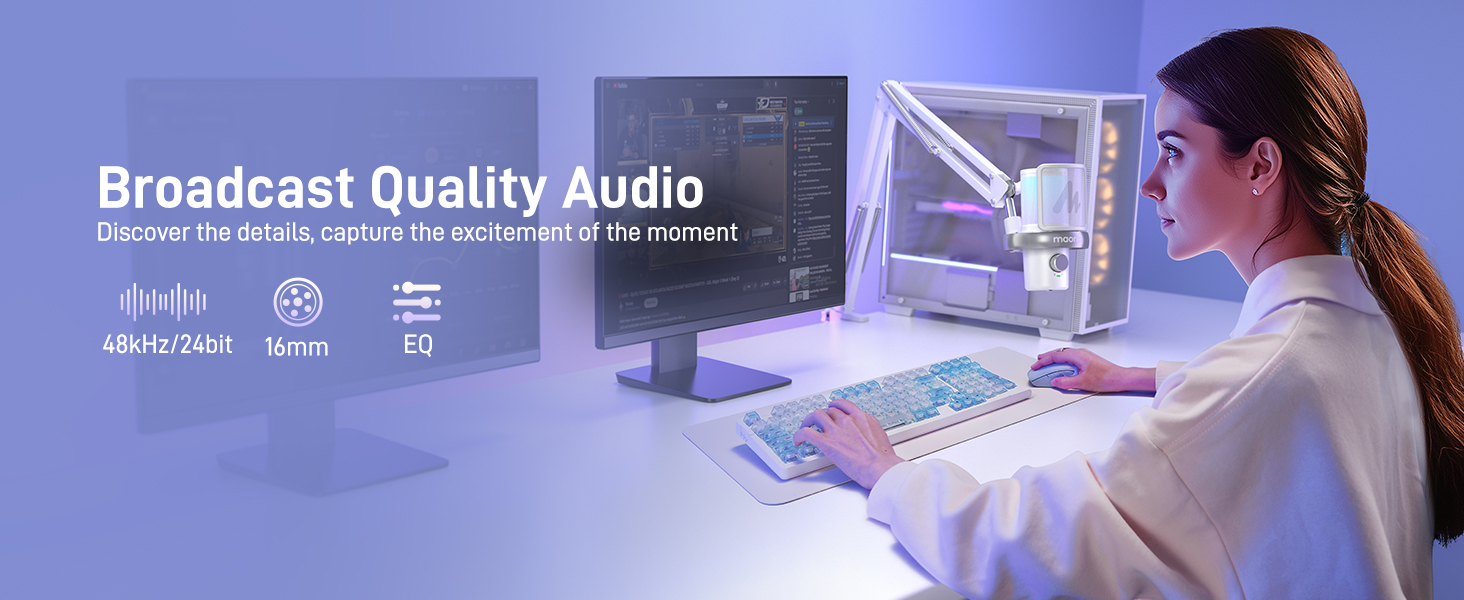
Imaxe 10: Screenshot of the Maono Link application showing the equalizer adjustment interface for fine-tuning audio.
Imaxe 11: Screenshot of the Maono Link application displaying various scene presets for quick audio profile conmutación.
6.6 Zero-Latency Monitoring
Plug your headphones into the 3.5mm jack on the microphone for direct, real-time monitoring of your audio without delay.
7. Mantemento
- Limpeza: Use a soft, dry cloth to wipe the microphone and boom arm. Do not use liquid cleaners or abrasive materials.
- Almacenamento: When not in use, store the microphone in a clean, dry place away from direct sunlight and extreme temperatures.
- Coidado do cable: Evite dobrar ou engarzar os cables excesivamente para evitar danos.
8 Solución de problemas
| Problema | Causa posible | Solución |
|---|---|---|
| Non hai son do micrófono | Microphone not powered on; Incorrect input device selected; Loose connection; Muted. | Ensure microphone is powered on. Check system sound settings to select "MAONO DM40 Pro" as input. Reconnect cables/receiver. Unmute microphone. |
| Audio is distorted or too quiet | Gain too high/low; Microphone too far/close; Noise cancellation too aggressive. | Adjust microphone gain using the knob or Maono Link. Position microphone appropriately (5-10 cm from mouth). Adjust noise cancellation level. |
| Problemas de conexión sen fíos | Receiver not properly plugged in; Interference; Out of range. | Ensure receiver is fully inserted. Move away from other wireless devices. Reduce distance between microphone and receiver. |
| Maono Link app not detecting microphone | Microphone not connected or powered on; App not updated. | Verify microphone is connected and powered on. Restart the app and microphone. Check for app updates. |
9. Especificacións
- Nome do modelo: DM40 Pro
- Marca: MAONO
- Tecnoloxía de conectividade: Bluetooth, USB
- Tipo de conector: USB, USB-C
- Característica especial: Wireless, Bluetooth, AI Noise Reducing, AI Voice Changer, RGB Lighting
- Dispositivos compatibles: Laptop, Personal Computer, PS4, PS5
- Compoñentes incluídos: Soporte de brazo de pluma
- Factor de forma do micrófono: Pescozo
- Fonte de enerxía: Alimentado por batería
- Relación sinal-ruído: 70 dB
- Número de canles: 1
- Primeiro dispoñible: 19 de abril de 2025
10. Garantía e soporte
MAONO products are designed and manufactured to the highest quality standards. For information regarding warranty coverage, technical support, or service inquiries, please visit the official MAONO websitio web ou póñase en contacto directamente co servizo de atención ao cliente. Garde o recibo da compra como proba de compra.
Official MAONO Store: MAONO Store on Amazon


