Introdución
The LeapFrog Preschool Game and Go is a handheld video game toy designed to introduce young children to fundamental concepts such as numbers, letters, and shapes through engaging mini-games and music. This device offers a portable and interactive learning experience for children aged 2 years and older.
O que hai na caixa
- LeapFrog Preschool Game and Go Handheld Toy
- Guía de inicio rápido
Note: 3 AAA batteries are included for demo purposes only. New batteries are recommended for regular use.
Configuración
Instalación de baterías
- Localice o compartimento da batería na parte traseira do dispositivo.
- Usando un desaparafusador, abra a tapa do compartimento da batería.
- Insira 3 pilas AAA novas, asegurándose de manter a polaridade correcta (+/-).
- Coloque a tapa do compartimento da batería e fíxaa co parafuso.
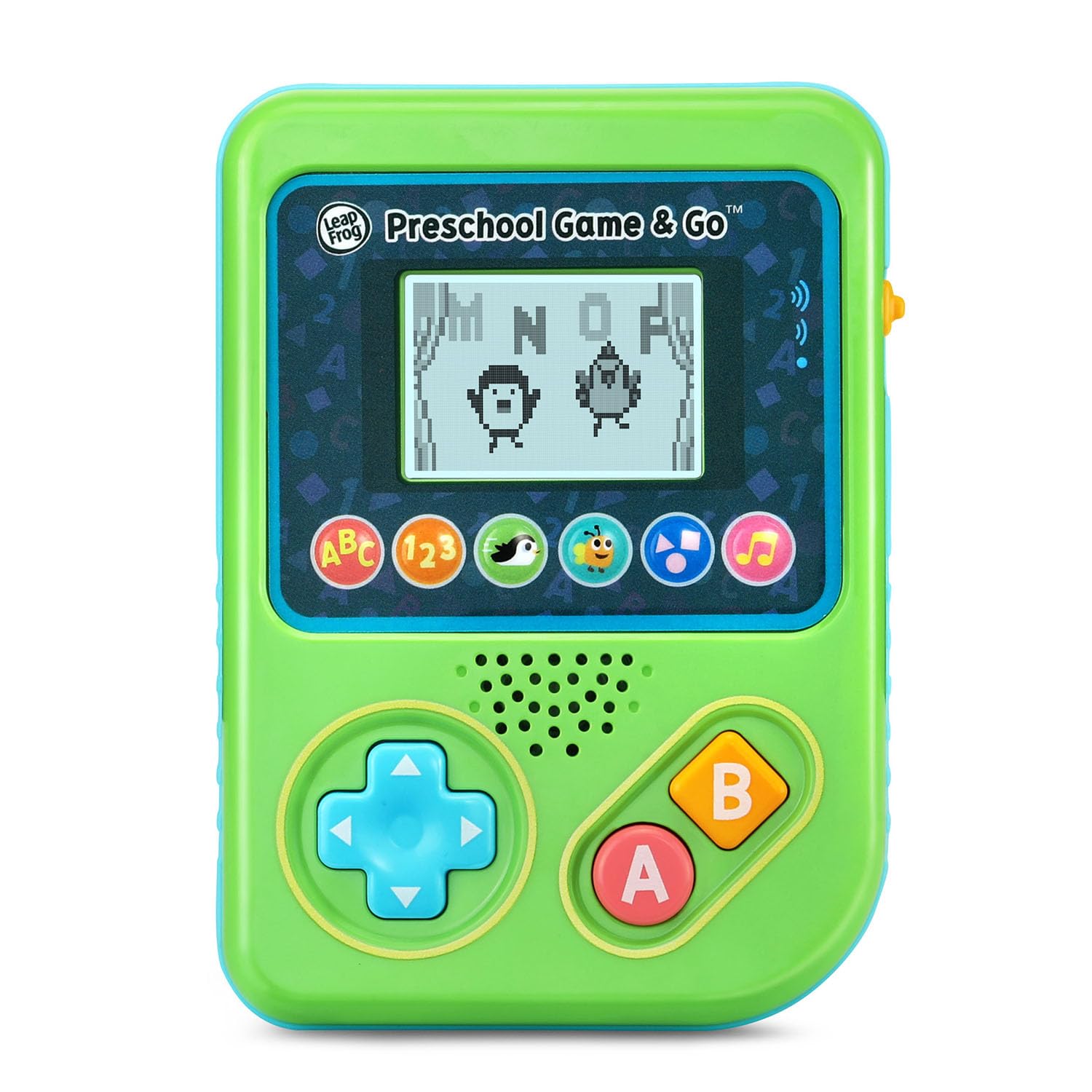
Figura 1: Fronte view of the LeapFrog Preschool Game and Go.
Encendido/apagado
- To power on the device, slide the orange power switch located on the right side of the unit upwards.
- To power off the device, slide the orange power switch downwards.
Control de volume
- The device features two volume settings.
- Adjust the volume using the dedicated switch or button, typically located near the power switch, to select between a lower or higher sound output.
Instrucións de funcionamento
Controis
- Pad direccional (D-Pad): Located on the left side, use this to navigate menus and control characters within games.
- Un botón: Typically used for selection or action within games.
- Botón B: Typically used for secondary actions or going back in menus.
Selección de xogos
The device features six distinct game icons below the screen. Press the corresponding icon to select a game:
- ABC Icon: Activates the ABC Swim game.
- 123 Icon: Activates the 123 Treasure game.
- Penguin Icon: Activates the Letter Slide game.
- Bug Icon: Activates the Snack Track game.
- Shapes Icon: Activates the Shape Ape game.
- Icona de nota musical: Activates the Song Shuffle feature.
Personalizing Game Play
You can personalize the experience by adding a child's name (up to 10 characters). The child's name will appear in certain games, such as the Letter Slide game, where they collect letters to spell their name.
Xogos de aprendizaxe
The LeapFrog Preschool Game and Go includes six exciting learning games:
- ABC Swim: Pop bubbles to explore letter sounds.
- 123 Treasure: Collect coins and count hearts to introduce numbers.
- Letter Slide: Help a penguin slide and jump to collect letters, including those in the child's personalized name.
- Snack Track: Feed a hungry bug by eating and counting snacks.
- Shape Ape: Catch various shapes as they fall from trees.
- Song Shuffle: Dance along to three engaging learning songs.
Vídeo 1: Presentación oficial do produto en vídeoasing the LeapFrog Preschool Game & Go features and gameplay.
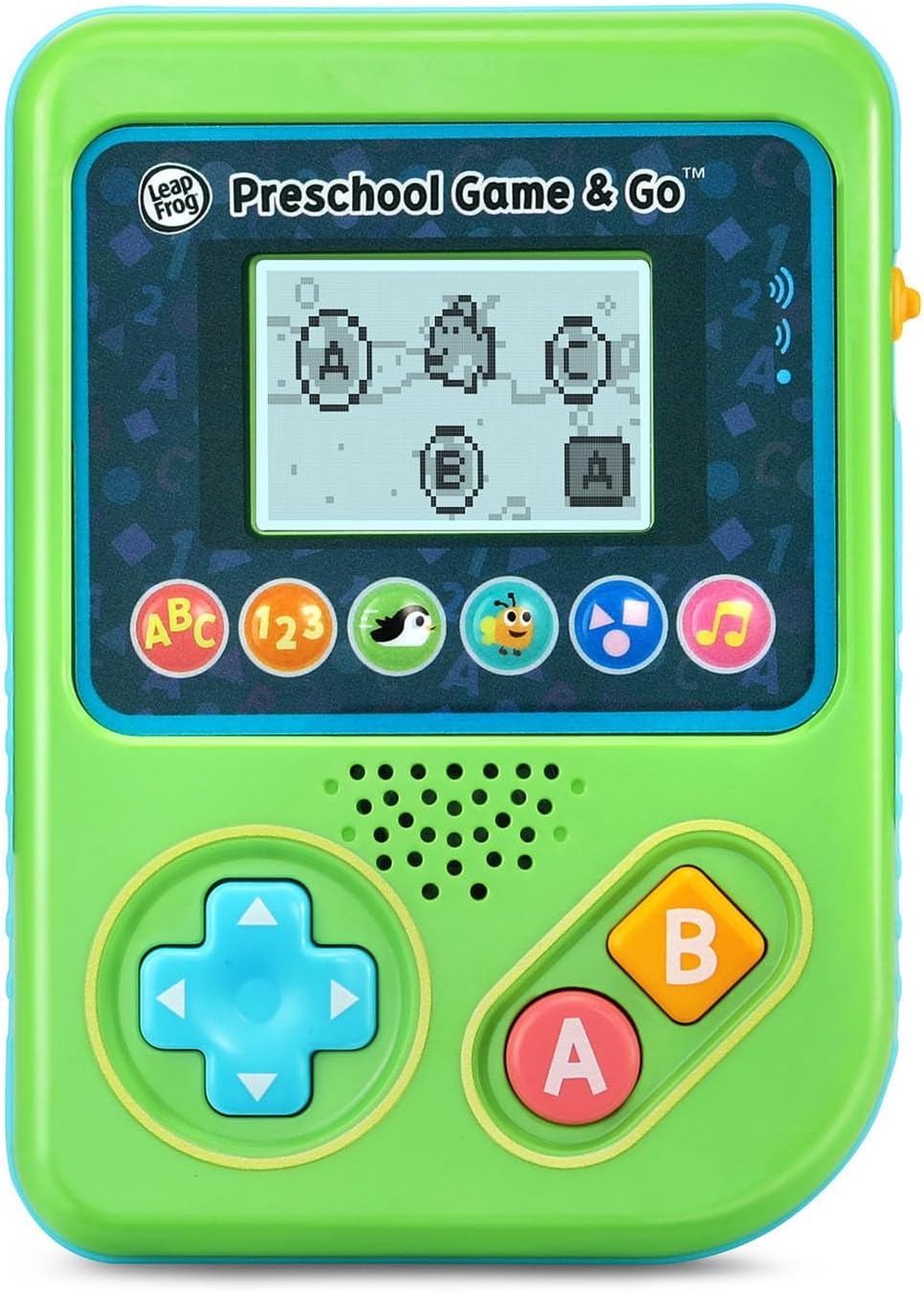
Figure 2: The ABC Swim game interface on the device screen.
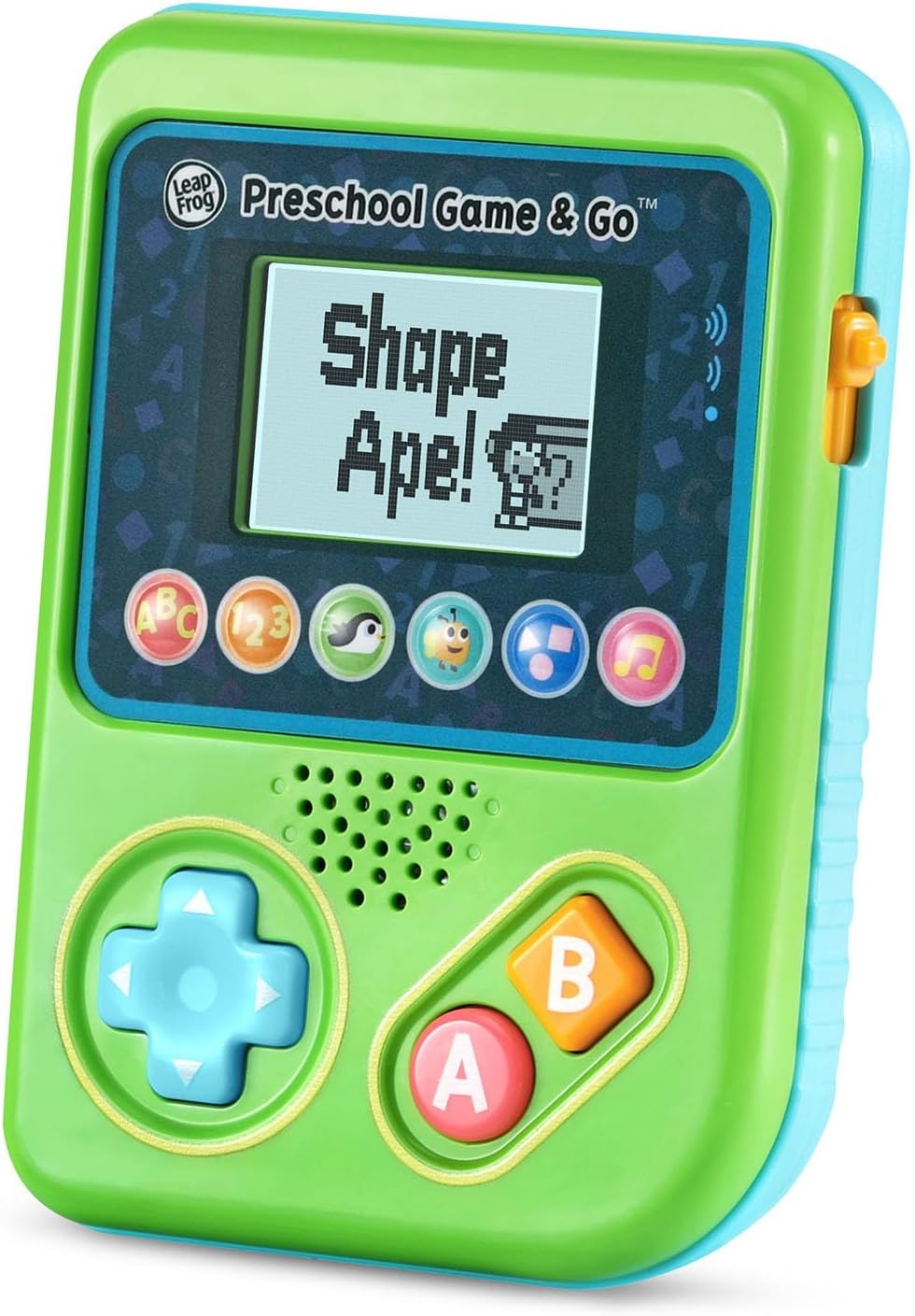
Figure 3: The Shape Ape game interface on the device screen.
Mantemento
- Para limpar o dispositivo, limpe cun pano lixeiramenteamp pano. Non mergullo na auga.
- Evite expoñer o dispositivo a temperaturas extremas ou á luz solar directa.
- Retire as pilas se non vai usar o dispositivo durante un período prolongado para evitar fugas.
Resolución de problemas
- O dispositivo non se acende: Ensure fresh batteries are correctly installed. Check the power switch position.
- Sen son ou son baixo: Adjust the volume switch. Replace batteries if sound is distorted or very low.
- Problemas coa pantalla: If the screen is blank or flickering, try turning the device off and on again. Replace batteries if the issue persists.
- Botóns que non responden: Ensure the device is powered on. If a specific button is unresponsive, try cleaning around it. If the issue continues, replace batteries.
Especificacións
| Característica | Detalle |
|---|---|
| Número de modelo | 80-621200 |
| Rango de idade | 2+ anos |
| Fonte de enerxía | Alimentado por batería |
| Pilas necesarias | 3 pilas AAA (incluídas para demostración) |
| Tipo de controlador | Control de botón |
| Tipo de visualización | Dixital |
| Material | Plástico |
| Dimensións do produto | 1.3 x 4.1 x 5.6 polgadas |
| Peso do elemento | 6.4 onzas |
Garantía e Soporte
For warranty information, product registration, or additional support, please refer to the contact information provided in the Quick Start Guide included with your product or visit the official LeapFrog websitio. Conserve o recibo de compra para reclamacións de garantía.


