Introdución
Thank you for choosing the boAt Rockerz 412 Wireless Over-Ear Headphones. This manual provides essential information for the proper setup, operation, and maintenance of your device. Please read it carefully to ensure optimal performance and longevity of your headphones.

Image: boAt Rockerz 412 Wireless Over-Ear Headphones in Bold Blue color.
O que hai na caixa
Ao desembalar, comproba que inclúa todos os seguintes elementos:
- Auriculares Boat Rockerz 412
- Cable de carga
Produto rematadoview e Características
The boAt Rockerz 412 headphones are designed for an immersive audio experience with several key features:
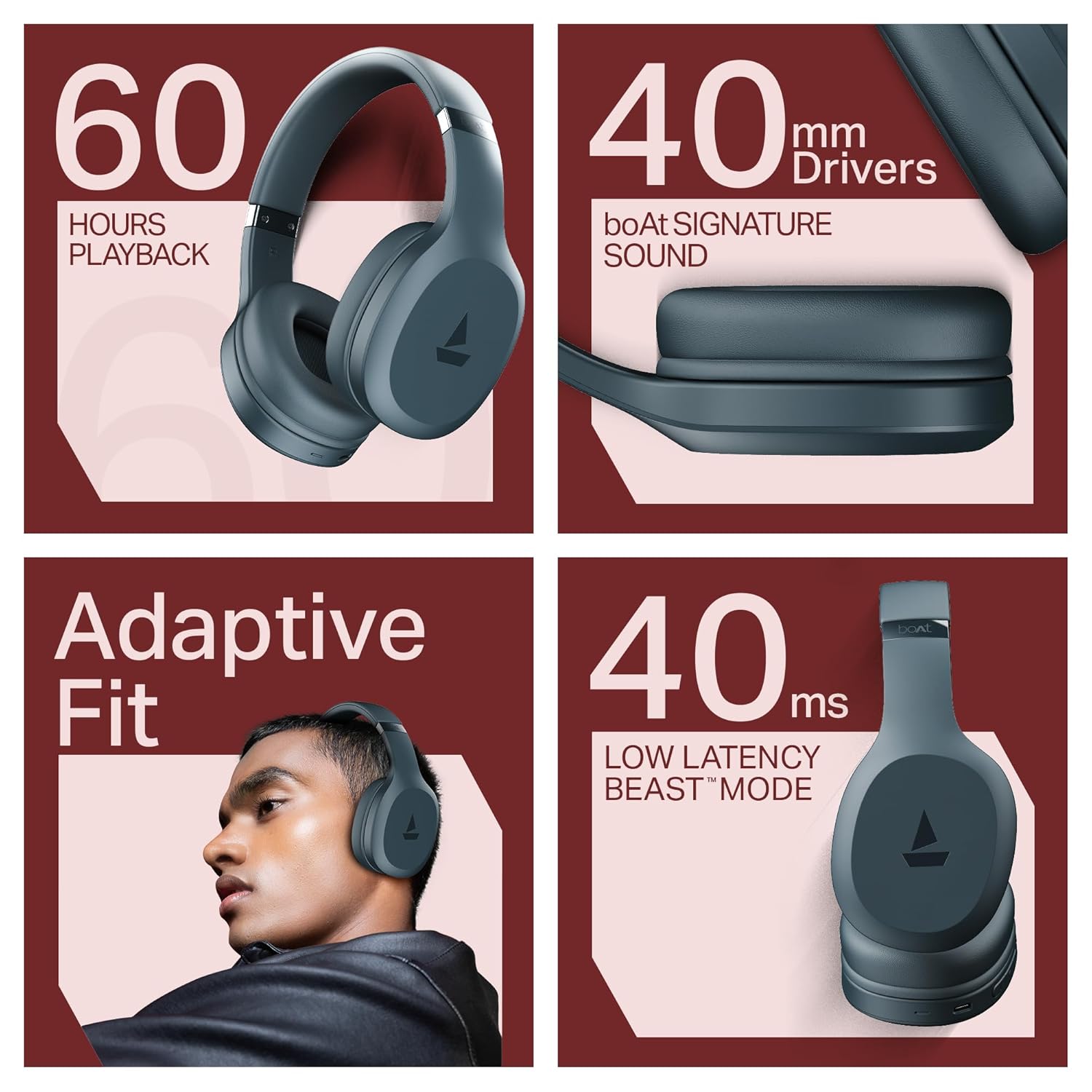
- 60 Hours of Playback: Goza de sesións de escoita prolongadas sen recargas frecuentes.
- 40ms Low Latency (BEAST Mode): Experience minimal audio delay, ideal for gaming and video streaming.
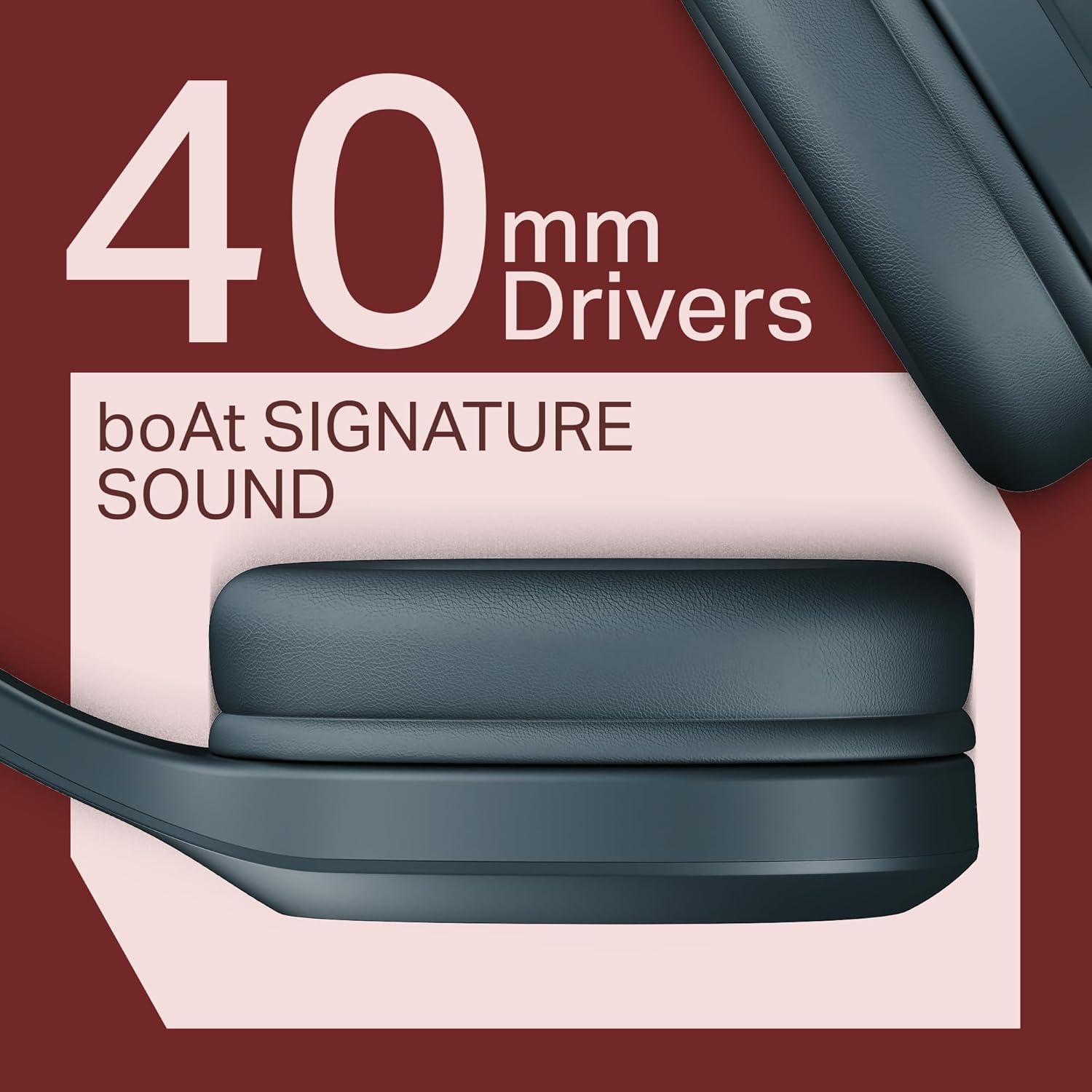
- 40mm Drivers with boAt Signature Sound: Ofrece audio potente e claro.
- ENx Technology: Mellora a claridade das chamadas ao reducir o ruído de fondo.
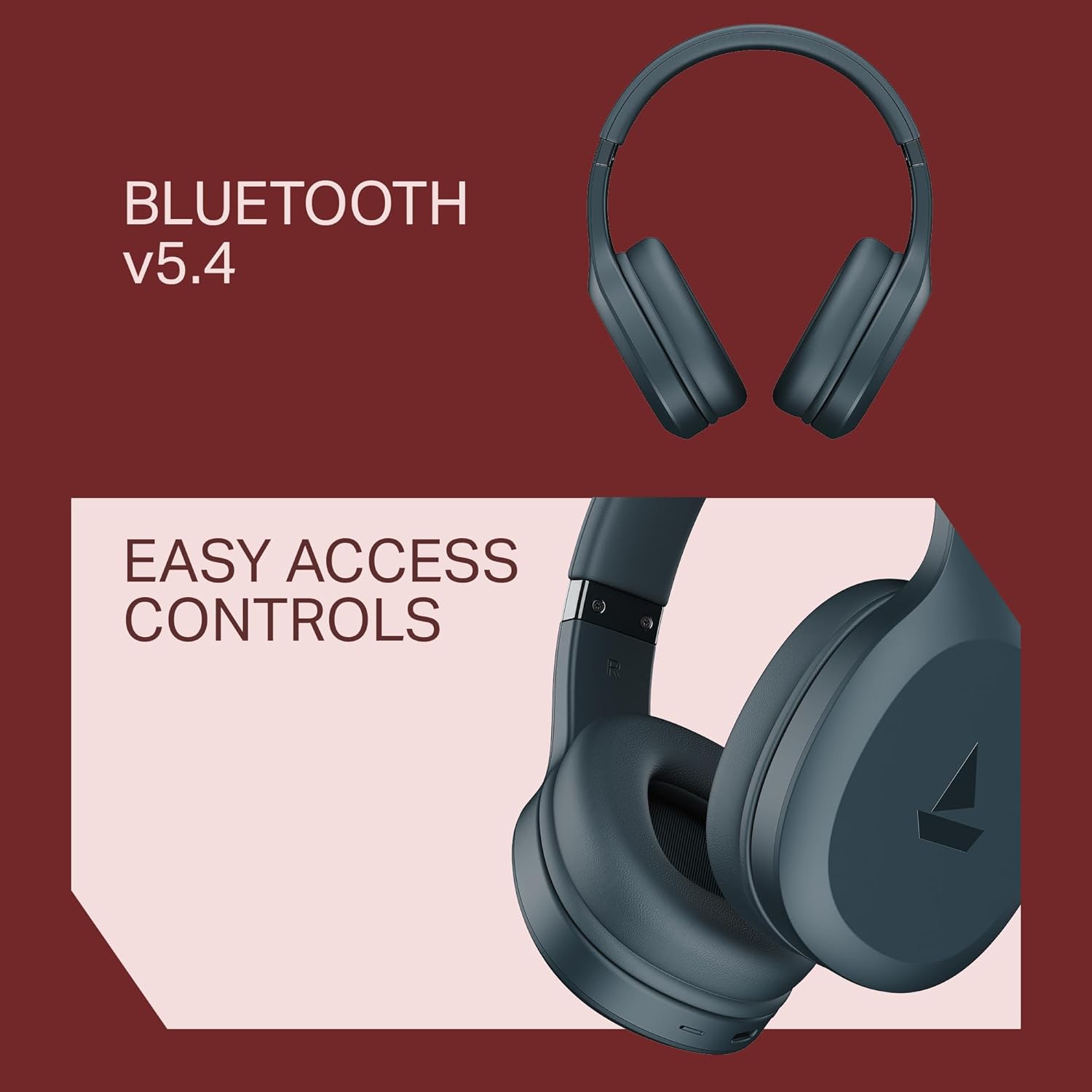
- Bluetooth v5.4 Compatibility: Garante unha conexión sen fíos estable e eficiente.
- Adaptive Fit: Designed for comfortable wear during prolonged use.
Características visuais


Configuración e emparellamento
Emparejamento inicial
- Asegúrese de que os auriculares estean completamente cargados antes do primeiro uso.
- Acenda os auriculares premendo e mantendo premido o botón de acendido ata que o indicador LED parpadee.
- The headphones will automatically enter pairing mode, indicated by a flashing blue and red LED.
- No teu dispositivo (teléfono intelixente, tableta, portátil), vai á configuración de Bluetooth.
- Busca available devices and select "boAt Rockerz 412" from the list.
- Once connected, the LED indicator will show a steady blue light, and you will hear an audio confirmation.
Reconectando
The headphones will automatically attempt to reconnect to the last paired device when powered on. If reconnection fails, manually select "boAt Rockerz 412" from your device's Bluetooth settings.
Instrucións de funcionamento
Controis básicos
- Encendido/apagado: Manteña premido o botón de acendido.
- Reproducir/Pausa: Prema o botón multifunción unha vez.
- Subir/Baixar o volume: Press the Volume + / Volume - buttons.
- Próxima pista: Press and hold Volume + button.
- Pista anterior: Press and hold Volume - button.
- Responder/Finalizar chamada: Prema o botón multifunción unha vez.
- Rexeitar a chamada: Manteña premido o botón multifunción.
- Activar o asistente de voz: Prema tres veces o botón multifunción.
Modos especiais
- BEAST Mode (Low Latency): Activate for reduced audio delay during gaming or video playback. Refer to the product's specific button combination for activation (usually a dedicated button or a long press of a specific control).
- ENx Technology: This feature is automatically active during calls to enhance voice clarity by suppressing environmental noise.
Cargando
The boAt Rockerz 412 headphones offer up to 60 hours of playback on a single charge. To charge your headphones:
- Conecta o cable de carga fornecido ao porto de carga dos auriculares.
- Conecta o outro extremo do cable a unha fonte de alimentación USB (por exemplo, un adaptador de parede, un porto USB do ordenador).
- The LED indicator will show a red light during charging and turn off or change color when fully charged.
Nota: Use a compatible charger to avoid damage to the device. Fast charging is supported.
Mantemento
Para garantir a lonxevidade e o rendemento óptimo dos seus auriculares, siga estas pautas de mantemento:
- Keep the headphones dry. Avoid exposure to water or excessive moisture. While water-resistant, they are not waterproof.
- Limpa os auriculares e a diadema cun pano suave e seco. Non empregues produtos de limpeza abrasivos nin solventes.
- Garda os auriculares nun lugar fresco e seco cando non estes en uso.
- Evita temperaturas extremas.
- Non intentes desmontar nin reparar os auriculares ti mesmo. Isto anulará a garantía.
Resolución de problemas
| Problema | Posible Solución |
|---|---|
| Os auriculares non se acenden. | Asegúrate de que os auriculares estean cargados. Conéctaos a unha fonte de alimentación e inténtao de novo. |
| Non se pode emparellar co dispositivo. |
|
| Sen son ou volume baixo. |
|
| A calidade da chamada é mala. |
|
| Audio lag during gaming/video. | Activate BEAST Mode (Low Latency) if not already enabled. Ensure your device supports low latency Bluetooth profiles. |
Especificacións
| Característica | Detalle |
|---|---|
| Nome do modelo | Frase 412 |
| Número de modelo do artigo | PB0009 |
| Tecnoloxía de conectividade | Bluetooth v5.4 |
| Forma do auricular | Sobre orella |
| Tipo de controlador de audio | Driver dinámico |
| Tamaño do controlador | 40 mm |
| Duración da batería | Ata 60 horas |
| Baixa latencia | 40ms (BEAST Mode) |
| Características de control de ruído | ENx Technology (for calls), Active Noise Cancellation |
| Método de control | Pulsador |
| Nivel de resistencia á auga | Resistente á auga (á suor) |
| Dispositivos compatibles | Cellphones, Tablets, Laptops, Desktops, Smart Speakers, Gaming Consoles, Car Audio Systems, Televisions |
| Peso do elemento | 300 gramos |
| Dimensións do produto | 20 x 9 x 17 cm |
| Composición da pila da batería | Ion de litio |
| Fabricante | Imagine Marketing Ltd |
| País de Orixe | China |
boAt Hearables App Support
Enhance your experience with the boAt Hearables App. Scan the QR code below to download and explore additional features, stream music, listen to audiobooks, and access user help guides.
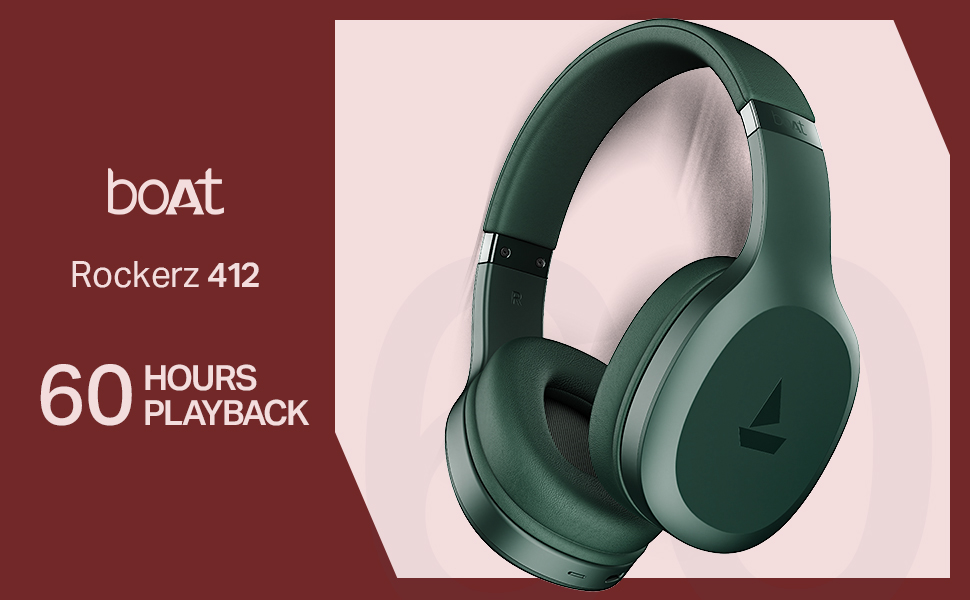
Image: QR code to download the boAt Hearables App. Click the image to visit the app download page.
Produto rematadoview Vídeo
Mira este breve vídeo para unha rápida análiseview of the boAt Rockerz 412 headphones and their key features.
Vídeo: Un breve produto rematadoview of the boAt Rockerz 412 headphones, showcasing design and main functionalities.
Garantía e Soporte
The boAt Rockerz 412 headphones come with a standard brand warranty. For warranty claims, technical support, or further assistance, please contact boAt customer service or visit their official websitio.
Manufacturer: Imagine Marketing Ltd, info@imaginemarketingindia.com
For more information, you can also visit the boAt Store on Amazon.in.


