1. Introdución
Thank you for choosing the boAt Rockerz 412 Wireless Over-Ear Headphones. This manual provides essential information for setting up, operating, and maintaining your headphones to ensure optimal performance and longevity. Please read these instructions carefully before using the product.
2. Que hai na caixa
Upon unboxing your boAt Rockerz 412 headphones, please verify that all the following items are included:
- Auriculares Boat Rockerz 412
- Cable de carga
3. Produto rematadoview e Características
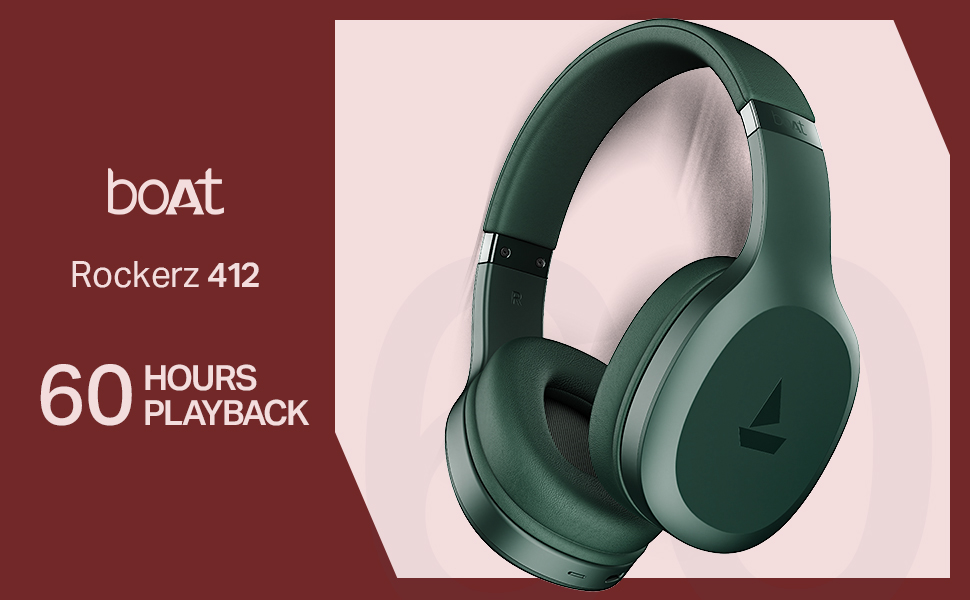
The boAt Rockerz 412 headphones are designed for an immersive audio experience with advanced features.
- 60 Hours of Playback: Goza de sesións de escoita prolongadas con ata 60 horas de duración da batería cunha soa carga.
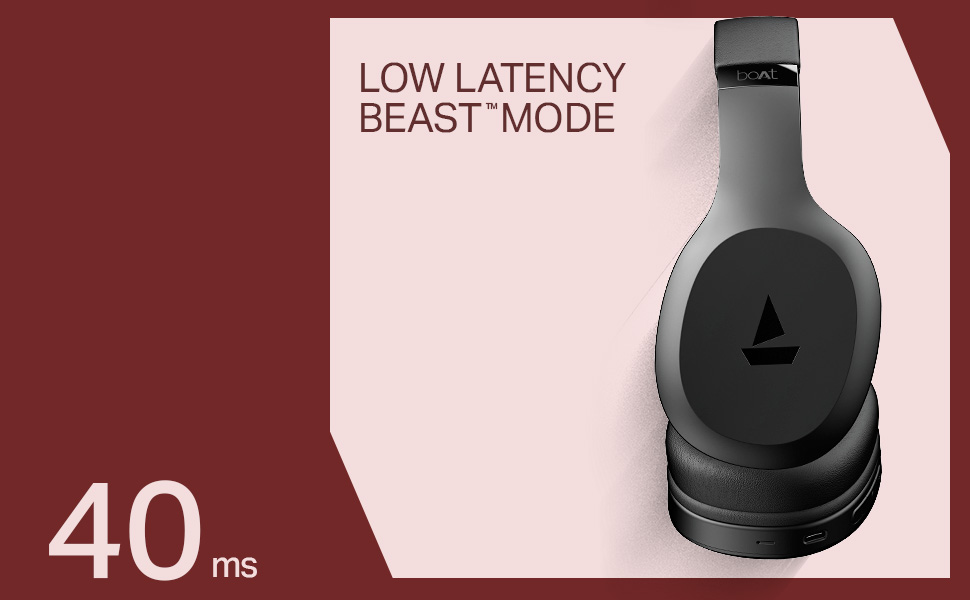
- 40ms Low Latency (BEAST Mode): Experience minimal audio lag, ideal for gaming and video streaming, providing a high degree of realism.
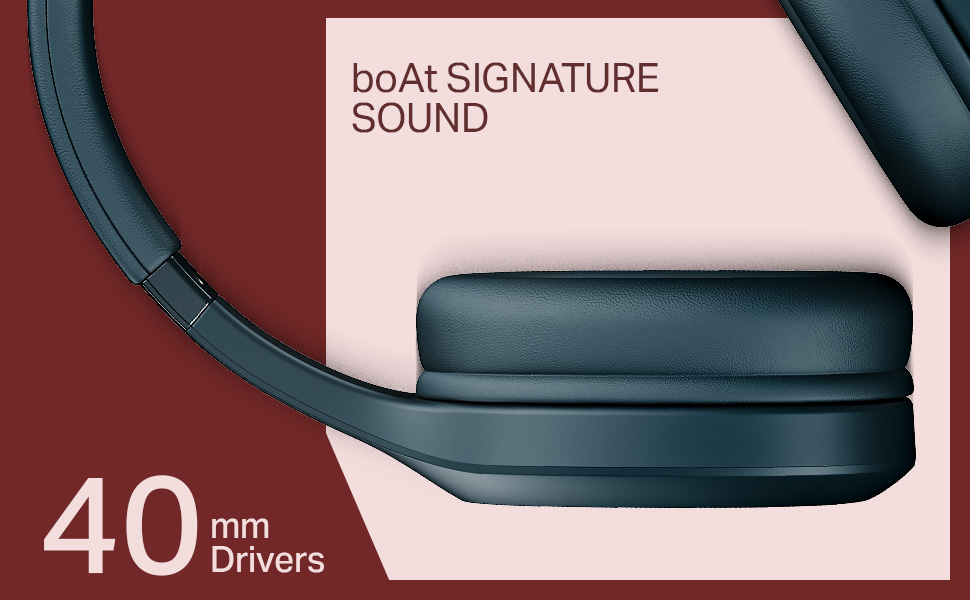
- Controladores dinámicos de 40 mm: Delivers the signature boAt sound with powerful bass and clear audio.
- ENx Technology: Enhances call clarity by removing background noise, ensuring seamless conversations.
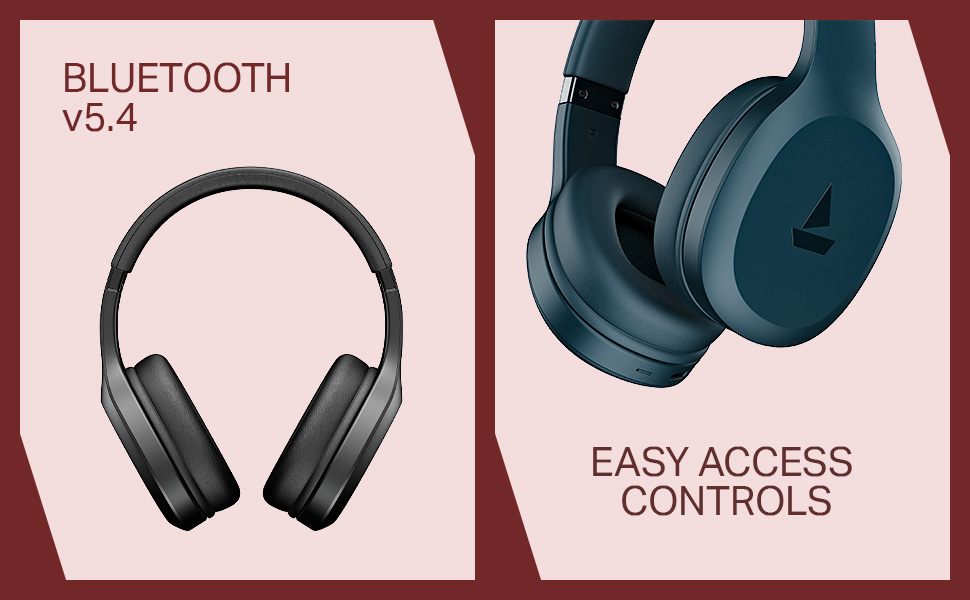
- Bluetooth v5.4 Compatibility: Provides stable and efficient wireless connectivity with compatible devices.
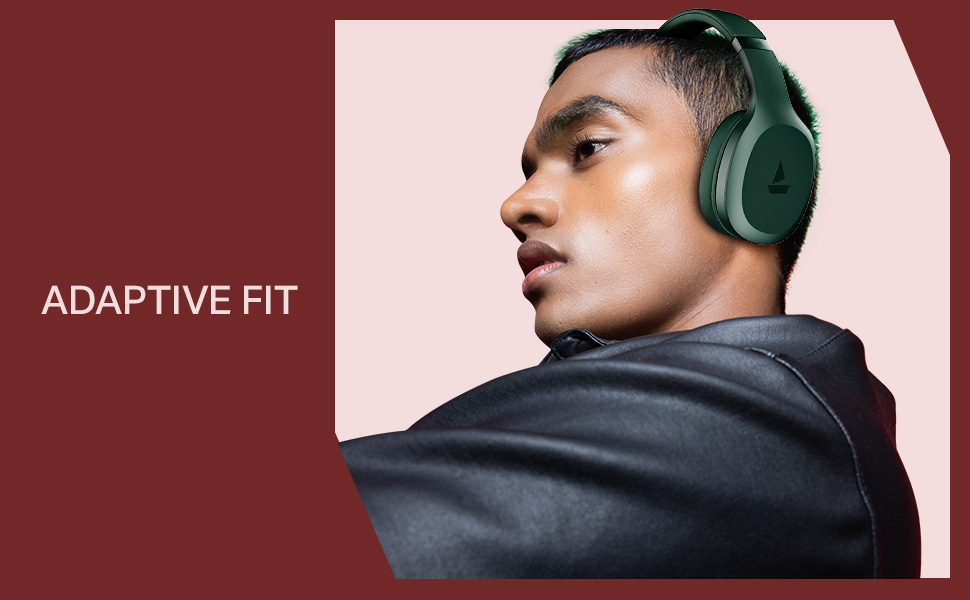
- Adaptive Fit: Designed for comfortable wear during prolonged use.
- Easy Access Controls: Intuitive buttons for managing music, calls, and voice assistant.

4. Configuración
4.1 Carga dos auriculares
Before initial use, fully charge your boAt Rockerz 412 headphones. A full charge takes approximately 2 hours.
- Conecta o cable de carga fornecido ao porto de carga dos auriculares.
- Conecta o outro extremo do cable a un adaptador de corrente USB (non incluído) ou ao porto USB dun ordenador.
- O indicador LED mostrará o estado de carga (por exemplo, vermello para a carga, azul/apagado para a carga completa).
4.2 Emparejamento Bluetooth
Para conectar os auriculares a un dispositivo:
- Asegúrate de que os auriculares estean completamente cargados e apagados.
- Press and hold the multi-function button until the LED indicator flashes blue and red alternately, indicating pairing mode.
- No teu dispositivo (teléfono intelixente, tableta, portátil), activa o Bluetooth e busca os dispositivos dispoñibles.
- Select "boAt Rockerz 412" from the list of devices.
- Once connected, the LED indicator will flash blue periodically.
5. Instrucións de funcionamento
5.1 Encendido/apagado
- Encendido: Manteña premido o botón multifunción durante 3 segundos.
- Apagado: Manteña premido o botón multifunción durante 5 segundos.
5.2 Controis de reprodución de música
- Reproducir/Pausa: Prema unha vez o botón multifunción.
- Próxima pista: Mantén premido o botón "Subir volume".
- Pista anterior: Mantén premido o botón "Baixar volume".
- Subir volume: Prema brevemente o botón "Subir volume".
- Baixar volume: Prema brevemente o botón "Baixar volume".
5.3 Xestión de chamadas
- Responder/Finalizar chamada: Prema unha vez o botón multifunción.
- Rexeitar a chamada: Prema e manteña premido o botón multifunción.
- Volver a marcar o último número: Prema dúas veces o botón multifunción.
5.4 Asistente de voz
Activa o asistente de voz do teu dispositivo (por exemplo, o Asistente de Google ou Siri) premendo tres veces o botón multifunción.
5.5 BEAST Mode (Low Latency)
Engage BEAST Mode for a low-latency audio experience, particularly beneficial for gaming. Refer to your device's settings or the boAt Hearables App for specific activation instructions if available.
5.6 Soporte da aplicación boAt Hearables
Enhance your experience by downloading the boAt Hearables App. The app may offer additional features, settings, and user guides.
6. Mantemento
Para garantir a lonxevidade e o rendemento dos seus auriculares:
- Keep the headphones dry. Avoid exposure to water or excessive moisture. While rated as 'Water Resistant', it is not waterproof.
- Limpa os auriculares e a diadema cun pano suave e seco.
- Garda os auriculares nun lugar fresco e seco cando non estes en uso.
- Evita temperaturas extremas.
- Non intentes desmontar nin modificar os auriculares. Isto anulará a garantía.
7 Solución de problemas
If you encounter issues with your boAt Rockerz 412 headphones, refer to the following common solutions:
- Os auriculares non se acenden: Asegúrate de que os auriculares estean completamente cargados.
- Non se pode emparellar co dispositivo: Make sure Bluetooth is enabled on your device and the headphones are in pairing mode (LED flashing blue and red). Try forgetting the device on your phone and re-pairing.
- Sen son: Comproba os niveis de volume tanto nos auriculares como no dispositivo conectado. Asegúrate de que os auriculares estean correctamente emparellados.
- Baixa calidade das chamadas: Ensure the microphone is not obstructed. ENx Technology helps reduce background noise, but ensure you are in a reasonably quiet environment for best results.
- Conexión intermitente: Ensure your device is within the Bluetooth range (typically 10 meters) and there are no significant obstructions.
8. Especificacións
| Característica | Detalle |
|---|---|
| Nome do modelo | Rockerz |
| Número de modelo | PB0009 |
| Tecnoloxía de conectividade | Bluetooth v5.4 |
| Tipo de controlador de audio | Driver dinámico |
| Tamaño do controlador | 40 mm |
| Duración da batería | Ata 60 horas |
| Tempo de carga | 2 horas |
| Peso do elemento | 300 gramos |
| Dimensións do produto | 20 x 9 x 17 cm |
| Nivel de resistencia á auga | Resistente á auga |
| Características especiais | Noise Cancellation (Passive), Voice Assistant Support, Low Latency (BEAST Mode) |
| Método de control | Aplicación, botón pulsador |
| Forma do auricular | Ovalado |
| Material | Goma |
| Baterías | 1 batería de iones de litio (incluída) |
9. Vídeo do produtoview
Watch this brief video for a visual overview of the boAt Rockerz 412 headphones and their key features.
Vídeo: Un produto curto rematadoview of the boAt Rockerz 412 headphones, showcasing its design and features like 60 hours playback, 40mm drivers, 40ms low latency, and ENx Tech. This is a preview vídeo.
10. Garantía e soporte
The boAt Rockerz 412 headphones come with a standard brand warranty. For further information regarding warranty claims, technical support, or additional product details, please visit the official boAt website or refer to the product detail page on Amazon.in.
For customer service inquiries, you may contact Imagine Marketing Ltd, the manufacturer, at info@imaginemarketingindia.com.


