1. Introdución
This manual provides essential instructions for setting up, operating, and maintaining your LEFFOT H618 Plus 4K Ultra HD Streaming Device. Please read this guide thoroughly before use to ensure proper functionality and to maximize your entertainment experience.
2. Información de seguridade
- Asegúrate de colocar o dispositivo sobre unha superficie estable e plana para evitar caídas accidentais.
- Non expoñas o dispositivo á auga, á humidade nin a temperaturas extremas.
- Evite bloquear as aberturas de ventilación para evitar o sobrequecemento.
- Use só o adaptador de corrente fornecido para evitar danos.
- Manteña o dispositivo e os accesorios fóra do alcance dos nenos.
- Non intente desmontar nin reparar o dispositivo vostede mesmo. Póñase en contacto co persoal de servizo cualificado para obter axuda.
3. Contido do paquete
Verifica que todos os elementos estean presentes no paquete:
- LEFFOT H618 Plus Streaming Device
- Control remoto por voz
- Adaptador de alimentación
- Cable HDMI
- Manual de usuario

Figura 3.1: Contido do paquete
4. Instrucións de configuración
4.1 Conectando o dispositivo
- Conectar á televisión: Plug one end of the HDMI cable into the HDMI port on the LEFFOT H618 Plus device and the other end into an available HDMI input on your television.
- Conectar enerxía: Connect the power adapter to the DC port on the device and then plug the adapter into a wall outlet.
- Encendido: O dispositivo debería acenderse automaticamente. Se non, preme o botón de acendido do mando a distancia.

Figure 4.1: Connection Overview
4.2 Configuración do control remoto
- Inserir pilas: Open the battery compartment on the back of the voice remote control and insert two AAA batteries (included), ensuring correct polarity.
- Emparejamento: The remote control should automatically pair with the device upon first use. If not, follow the on-screen instructions or press and hold the pairing button (usually located inside the battery compartment or on the side of the remote) until the indicator light flashes.
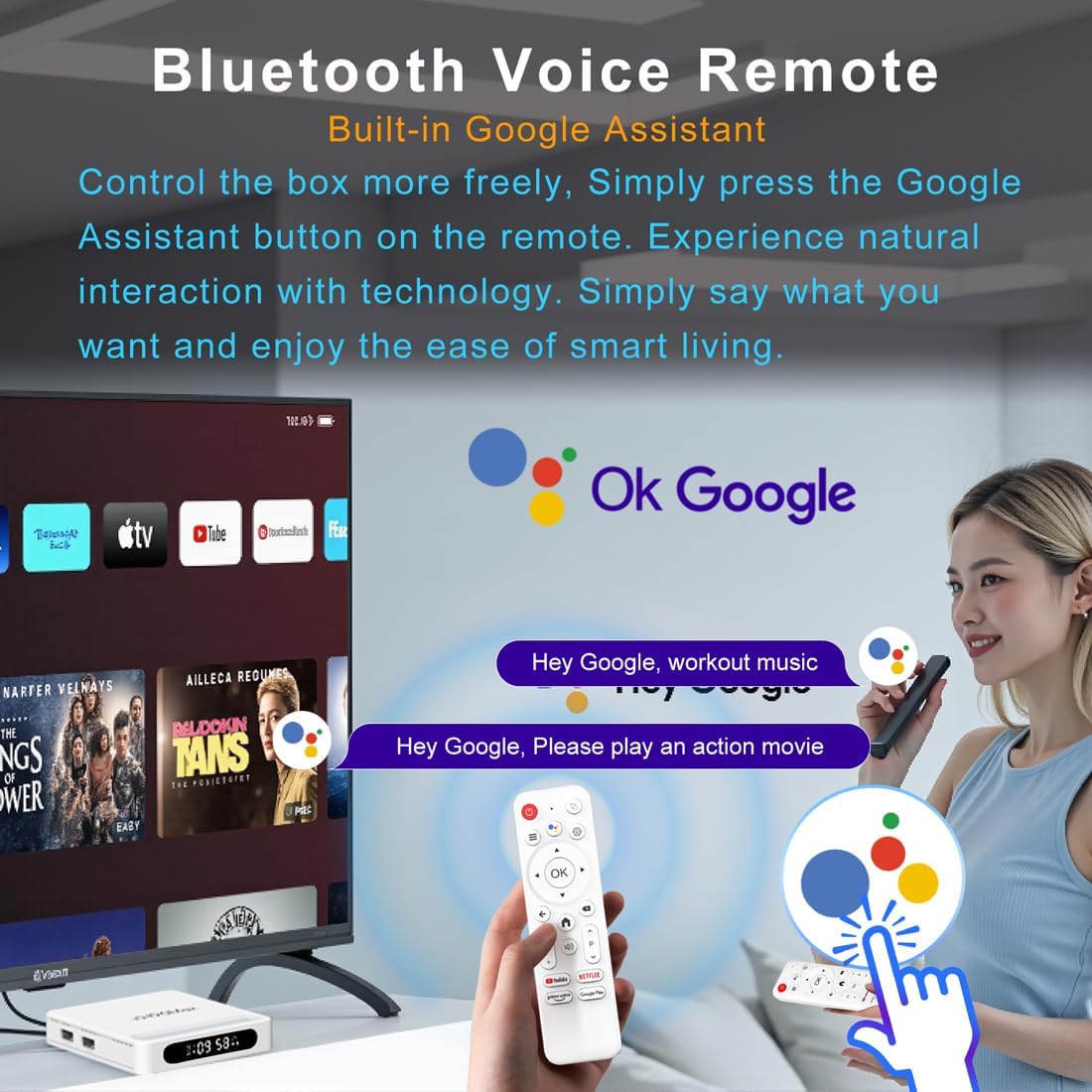
Figure 4.2: Voice Remote Control
4.3 Configuración inicial do dispositivo
Siga as instrucións na pantalla para completar a configuración inicial, que normalmente inclúe:
- Selección de idioma.
- Connecting to a Wi-Fi network or Ethernet.
- Iniciando sesión coa túa conta de Google.
- Installing essential applications.
5. Instrucións de funcionamento
5.1 Navegación e interface
Use the directional pad (D-pad) on your remote to navigate through the Android TV interface. The 'OK' button confirms selections, 'Back' returns to the previous screen, and 'Home' takes you to the main screen.
5.2 Voice Remote with Google Assistant
Press the Google Assistant button on your remote and speak your commands. You can search for content, open apps, control playback, and more using your voice.
5.3 Acceso ás aplicacións
The device comes pre-loaded with Google Play, allowing access to over 5000+ applications. Navigate to the 'Apps' section on the home screen to browse, download, and manage your applications.

Figure 5.1: Accessing Apps via Google Play
5.4 4K UHD Playback and HDR10
The LEFFOT H618 Plus supports 8K@22fps decoding and 4K@60fps playback with HDR10. Ensure your television is 4K HDR compatible and that you are streaming 4K HDR content for the best visual experience.
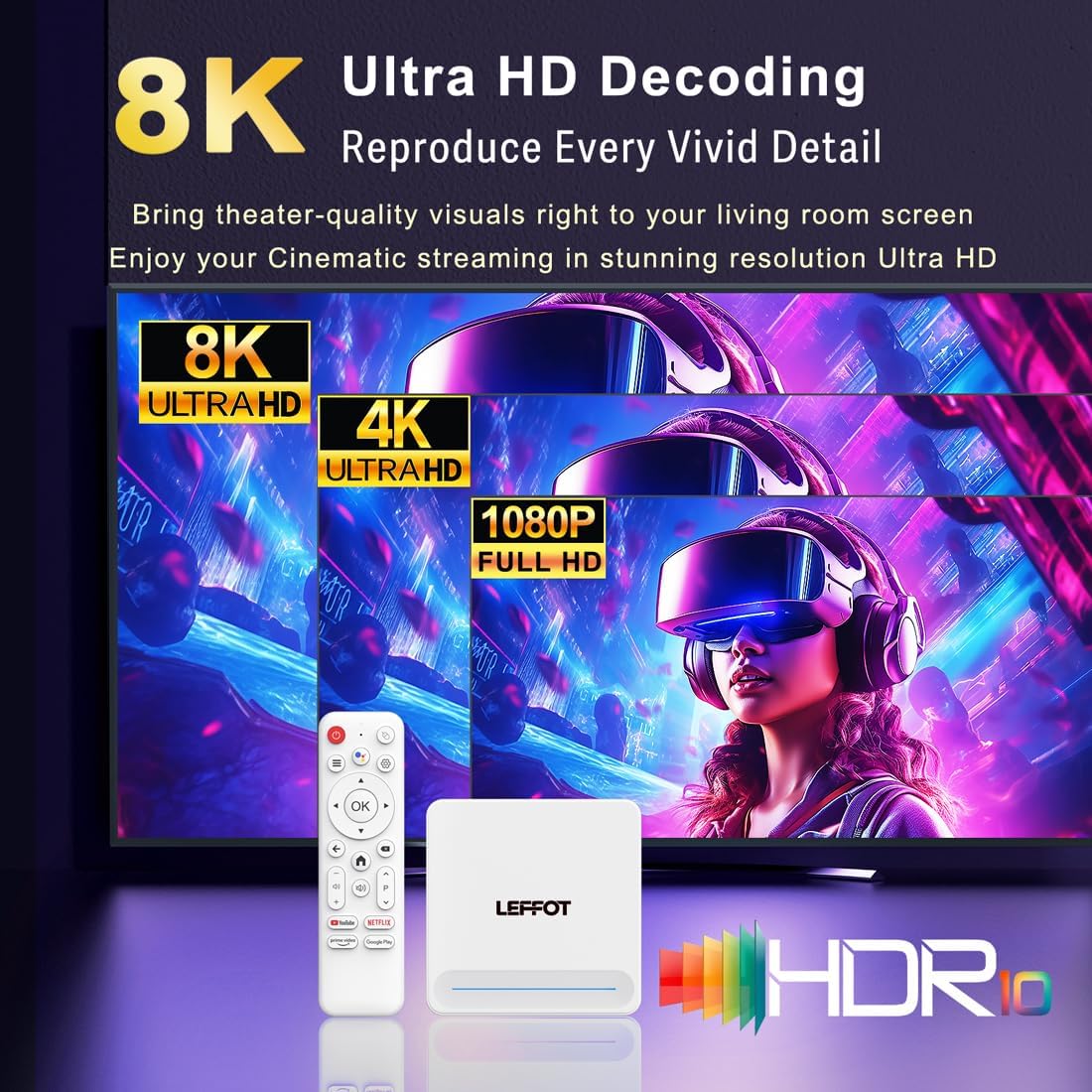
Figure 5.2: 4K UHD and HDR10 Visuals
5.5 Proxección de pantalla
Utilize the built-in Airplay and Miracast features to cast content from your smartphone or tablet directly to your TV screen.
6. Especificacións
| Característica | Descrición |
|---|---|
| Marca | LEFFOT |
| Nome do modelo | H618 Plus |
| Sistema Operativo | Android 14 |
| CPU | Allwinner H618 Quad-Core ARM Cortex A53 |
| GPU | Mali-G31 MP2 |
| RAM | 2 GB |
| ROM | 16 GB |
| Decodificación de vídeo | 8K@22fps, 4K@60fps with HDR10 |
| Conectividade | Dual-band WiFi 6 (2.4G/5G), 100M Ethernet, Bluetooth 5.4 |
| Portos | HDMI 2.0a, USB 2.0 (x2), AV, DC |
| Características especiais | Voice Remote with Google Assistant, Airplay, Miracast |
| Dimensións | 3.2 x 3.2 x 0.67 polgadas |
| Peso | 4.1 onzas |

Figura 6.1: Características principaisview
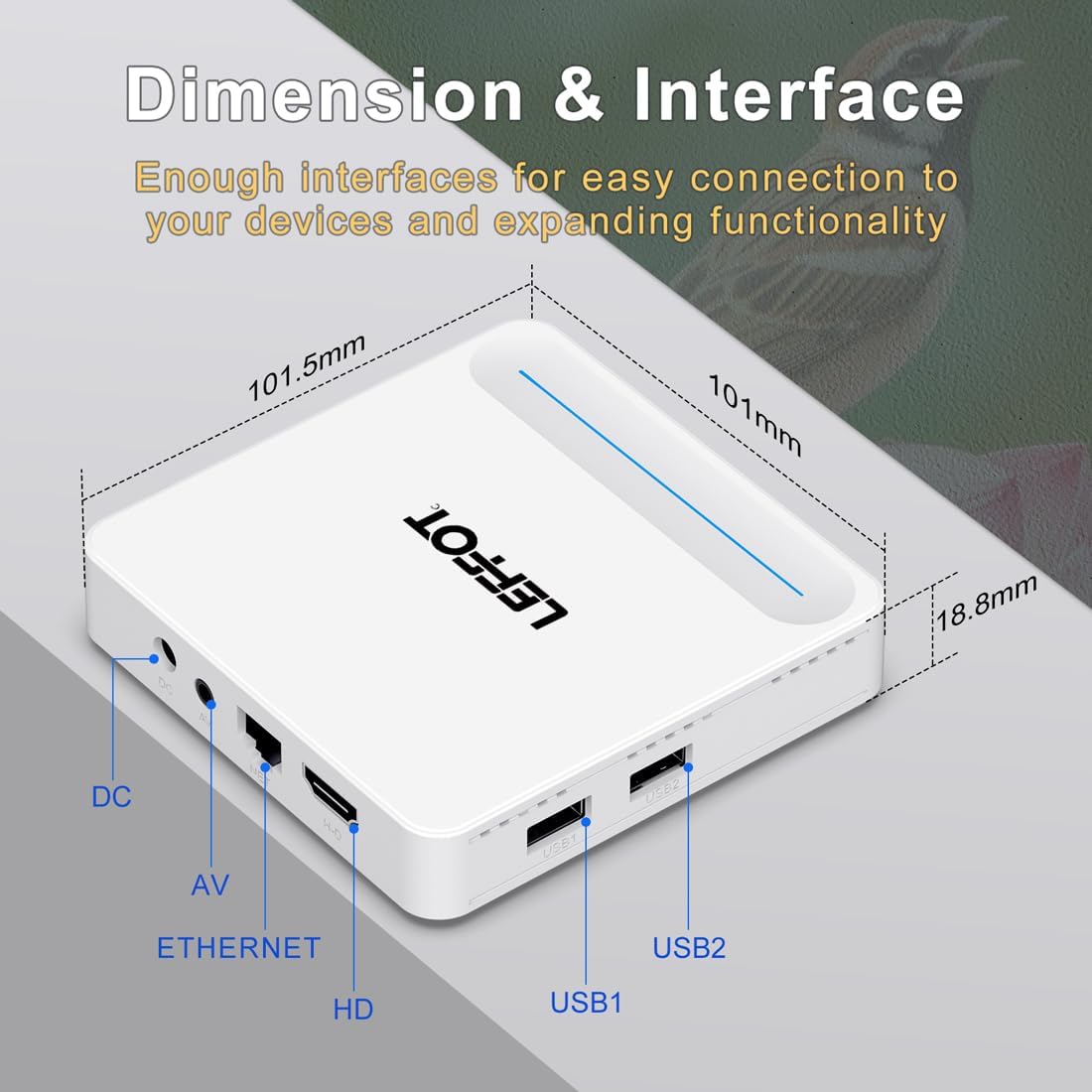
Figure 6.2: Device Dimensions and Interface
7 Solución de problemas
7.1 Sen alimentación / O dispositivo non se acende
- Comprobe se o adaptador de corrente está conectado correctamente ao dispositivo e á toma de corrente.
- Ensure the power outlet is functional. Try plugging another device into the same outlet.
- Press the power button on the remote control or the device itself.
7.2 No Signal on TV Screen
- Verify that the HDMI cable is securely connected to both the device and the TV.
- Asegúrate de que o teu televisor estea configurado na fonte de entrada HDMI correcta.
- Tenta usar un cable HDMI diferente ou un porto HDMI diferente no teu televisor.
- Restart the streaming device and your TV.
7.3 O control remoto non responde
- Comprobe e substitúa as pilas do mando a distancia.
- Asegúrese de que non hai obstáculos entre o mando a distancia e o dispositivo.
- Re-pair the remote control with the device by following the instructions in Section 4.2.
7.4 Buffering or Slow Performance
- Check your internet connection speed. A stable and fast connection is crucial for streaming 4K content.
- If using Wi-Fi, try moving the device closer to your router or connecting via an Ethernet cable for a more stable connection.
- Close any unused applications running in the background on the device.
- Clear the cache of streaming applications.
- Restart your router, modem, and the streaming device.
8. Mantemento
- Clean the device regularly with a soft, dry cloth. Do not use liquid cleaners or aerosols.
- Keep the device free from dust and debris, especially around ventilation areas.
- Garde o dispositivo nun lugar fresco e seco cando non o use durante períodos prolongados.
9. Garantía e soporte
For warranty information and technical support, please refer to the documentation included with your purchase or visit the official LEFFOT websitio. Garda o comprobante de compra para reclamacións de garantía.


