1. Introdución
This manual provides essential information for the proper setup, operation, and maintenance of your Blackview Tab9WiFi Android 15 Tablet. Please read this guide thoroughly to ensure optimal performance and longevity of your device.
2. Contido do paquete
Verifique que todos os elementos que se indican a continuación estean incluídos no paquete do produto:
- Negroview Tab9WiFi Tablet
- Funda protectora
- Cargador
- Cable de carga tipo C
- Manual de usuario
- PIN de expulsión da SIM

Imaxe: Negroview Tab9WiFi Tablet with included accessories.

Image: Detailed diagram illustrating the contents of the Blackview Tab9WiFi package.
3. Configuración inicial
3.1 Acendido e configuración inicial
- Press and hold the Power button located on the side of the tablet until the Blackview aparece o logotipo.
- Sigue as instrucións na pantalla para seleccionar o teu idioma, rexión e conectarte a unha rede wifi.
- Sign in with your Google account to access the Google Play Store and synchronize your data.
3.2 Expanding Memory
The tablet supports memory expansion up to 2TB via a TF card (not included). To expand memory:
- Ir a Configuración.
- Navega ata Sobre a tableta.
- Toca Running Memory RAM.
- Drag the Expansion Bar to the Right.
- Restart the tablet for changes to take effect.
4. Instrucións de funcionamento
4.1 Android 15 with Gemini AI
O teu negroview Tab9WiFi runs on Android 15 and integrates Google Gemini AI for enhanced functionality. Gemini AI acts as a voice-controlled assistant for daily tasks, language translation, and more.
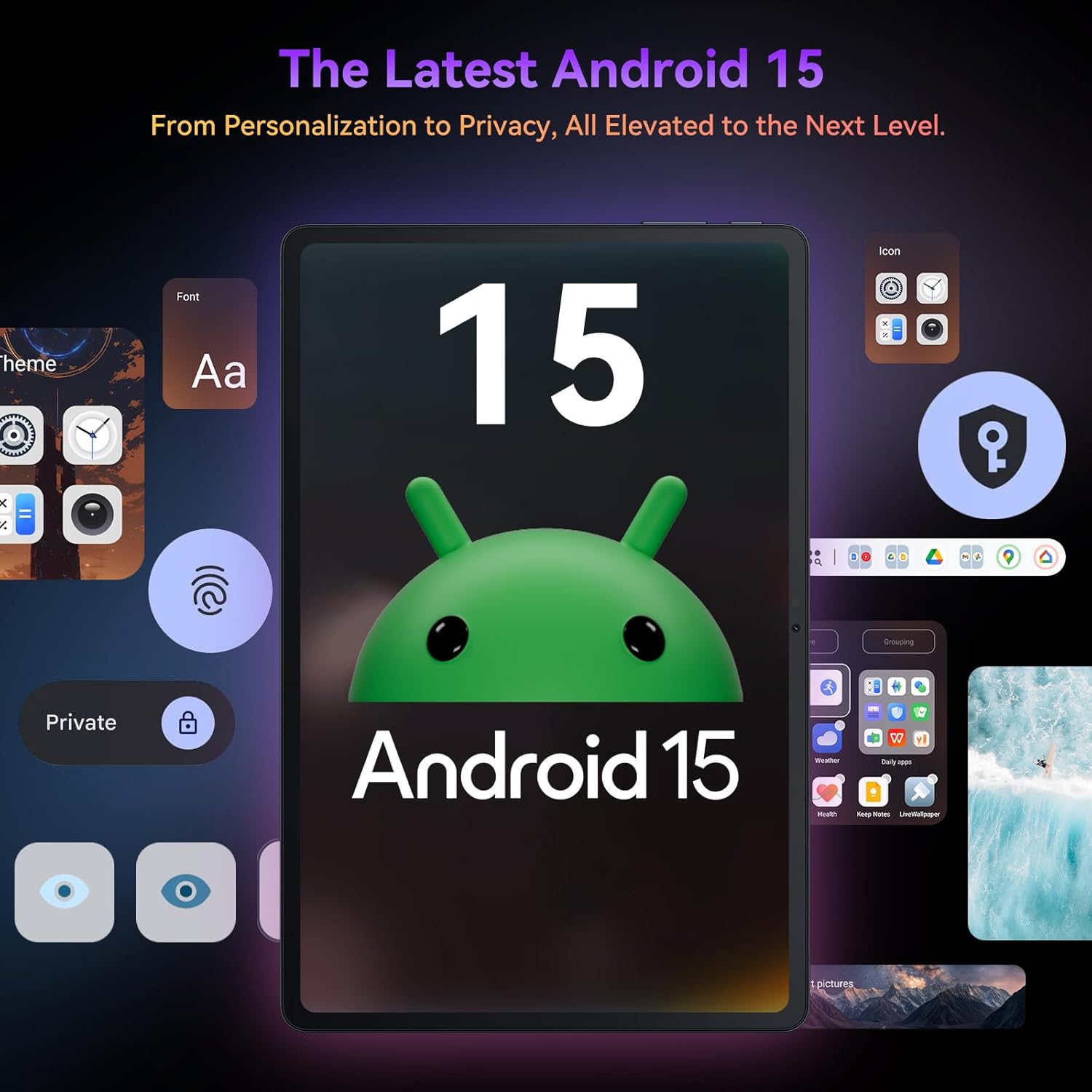
Imaxe: O Negroview Tab9WiFi displaying the Android 15 operating system interface.
4.2 DokeOS_P 4.0 Features
The tablet features DokeOS_P 4.0, offering improved convenience, fluency, privacy, and personalization. Key features include:
- Atención á pantalla: Mantén a pantalla acesa mentres a miras.
- Subtítulos en tempo real: Never miss a word with live captioning.
- Pre-installed Professional WPS Office Suite: For document creation and editing.
- Drag-and-drop Function: Easier way to copy and paste content.
- Funcións de privacidade: Cleared Clipboard History, Set Privacy Boundaries.
- Personalización: Full Set of Personal Theme, Larger Folders.

Image: Visual representation of DokeOS_P 4.0 features on the Blackview Tab9WiFi.
4.3 Display Modes and PC Mode
The 11-inch 2K Incell display offers various eye-comfort modes:
- Modo escuro: Reduces eye strain in low light.
- Modo de lectura: Optimizes display for reading.
- Modo de luz nocturna: Filters blue light for better sleep.
Utilizar Modo PC for a laptop-like experience, enhancing productivity with multi-window functionality.

Imaxe: O Negroview Tab9WiFi demonstrating various display modes and its PC Mode functionality.
4.4 Características da cámara
The tablet is equipped with AI-powered 8MP front and 16MP rear cameras. The Magic AI Photo Editor includes features like AI Magic Erase, AI One-Tap Sky Replacement, AI Portrait Unblur, and AI Color Focus to enhance your photos.
Use Smart Google Lens to explore the world with ease, including instant text translation, object identification, and price finding.

Imaxe: O Negroview Tab9WiFi highlighting its AI-powered camera features and capabilities.
4.5 Conectividade
The tablet supports dual-band 5G WiFi for fast and stable internet connectivity.
5. Especificacións
| Característica | Detalle |
|---|---|
| Marca | Negroview |
| Nome do modelo | Tab9WiFi |
| Sistema Operativo | Android 15 |
| Procesador | Unisoc T606 Octa-Core CPU |
| RAM | 24GB (8GB + 16GB virtual RAM) |
| Almacenamento interno | ROM de 256 GB |
| Almacenamento ampliable | Tarxeta TF de ata 2 TB |
| Tamaño da pantalla | 11 polgadas |
| Tipo de visualización | 2K Incell Display |
| Resolución máxima de pantalla | 2048 x 1536 píxeles |
| Cámara traseira | Cámara AI de 16 MP |
| Cámara frontal | Cámara AI de 8 MP |
| Capacidade da batería | 8200 mAh |
| Conectividade sen fíos | 5G WiFi (802.11ac) |
| Dimensións (LxWxH) | 8 x 3 x 0.5 polgadas |
| Peso do elemento | 2.59 libras |
6. Mantemento
6.1 Coidado coa batería
The 8200mAh battery is optimized with AI smart battery-saving technology. To maximize battery life:
- Evita temperaturas extremas.
- Usa o cargador e o cable fornecidos.
- Enable minimalist power saving mode for extended standby.

Imaxe: O Negroview Tab9WiFi highlighting its large 8200mAh battery and AI power-saving features.
6.2 Coidados xerais
- Keep the tablet clean and free from dust.
- Avoid dropping the device or exposing it to liquids.
- Use the protective case to prevent scratches and damage.
7 Solución de problemas
If you encounter any issues with your Blackview Tab9WiFi, try the following common solutions:
- O dispositivo non se acende: Ensure the battery is charged. Connect the charger and wait at least 30 minutes before attempting to power on again.
- Rendemento lento: Close unused applications, clear cache, or restart the device. Consider expanding memory with a TF card.
- Problemas de conectividade Wi-Fi: Ensure Wi-Fi is enabled and you are within range of a known network. Restart your router and the tablet.
- Falta de resposta da pantalla: Reinicia a tableta. Se o problema persiste, realiza un restablecemento de fábrica (primeiro, fai unha copia de seguridade dos datos).
8. Garantía e soporte
O teu negroview Tab9WiFi comes with a 720-day worry-free warranty. For any questions, technical support, or warranty claims, please contact customer service through your Amazon order page. Blackview products undergo strict examination and high-quality testing to ensure user satisfaction.

Imaxe: Información sobre BlackviewGarantía de dous anos de asistencia.
9. Vídeo oficial do produto
Vídeo: Presentación oficial dun produto en vídeoasing o Negroview Android 15 Tablet Tab 9 WiFi with Gemini Ai 2.0. This video provides an overview of the tablet's features and design.