1. Introdución
The KEF XIO Dolby Atmos 5.1.2 Soundbar is engineered to deliver a truly cinematic audio experience with its full 5.1.2 speaker configuration and 12 discreet amplifiers. This manual provides essential information for setting up, operating, and maintaining your KEF XIO Soundbar to ensure optimal performance and longevity.
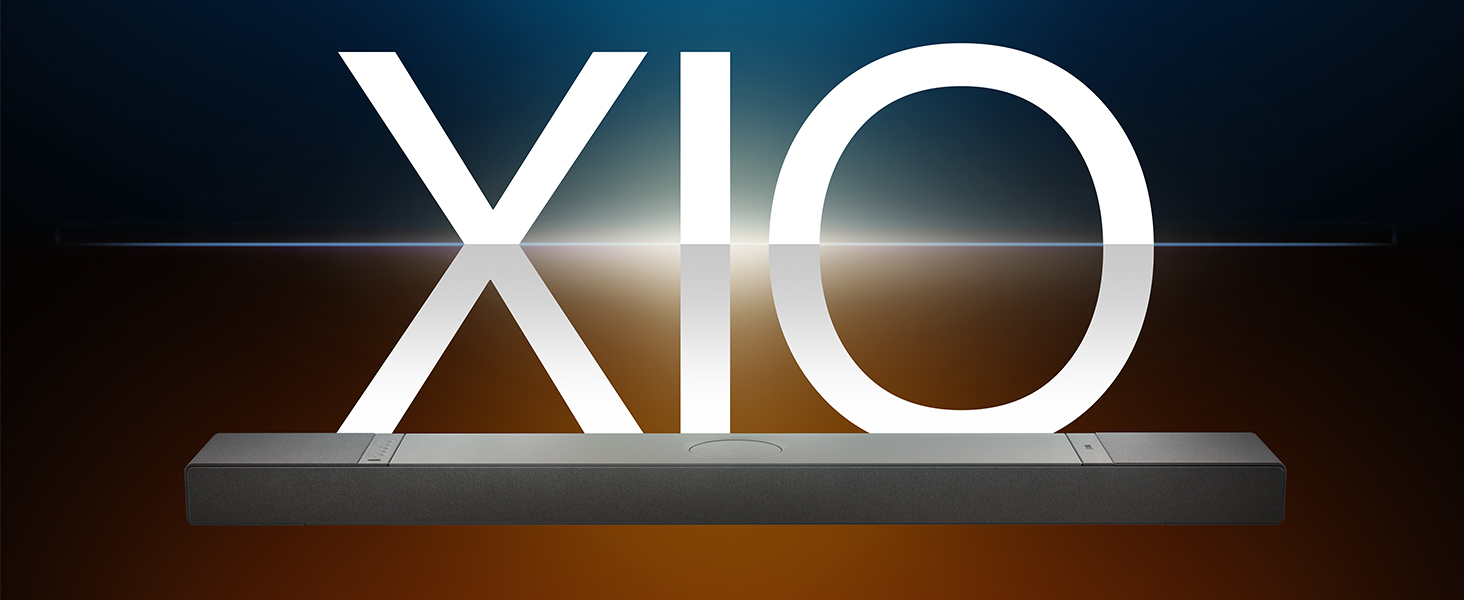
Image: The KEF XIO Soundbar, showcasing its sleek design and the XIO branding.
2. Información de seguridade
Please read all safety instructions carefully before using the KEF XIO Soundbar. Retain this manual for future reference.
- Fonte de alimentación: Use only the power cable provided. Ensure the voltage coincide coa súa fonte de alimentación local.
- Ventilación: Non bloquee ningunha abertura de ventilación. Instáleo segundo as instrucións do fabricante.
- Auga e humidade: Do not expose the soundbar to rain, moisture, dripping, or splashing. Do not place objects filled with liquids, such as vases, on the apparatus.
- Calor: Non instale preto de fontes de calor como radiadores, rexistros de calor, cociñas ou outros aparellos (incluíndo amplificadores) que producen calor.
- Limpeza: Unplug the soundbar from the power outlet before cleaning. Clean only with a dry cloth.
- Servizo: Non intente atender este produto vostede mesmo. Remita todo o servizo a persoal de servizo cualificado.
3. Que hai na caixa
Verifique que todos os compoñentes estean presentes antes de continuar coa configuración.
- KEF XIO Dolby Atmos 5.1.2 Soundbar
- Cable de alimentación
- Control remoto
- Cable HDMI
- Soporte de montaxe en parede
- Modelo de montaxe na parede
- Guía de inicio rápido
4. Configuración
4.1 Opcións de colocación
The KEF XIO Soundbar offers flexible placement options to suit your home environment. It can be placed on a credenza or mounted to a wall using the included hardware. The soundbar automatically senses its position and adjusts its speakers accordingly for optimal audio performance.

Image: The KEF XIO Soundbar positioned on a credenza beneath a television in a modern living room setting.

Image: The KEF XIO Soundbar wall-mounted below a large screen in a dedicated gaming or entertainment area.

Imaxe: Unha detallada view of the KEF XIO Soundbar resting on a credenza, highlighting its sleek profile.
4.2 Connecting Your Soundbar
The KEF XIO Soundbar offers a variety of connectivity options for seamless integration with your home entertainment system.

Image: The rear panel of the KEF XIO Soundbar, displaying the various input ports including HDMI eARC, Optical, and Ethernet.
- EARC HDMI: Connect the included HDMI cable from the HDMI eARC port on your soundbar to the HDMI eARC/ARC port on your television for high-quality audio transmission and control.
- Óptica: For devices without HDMI eARC, use an optical cable to connect to the soundbar's optical input.
- Potencia: Conecta o cable de alimentación á barra de son e despois a unha toma de corrente.
- Rede (opcional): For wired network connectivity, connect an Ethernet cable to the LAN port.
For wireless connectivity (Wi-Fi, Bluetooth), refer to the "Operating" section for initial pairing and setup.
5. Funcionamento da barra de son
5.1 Métodos de control
You can control your KEF XIO Soundbar using the included customizable remote, the KEF Connect App, or your smart remote.
- Control remoto: Use the dedicated remote for power, volume, input selection, and sound mode adjustments.
- KEF Connect App: Download the KEF Connect App from your device's app store for advanced control, settings customization, and firmware updates.
- Control remoto intelixente: If your TV supports HDMI CEC (Consumer Electronics Control), you may be able to control basic functions like volume and power using your TV's remote.
5.2 Modos de son
Easily switch between optimized sound modes for different content types:
- Modo de película: Enhances cinematic audio with immersive surround sound.
- Modo de diálogo: Clarifies spoken words, making conversations easier to understand.
- Modo nocturno: Reduce o rango dinámico para unha escoita máis silenciosa, ideal para a noite alta viewing.
5.3 Connectivity and Streaming
The KEF XIO is engineered for seamless connectivity and easy streaming, supporting a wide range of wireless technologies and services.

Image: The KEF XIO Soundbar displayed with icons representing its support for Google Cast, Amazon Music, Qobuz, Apple Music, Bluetooth, Spotify, and Tidal.
- Wi-Fi: Connect to your home Wi-Fi network via the KEF Connect App for access to online streaming services and multi-room audio.
- Apple AirPlay: Stream audio directly from your Apple devices.
- Bluetooth 5.3: Pair your smartphone, tablet, or other Bluetooth-enabled devices for wireless audio playback.
- Servizos de streaming: Enjoy direct integration with Spotify Connect, Tidal Connect, Google Cast, Apple Music, Amazon Music, and Qobuz Connect.
5.4 Spatial Audio Support
The KEF XIO brings the world of spatial audio into your home, transforming your entertainment experience. It effortlessly plays Dolby Atmos, DTS:X, Sony 360 Reality Audio, and more by up-mixing mono/stereo content.

Image: An artistic representation of sound waves emanating from the KEF XIO Soundbar, illustrating immersive audio filling a living space.
6. Mantemento
Proper care will ensure the longevity and performance of your KEF XIO Soundbar.
- Limpeza:
- Always unplug the soundbar before cleaning.
- Use un pano suave, seco e sen fiapos para limpar as superficies.
- Do not use liquid cleaners, aerosol sprays, or abrasive chemicals, as they may damage the finish.
- Po: Regularly dust the soundbar to prevent accumulation, especially around speaker grilles and ventilation openings.
- Almacenamento: If storing the soundbar for an extended period, place it in its original packaging in a cool, dry place.
7 Solución de problemas
If you encounter issues with your KEF XIO Soundbar, refer to the following common problems and solutions.
| Problema | Causa posible | Solución |
|---|---|---|
| Sen poder | Power cable not connected; power outlet not active. | Asegúrate de que o cable de alimentación estea conectado correctamente á barra de son e a unha toma de corrente que funcione. |
| Sen son | Incorrect input selected; volume too low; audio cable loose/damaged; TV audio output settings. | Select correct input; increase volume; check audio cable connections; adjust TV audio output to external speakers (e.g., PCM, Bitstream). |
| Problemas de vinculación Bluetooth | A barra de son non está en modo de emparellamento; o dispositivo está demasiado lonxe; interferencias. | Ensure soundbar is in Bluetooth pairing mode; move device closer; minimize interference from other wireless devices. |
| O control remoto non funciona | Baterías esgotadas; obstrución; mando a distancia fóra de alcance. | Replace batteries; remove obstructions between remote and soundbar; ensure remote is within range. |
| Mala calidade de son | Incorrect sound mode; improper placement; source audio quality. | Try different sound modes; ensure soundbar is placed optimally (refer to placement section); check source audio quality. |
If the problem persists, please contact KEF customer support for assistance.
8. Especificacións
| Característica | Detalle |
|---|---|
| Nome do modelo | XIO |
| Número de modelo do artigo | XIOSB |
| Tipo de altofalante | Barra de son |
| Configuración da canle de son envolvente | 5.1.2 |
| Potencia de saída máxima do altofalante | 820 vatios |
| Tipo de montaxe | Wall Mount, Credenza |
| Tecnoloxía de conectividade | Bluetooth, Wi-Fi, Ethernet, HDMI (eARC), Optical, IR |
| Tecnoloxía de comunicación sen fíos | Airplay, Bluetooth, Wi-Fi |
| Modo de saída de audio | Envolvente |
| Características especiais | Bass Boost, Hi Res Audio, Dolby Enabled, Built-in Microphone, Automatic Position Sensing |
| Dimensións do produto (P x A x A) | 6.5" D x 47.6" W x 2.8" H |
| Peso do elemento | 23.1 libras |
| Cor | Black (Slate Black) |
| UPC | 637203051234 |

Image: An exploded diagram of the KEF XIO Soundbar, illustrating its internal components including speakers and circuitry.

Imaxe: Unha detallada view of one of the internal speaker drivers, showcasing its design and construction.
9. Garantía e soporte
KEF products are designed and manufactured to the highest quality standards. For warranty information and customer support, please refer to the warranty card included with your product or visit the official KEF websitio.
For technical assistance or service inquiries, please contact KEF customer support through their official channels. Keep your purchase receipt as proof of purchase for warranty claims.
Podes atopar máis información e recursos de apoio en KEF Brand Store on Amazon.


