1. Introdución
This manual provides essential information for the safe and efficient operation of your FOXX C10 10.1-inch Android Tablet. Please read this guide thoroughly before using your device to ensure proper functionality and to understand its features. Keep this manual for future reference.
2. Que hai na caixa
Verifica que todos os elementos estean presentes no paquete:
- FOXX C10 Tablet
- Cable tipo C
- Charger (10W)
- Manual de usuario
- Protective Cover (pre-applied)
- Screen Protector Film (pre-applied)
3. Produto rematadoview
The FOXX C10 tablet features a 10.1-inch HD display, dual 8MP cameras, and a robust 6000mAh battery, all powered by an Android 13 operating system.

Imaxe: Anverso e reverso view of the FOXX C10 tablet, showcasing its sleek design and dual camera module on the rear.

Image: An infographic highlighting key features including the 10.1-inch display, Android 13, 6000mAh battery, 8MP cameras, MediaTek quad-core chipset, 4GB RAM + 64GB storage, 4G LTE bands, Wi-Fi, Bluetooth 5.0, Nano SIM, Type-C, and 3.5mm AUX port.
3.1 Visualización
The tablet is equipped with a 10.1-inch HD TFT V-notch display, offering a resolution of 800x1280 pixels for clear visuals.

Image: Close-up of the tablet's 10.1-inch HD TFT V-notch display, showing vibrant colors and detail.
3.2 Cámaras
The FOXX C10 features dual 8-megapixel cameras, both on the front and rear, enabling high-quality photos and video calls.
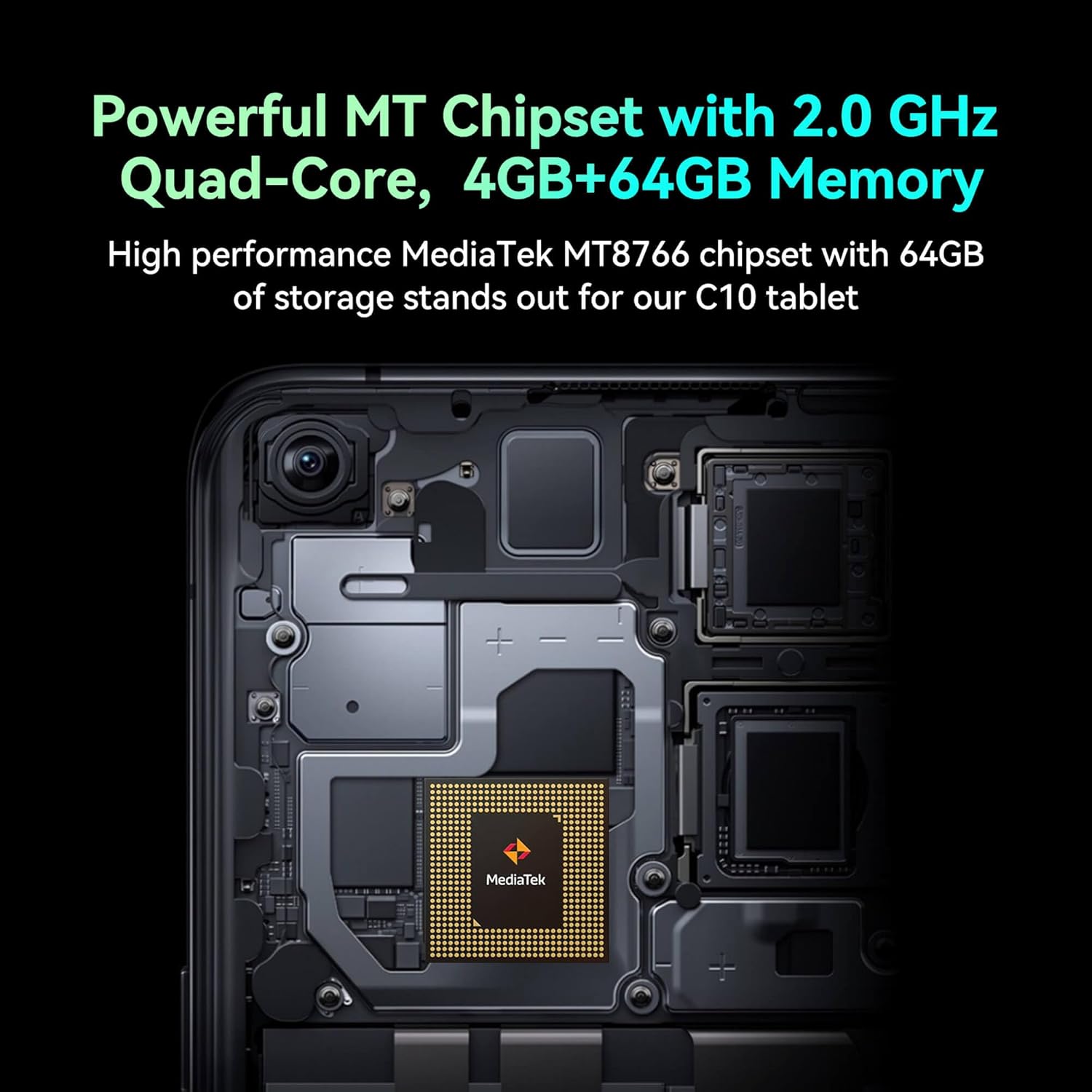
Image: Detail of the tablet's rear camera module, highlighting the 8-megapixel main camera with autofocus capabilities.
3.3 Procesador e memoria
It runs on a 2.0 GHz quad-core MediaTek MT8766 chipset, paired with 4GB of RAM and 64GB of internal storage for smooth performance and ampo espazo.

Imaxe: Unha interna view of the tablet's motherboard, showcasing the MediaTek MT8766 quad-core chipset.
Batería 3.4
A 6000mAh battery provides extended usage time, ensuring the device stays powered throughout the day.
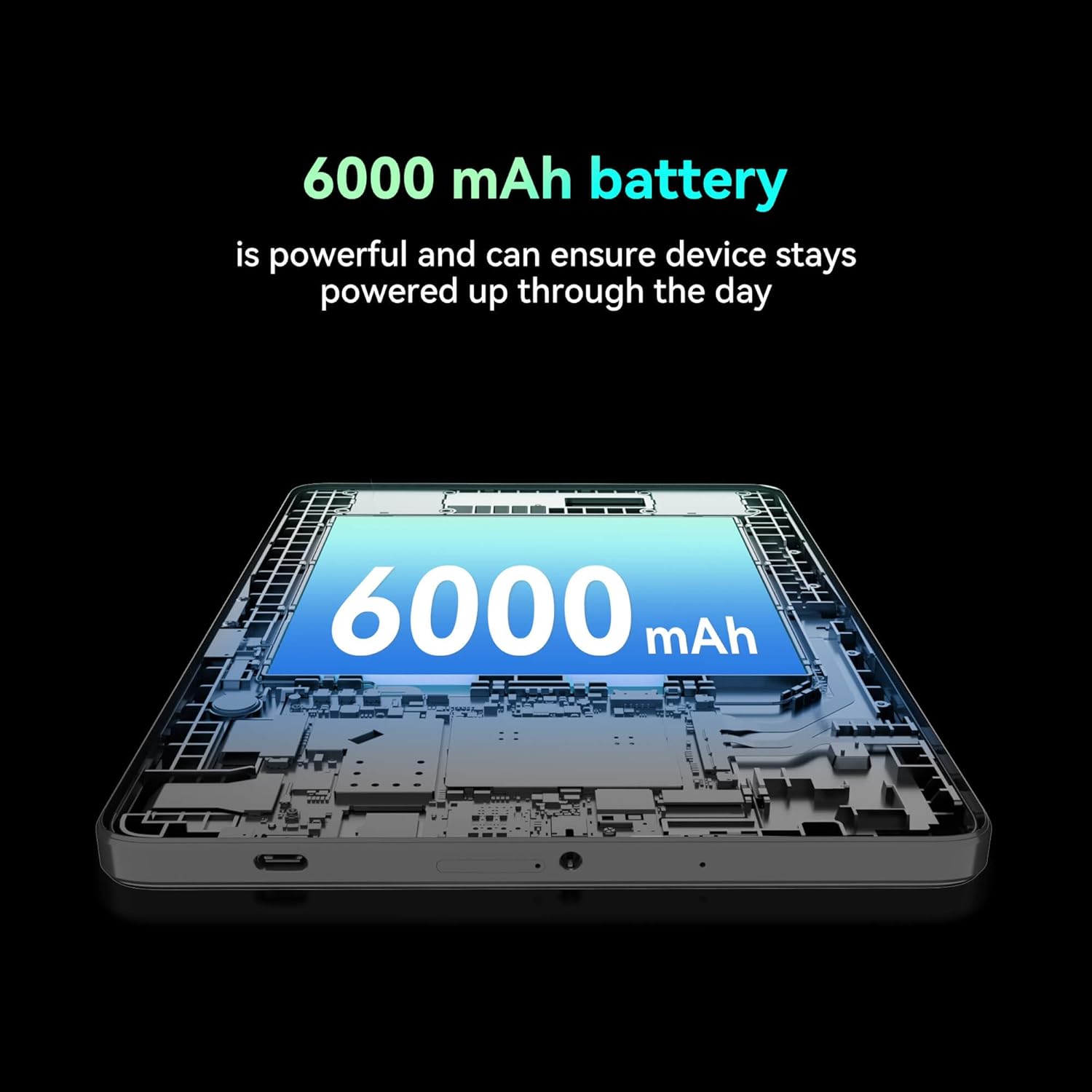
Imaxe: Un recorte view of the tablet highlighting the large 6000 mAh battery component.
4. Configuración
4.1 Carga inicial
Before first use, fully charge your tablet using the provided Type-C cable and 10W charger. The battery indicator on the screen will show charging status.
4.2 Acendido/Apagado
- Para acender: Manteña premido o botón de acendido ata que a pantalla se ilumine.
- Para apagar: Mantén premido o botón de acendido e, a seguir, selecciona "Apagar" entre as opcións que aparecen na pantalla.
- Para reiniciar: Press and hold the Power button, then select 'Restart' from the options on the screen.
4.3 Instalación da tarxeta SIM
The FOXX C10 supports Nano SIM cards for cellular connectivity. Locate the SIM card tray on the side of the tablet. Use the provided SIM ejector tool to open the tray. Insert the Nano SIM card into the designated slot with the gold contacts facing down. Close the tray securely.
4.4 MicroSD Card Installation (Optional)
If your tablet supports expandable storage, locate the MicroSD card slot, often combined with the SIM tray. Insert a MicroSD card (up to 128GB, sold separately) into the slot with the gold contacts facing down. Close the tray securely.
5. Instrucións de funcionamento
5.1 Navegación básica
A túa tableta funciona con Android 13. Usa xestos táctiles para a navegación:
- Toca: Selecciona un elemento ou abre unha aplicación.
- Pasar o dedo: Desprazarse por pantallas ou listas.
- Beliscar: Achegar ou afastar imaxes e web páxinas.
- Prensa longa: Acceder a menús contextuais ou mover iconas.
5.2 Conectando a Wi-Fi
- Ir a Configuración > Rede e internet > Wi-Fi.
- Activar/desactivar Wi-Fi On.
- Selecciona a rede Wi-Fi desexada da lista.
- Introduza o contrasinal se lle solicita e logo toque Conectar.
5.3 Making Calls (4G LTE)
With a properly installed and activated Nano SIM card, your tablet can make and receive calls.
- Abre o Teléfono aplicación.
- Dial the desired number or select a contact.
- Toca o Chamar botón.
5.4 Uso da cámara
The tablet features dual 8MP cameras for photography and video recording.
- Abre o Cámara aplicación.
- Toca o Obturador botón para facer unha foto.
- Toca o Vídeo icon to switch to video recording mode.
- Usa a icona do cambio de cámara para alternar entre as cámaras dianteira e traseira.
5.5 Emparejamento Bluetooth
- Ir a Configuración > Dispositivos conectados > Bluetooth.
- Activa o Bluetooth On.
- Asegúrate de que o dispositivo co que queres emparellalo estea en modo de emparellamento.
- Select the device from the list and follow any on-screen prompts to complete pairing.
6. Mantemento
6.1 Coidado coa batería
- Evita temperaturas extremas, que poden prexudicar a duración da batería.
- Non deixes a tableta cargando durante períodos prolongados despois de que estea completamente cargada.
- Use só o cargador e o cable fornecidos.
6.2 Limpeza
Use a soft, lint-free cloth to clean the screen and body of the tablet. Avoid using harsh chemicals or abrasive materials. For stubborn smudges, slightly dampEnxágüe o pano con auga ou cun limpador de pantallas deseñado para dispositivos electrónicos.
6.3 Actualizacións de software
Comprobe e instale regularmente actualizacións de software para garantir que a súa tableta teña as últimas funcións, parches de seguridade e melloras de rendemento. Vaia a Configuración > Sistema > Actualización do sistema.
7 Solución de problemas
| Problema | Solución |
|---|---|
| A tableta non se acende | Asegúrate de que a batería estea cargada. Conecta o cargador e agarda uns minutos antes de tentar acender de novo. |
| Non se pode conectar á wifi | Check if Wi-Fi is enabled in settings. Restart your router and the tablet. Verify the Wi-Fi password. |
| As aplicacións son lentas ou fallan | Close unused apps. Clear app cache (Settings > Apps > [App Name] > Storage > Clear cache). Restart the tablet. Ensure sufficient storage space. |
| Non hai servizo móbil | Ensure the Nano SIM card is correctly inserted and activated. Check your network settings and contact your service provider if necessary. |
| A pantalla non responde | Restart the tablet. If the issue persists, perform a factory reset (data will be lost). |
8. Especificacións
| Característica | Detalle |
|---|---|
| Nome do modelo | FOXX C10 |
| Sistema Operativo | Android 13 |
| Tamaño da pantalla | 10.1 polgadas |
| Resolución máxima de pantalla | 800 x 1280 píxeles |
| Procesador | 2 GHz Quad-Core MediaTek |
| RAM | 4 GB |
| Almacenamento interno | 64 GB |
| Tamaño da memoria flash | 8 GB (likely referring to system partition or eMMC base) |
| Cámaras | Dobre de 8 MP (frontal e traseira) |
| Capacidade da batería | 6000 mAh |
| Conectividade | 4G LTE, Wi-Fi (802.11 b/g/n/ac), Bluetooth 5.0, USB-C, 3.5mm AUX |
| Peso do elemento | 1.26 libras |
| Dimensións do produto | 9.64 x 6.39 x 0.42 polgadas |
| Cor | Negro |
9. Garantía e soporte
For warranty information and technical support, please refer to the documentation provided with your purchase or contact the retailer. Keep your proof of purchase for warranty claims.


