1. Produto rematadoview
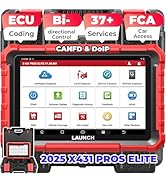
The Launch X431 CRP919XBT is an advanced ECU Coding OBD2 Scanner designed for comprehensive vehicle diagnostics. It features all-system bidirectional scanning capabilities, over 35 hot maintenance services, and supports modern protocols like CAN-FD and DoIP. Running on Android 10, this tool offers a fast and intuitive user experience for automotive professionals.

2. Que hai na caixa
Verifique que todos os elementos que se indican a continuación estean incluídos no seu paquete:
- CRP919XBT Main Unit (Diagnostic Tablet)
- VCI DBScar VII Module
- Maletín de transporte
- Cable de Diagnóstico
- Type A to Type C USB Cable
- Adaptador de alimentación
- Switching US/UK/EU Adapter
- Sobre contrasinal
- Manual de usuario
- Guía de inicio rápido

3. Configuración
- Cargar o dispositivo: Connect the CRP919XBT main unit to the power adapter using the provided Type A to Type C USB cable. Ensure the device is fully charged before first use.
- Encendido: Press and hold the power button on the tablet until the screen illuminates.
- Configuración inicial: Follow the on-screen prompts to select your language, connect to a Wi-Fi network, and set up your time zone.
- Conexión VCI: Plug the VCI DBScar VII module into the vehicle's OBD-II port. The VCI will automatically establish a Bluetooth connection with the CRP919XBT main unit. Ensure the VCI indicator lights are active.
- Actualización de software: Navigate to the 'Software Update' section on the main menu to download and install the latest software versions for optimal performance and vehicle coverage.
4. Instrucións de funcionamento
4.1. Funcionamento xeral
The CRP919XBT operates on Android 10.0, providing a user-friendly interface. The 7-inch touchscreen allows for intuitive navigation through menus and functions. The device is powered by a 2GHz quad-core processor with 4GB RAM and 64GB storage, ensuring fast operation and ample space for diagnostic data and software.

4.2. Wireless Diagnostics
The CRP919XBT utilizes a wireless VCI module for Bluetooth connectivity, allowing diagnostics up to 33 feet (10 meters) from the vehicle. This eliminates the need for a wired connection to the diagnostic port, providing flexibility and a cleaner workspace. A Type-A to Type-C USB cable can also be used for a wired connection if preferred.

4.3. AutoVIN & Scan
The device supports one-touch AutoVIN functionality for vehicles manufactured from 2006 onwards. This feature automatically identifies the vehicle's make, model, and year, streamlining the diagnostic process. If AutoVIN fails, manual VIN input is available.

4.4. All System Diagnostics
The CRP919XBT performs a comprehensive scan of all available electronic control units (ECUs) in the vehicle. It can read and clear over 8,000 Diagnostic Trouble Codes (DTCs) from systems such as ABS, SRS (airbag), engine, automatic transmission (AT), PCM, ECM, EPS, PDM, TPM, and BCM. Real-time data streams can be viewed in various formats to quickly pinpoint faults.

4.5. ECU Coding (Online/Offline)
This function allows for advanced vehicle customization and repair. It can address DTCs related to actuator circuit breaks, install new modules, and modify vehicle settings such as one-touch windows or sport-style lighting. It also enables closing unneeded settings like seat-belt chimes. ECU coding is available for various brands including Mercedes-Benz, BMW, Volkswagen, Audi, GM, Ford, and Porsche. Always back up vehicle data before performing coding operations.

4.6. Active Tests (Bidirectional Control)
The CRP919XBT supports over 3000 active tests, enabling direct command sending from the scan tool to vehicle components. This allows technicians to test solenoids, actuators, and other components while they are still installed in the vehicle. This function helps in quickly identifying whether a component is faulty or if there is a wiring issue, covering items like fans, lights, horn, doors, windows, brakes, throttle, A/C, clutches, mirrors, cameras, pumps, and valves. Compatibility varies by vehicle model.
4.7. Hot Services (Maintenance Functions)
The device offers over 35 hot reset and maintenance services, including but not limited to:
- Reinicio do EPB (freo de estacionamento electrónico)
- Reinicio de aceite
- Rexeneración de DPF (filtro de partículas diésel).
- Calibración do SAS (sensor de ángulo de dirección)
- Reinicio do TPMS (sistema de monitorización da presión dos pneumáticos)
- Reinicio do BMS (sistema de xestión de baterías)
- Codificación do inxector
- Adaptación del acelerador
- Calibración da suspensión
- Brake Bleed
- Calibración do ángulo do motor
- Adaptación de turboalimentación
- Coincidencia de embrague

4.8. Graphic Live Data
The CRP919XBT allows for the display of live data streams in multiple formats, including analog gauge, plain text, waveform graph, and digital gauge. It can display up to 8 multiple PIDs (Parameter IDs) on one screen simultaneously, facilitating detailed analysis of vehicle performance. Data can be recorded, played back, and screenshots can be taken for further review ou compartindo.

4.9. CAN-FD/DoIP Support
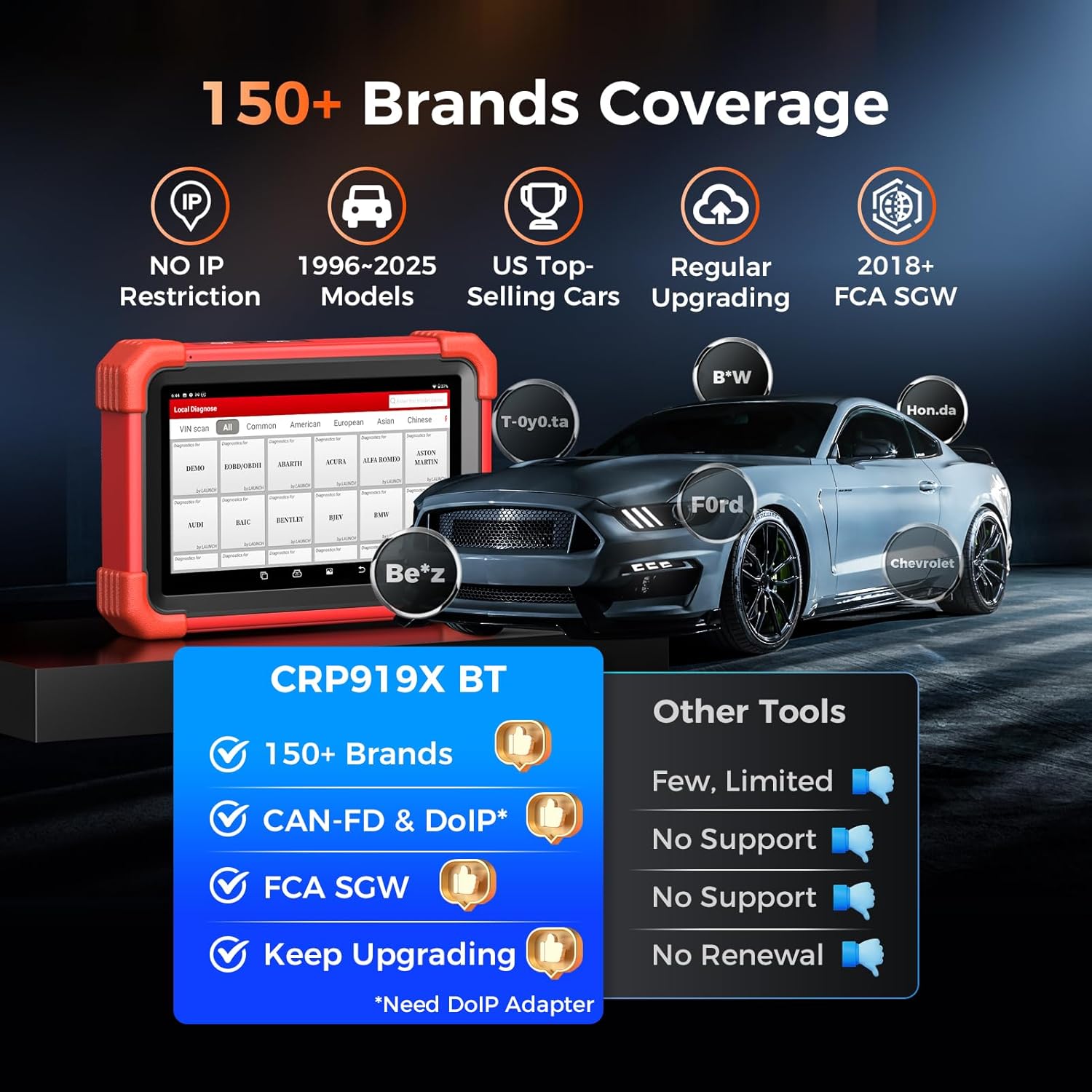
The scanner is compatible with CAN-FD and DoIP protocols, ensuring support for newer vehicle models. An optional DoIP adapter may be required for full DoIP functionality.

4.10. FCA SGW Access
The CRP919XBT supports FCA AutoAuth, allowing direct connection and coding for 2018+ FCA vehicles without the need for an additional 12+8 cable.

4.11. V.A.G Guided Function
The device includes built-in V.A.G (Volkswagen Audi Group) step-by-step guides to assist with complex diagnostic and service procedures for compatible vehicles.

4.12. Soporte multilingüe
The CRP919XBT supports 23 languages, allowing users worldwide to operate the device in their preferred language. Languages can be switched freely within the menu settings.

4.13. Cobertura de vehículos
The CRP919XBT covers over 150 vehicle brands, including models from 1996 to 2025. This extensive coverage includes American, European, and Asian manufacturers, ensuring compatibility with a wide range of vehicles.
5. Mantemento
5.1. Xestión da batería
The CRP919XBT is equipped with a 6,300 mAh Lithium Polymer battery, providing over 14 hours of continuous operation. To prolong battery life, avoid extreme temperatures and fully charge the device regularly. The device supports USB-C super charge, allowing use with standard car chargers or power banks.

5.2. Actualizacións de software
The purchase of the CRP919XBT includes 2 years of free software upgrades. Regular updates ensure the scanner remains compatible with new vehicle models and gains additional features and optimizations. Connect the device to a Wi-Fi network and navigate to the 'Software Update' section to check for and install available updates.
6. Resolución de problemas (preguntas frecuentes)
- Q: Does the CRP919XBT support diesel, hybrid, and European models?
- A: Yes, it supports these models. For specific compatibility, it is recommended to contact technical support with your vehicle's make, model, and year.
- Q: Can it perform ECU coding and active tests?
- A: Yes, the CRP919XBT is a bidirectional scan tool that supports both ECU coding and active tests.
- Q: Is the device wireless, and what is its battery life?
- A: Yes, it operates wirelessly via Bluetooth. The 6,300mAh battery provides approximately 14 hours of runtime.
- Q: Can it read transmission and airbag trouble codes?
- A: Yes, it can read over 8,000 fault codes across all vehicle systems, including transmission and airbag (SRS) systems.
- Q: Is it compatible with 2020+ new models?
- A: Yes, it supports CAN FD protocol and includes 2 years of free upgrades to ensure compatibility with newer models. For technical assistance, you can reach out to Tech_Launchoriginal@outlook.com.

7. Especificacións
| Característica | Especificación |
|---|---|
| Fabricante | LANZAMIENTO |
| Modelo | X431 CRP919XBT |
| Peso do elemento | 7 libras |
| Dimensións do paquete | 13 x 10.2 x 5.1 polgadas |
| Número de modelo do artigo | X431 CRP919XBT |
| Baterías | 1 batería de polímero de litio (incluída) |
| Número de peza do fabricante | 2025 CRP919X BT |
| Sistema Operativo | Android 10.0 |
| Tipo de ajuste automotriz | Ajuste universal |
| UPC | 810139302803 |
| Procesador | 2GHz Quad-core |
| RAM | 4 GB |
| Almacenamento | 64 GB |
| Tamaño da pantalla | 7 polgadas |
| Capacidade da batería | 6,300 mAh |
8. Garantía e soporte
The Launch X431 CRP919XBT comes with a commitment to customer satisfaction. This includes:
- Actualizacións de software: 2 years of free software upgrades are included with your purchase, ensuring your device stays current with the latest vehicle data and functionalities.
- Copia de seguridade de calidade: A 5-year quality backup is provided.
- Asistencia Técnica: Lifetime technical assistance is available. For support inquiries, please contact Tech_Launchoriginal@outlook.com.


