1. Introdución
This manual provides instructions for the PUSOKEI 4G LTE WiFi Router, a portable mobile hotspot designed to convert a 4G LTE signal into a WiFi network. This device supports up to 10 connected devices simultaneously and operates on a 2.4GHz wireless network frequency.
2. Contido do paquete
Verifica que todos os elementos estean presentes no paquete:
- 1 x Portable WiFi Hotspot (PUSOKEI 4G LTE WiFi Router)
- 1 x cable USB
- 1 x Manual de usuario
3. Produto rematadoview
The PUSOKEI 4G LTE WiFi Router is a compact device that provides wireless internet connectivity. It features a standard SIM card slot and an integrated 10000mAh lithium-ion battery for extended use.
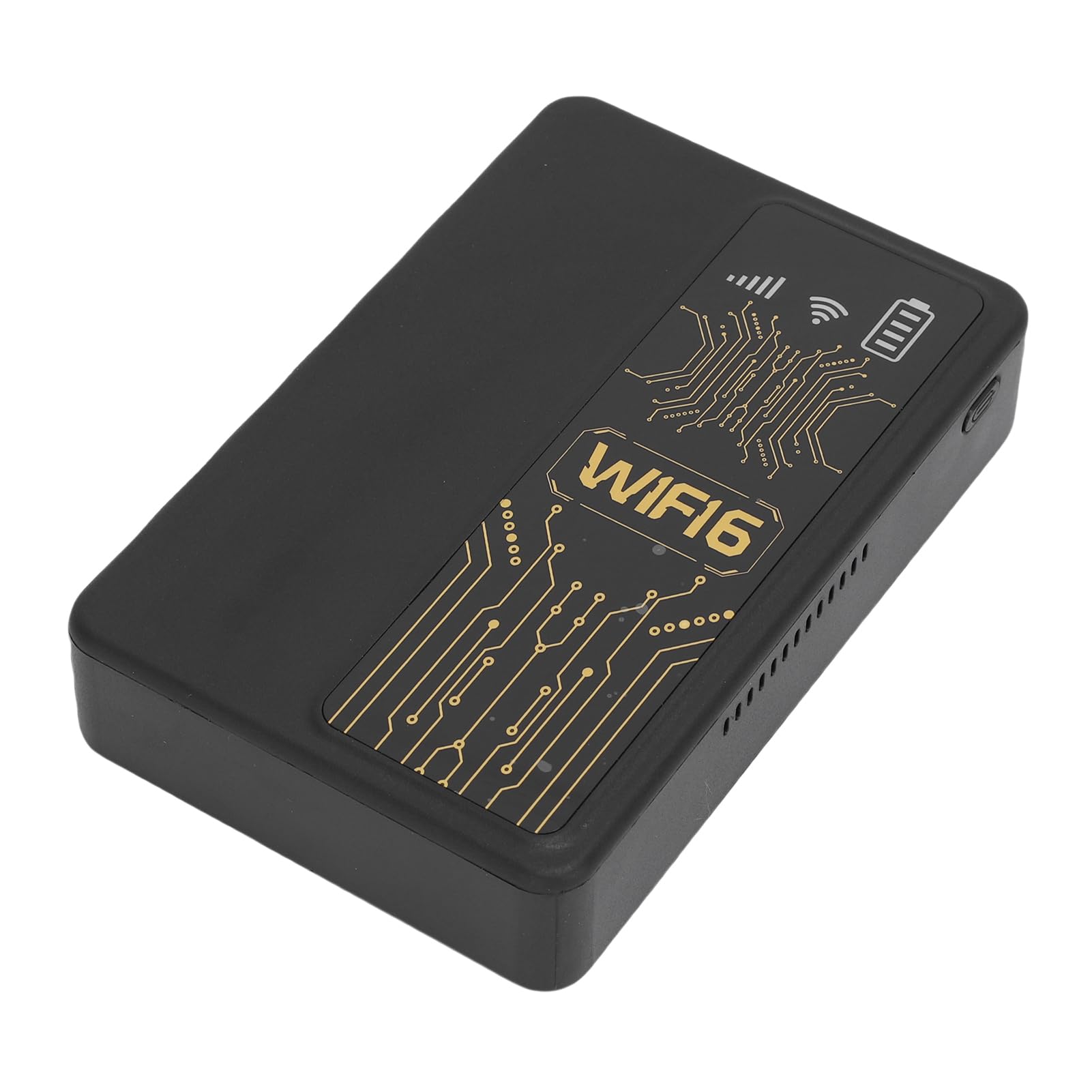
Figura 3.1: Fronte view of the PUSOKEI 4G LTE WiFi Router, showing the display and WiFi6 branding.
As características principais inclúen:
- 4G to WiFi Conversion: Converts 4G LTE signals into a WiFi network.
- Taxa de transmisión: Provides up to 300Mbps (2.4GHz) WiFi speeds.
- Conectividade do dispositivo: Supports connection for up to 10 wireless devices simultaneously.
- Soporte de rede: Operates on 2.4GHz WiFi frequency.
- Batería: Equipped with a 10000mAh lithium-ion battery.
4. Configuración
Follow these steps to set up your PUSOKEI 4G LTE WiFi Router:
- Inserir tarxeta SIM: Locate the SIM card slot on the side of the device. Insert a standard small SIM card into the slot. Ensure the SIM card is correctly oriented.
- Encendido: Press and hold the power button until the device powers on. The device will automatically detect the 4G network signal.
- Dispoñibilidade da rede: Once powered on, the device will establish a wireless network. You can then connect your WiFi-enabled devices to this network.

Figura 4.1: Lateral view of the router, highlighting the SIM card slot.

Figure 4.2: The router powered on and ready to provide internet access.
5. Instrucións de funcionamento
To use your PUSOKEI 4G LTE WiFi Router:
- Conectar dispositivos: On your WiFi-enabled device (e.g., smartphone, laptop), search for available WiFi networks. Select the network name (SSID) broadcast by your PUSOKEI router.
- Introduza o contrasinal: Enter the WiFi password (usually found on a label inside the device or in the quick start guide) when prompted.
- Acceso a Internet: Once connected, your device will have internet access via the 4G LTE network. The router provides a stable connection for various online activities.
- Múltiples dispositivos: The router can support up to 10 devices simultaneously, making it suitable for sharing internet access in various environments.
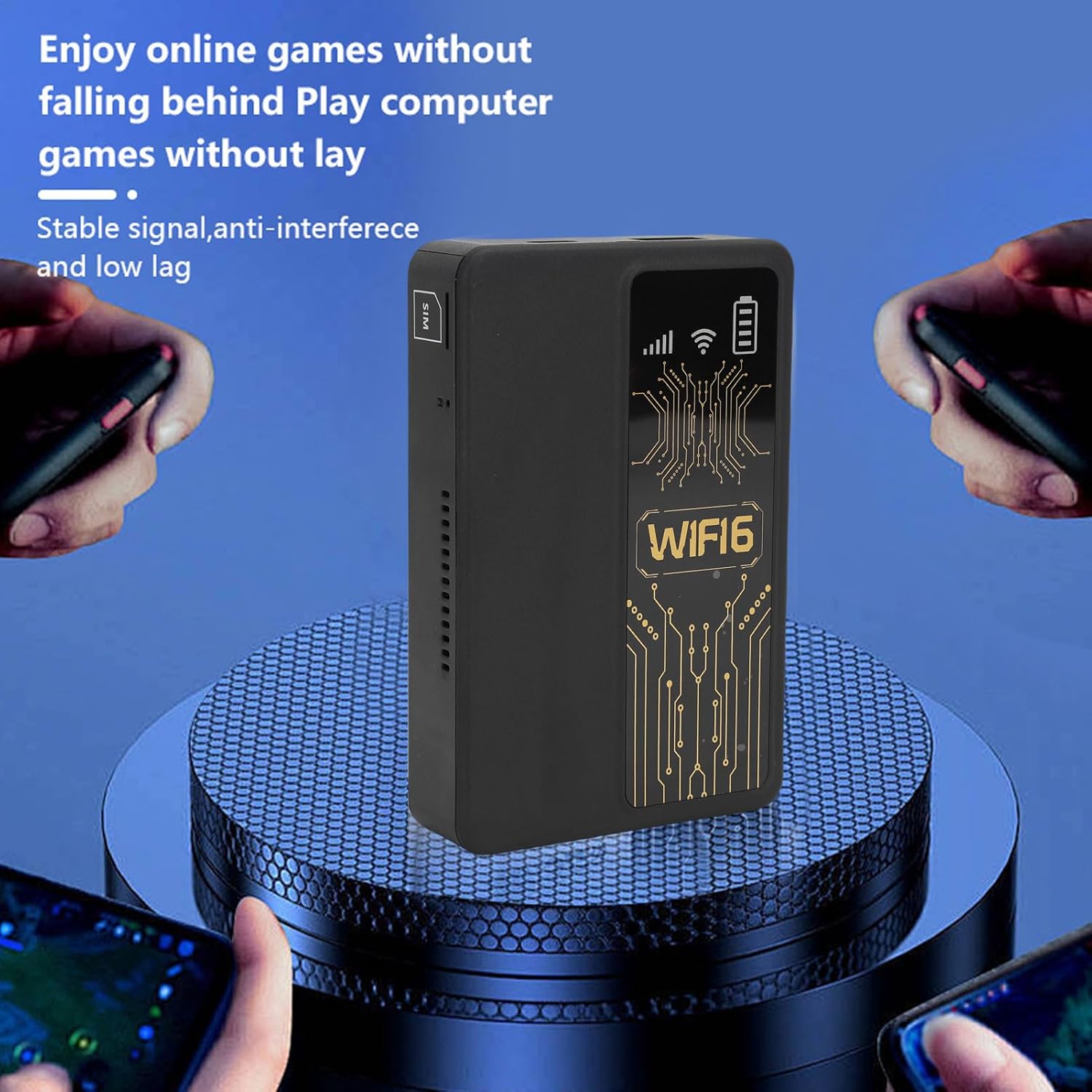
Figure 5.1: A smartphone connected to the router, showing network performance metrics.
6. Mantemento
Un mantemento axeitado garante a lonxevidade e o rendemento óptimo do teu router:
- Limpeza: Usa un pano suave e seco para limpar o exterior do dispositivo. Evita o uso de produtos de limpeza líquidos ou materiais abrasivos.
- Coidado da batería: The router includes a 10000mAh lithium-ion battery. For optimal battery life, avoid extreme temperatures and fully discharge and recharge the battery periodically.
- Almacenamento: Cando non o use durante períodos prolongados, garde o dispositivo nun lugar fresco e seco.
- Actualizacións de firmware: Consulte o do fabricante webperiodicamente para ver se hai actualizacións de firmware dispoñibles para garantir un rendemento e unha seguridade óptimos.
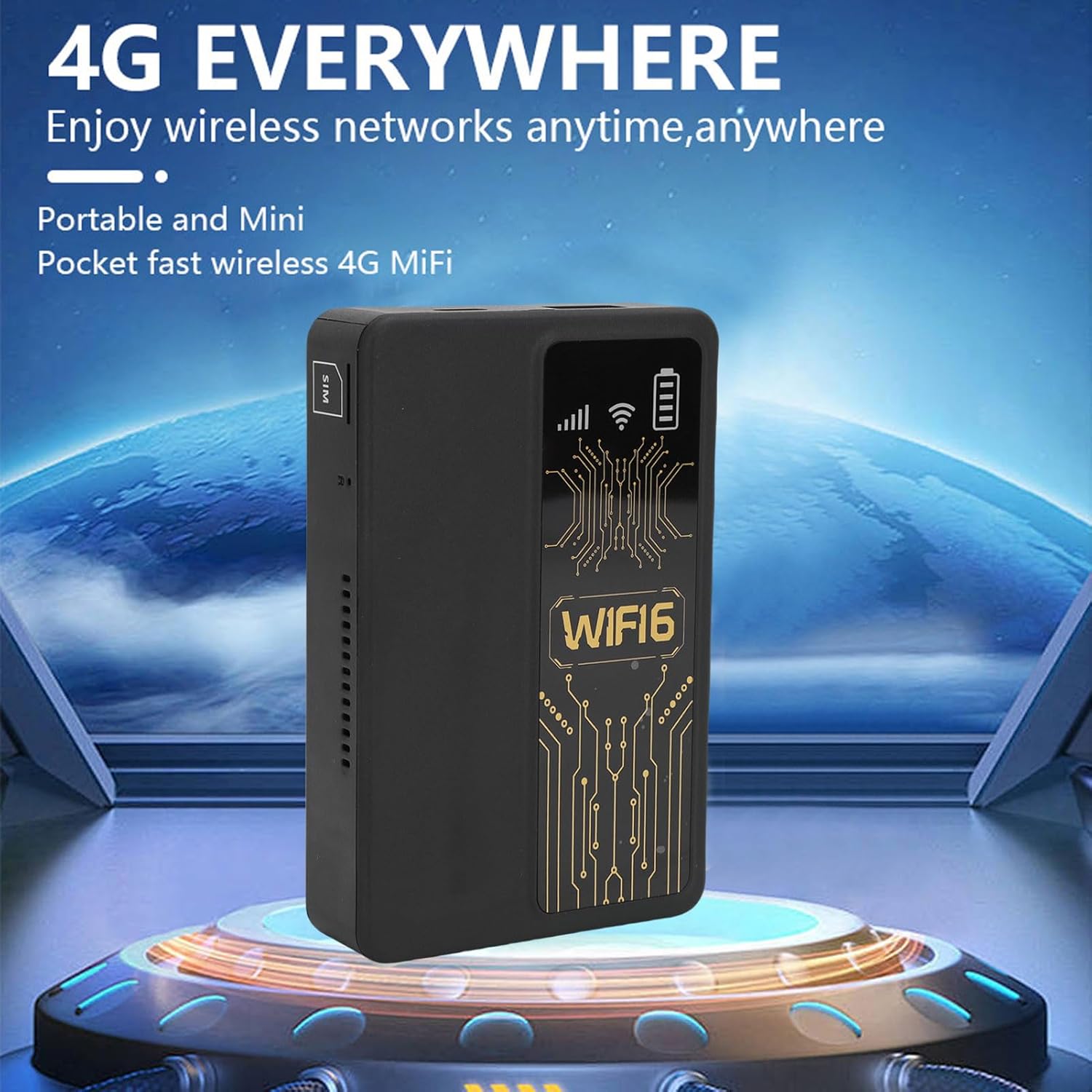
Figure 6.1: The router's internal 10000mAh battery provides extended usage time.
7 Solución de problemas
If you encounter issues with your router, refer to the following common problems and solutions:
- Sen conexión a Internet:
- Asegúrate de que a tarxeta SIM estea inserida correctamente e activa.
- Check if your local SIM card or 4G bands are supported (FDD-LTE B1 B3 B5 B7 B8 B20 TDD-LTE B38 B40 B41).
- Reinicie o enrutador e o dispositivo conectado.
- Verifica que a túa tarxeta SIM teña un plan de datos activo.
- Velocidade de conexión lenta:
- Move to an area with better 4G signal reception.
- Reducir o número de dispositivos conectados.
- Ensure no applications are consuming excessive bandwidth.
- Device Not Connecting to WiFi:
- Confirm you are entering the correct WiFi password.
- Ensure the router is powered on and broadcasting its WiFi signal.
- Restart both the router and the device attempting to connect.
- Router Only Displays '4G' Network:
- The device is designed to display '4G' regardless of whether a 4G or 5G SIM card is inserted. This is normal operation and does not indicate a fault.
8. Especificacións
| Característica | Especificación |
|---|---|
| Tipo de elemento | Portable WiFi Hotspot |
| Material | ABS |
| Applicable Region | Europa |
| Frecuencia da rede | FDD-LTE B1 B3 B5 B7 B8 B20 TDD- B38 B40 B41 |
| Rede | 4G |
| Velocidade de transmisión | 300 Mbps |
| Soporte de protocolo | 802.11ac |
| Frecuencia da rede sen fíos | 2.4 GHz |
| Firewall integrado | Si |
| Batería incorporada | 1 x 10000mAh Lithium Ion Battery |
| Ranura para tarxeta SIM | Small SIM Card (Not Included) |
| Peso do elemento | 8.9 onzas |
| Dimensións do paquete | 5.91 x 3.54 x 1.57 polgadas |
9. Información da garantía
Please refer to the warranty card included with your product or contact the retailer for specific warranty terms and conditions. Keep your proof of purchase for warranty claims.
10. Atención ao cliente
For technical assistance or further inquiries, please contact PUSOKEI customer support through the contact information provided on the product packaging or the official PUSOKEI websitio.