1. Introdución
Welcome to your new Xiaomi 32-inch G QLED Smart TV. This manual provides essential information for setting up, operating, and maintaining your television. Please read it thoroughly before use and retain it for future reference.
Información de seguridade
- Asegúrese de ventilar adecuadamente o televisor.
- Non expoña o televisor á choiva nin á humidade.
- Evite colocar o televisor preto de fontes de calor ou baixo a luz solar directa.
- Use só o cable de alimentación subministrado co televisor.
- Encargue toda a reparación a persoal de servizo cualificado.

Figura 1.1: Fronte view of the Xiaomi 32-inch G QLED Smart TV.
2. Que hai na caixa
Comprobe que todos os compoñentes estean presentes na embalaxe:
- 1 x Xiaomi 32-inch G QLED Smart TV
- 1 x mando a distancia
- 1 x Manual de usuario (este documento)
- 2 x TV Stands
- 4 x Tornillos para soportes de TV
- 2 pilas AAA (para o mando a distancia)
- 1 x cable de alimentación

Figure 2.1: Illustration of included items in the product packaging.
3. Configuración
3.1 Fixación dos soportes para TV
- Coloque con coidado o televisor boca abaixo sobre unha superficie suave e plana para evitar danar a pantalla.
- Aliñe cada soporte cos orificios para parafusos correspondentes na parte inferior do televisor.
- Fixe cada soporte cos parafusos proporcionados.
- Levante o televisor en posición vertical e colóqueo sobre unha superficie estable e nivelada.
3.2 Montaxe na parede (opcional)
If you choose to wall mount your TV, ensure you use a compatible VESA mount (not included) and follow the instructions provided with the wall mount kit. Professional installation is recommended.
3.3 Conexión de periféricos
Refer to the port diagram below for connecting external devices.
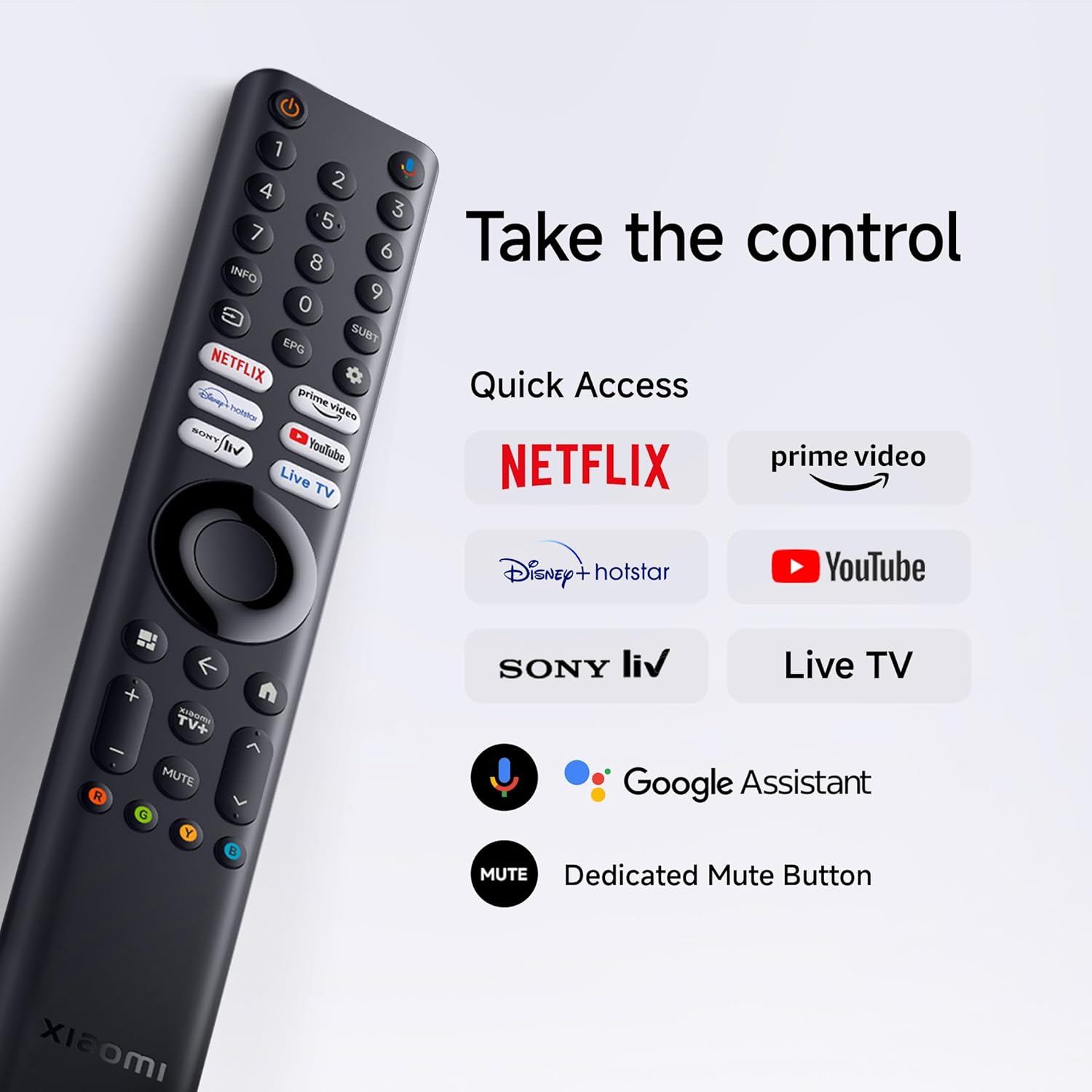
Figura 3.1: Traseira view do televisor que mostra varios portos de entrada/saída.
- Portos HDMI (x2): Connect Blu-ray players, gaming consoles, set-top boxes.
- Portos USB (x2): Conecta dispositivos de almacenamento USB para a reprodución multimedia.
- Rede (Ethernet): Connect to your home network via a wired connection.
- Entrada de antena: Conecta unha antena para emisións por aire.
- Entrada AV: Conecta dispositivos antigos usando cables de vídeo composto e audio estéreo.
- Conector de audio de 3.5 mm: Conecta auriculares ou altofalantes externos.
3.4 Conexión de alimentación
Conecta o cable de alimentación á entrada de alimentación do televisor e despois a unha toma de corrente. O televisor entrará no modo de espera.
4. Funcionamento da súa TV
4.1 Control remoto
Insert the two AAA batteries into the remote control, observing polarity. The remote allows navigation, volume control, channel selection, and quick access to streaming services and Google Assistant.
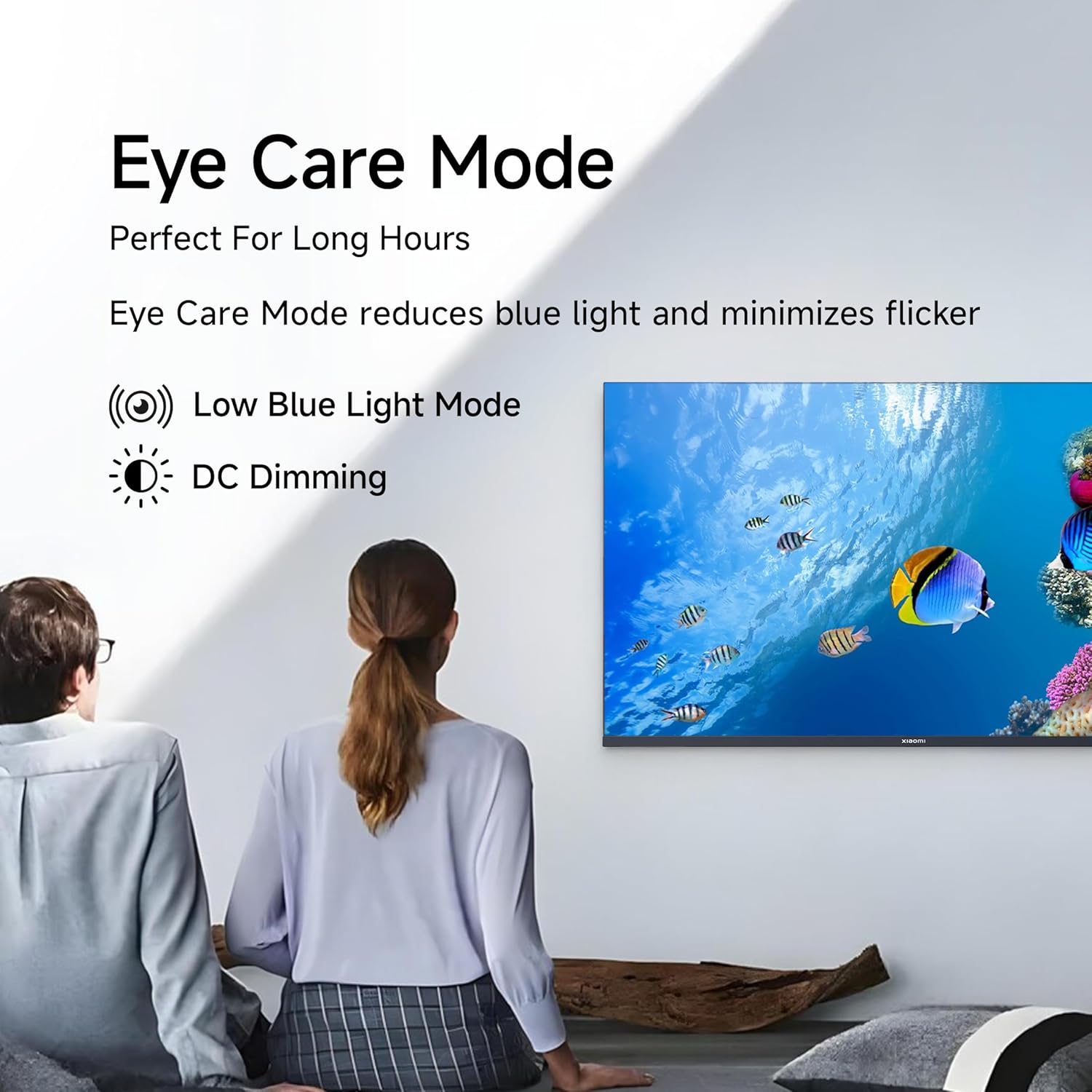
Figure 4.1: Xiaomi Smart TV remote control layout.
- Botón de encendido: Acende/apaga o televisor ou o pon en modo de espera.
- Pad de navegación: Para a navegación polo menú.
- Botón Aceptar: Confirma as seleccións.
- Botón Atrás: Volve á pantalla anterior.
- Botón de inicio: Accede á pantalla de inicio de Google TV.
- Volume +/-: Axusta o volume.
- Botón de silencio: Silencia/activa o audio.
- Botón do Asistente de Google: Activa o control por voz.
- Botóns de acceso rápido: Dedicated buttons for Netflix, Prime Video, YouTube, and other streaming services.
4.2 Funcións da Smart TV (Google TV)
Your TV runs on Android 14 OS with Google TV, offering a personalized entertainment experience.

Figura 4.2: Máisview of Google TV features.
- Content First UI: Prioritizes content discovery.
- Pro persoalfiles: Crear un profesional individualfiles for tailored recommendations.
- Asistente de Google: Usa comandos de voz para buscar, controlar e obter información.
- Chromecast integrado: Cast content from compatible mobile devices.
- Lista de vixilancia: Keep track of movies and shows you want to watch.
- Modo ambiente: Display photos or useful information when the TV is idle.
- Kids Profile: Curated content and parental controls for children.
- Recomendacións: Personalized suggestions based on your viewing hábitos.
4.3 Aplicacións compatibles
The TV comes with pre-installed applications and supports downloads from the Google Play Store. Popular supported apps include Netflix, Prime Video, YouTube, JioCinema, JioHotstar, SonyLiv, and Zee5.

Figura 4.3: Examples of supported streaming applications.
5. Características da pantalla
Experience enhanced visuals with the following display technologies:
- Pantalla QLED: Quantum Dot technology delivers vivid, vibrant, and sharp picture quality.
- HD Ready (1366 x 768) Resolution: Ofrece imaxes claras e detalladas.
- HDR 10 & HLG Support: Enhances contrast and color accuracy for compatible content.
- Vivid Picture Engine 2: Proprietary technology that fine-tunes every frame for improved clarity and realism.
- Wide Colour Gamut: Offers a broad spectrum of colors (up to 16.7 million) for rich and vivid visuals.
- Modo confort ocular: Reduces blue light and minimizes flicker for comfortable long-term viewing.
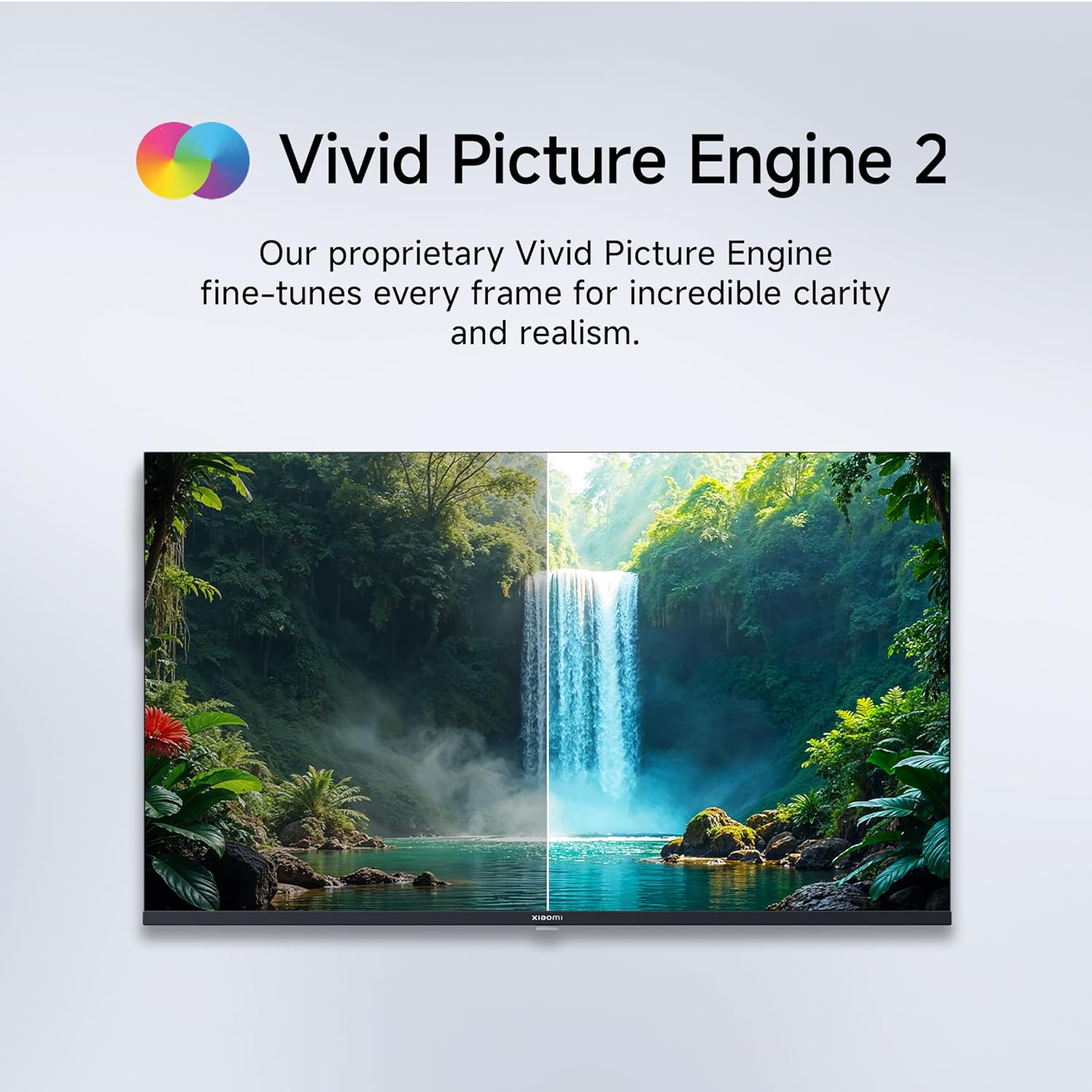
Figure 5.1: Quantum Clarity for exceptional contrast and color.
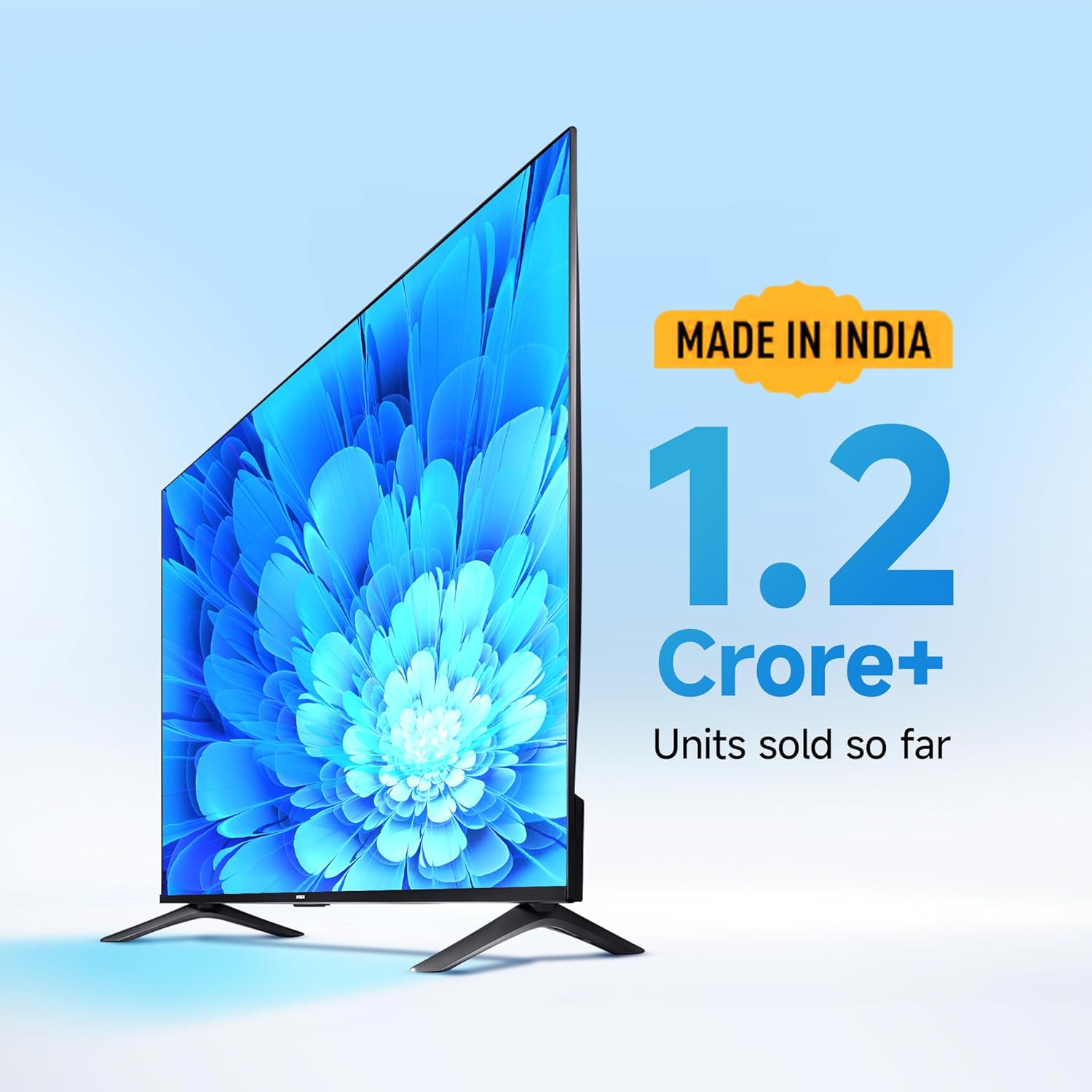
Figure 5.2: Vivid Picture Engine 2 for enhanced realism.
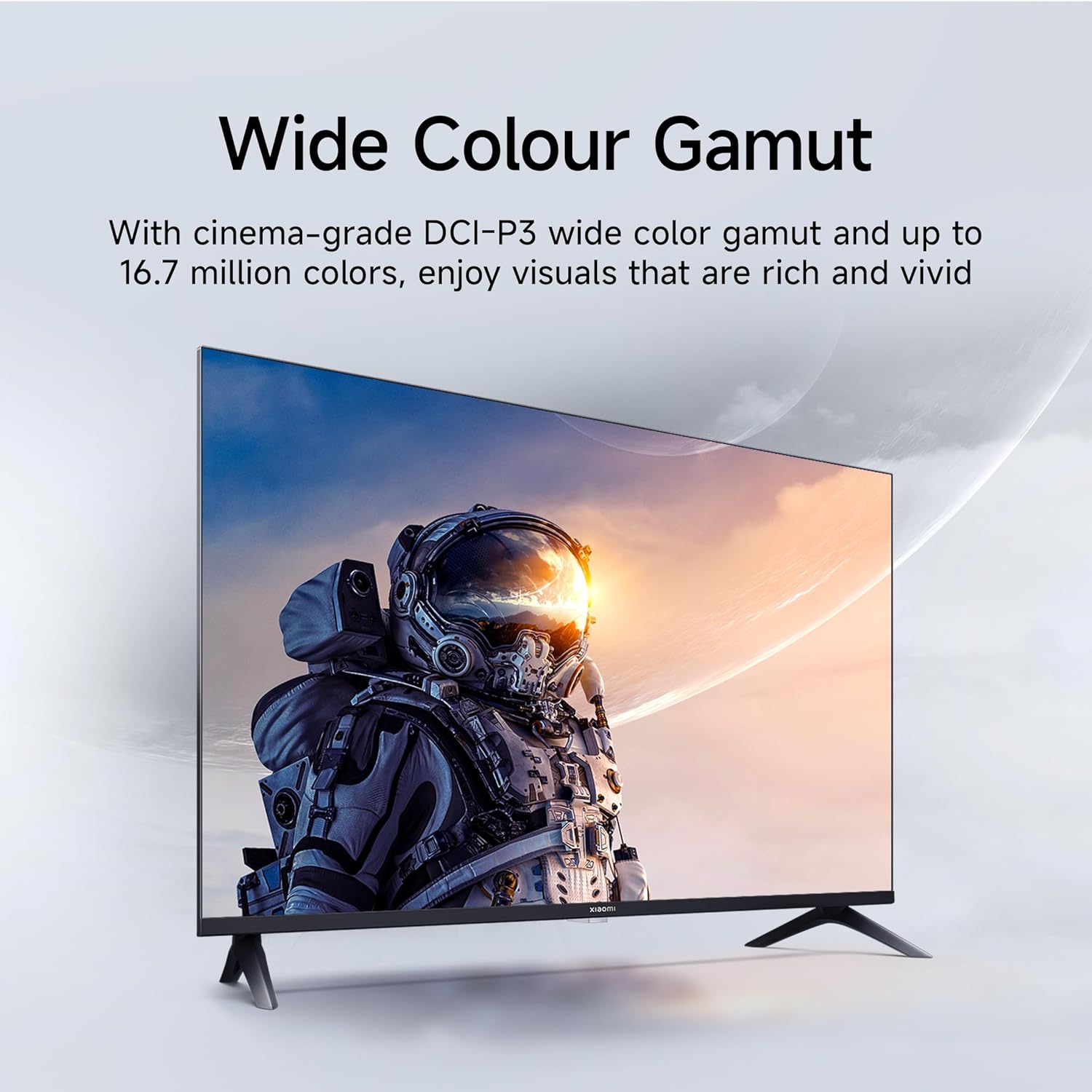
Figure 5.3: Eye Care Mode for reduced eye strain.
6. Funcións de audio
Your TV is equipped with advanced audio technologies for an immersive sound experience:
- Potencia de saída de 20 vatios: Powerful stereo speakers deliver clear and dynamic sound.
- Audio Dolby: Provides rich, clear, and powerful sound for movies, shows, and games.
- DTS-X & DTS Virtual:X: Creates a multi-dimensional audio experience, simulating surround sound without additional speakers.
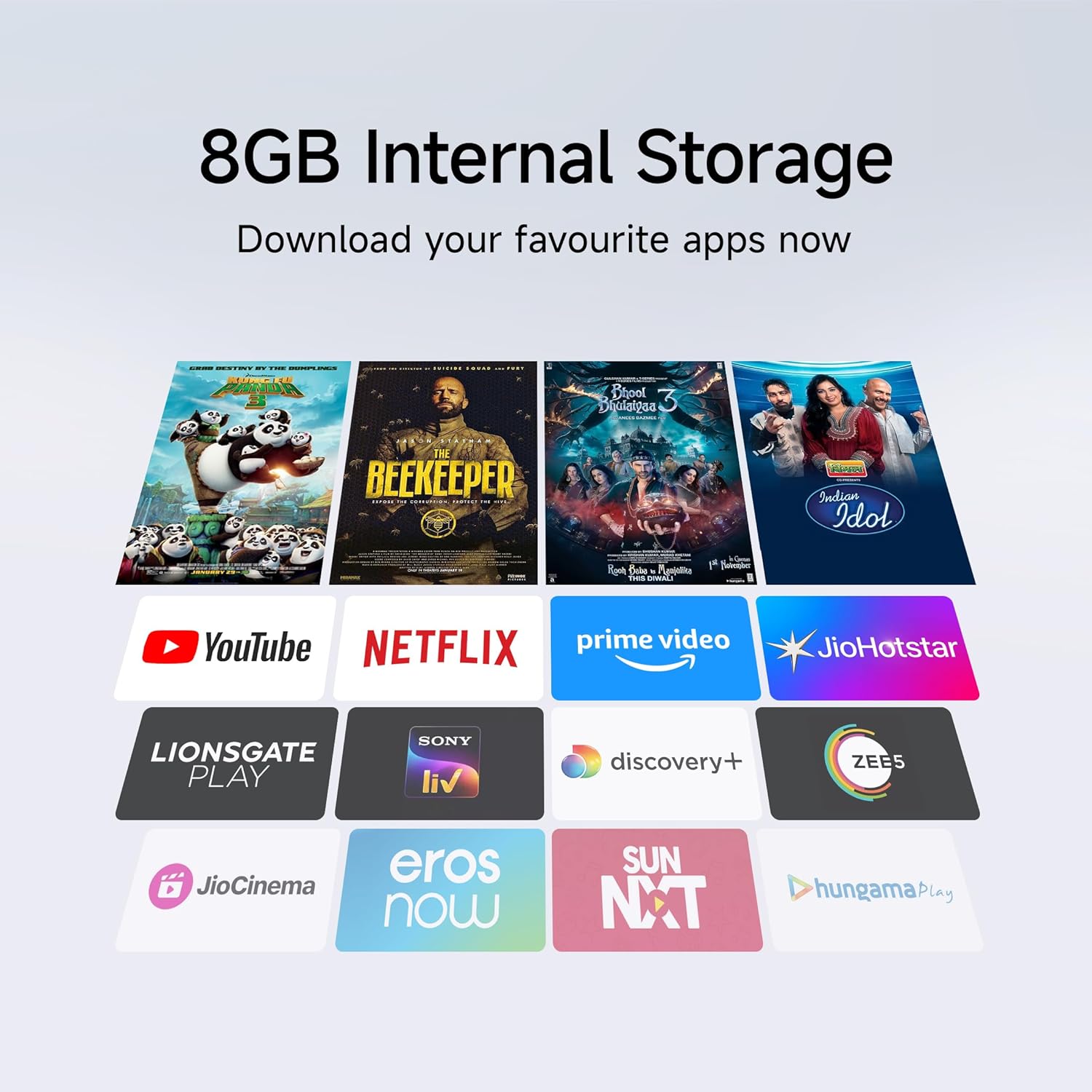
Figure 6.1: Enhanced audio experience with 20W speakers and Dolby/DTS technologies.
7. Conectividade
The TV offers various options for connecting to networks and other devices:
- Wi-Fi de dobre banda: Connect wirelessly to your home network (2.4GHz and 5GHz).
- Ethernet: Para unha conexión estable a internet por cable.
- Bluetooth: Connect wireless headphones, speakers, or other Bluetooth-enabled accessories.
- HDMI (x2) with ARC: Audio Return Channel (ARC) allows audio to be sent from the TV to a compatible sound system via a single HDMI cable.
- USB (x2): For connecting external storage.
8. Mantemento
8.1 Limpeza do televisor
- Desconecte sempre o televisor antes de limpalo.
- Usa un pano suave, seco e sen fiapos para limpar a pantalla e a carcasa.
- Para marcas difíciles, espolvoree lixeiramenteampEnxágüe o pano con auga ou cun limpador de pantallas especializado (evite produtos químicos agresivos).
- Do not spray liquid directly onto the TV.
8.2 Coidados xerais
- Evite colocar obxectos pesados no televisor.
- Protect the TV from extreme temperatures and humidity.
- Se move o televisor, asegúrese de que estea axeitadamente suxeito e manipulado para evitar danos.
9 Solución de problemas
Before contacting customer support, try these common solutions:
| Problema | Causa posible | Solución |
|---|---|---|
| Sen poder | Cable de alimentación desconectado; problema coa toma de corrente | Comprobe a conexión do cable de alimentación; probe a toma de corrente con outro dispositivo. |
| Sen imaxe, pero hai son | Fonte de entrada incorrecta; Cable HDMI/AV solto | Press the "Input" button on the remote to select the correct source; Reconnect cables securely. |
| Sen son, pero si imaxe | Volume muted or too low; External audio device issue | Unmute or increase volume; Check connections to external audio systems. |
| O control remoto non funciona | Pilas gastadas; Obstrución entre o mando a distancia e o televisor | Substitúa as baterías; retire calquera obstrución. |
| Non se pode conectar á wifi | Contrasinal incorrecto; Problema co router; TV demasiado lonxe do router | Verify Wi-Fi password; Restart router; Move TV closer or use Ethernet. |
10. Especificacións
| Característica | Detalle |
|---|---|
| Marca | XIAOMI |
| Modelo | L32MB-APIN |
| Tamaño da pantalla | 32 polgadas (80 cm) |
| Tecnoloxía de visualización | QLED |
| Resolución | HD Ready (1366 x 768 píxeles) |
| Taxa de actualización | 60 Hz |
| Sistema Operativo | Android 14 OS, Google TV |
| Memoria RAM | 1 GB |
| Almacenamento interno | 8 GB |
| Procesador | A53 Quad Core Processor |
| Saída de audio | 20 vatios |
| Tecnoloxías de audio | Dolby Audio, DTS-X, DTS Virtual:X |
| Conectividade | Dual Band Wi-Fi, Bluetooth, 2 x HDMI (ARC), 2 x USB, Ethernet, 3.5mm Audio, AV Input |
| Viewángulo ing | 178 graos |
| Dimensións do produto (LxWxH) | 19.8 x 71.6 x 46.9 cm (con soporte) |
| Peso do elemento | 3.2 kg |
| Ano modelo | 2025 |

Figura 10.1: Dimensións e peso do produto.

Figure 10.2: A53 Quad Core Processor for optimal performance.

Figure 10.3: Energy efficiency label.
11. Garantía e soporte
11.1 Información da garantía
Your Xiaomi TV comes with a Garantía completa de 1 anos on the product and an additional 1-year warranty on the panel, provided by the brand from the date of purchase. Please retain your purchase receipt for warranty claims.
11.2 Atención ao cliente
For technical assistance, service requests, or warranty claims, please contact Xiaomi customer support. Refer to the official Xiaomi websitio web ou na documentación da súa compra para obter a información de contacto máis actualizada.


