Introdución
Welcome to the user manual for your Rapoo EV310M Wireless Vertical Mouse. This ergonomic mouse is designed for comfort and efficiency, featuring multi-mode wireless connectivity and adjustable DPI settings. Please read this manual carefully to ensure proper setup and optimal performance.
Contido do paquete
- Rapoo EV310M Wireless Vertical Mouse
- Receptor USB (almacenado dentro do rato)
- Pila AA (preinstalada ou incluída)
- Guía de inicio rápido (este documento)
Produto rematadoview
Familiarize yourself with the components of your Rapoo EV310M mouse.
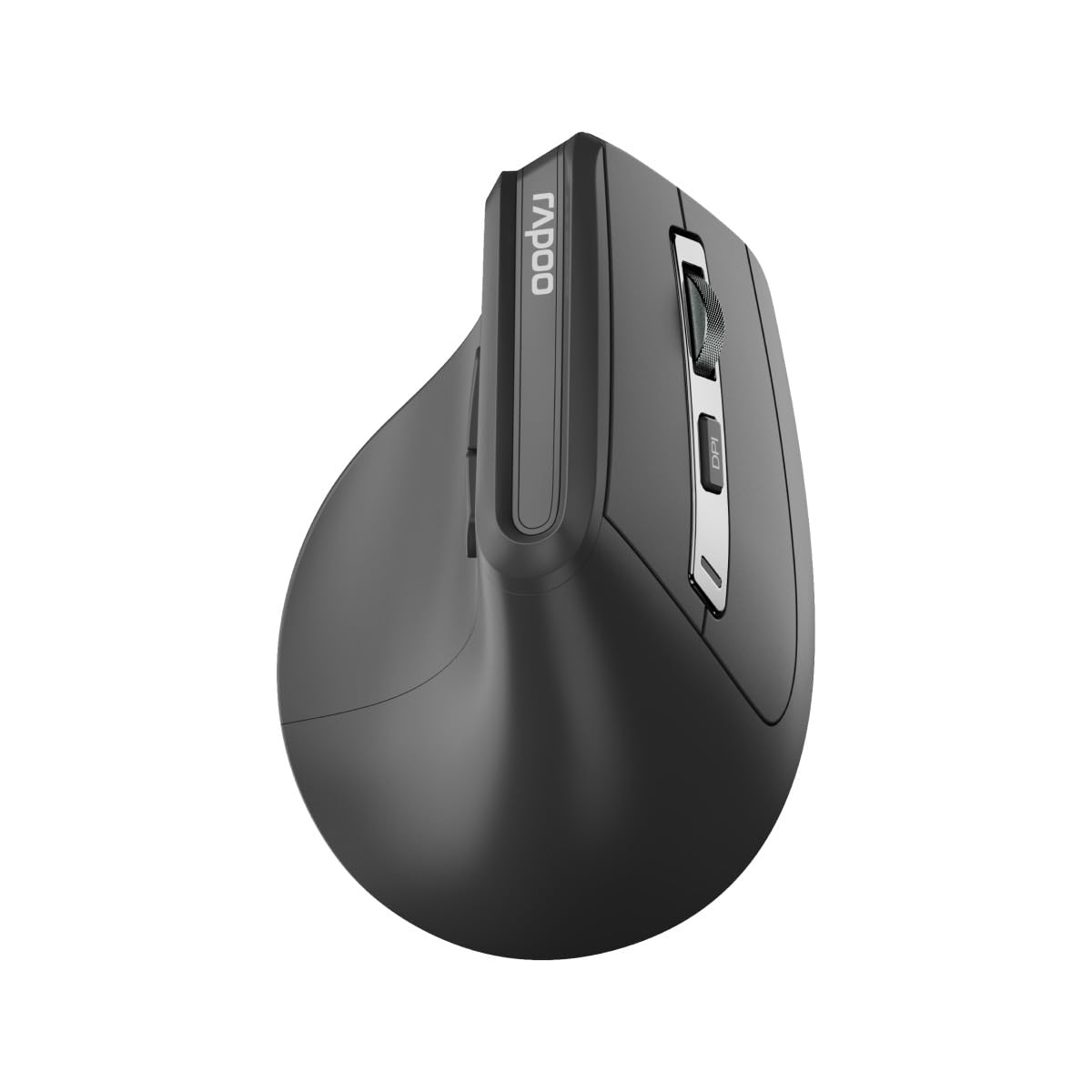
Imaxe: Arriba view of the Rapoo EV310M Wireless Vertical Mouse, highlighting the scroll wheel and DPI button.
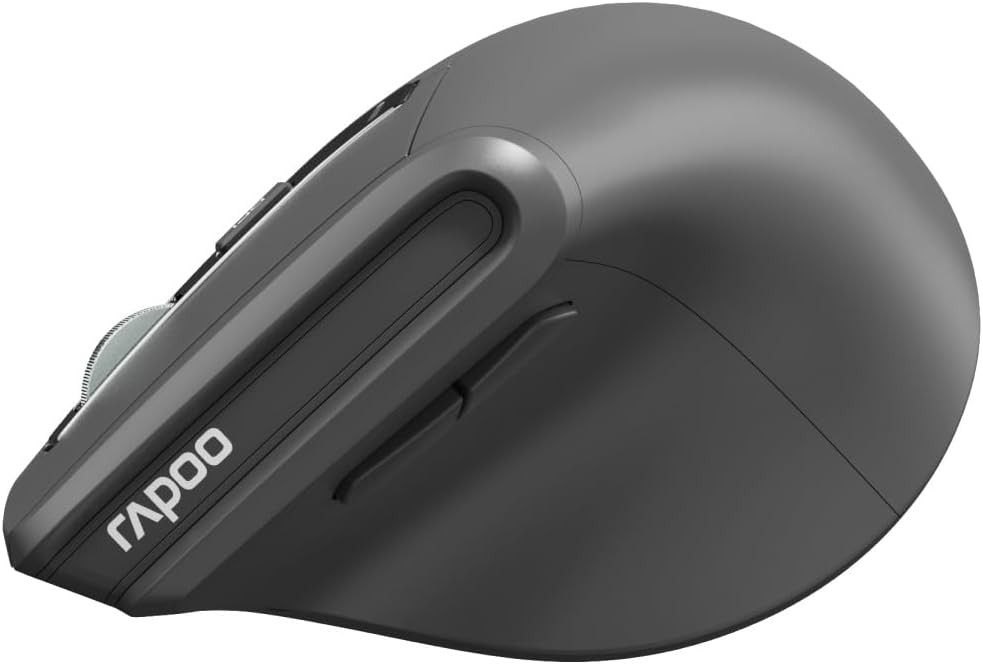
Imaxe: Lateral view of the Rapoo EV310M Wireless Vertical Mouse, showing the forward and backward navigation buttons.
Funcións dos botóns
- Botón esquerdo para premer: Función estándar do clic esquerdo.
- Botón dereito do rato: Función estándar do clic dereito.
- Roda de desprazamento: Desprazarse cara arriba/abaixo, premer co botón central.
- Botón DPI: Adjusts cursor sensitivity (DPI).
- Botón de avance: Navega cara adiante web navegadores ou file exploradores.
- Botón de retroceso: Navega cara atrás en web navegadores ou file exploradores.
- Mode Switch Button/Indicator: Switches between 2.4GHz and Bluetooth modes.
Configuración
1. Instalación da batería
- Localiza o compartimento da batería na parte inferior do rato.
- Abra a tapa do compartimento da batería.
- Insira unha pila AA, asegurándose de manter a polaridade correcta (+/-).
- Pecha a tapa do compartimento da batería.
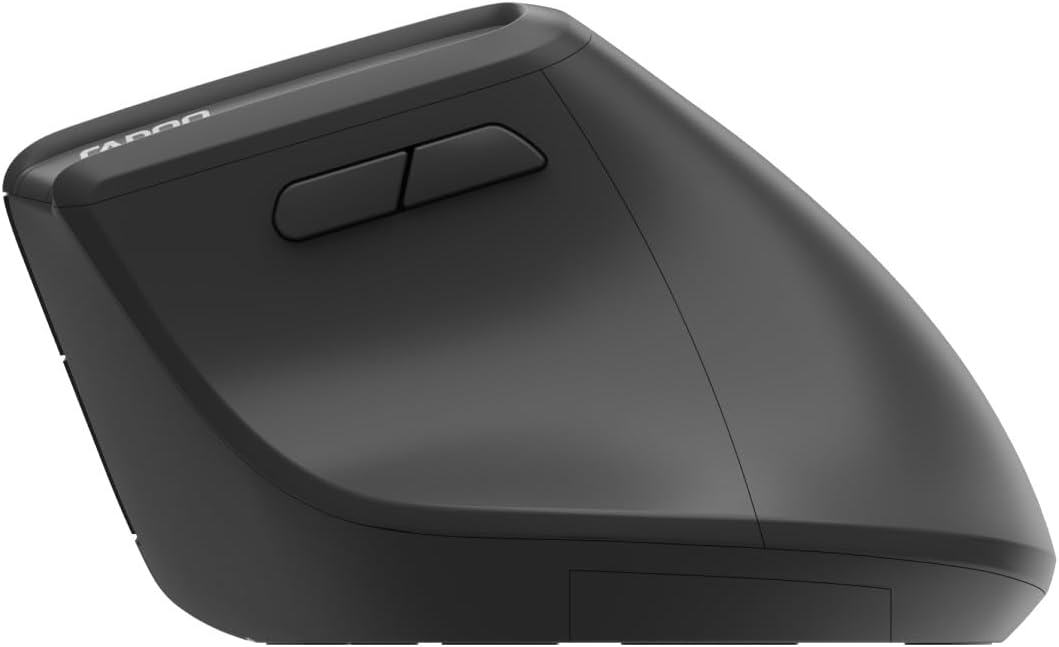
Image: Underside of the mouse, illustrating the battery compartment and the storage slot for the USB receiver.
2. Conectando o rato
The Rapoo EV310M supports multi-mode wireless connection: 2.4 GHz via USB receiver and Bluetooth 3.0/5.0.
2.1. Conexión sen fíos de 2.4 GHz
- Remove the USB receiver from its storage slot on the bottom of the mouse.
- Conecte o receptor USB a un porto USB dispoñible no seu ordenador.
- Turn on the mouse using the power switch (usually on the bottom).
- The mouse should connect automatically. If not, press the mode switch button until the 2.4GHz indicator lights up.
2.2. Conexión Bluetooth
- Acende o rato.
- Press the mode switch button to select a Bluetooth channel (e.g., Bluetooth 1 or Bluetooth 2). The indicator light for the selected Bluetooth channel will start blinking slowly.
- Press and hold the mode switch button for 3 seconds until the indicator light blinks rapidly. This indicates the mouse is in pairing mode.
- No teu ordenador ou dispositivo, abre a configuración de Bluetooth e busca novos dispositivos.
- Select "RAPOO EV310M" from the list of available devices to pair.
- Once paired, the indicator light will stop blinking and remain solid for a few seconds before turning off.
Instrucións de funcionamento
1. Axuste de DPI
The DPI (Dots Per Inch) button allows you to adjust the cursor speed and sensitivity.
- Preme o Botón DPI located on the top of the mouse to cycle through available DPI settings (e.g., 800, 1200, 1600, 2400 DPI).
- Each press will change the sensitivity, allowing you to find your preferred cursor speed.
2. Cambio entre dispositivos conectados
The EV310M mouse can be paired with up to three devices (one 2.4GHz and two Bluetooth devices).
- To switch between connected devices, simply press the botón de cambio de modo on the mouse.
- The indicator light will briefly show which channel (2.4G, BT1, BT2) is active.
Mantemento
Limpeza
Para limpar o rato, use un pano suave e seco. Para a sucidade persistente, dóreo lixeiramente.ampEnxágüe o pano con auga ou unha solución de limpeza suave. Evite o uso de produtos químicos agresivos ou materiais abrasivos.
Substitución da batería
When the mouse performance degrades or the indicator light signals low battery, replace the AA battery following the installation steps in the Setup section.
Resolución de problemas
O rato non responde
- Comprobar a batería: Asegúrate de que a batería estea instalada correctamente e teña a carga suficiente. Substitúea se é necesario.
- Interruptor de alimentación: Comprobe que o rato estea acendido.
- Receptor USB: For 2.4GHz mode, ensure the USB receiver is securely plugged into a working USB port. Try a different port.
- Conexión Bluetooth: For Bluetooth mode, ensure Bluetooth is enabled on your device and the mouse is correctly paired. Re-pair if needed.
- Distancia: Ensure the mouse is within the effective operating range of your computer (typically 10 meters).
O movemento do cursor é errático
- Superficie: Usa o rato sobre unha superficie limpa e non reflectante. Recoméndase unha alfombrilla de rato.
- Configuración DPI: Adjust the DPI setting to a lower value if the cursor is too fast or jumpy.
- Limpeza do sensor: Check the optical sensor on the bottom of the mouse for any obstructions or dirt. Clean gently with a soft cloth.
Especificacións
| Característica | Detalle |
|---|---|
| Marca | RAPOO |
| Número de modelo | EV310M |
| Tecnoloxía de conectividade | Bluetooth (3.0, 5.0), 2.4 GHz Wireless |
| Sensibilidade DPI | Adjustable 800-2400 DPI |
| Número de botóns | 6 |
| Orientación das mans | Destro |
| Fonte de enerxía | Alimentado por pilas (1 pila AA) |
| Duración da batería | Ata 9 meses |
| Compatibilidade do sistema operativo | PC, Linux, Mac |
| Peso do elemento | 100 gramos |
| Cor | Negro |
Garantía e Soporte
For warranty information or technical support, please refer to the official RAPOO website or contact your local dealer. Keep your purchase receipt for warranty claims.