1. Introdución
Thank you for choosing the YANZEO S200 2D Barcode Scanner. This high-speed, plug-and-play USB scanner is designed for efficient and accurate decoding of 1D and 2D barcodes from various surfaces, including paper, labels, and digital screens. Its robust design makes it suitable for diverse applications such as point-of-sale (POS), inventory management, and retail operations. This manual provides essential information for setting up, operating, and maintaining your scanner.
2. Información de seguridade
- Do not expose the scanner to extreme temperatures, humidity, or direct sunlight.
- Avoid dropping the scanner from excessive heights, although it is designed for durability.
- Non intente desmontar nin modificar o escáner. Isto anulará a garantía.
- Manteña a xanela de dixitalización limpa para garantir un rendemento óptimo.
- Avoid direct eye exposure to the scanner's light source.
3. Contido do paquete
Comprobe se o paquete contén os seguintes elementos:
- YANZEO S200 2D Barcode Scanner
- Cable USB (incluído)
- Manual de usuario (este documento)
4. Configuración
The YANZEO S200 scanner is designed for simple plug-and-play operation. No drivers or additional software are required for most operating systems.
4.1 Conexión do escáner
- Localiza un porto USB dispoñible no teu ordenador ou sistema de punto de venda.
- Plug the USB cable of the scanner into the USB port.
- The operating system (Windows, Mac OS, Linux) will automatically detect and install the necessary device drivers. This process usually takes a few seconds.
- Once installed, the scanner is ready for use.

Image: The YANZEO S200 Barcode Scanner connected via USB to a laptop, illustrating its plug-and-play functionality and compatibility with Mac OS, Linux, and Windows operating systems.
5. Instrucións de funcionamento
5.1 Modos de dixitalización
The S200 scanner supports three primary scanning modes to suit different operational needs:
- Modo de activación clave: Press the trigger button to activate the scanner and read a barcode.
- Modo de detección automática: O escáner detecta automaticamente un código de barras dentro do seu campo de view and scans it without requiring a trigger press.
- Modo de exploración continua: The scanner continuously emits a scanning beam, reading any barcode that passes through its field.
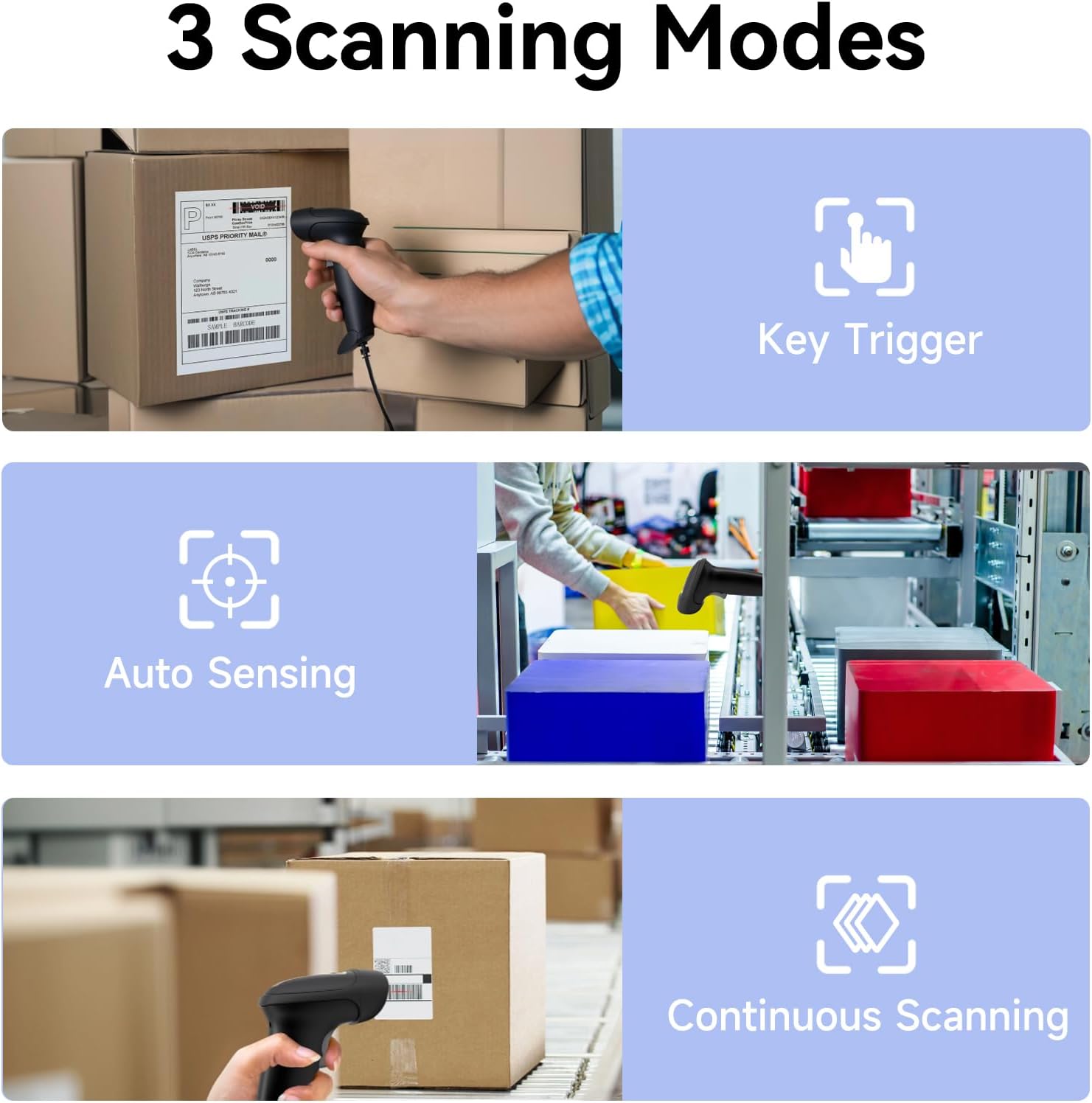
Image: Visual representation of the three scanning modes: Key Trigger (manual scan), Auto Sensing (automatic detection), and Continuous Scanning (constant beam).
5.2 Supported Barcode Types and Decoding Capabilities
The YANZEO S200 is equipped with advanced decoding capabilities to read a wide range of 1D and 2D barcodes, even those that are challenging to scan.
- Códigos de barras 1D: UPC/EAN, Code 128, Code 39, Code 93, Code 11, Interleaved 2 of 5, Industrial 2 of 5, Matrix 2 of 5, Standard 2 of 5, Codabar, MSI Plessey, GS1 DataBar, etc.
- Códigos de barras 2D: Código QR, Data Matrix, PDF417, Código Azteca, Maxicode, etc.
- Challenging Barcodes: The scanner can effectively decode reflective, fuzzy, long, high-density, curved, colorful, damaged, and smudged barcodes, as well as barcodes displayed on digital screens (monitors, smartphones).

Image: The scanner's ability to quickly read diverse barcode types, including those that are reflective, fuzzy QR, long, high-density, curved, and even contaminated.

Image: Demonstrates the scanner's powerful decoding capabilities, showing it can read colorful, damaged, reflective, and smudged barcodes.

Image: The YANZEO S200 scanner demonstrating its ability to read both 1D and 2D barcodes from physical labels and digital screens.
5.3 Compatibility and Applications
The S200 scanner is highly versatile and compatible with various systems and environments:
- Sistemas operativos: Windows (7/8/10/11), Mac OS, Linux.
- Aplicacións: Ideal for POS systems, warehouse management, retail stores, logistics operations, supermarkets, pharmacies, and more.
- Idiomas do teclado: Supports multiple keyboard languages including English, Spanish, German, Japanese, French, Italian, and Dutch.

Image: The YANZEO S200 scanner in use across different scenarios: warehouse, supermarket, and pharmacy, demonstrating its suitability for multiple business environments.

Image: The YANZEO S200 scanner highlighting its support for multiple keyboard languages, indicated by various national flags.
6. Mantemento
6.1 Limpeza do escáner
Para manter un rendemento óptimo da dixitalización, manteña limpa a xanela da dixitalización. Use un pano suave e sen fiapos lixeiramenteampened with water or a mild cleaning solution. Avoid abrasive cleaners or solvents.
6.2 Durability and Environmental Resistance
The YANZEO S200 is built with an IP54-certified durable housing, making it resistant to dust and water splashes. It is also designed to withstand drops from up to 1.5 meters, ensuring reliable operation in demanding environments.

Image: The YANZEO S200 scanner's durable and industrial-grade construction, featuring IP54 protection and a 1.5-meter drop test rating for tough environments.
7 Solución de problemas
- Escáner non recoñecido: Ensure the USB cable is securely connected to both the scanner and the computer. Try a different USB port. Restart your computer.
- Non se puideron escanear os códigos de barras: Check if the scanning window is clean. Ensure the barcode is within the scanner's range and properly illuminated. Verify the barcode type is supported.
- Saída de datos incorrecta: Ensure the correct keyboard language is selected on your computer if you are scanning non-English characters.
- No beep sound: Check the scanner's settings (if applicable, refer to advanced configuration guide) or ensure your computer's volume is not muted.
8. Especificacións
| Modelo | S200 |
| Tecnoloxía de dixitalización | Sensor CMOS |
| Tipos de códigos de barras | 1D (UPC/EAN, Code 128, Code 39, etc.), 2D (QR Code, Data Matrix, PDF417, etc.) |
| Conectividade | USB con cable |
| Sistemas operativos | Windows, Mac OS, Linux |
| Clasificación de durabilidade | IP54 (resistente ao po e á auga) |
| Resistencia a caídas | 1.5 metros |
| Dimensións do produto | 6.3 x 3.2 x 2.4 polgadas (16 x 8.1 x 6.1 cm) |
| Peso do elemento | 9.6 onzas (272 gramos) |
9. Garantía e soporte
The YANZEO S200 2D Barcode Scanner comes with a standard manufacturer's warranty. For specific warranty details, please refer to the product packaging or contact your retailer. For technical support, troubleshooting assistance, or any inquiries, please contact Yanzeo customer service through the official websitio web ou a túa plataforma de compra.


